AI studio photoshoot — no studio required
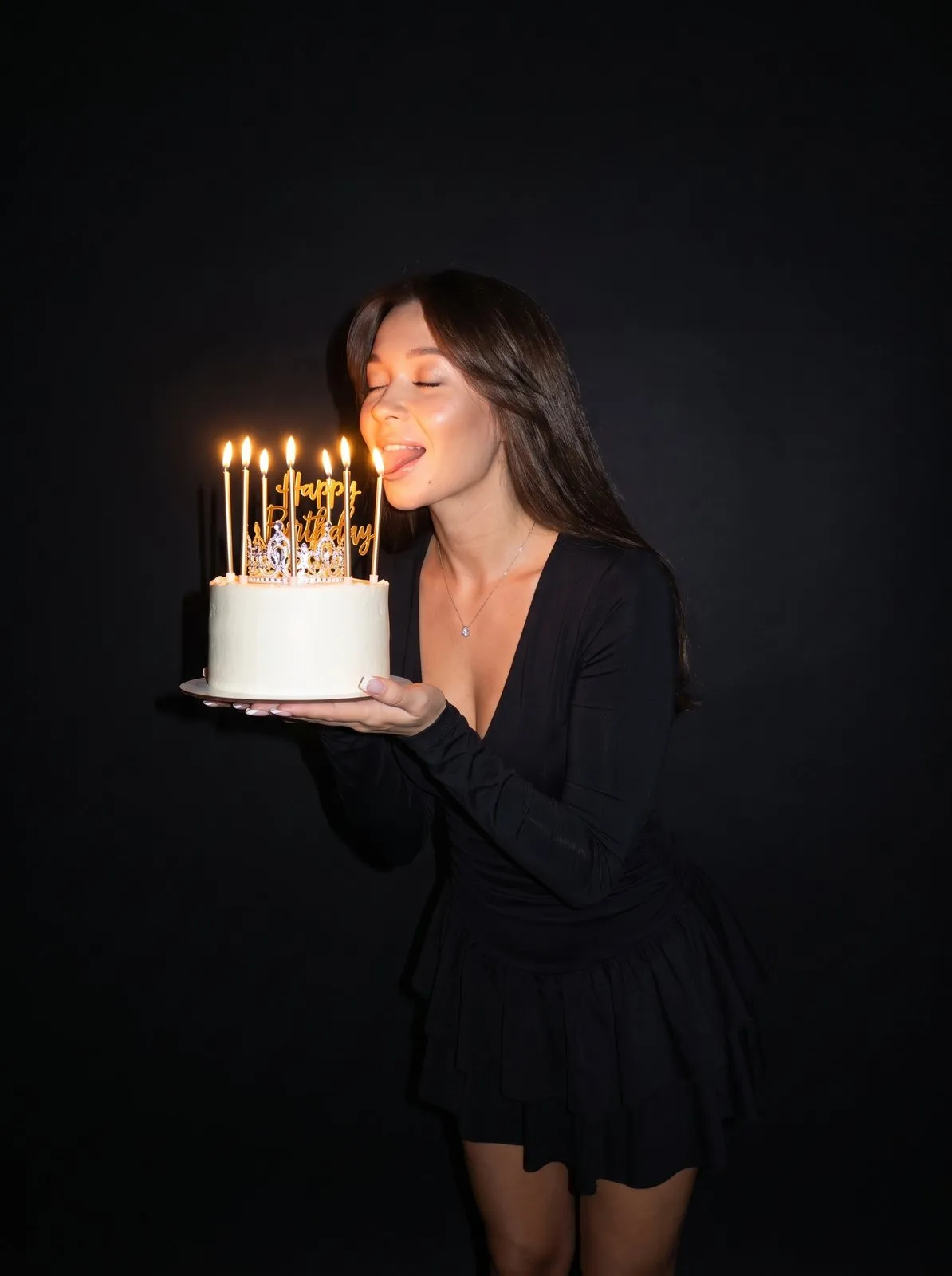
An AI studio photoshoot without booking a studio: upload your photo and the AI puts you on a clean white, black or colored backdrop with studio lighting.
 25
25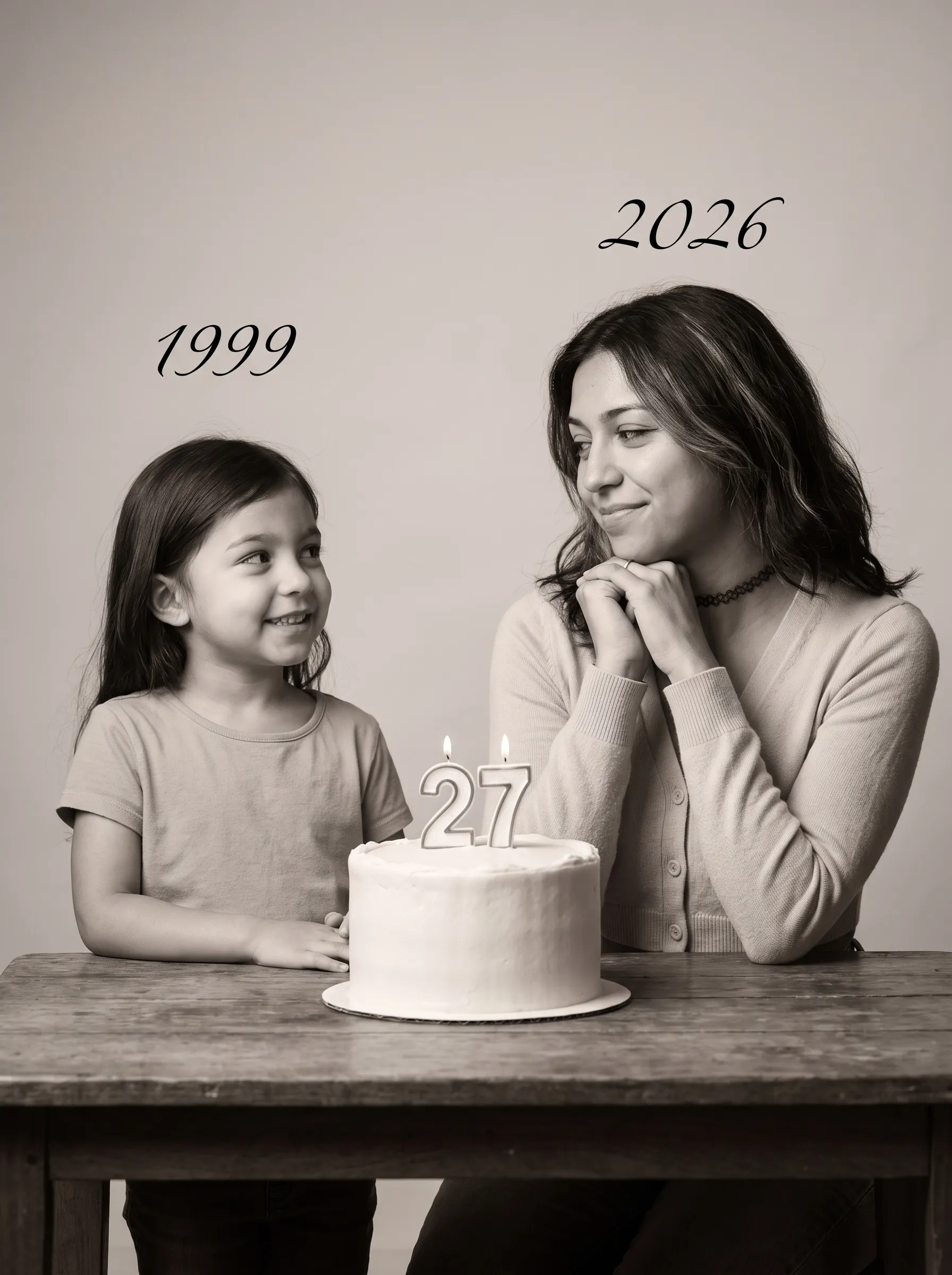 25
25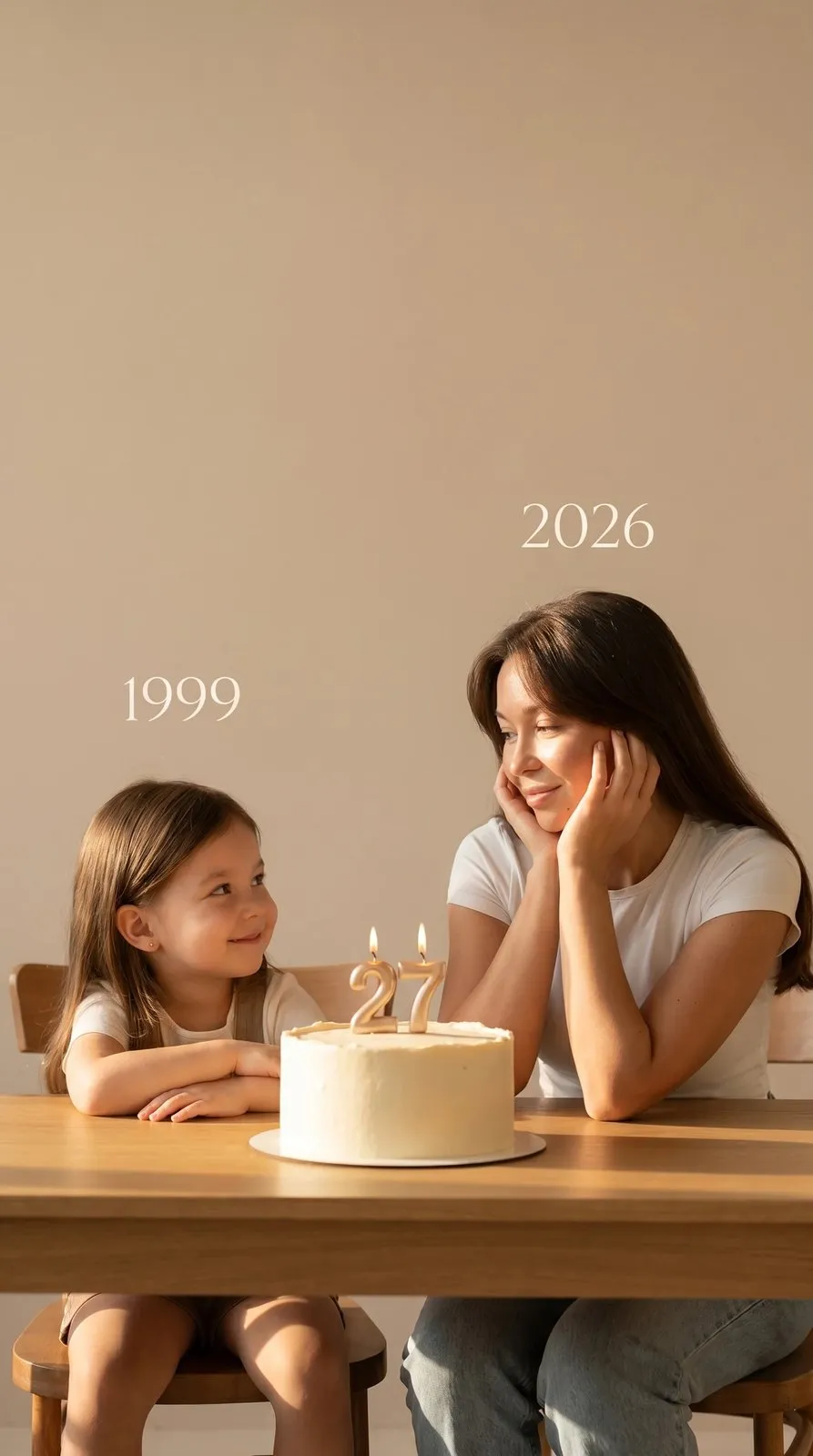 25
25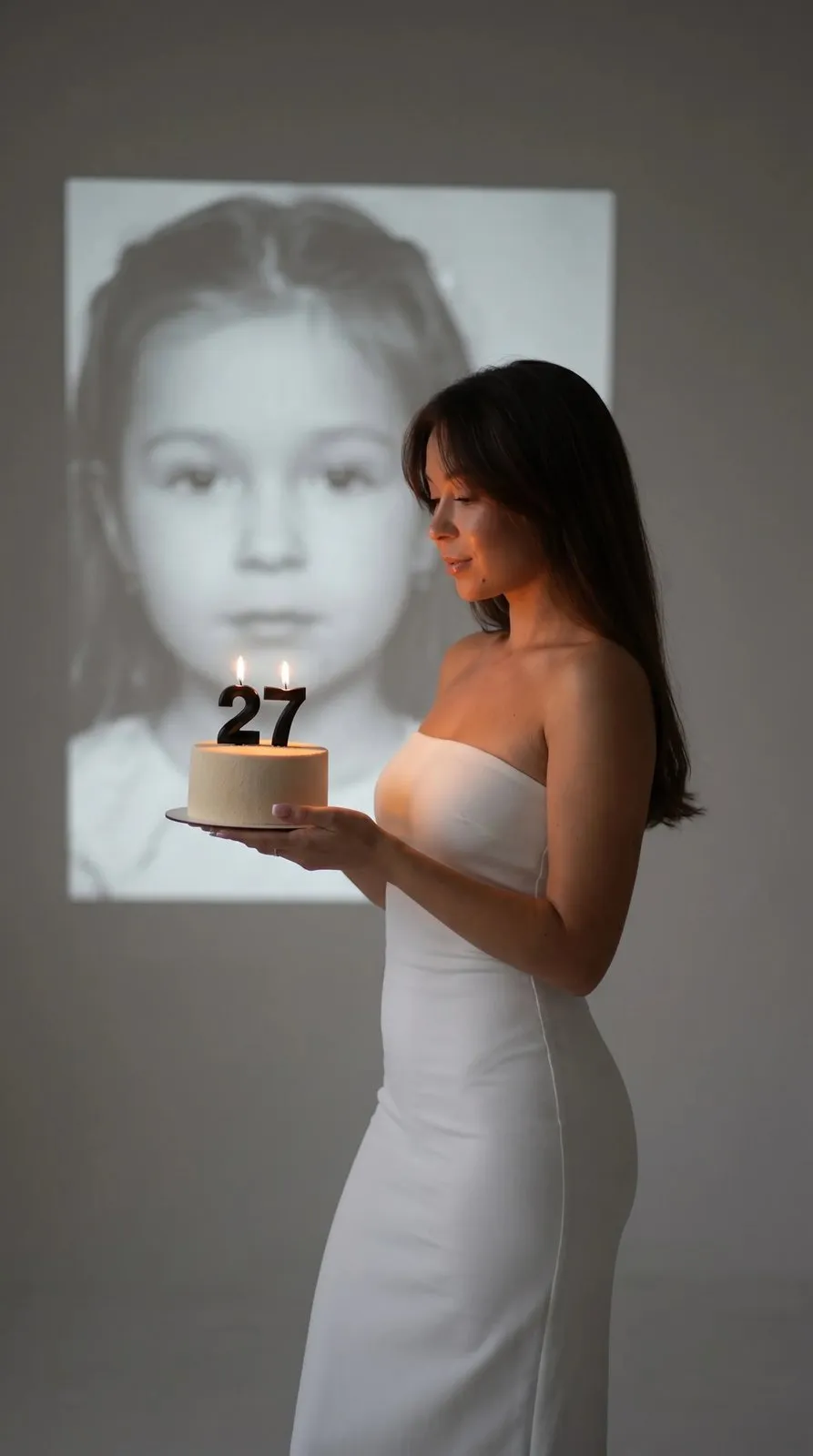 25
25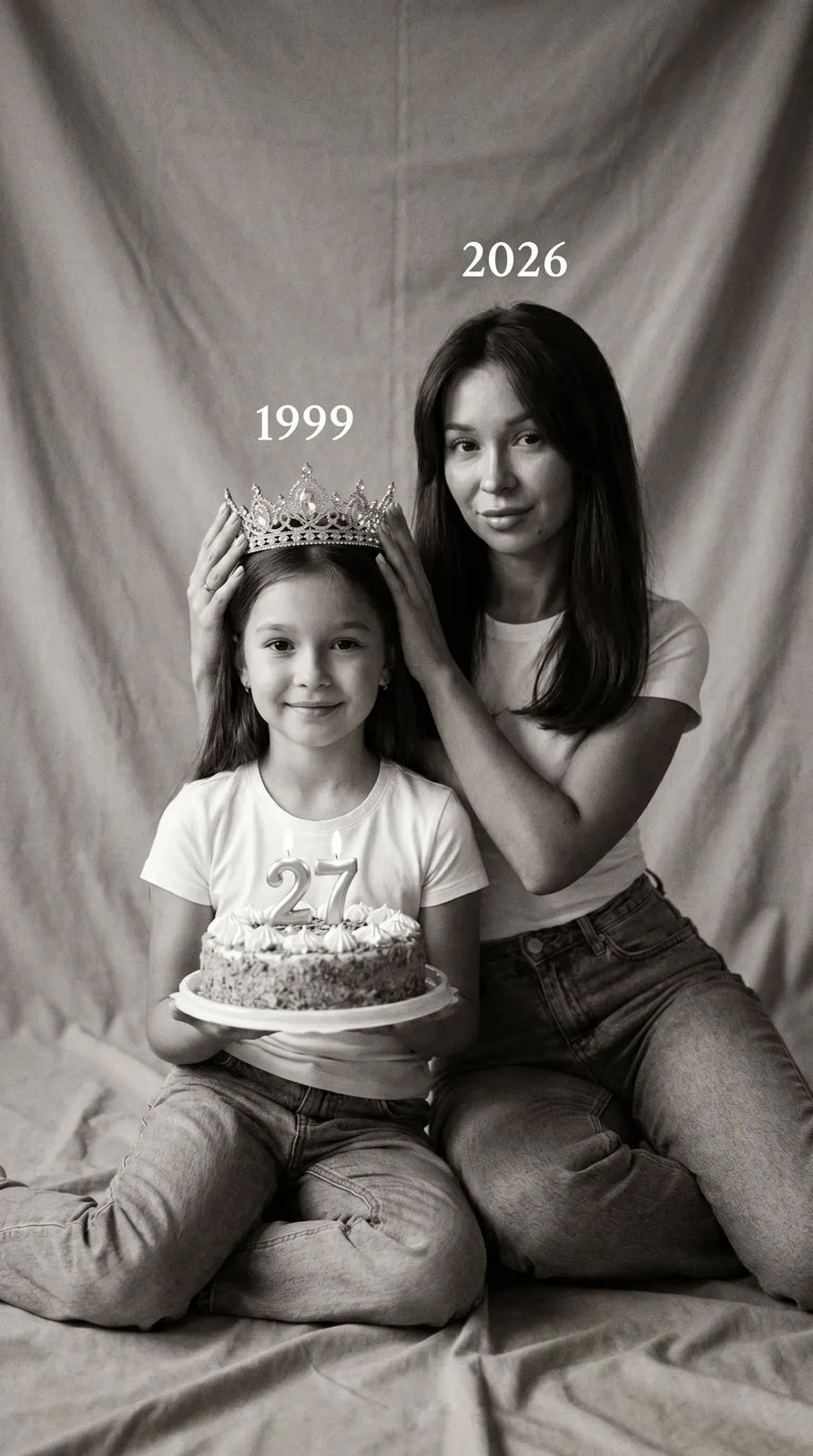 25
25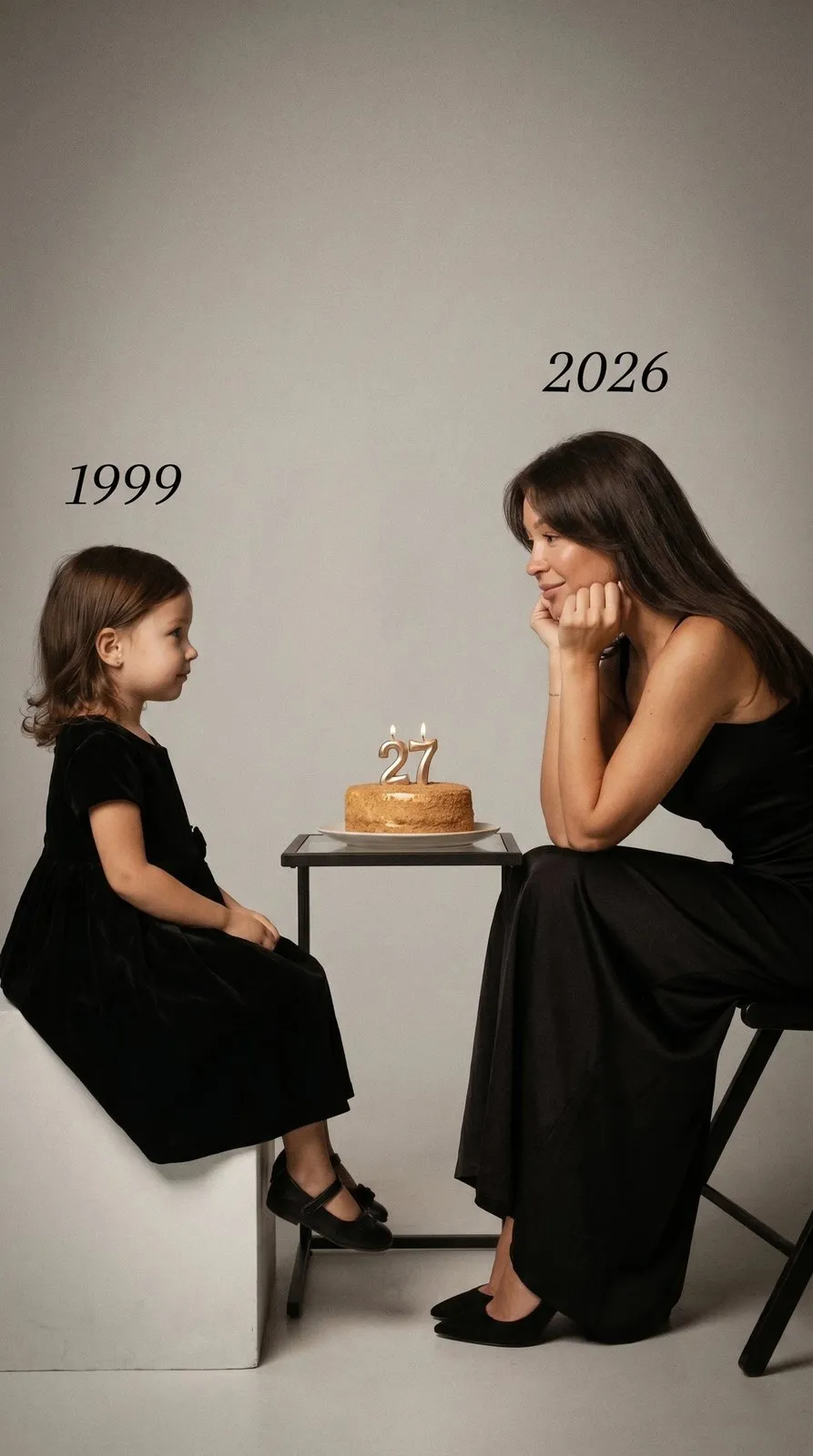 25
25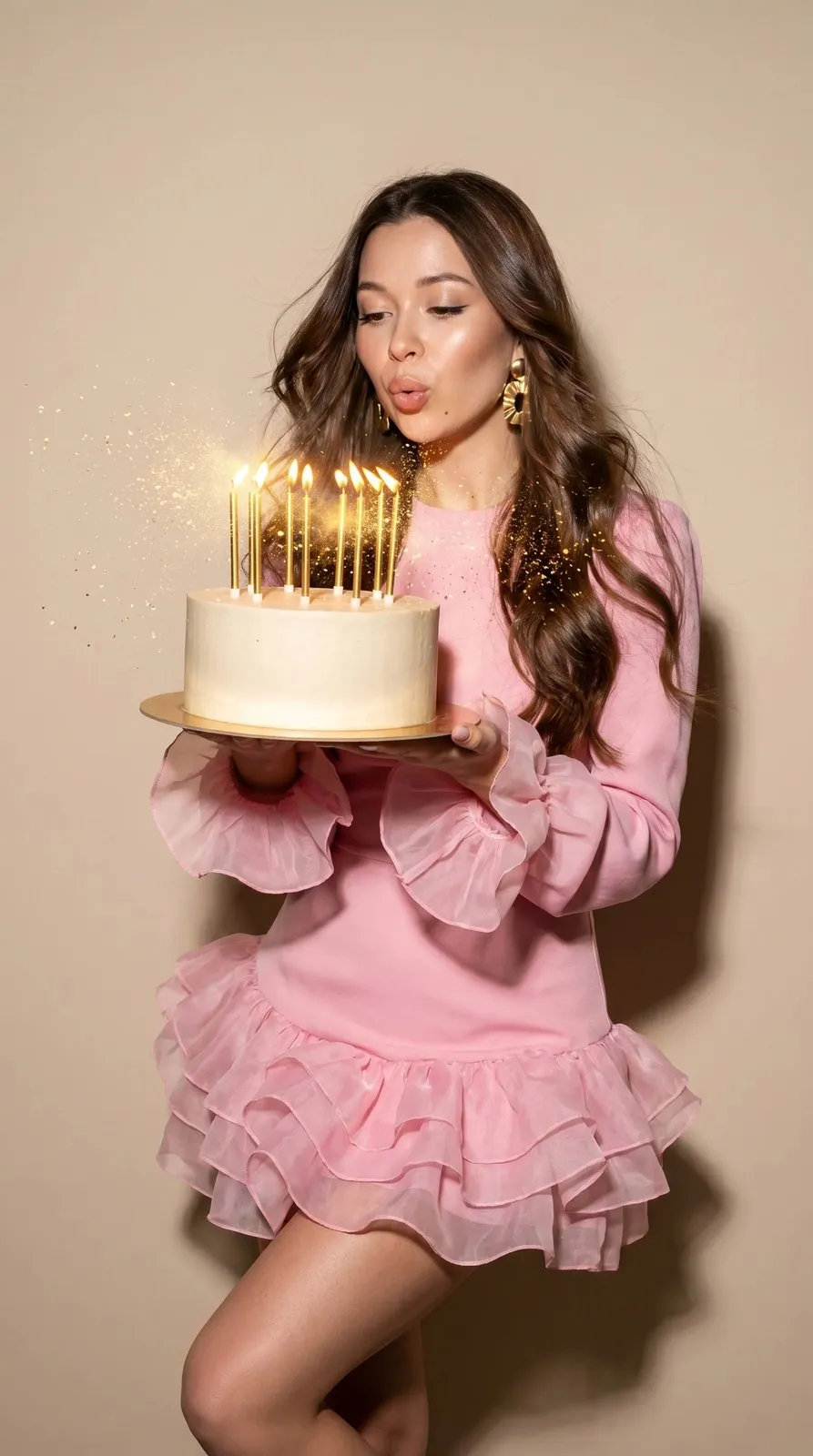 25
25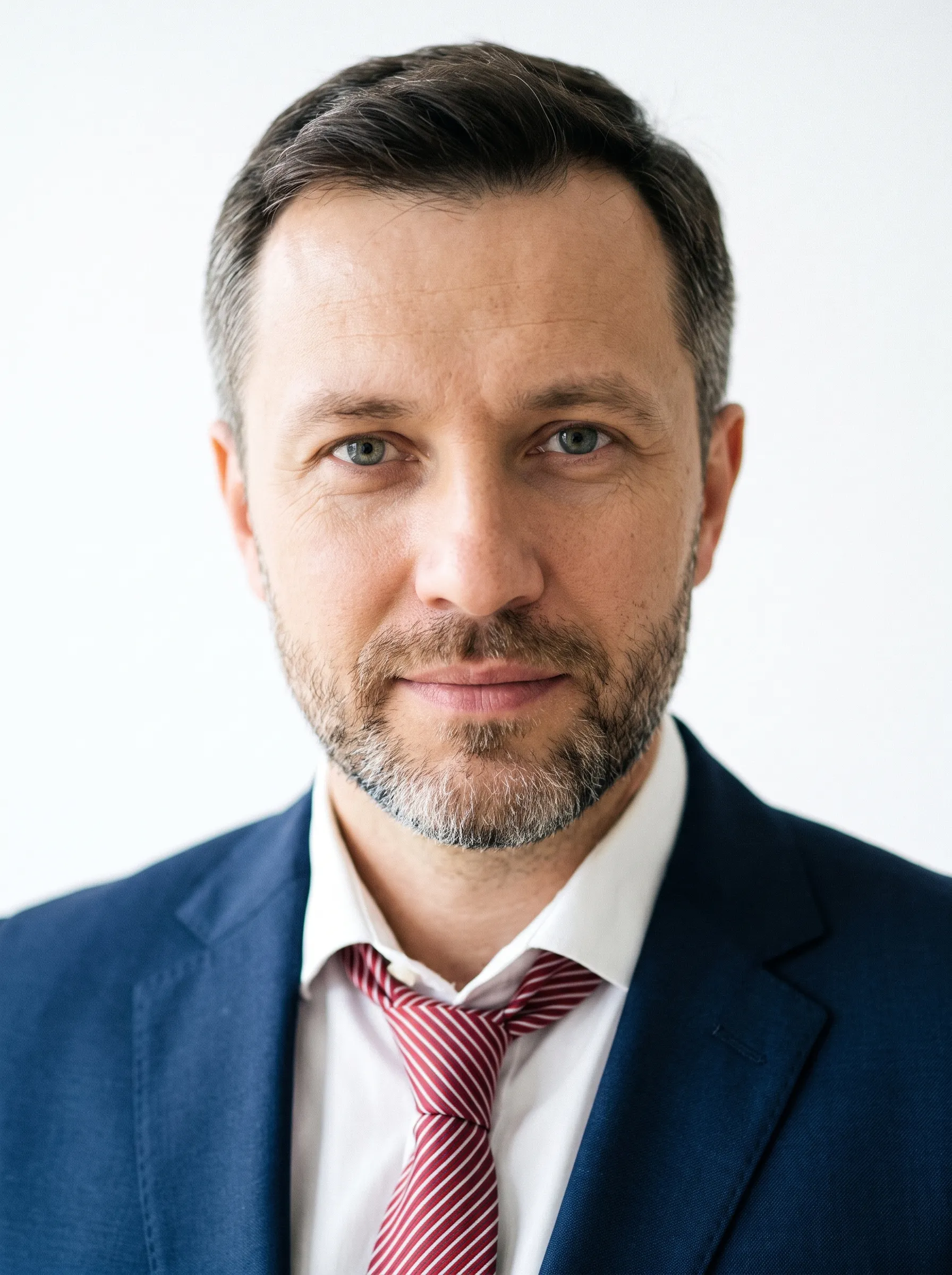 25
25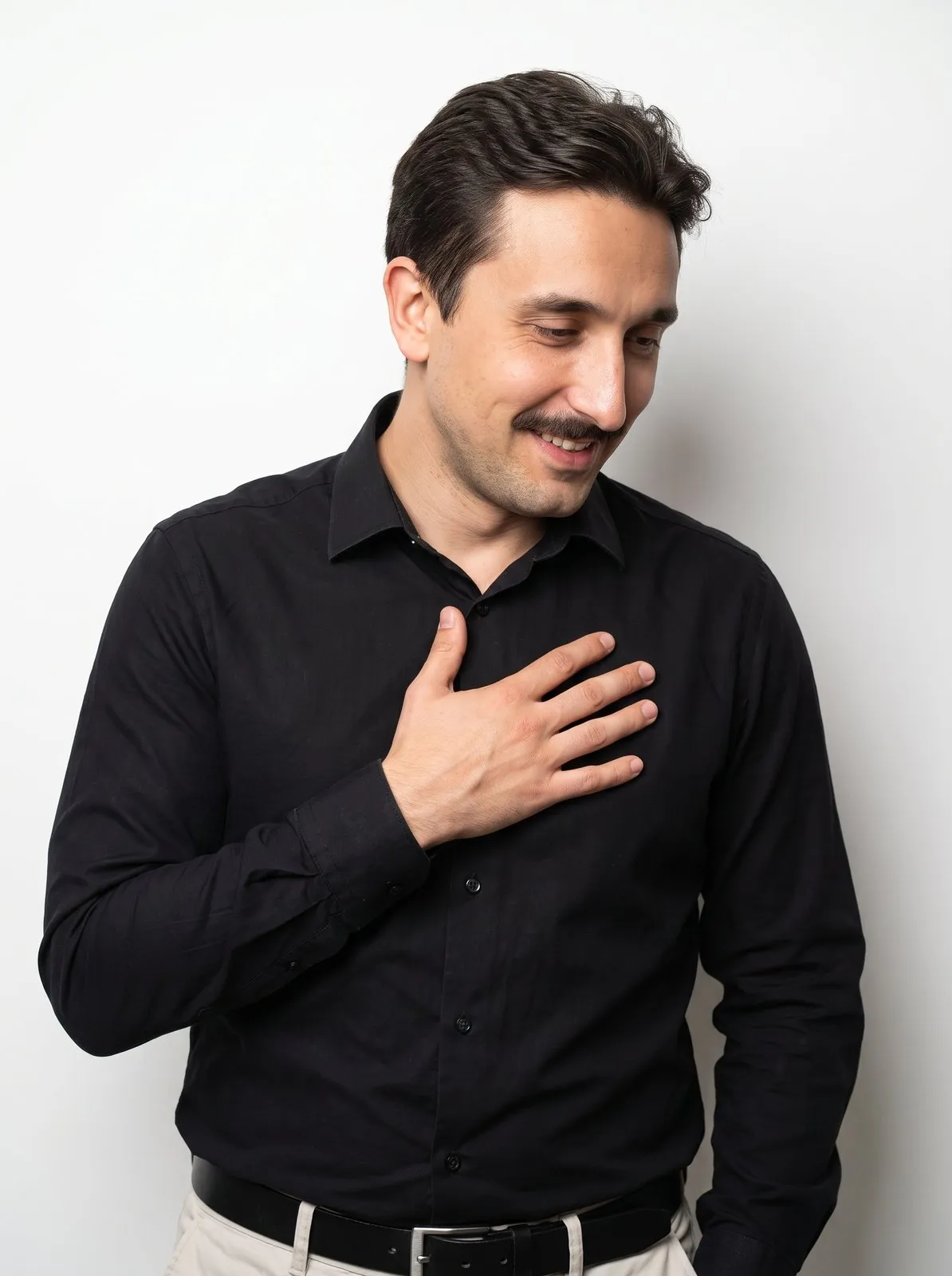 25
25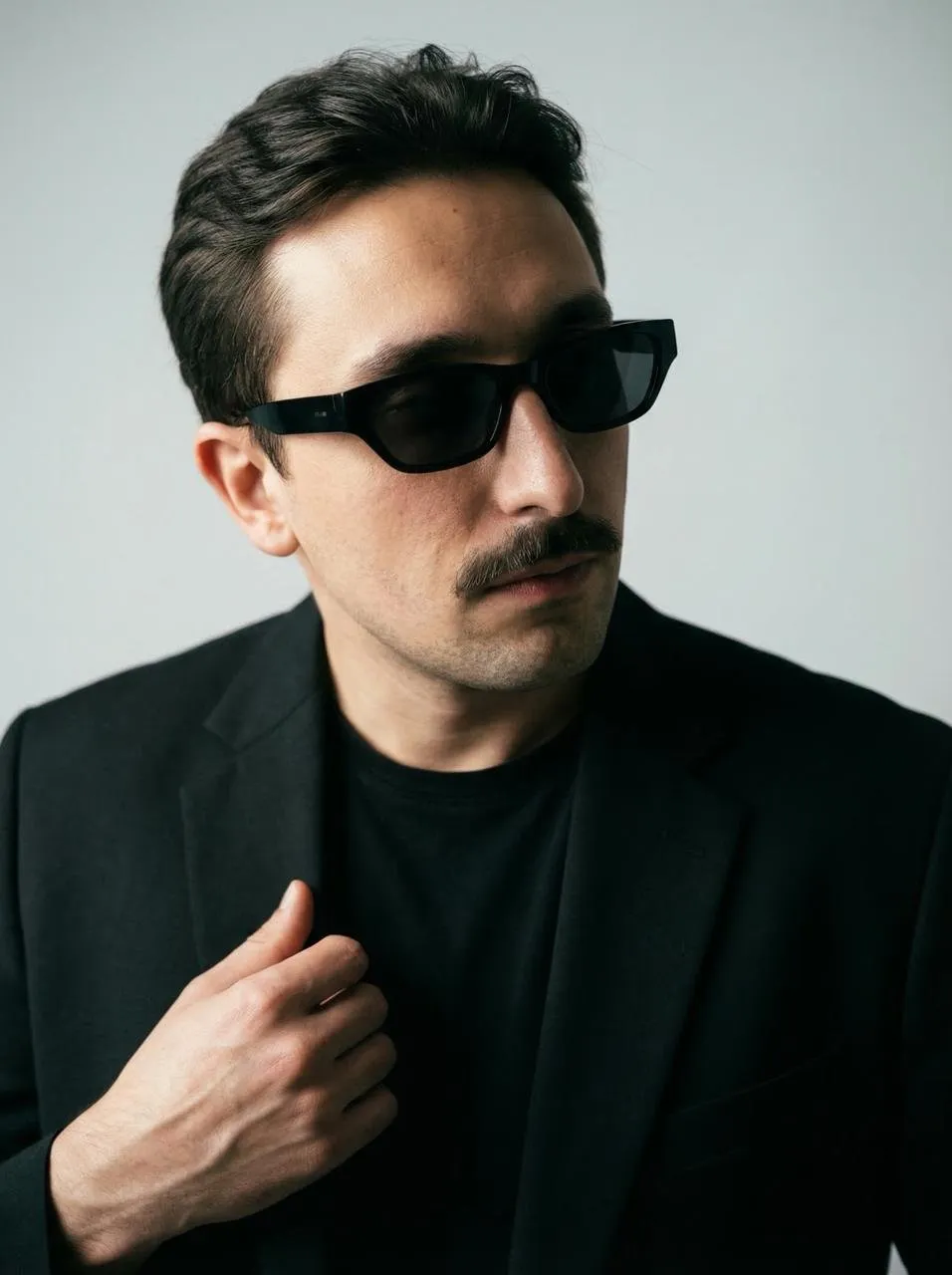 25
25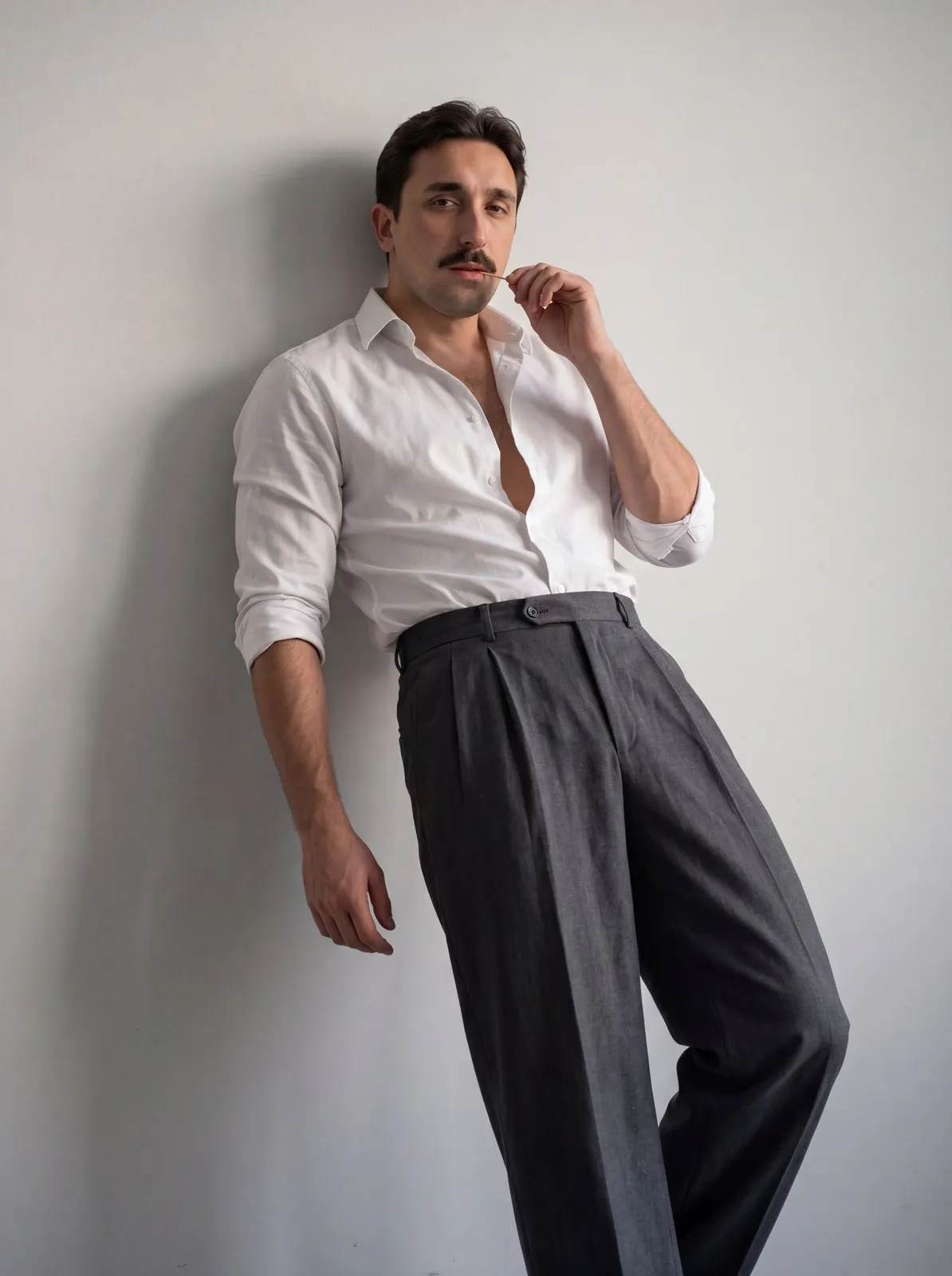 25
25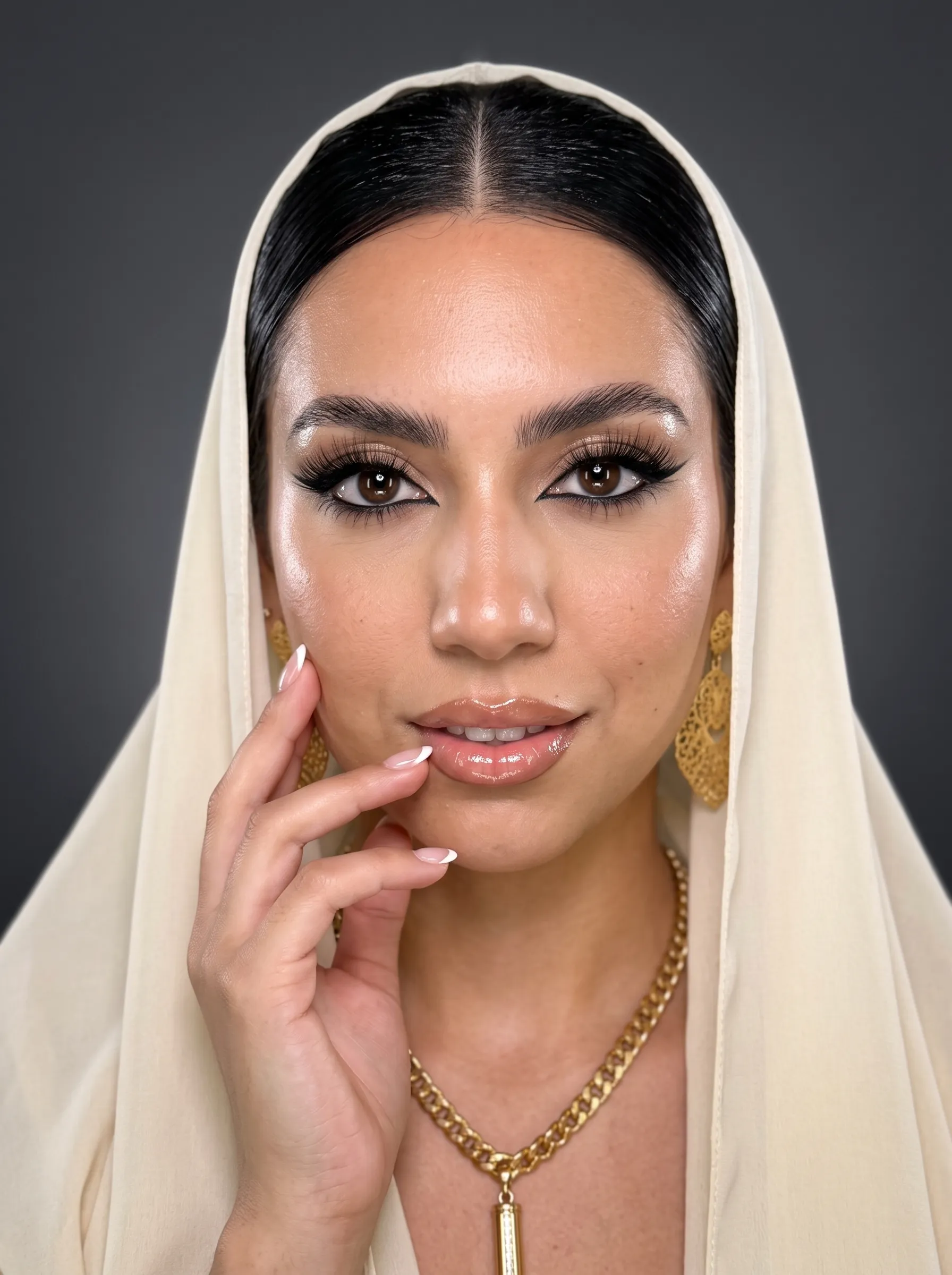 25
25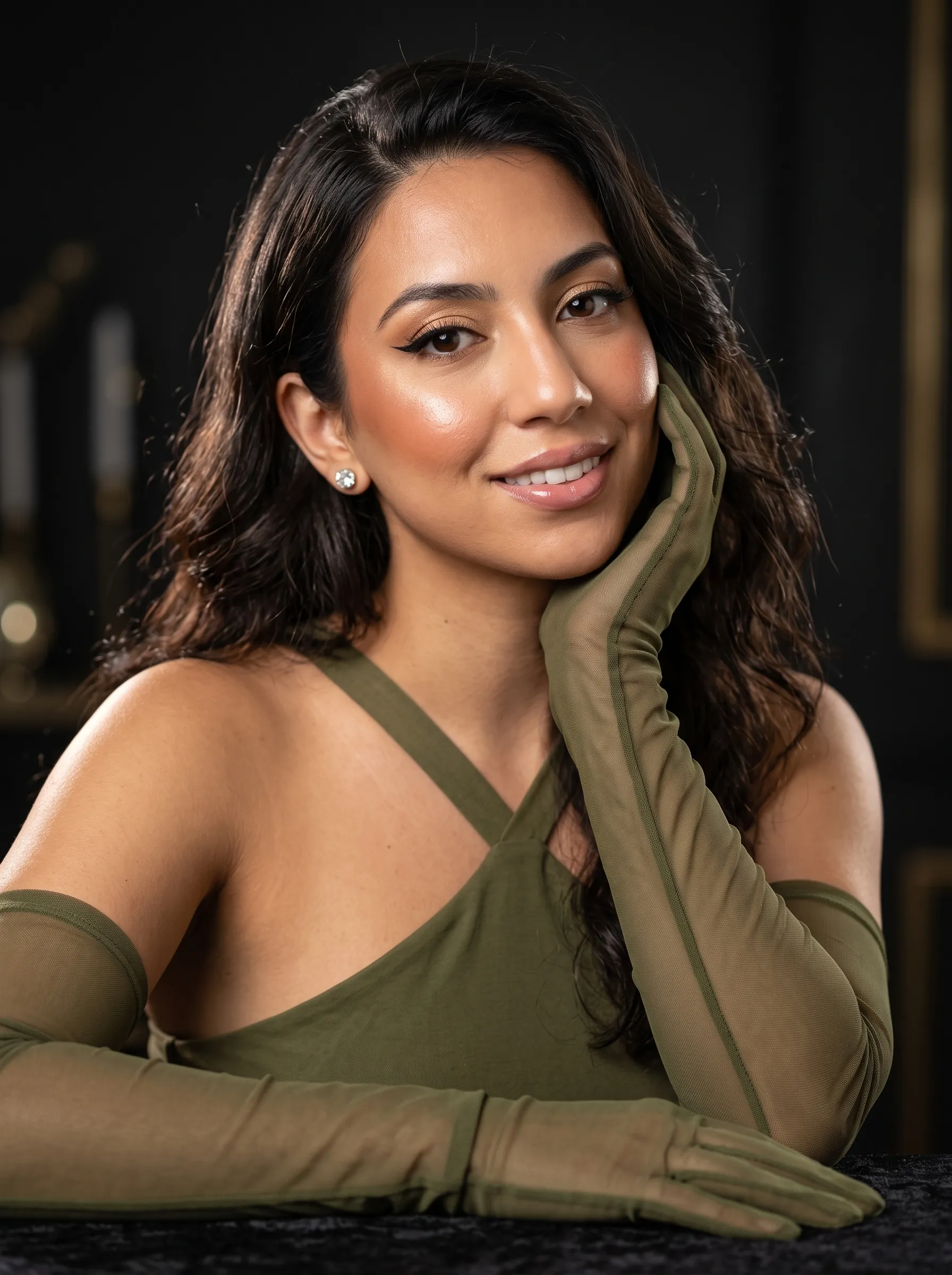 25
25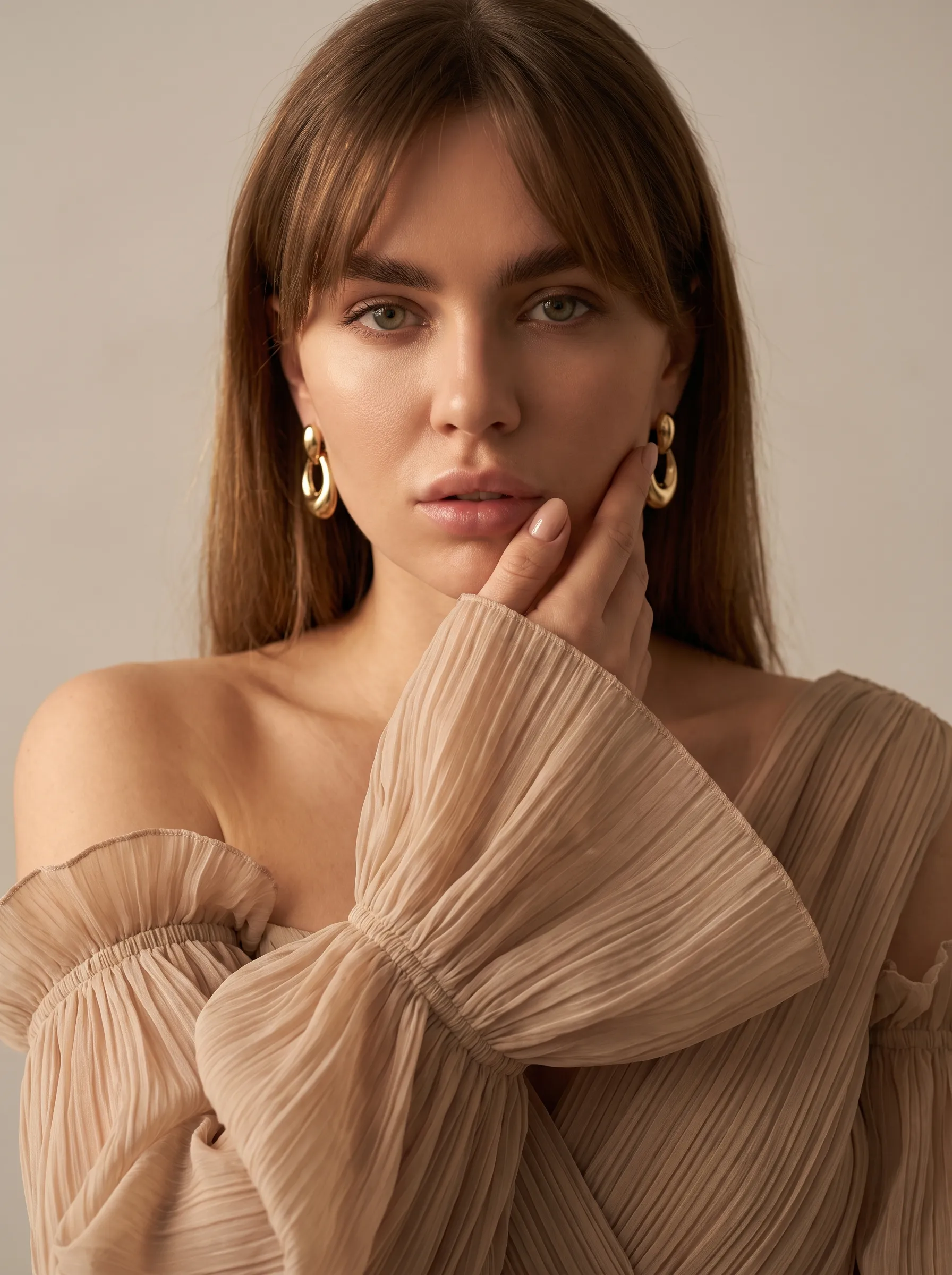 25
25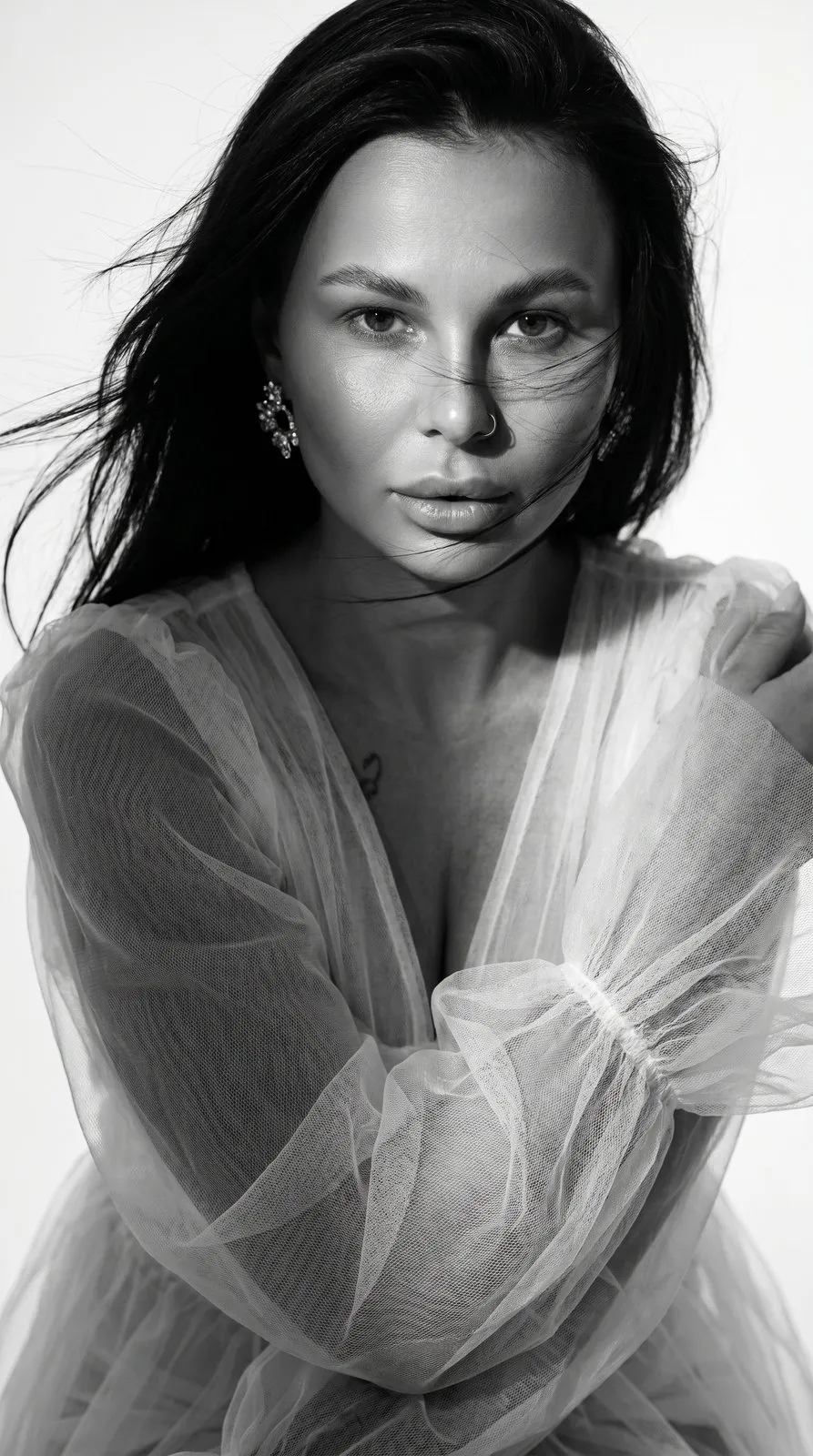 25
25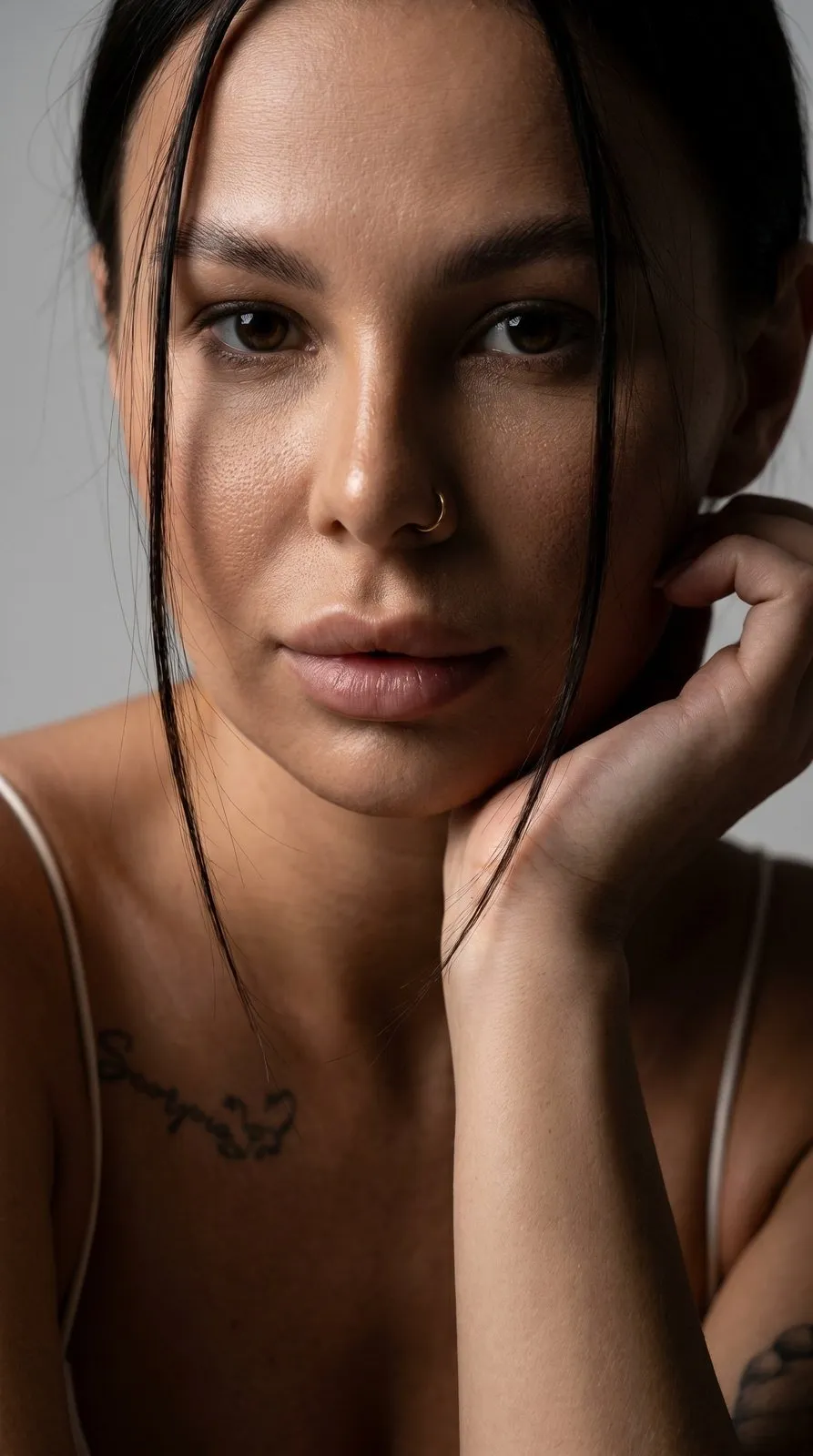 25
25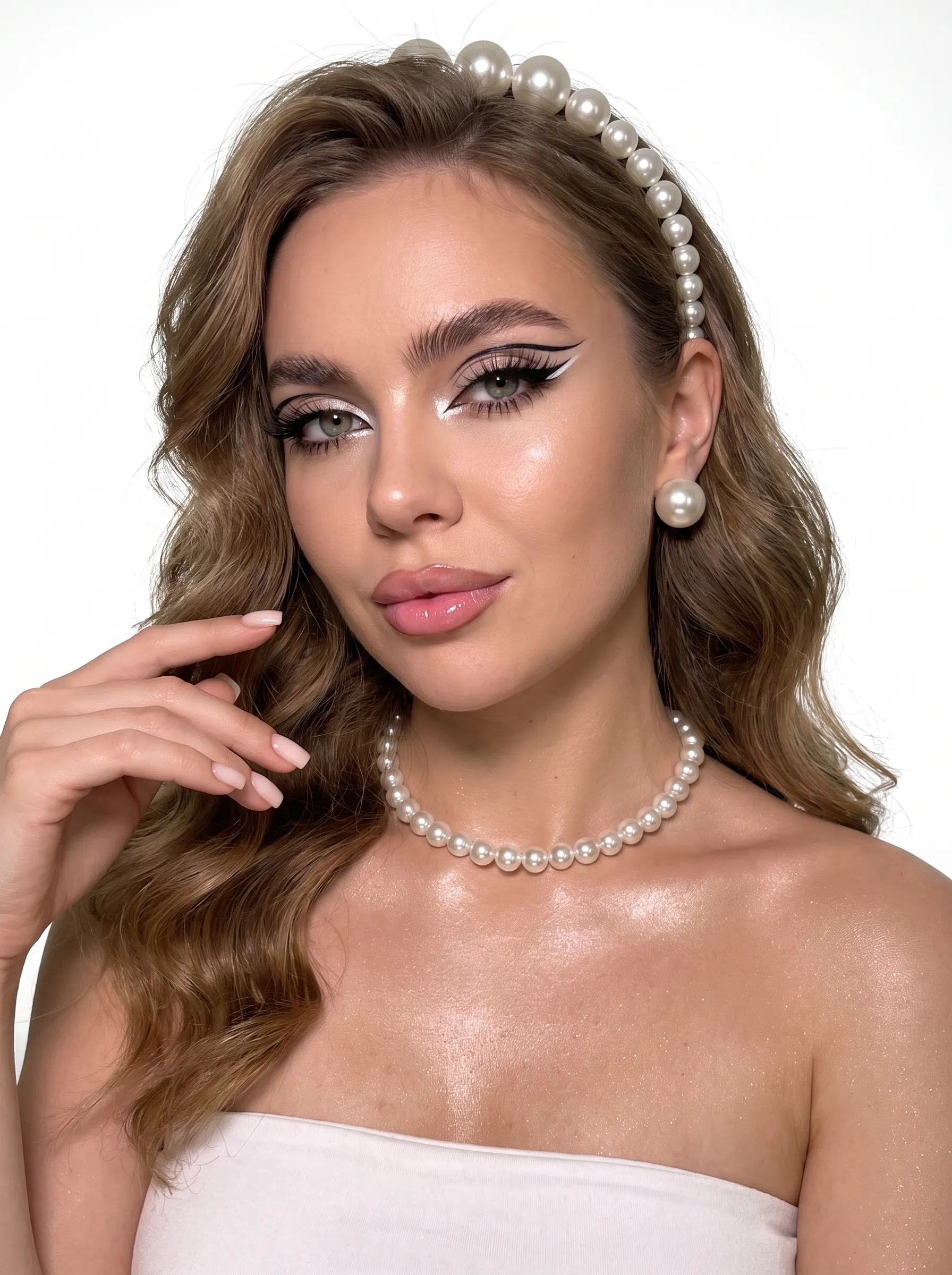 25
25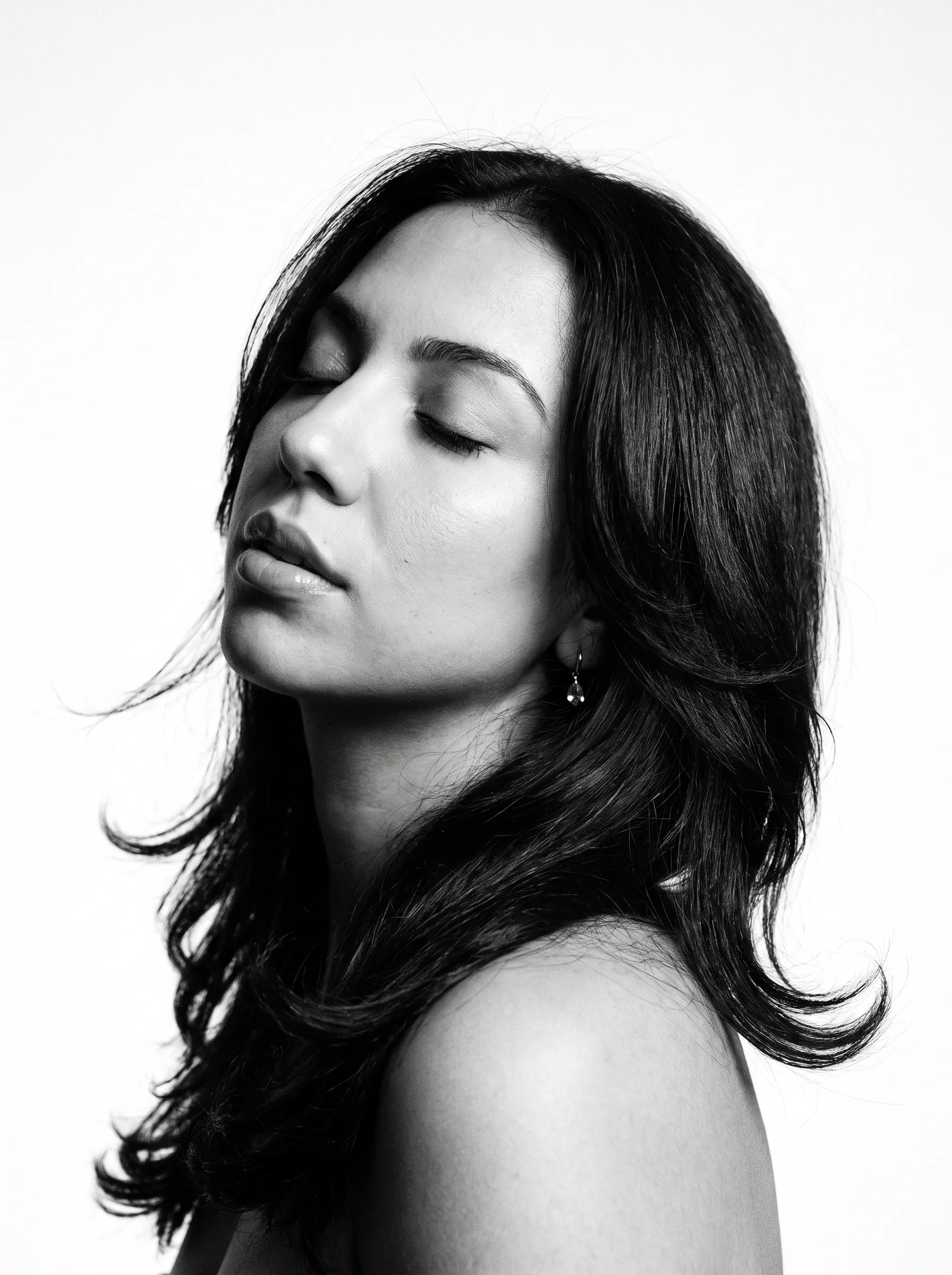 25
25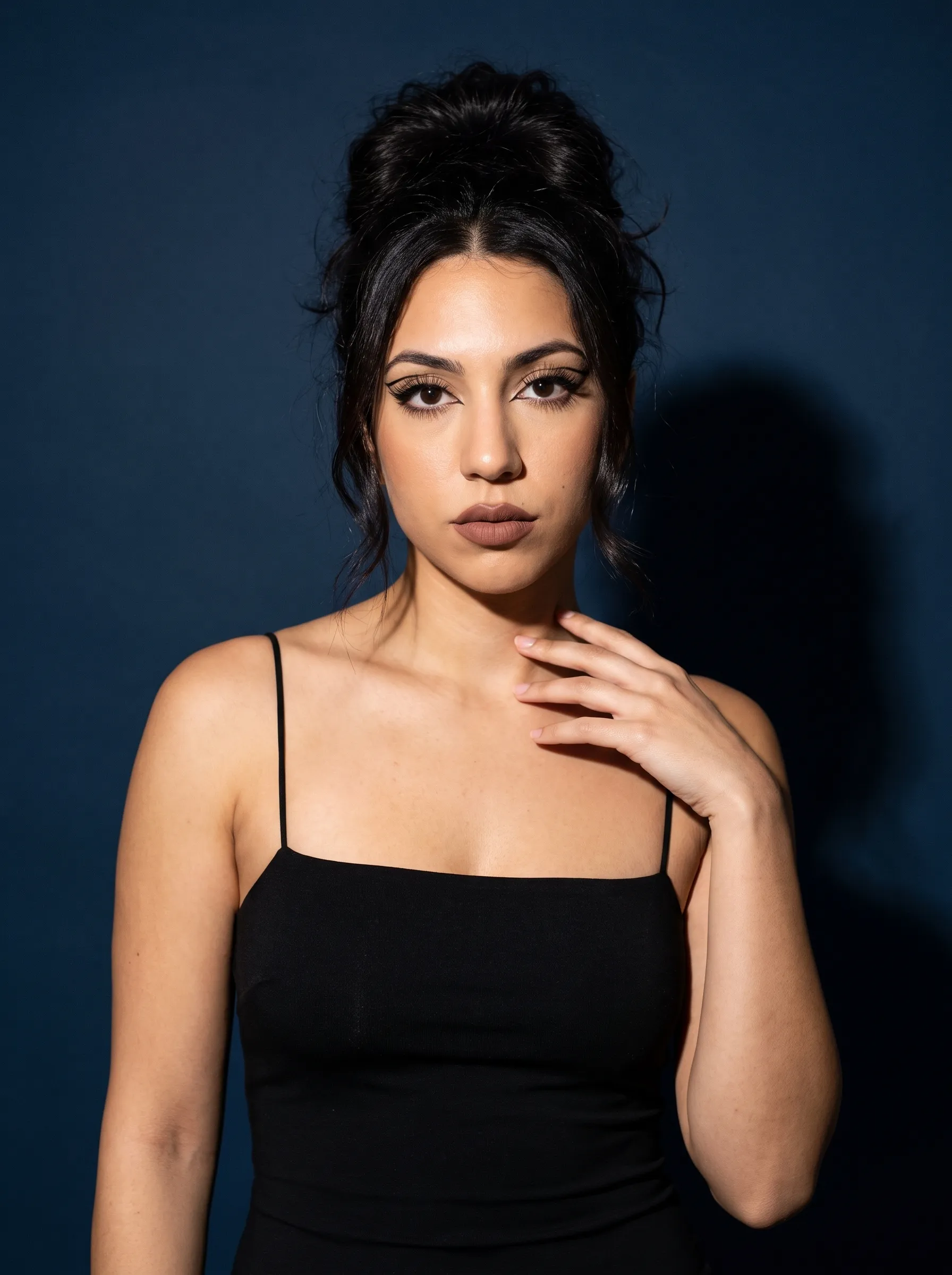 25
25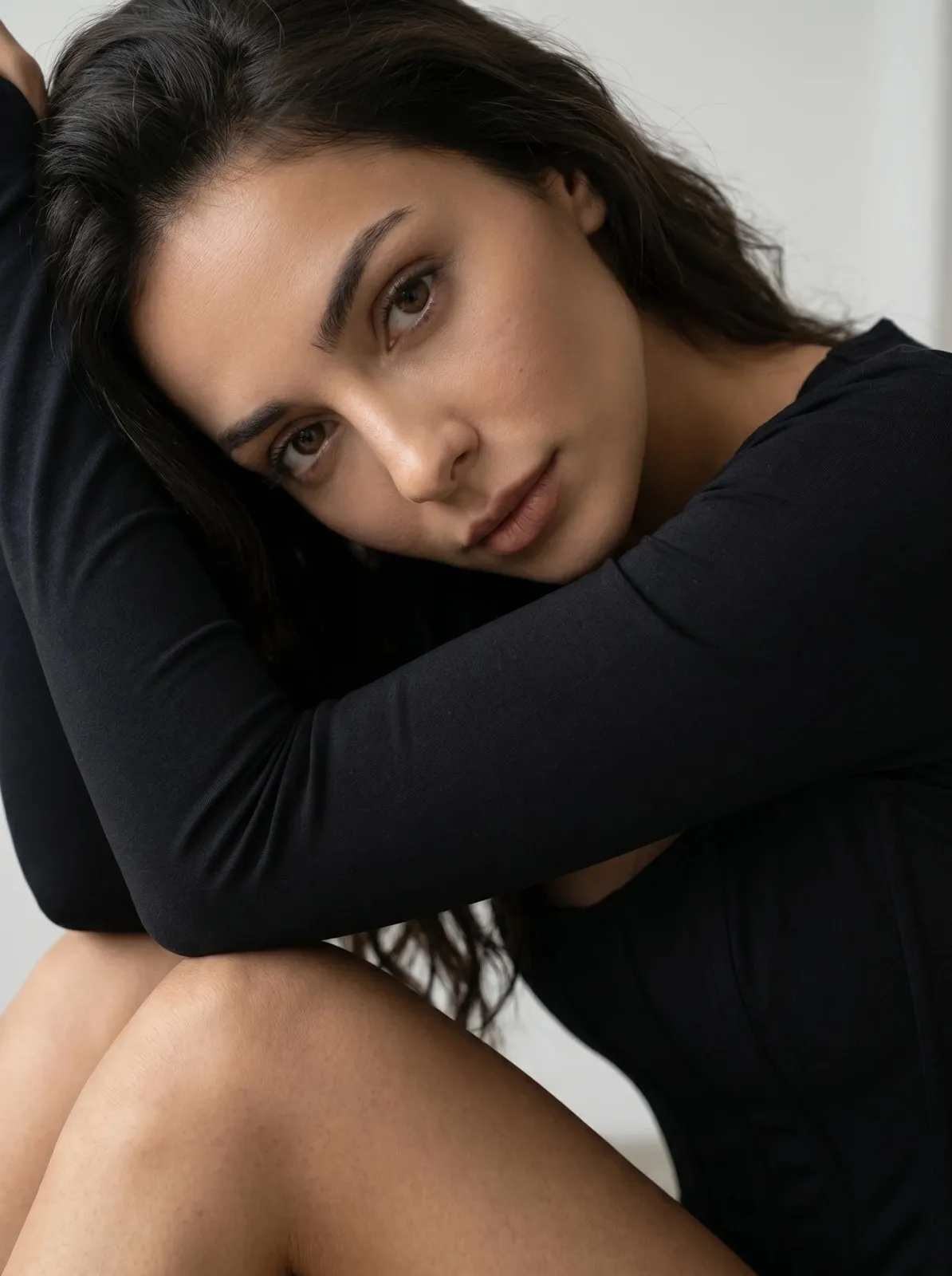 25
25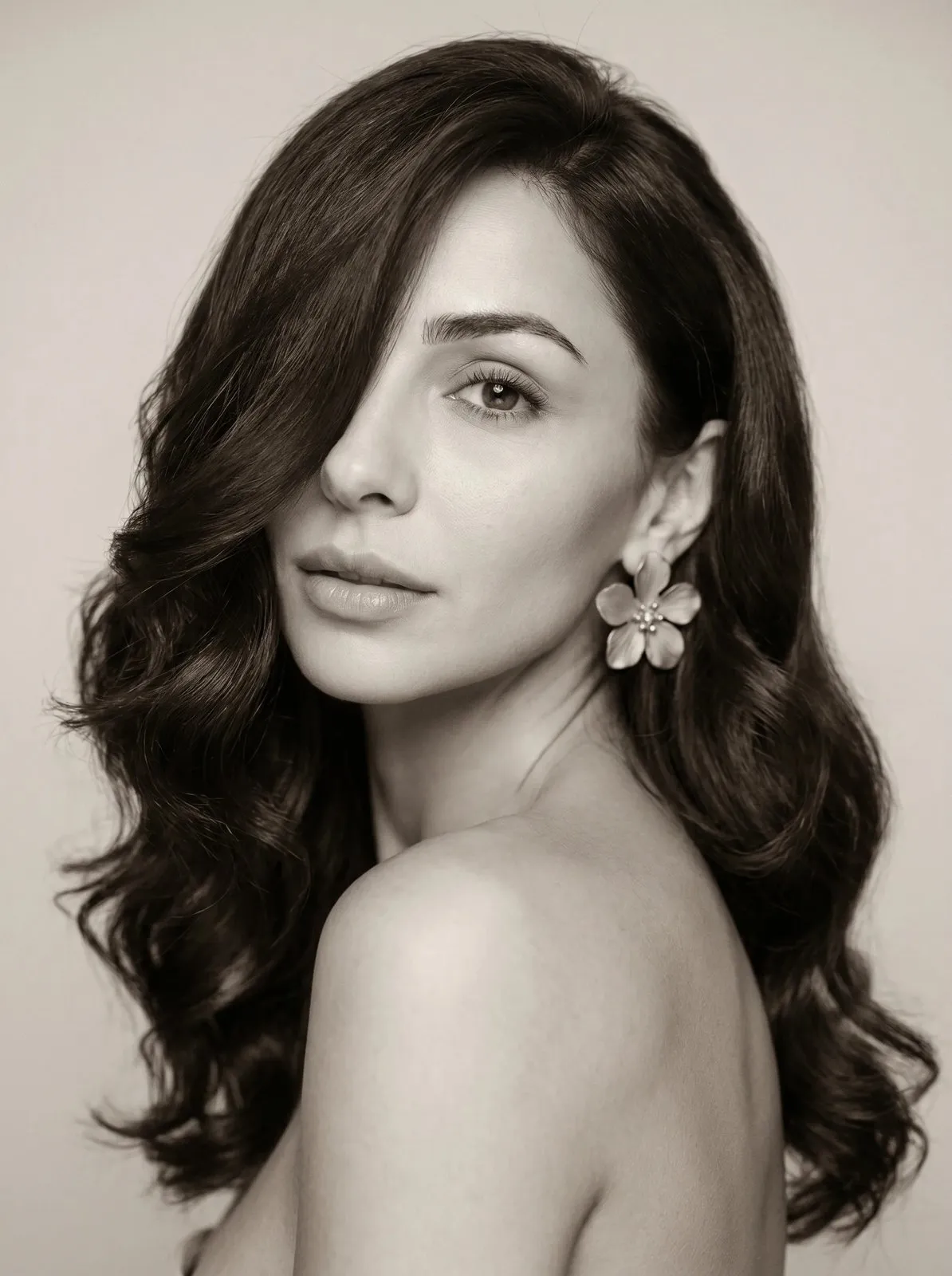 25
25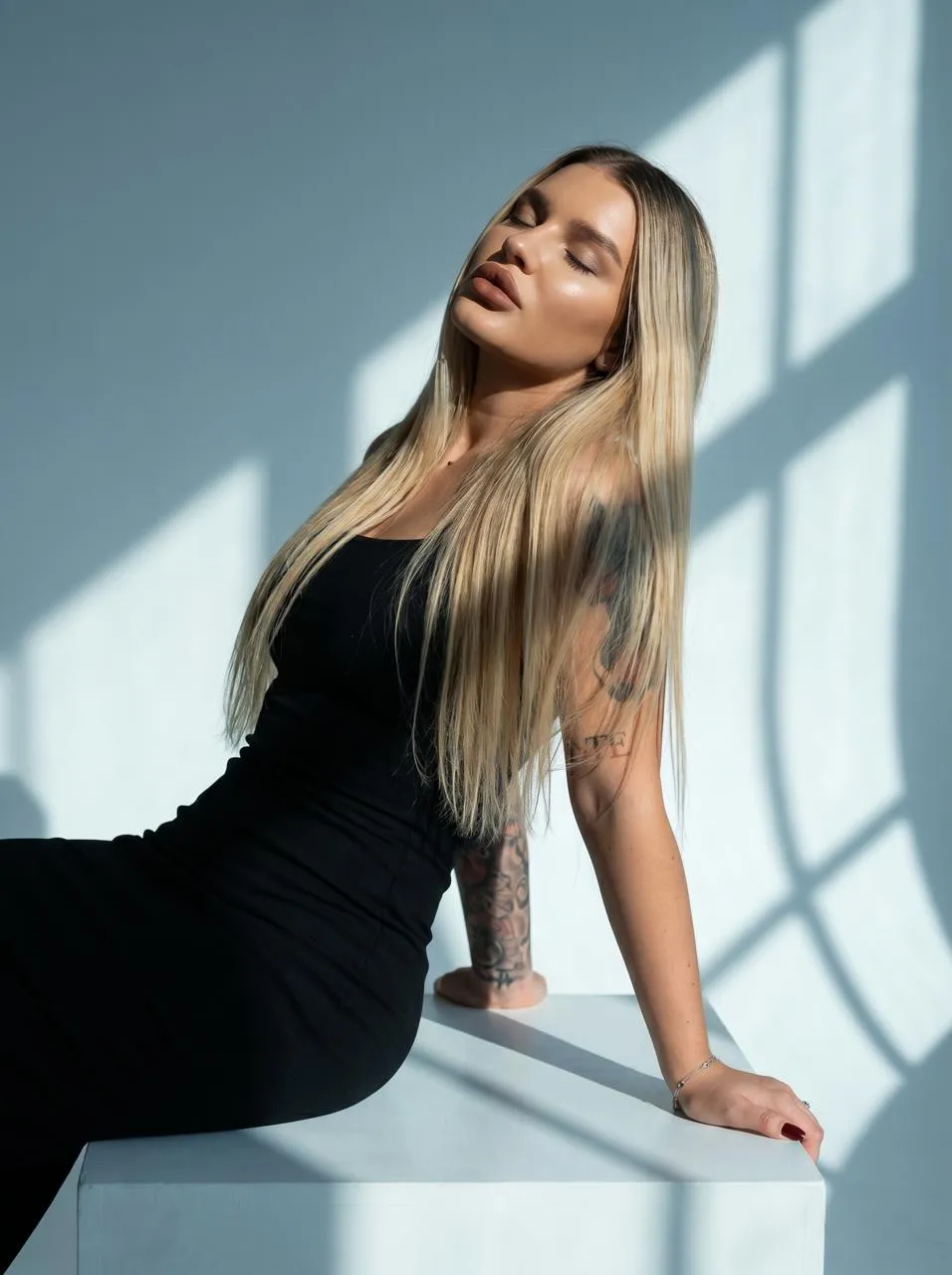 25
25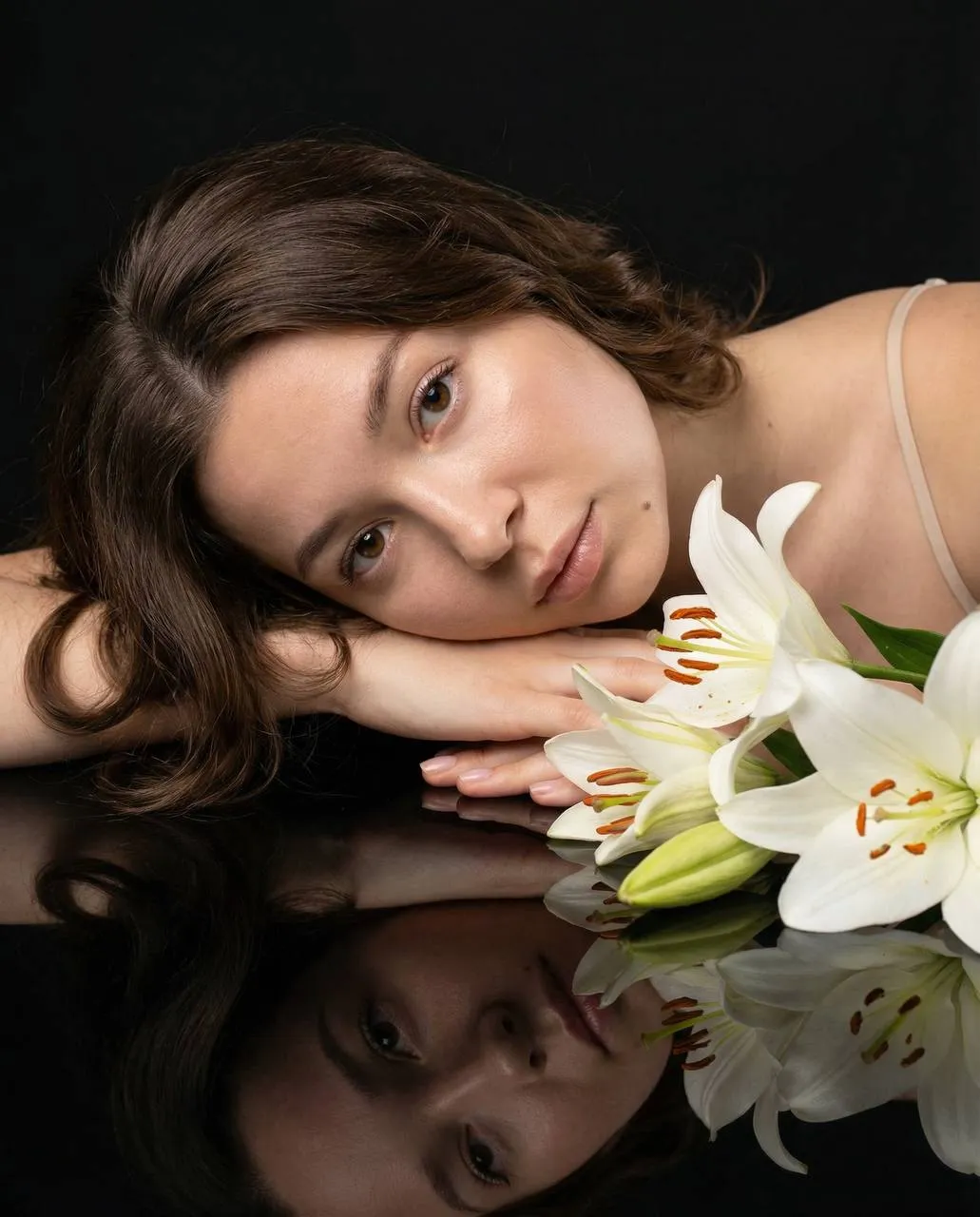 25
25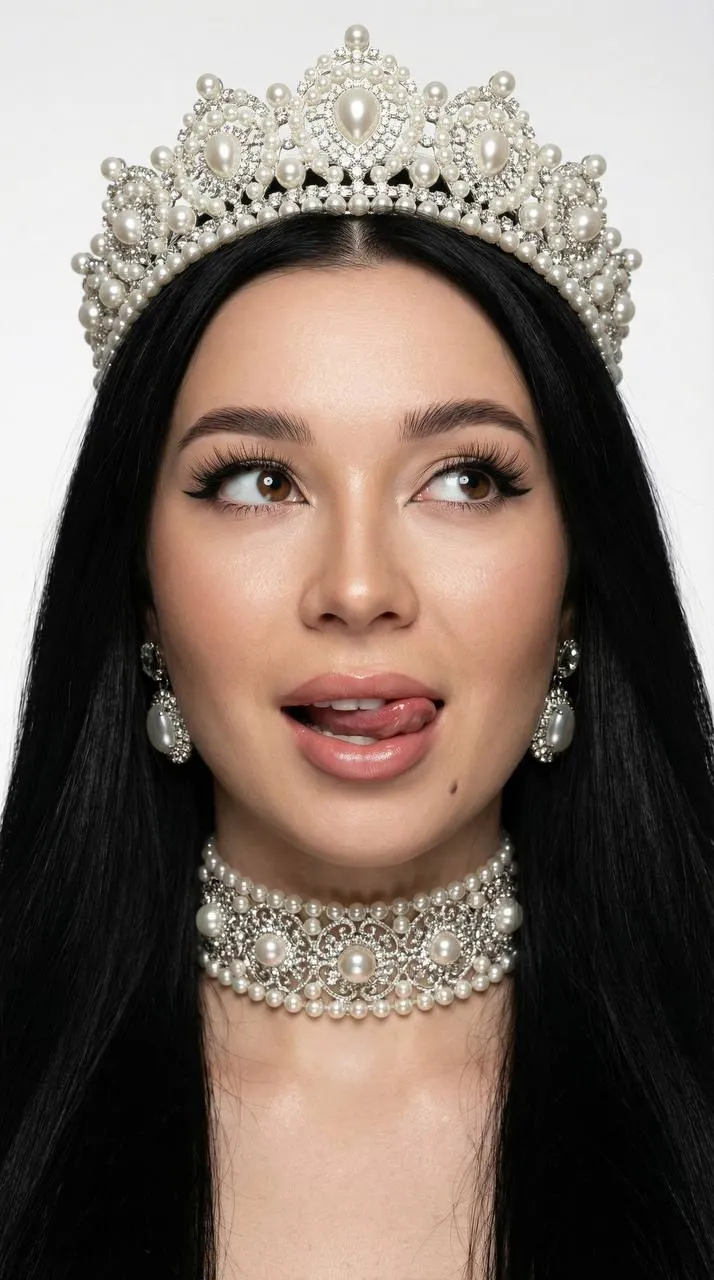 25
25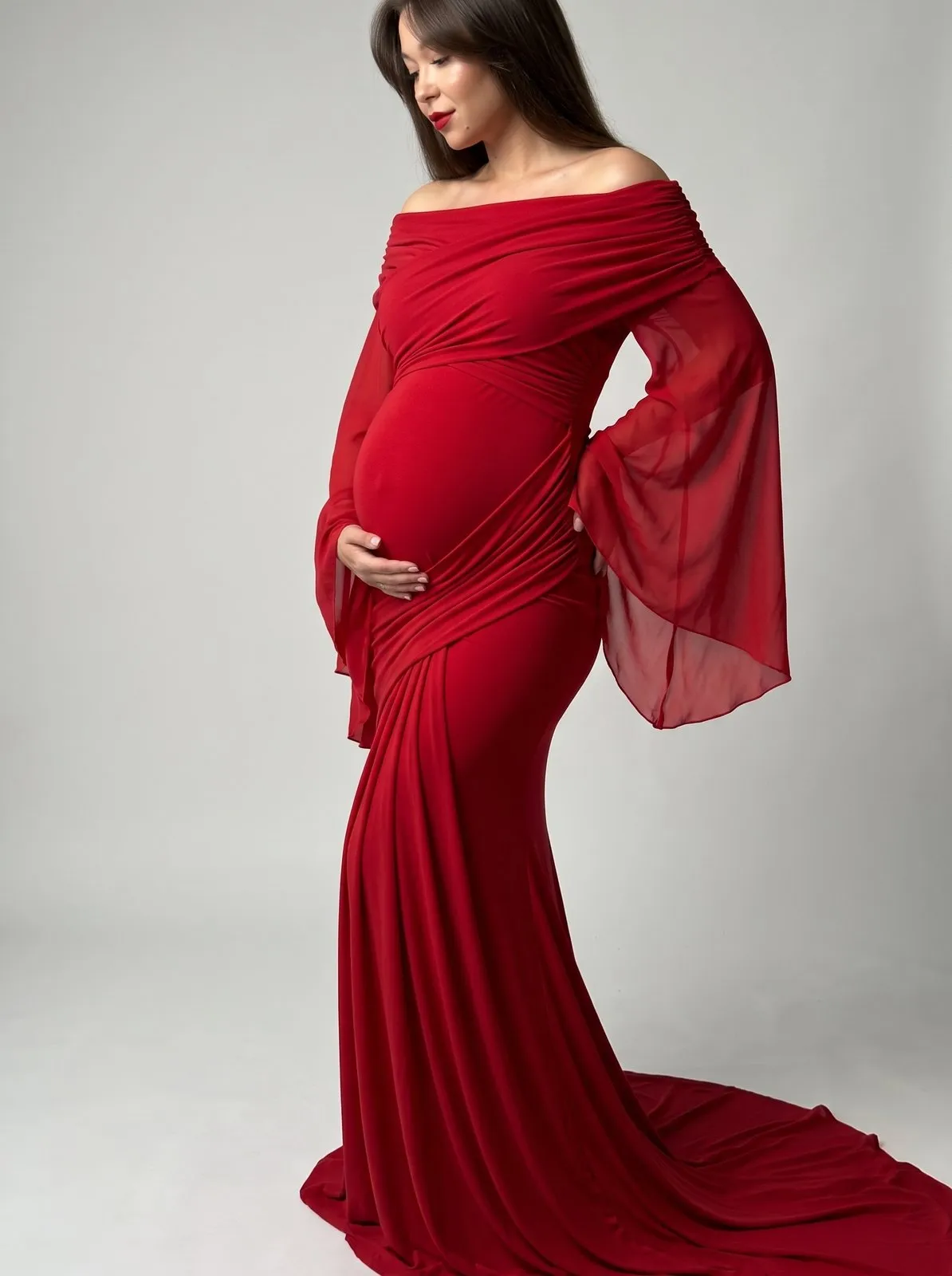 25
25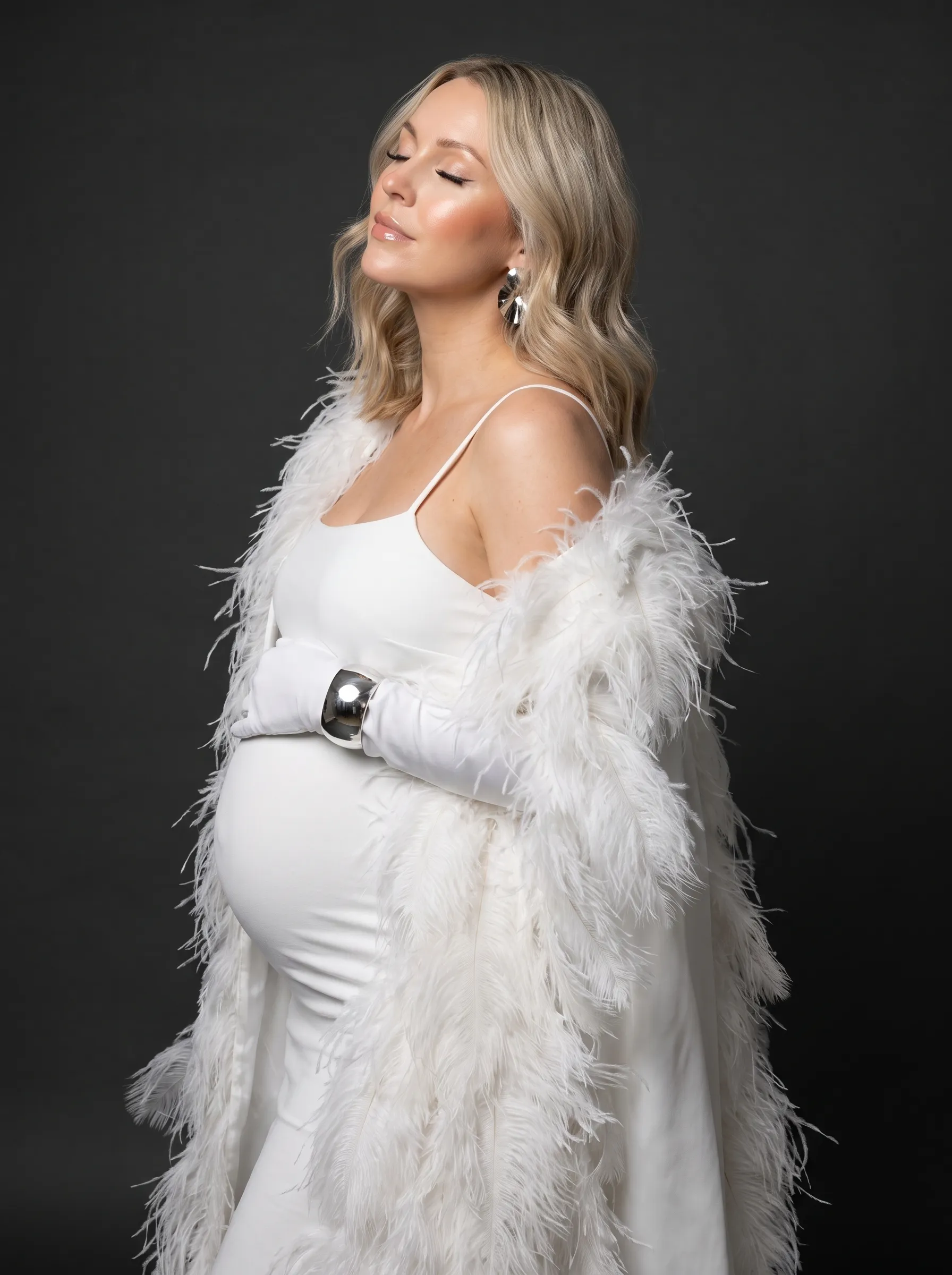 25
25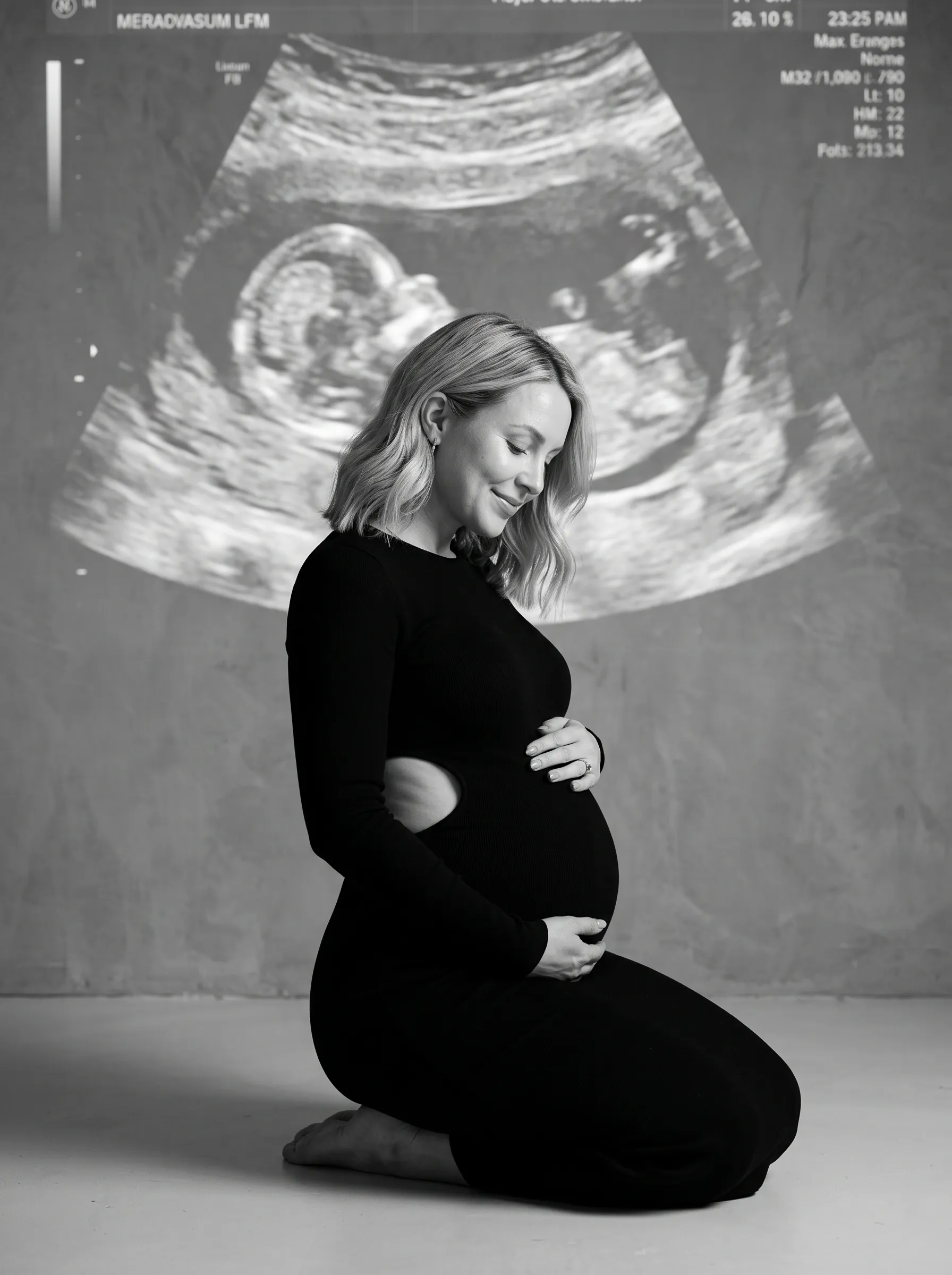 25
25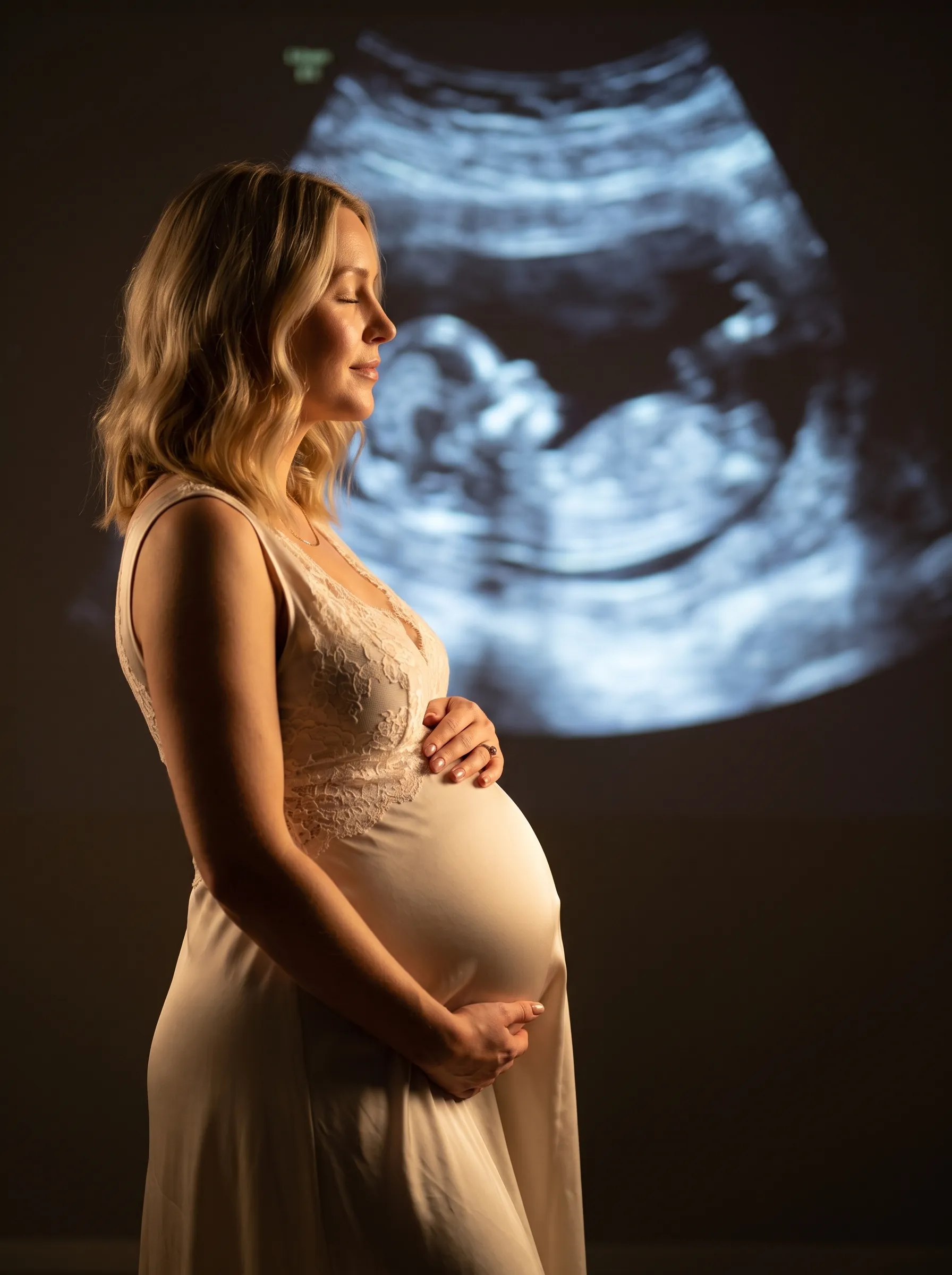 25
25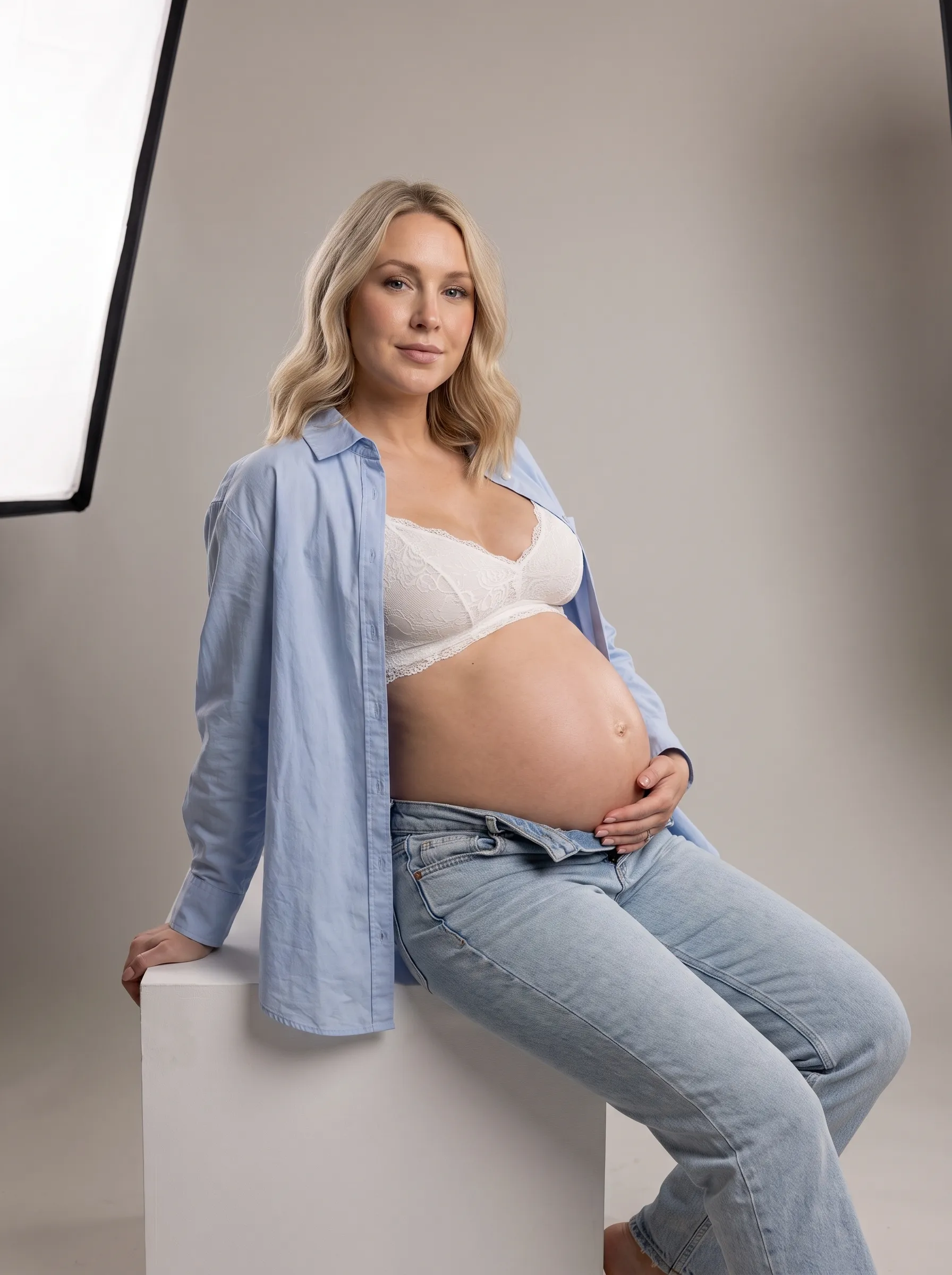 25
25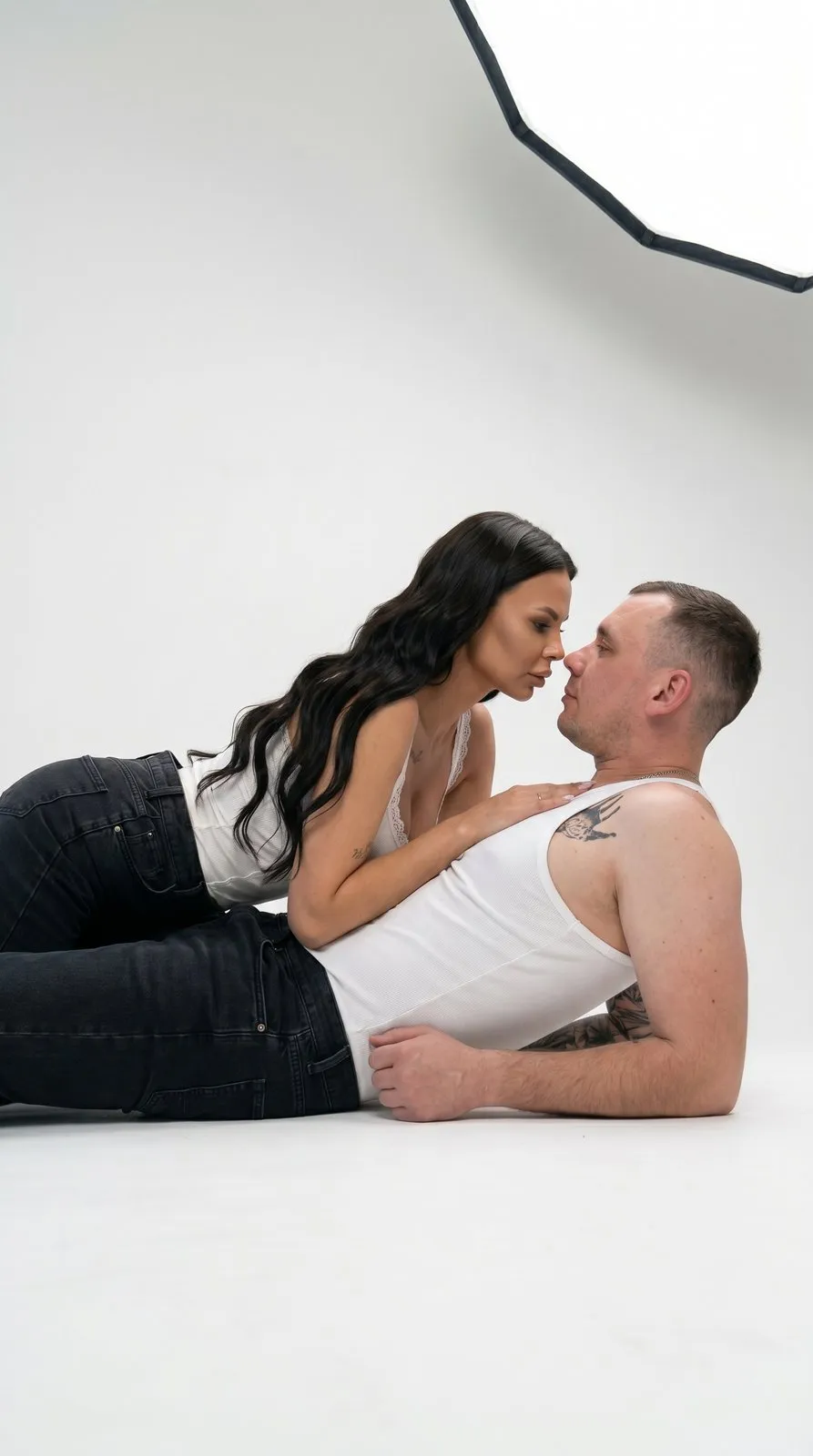 25
25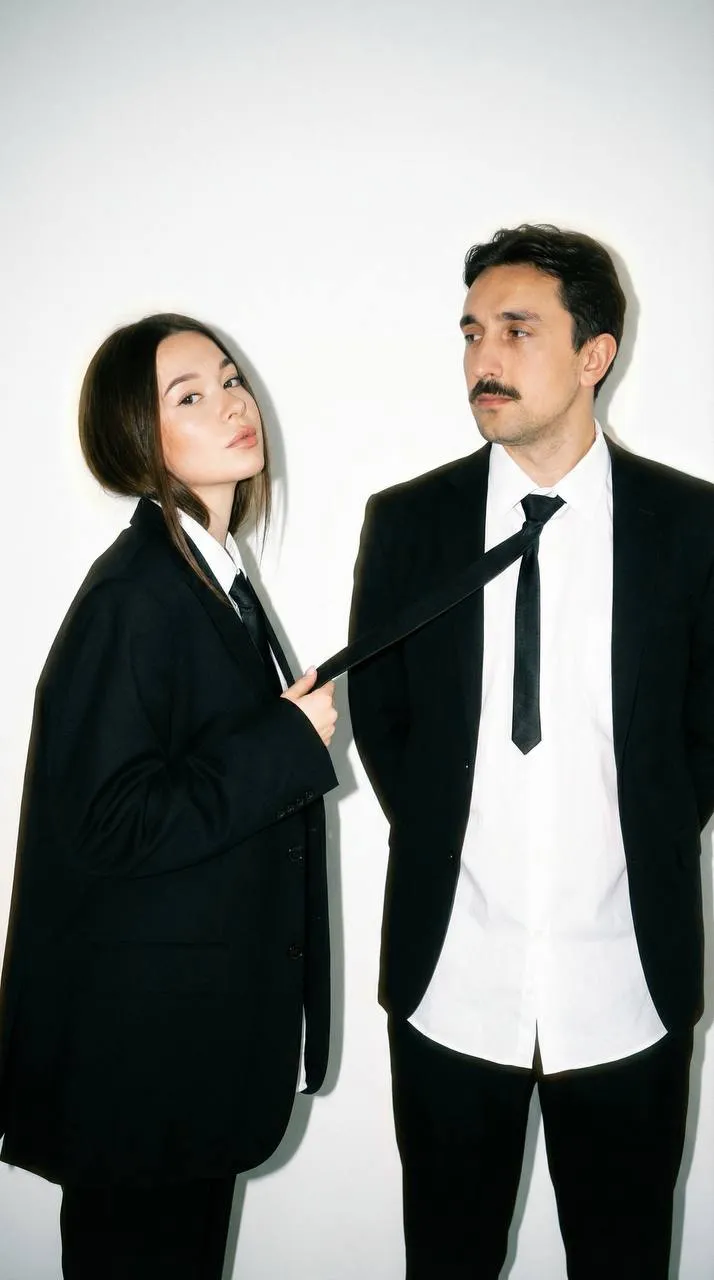 25
25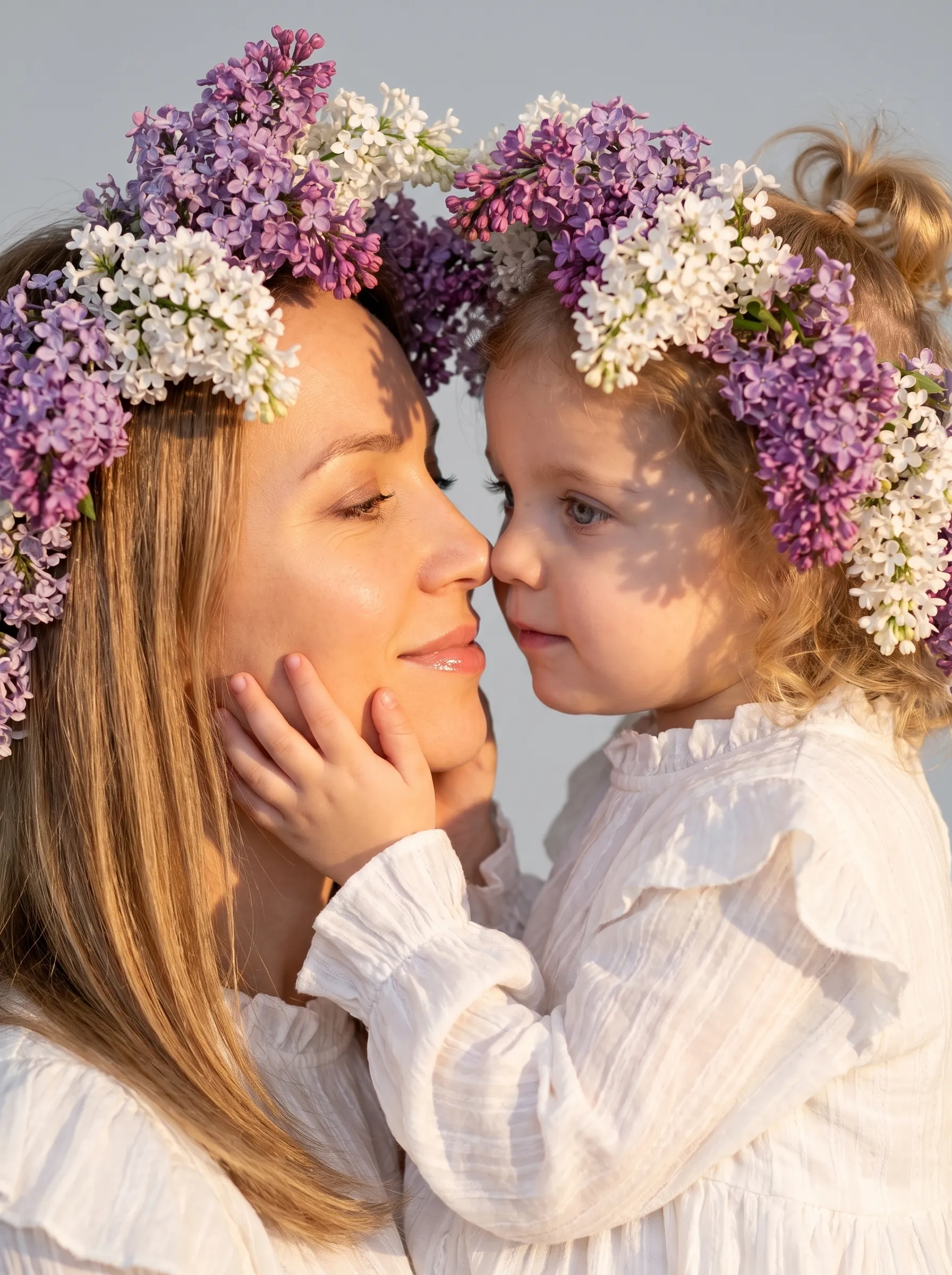 25
25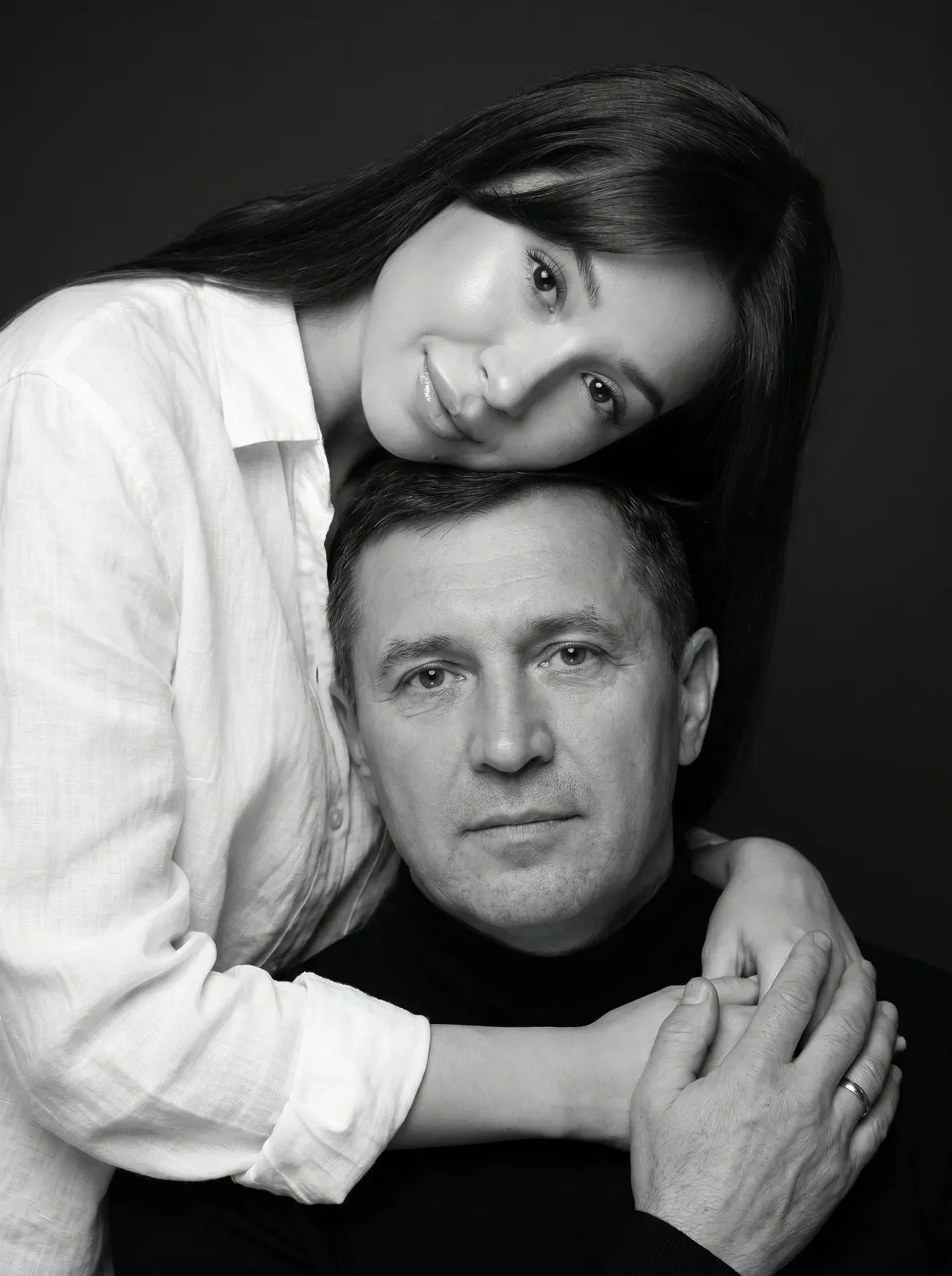 25
25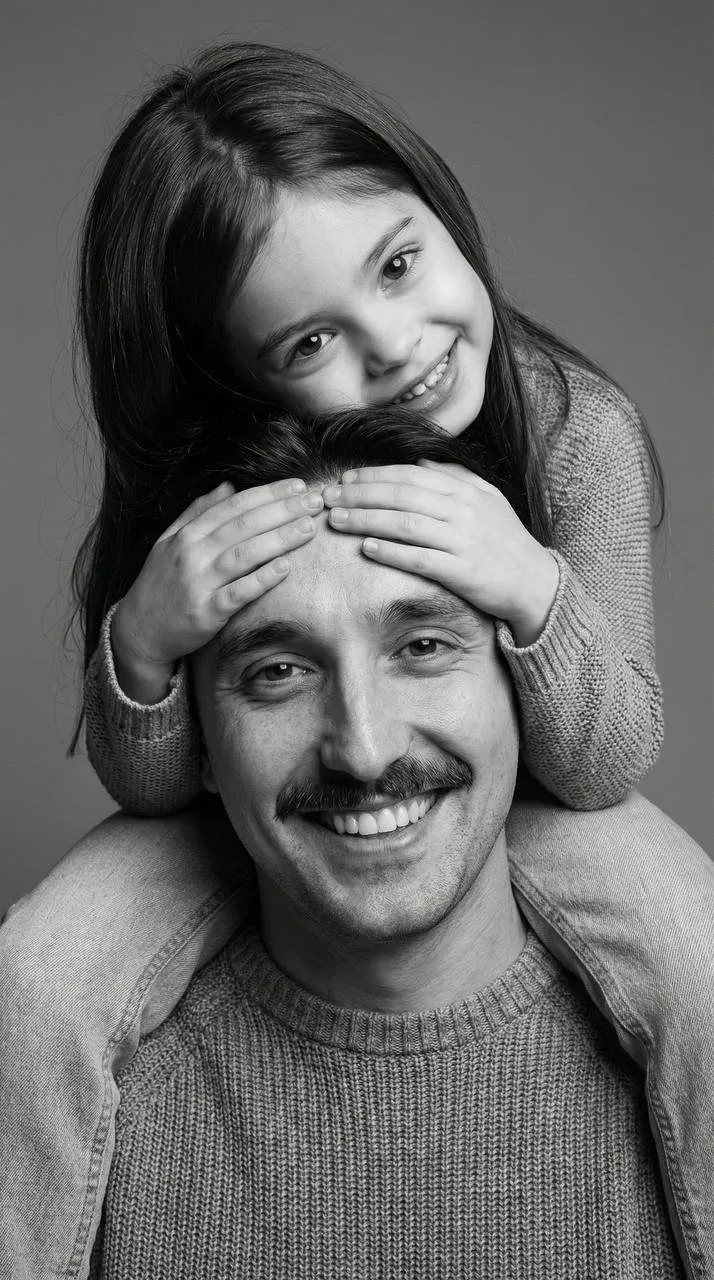 25
25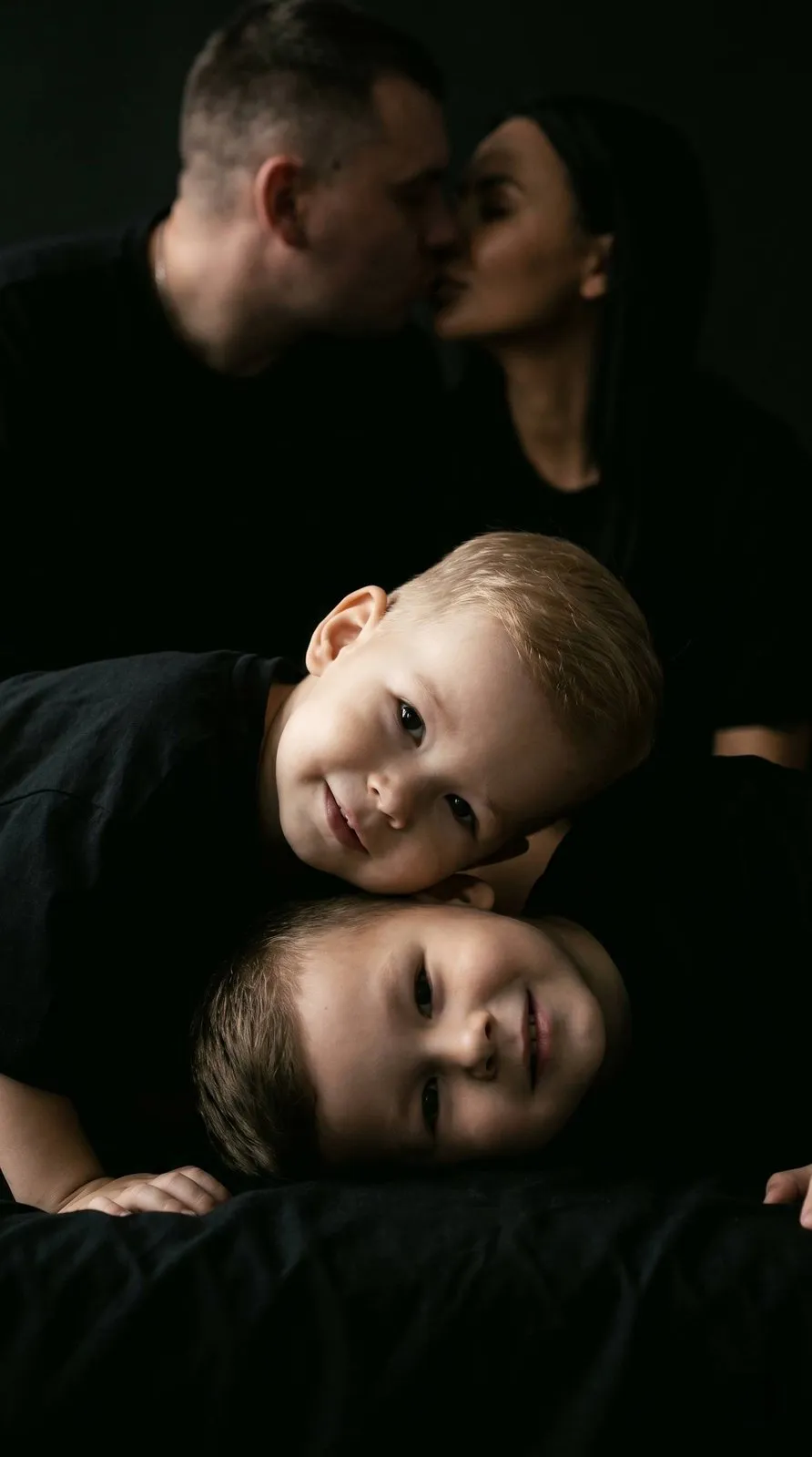 25
25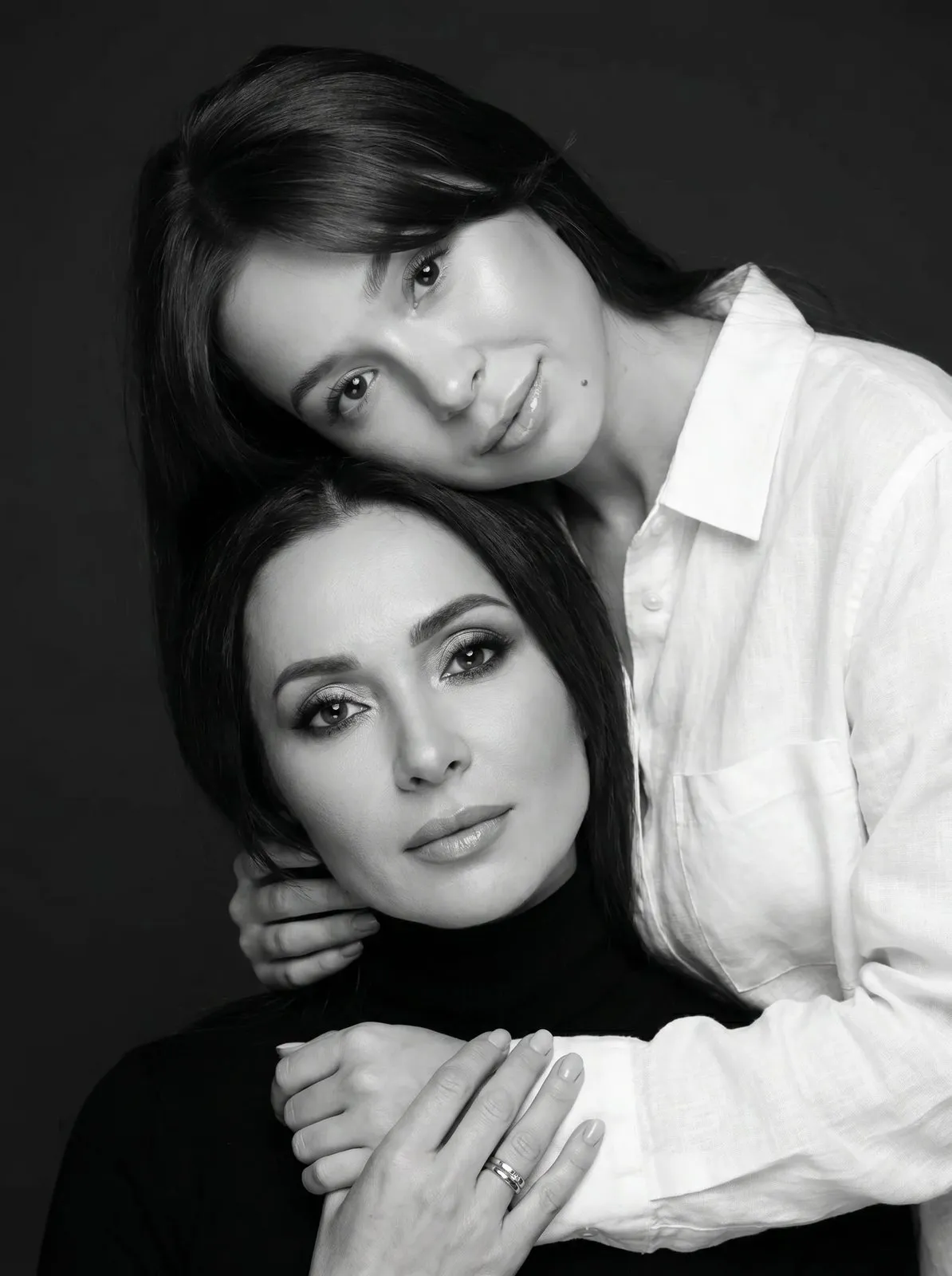 25
25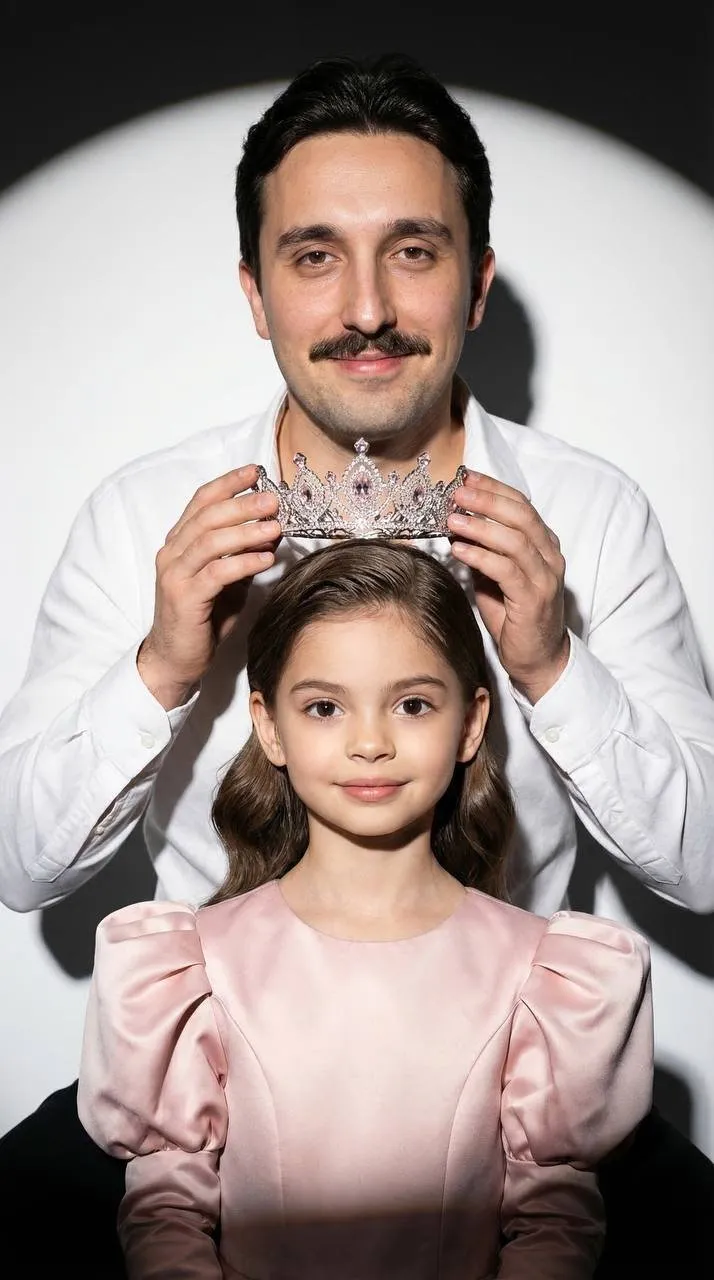 25
25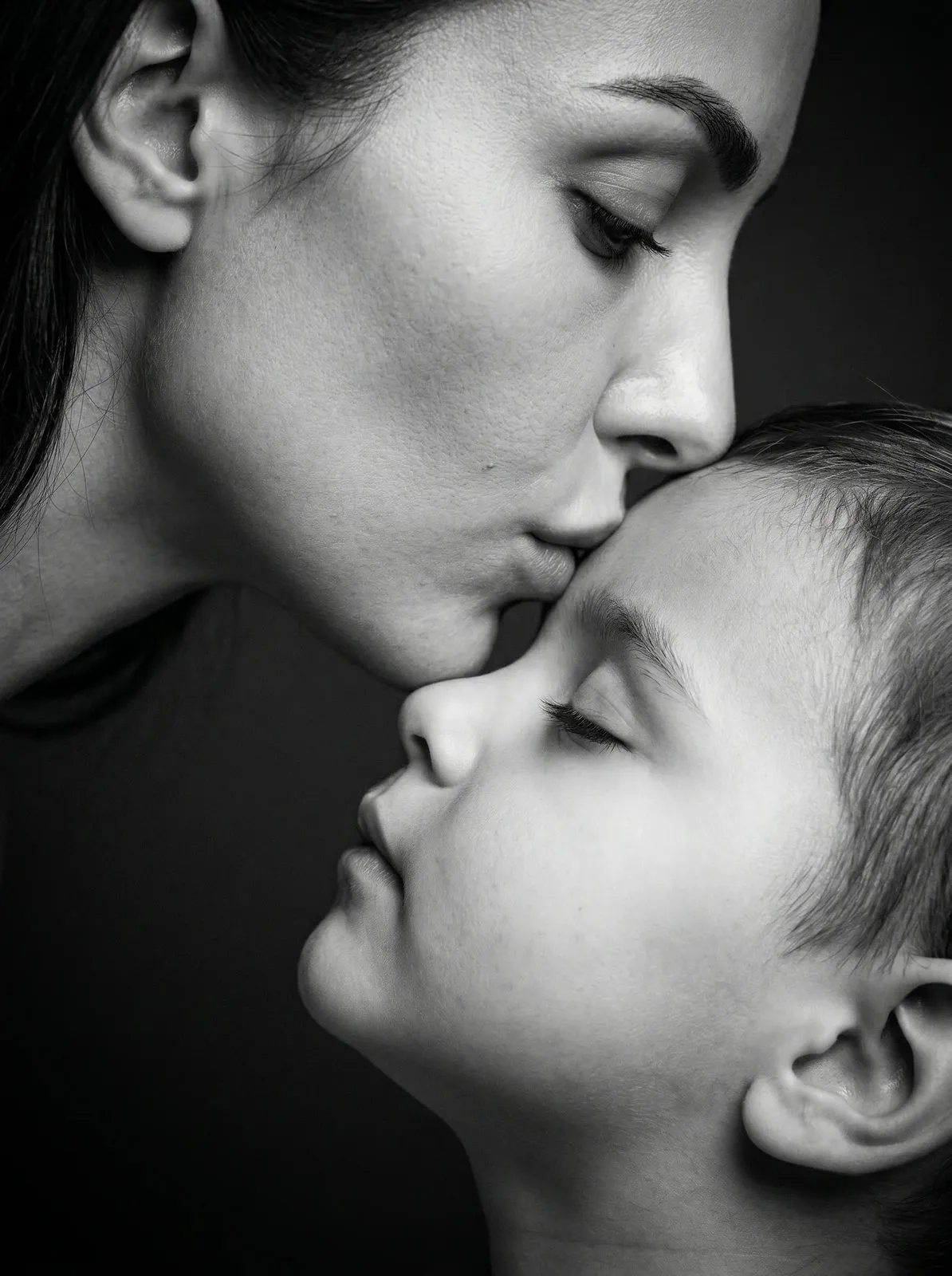 25
25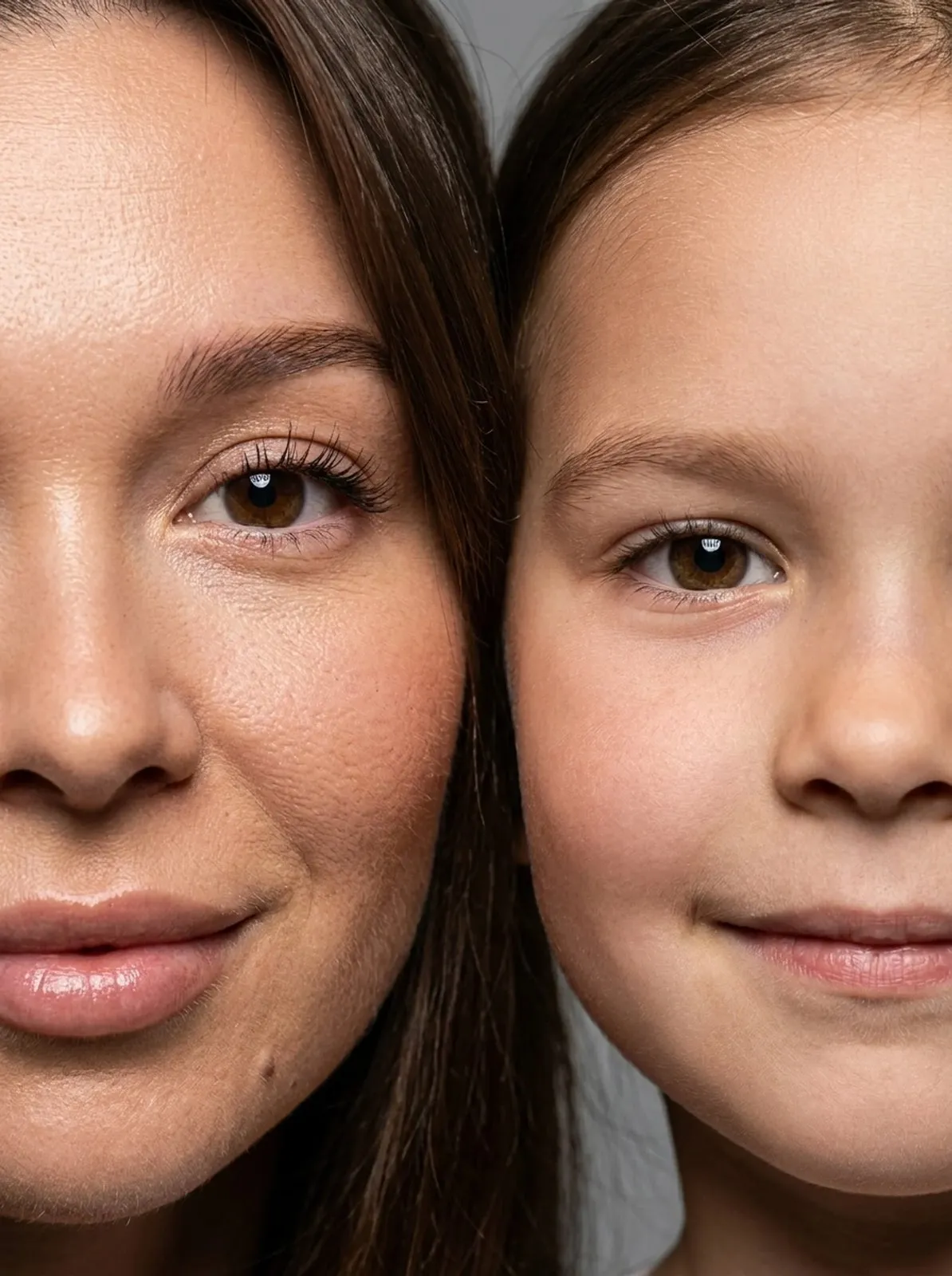 25
25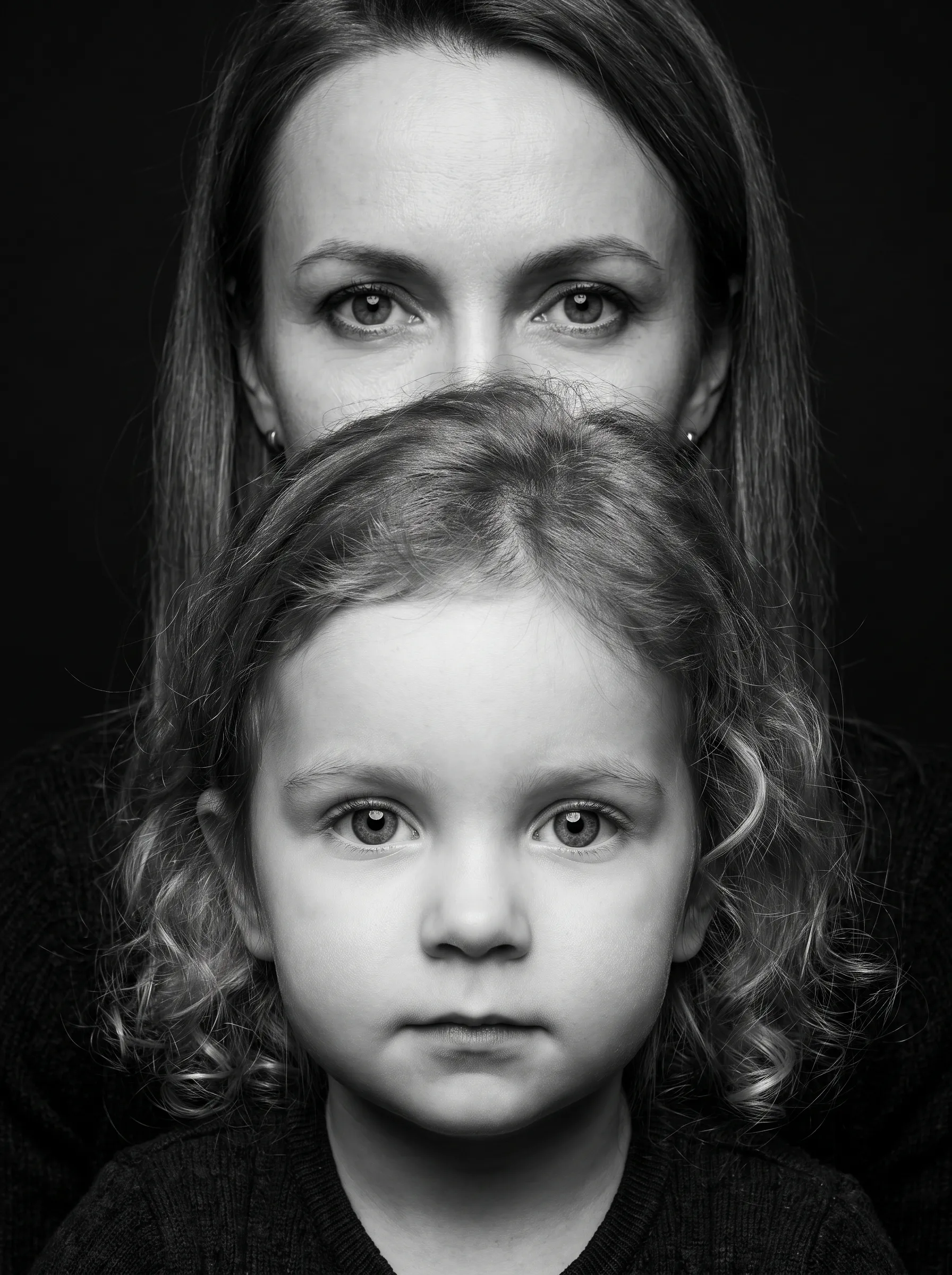 25
25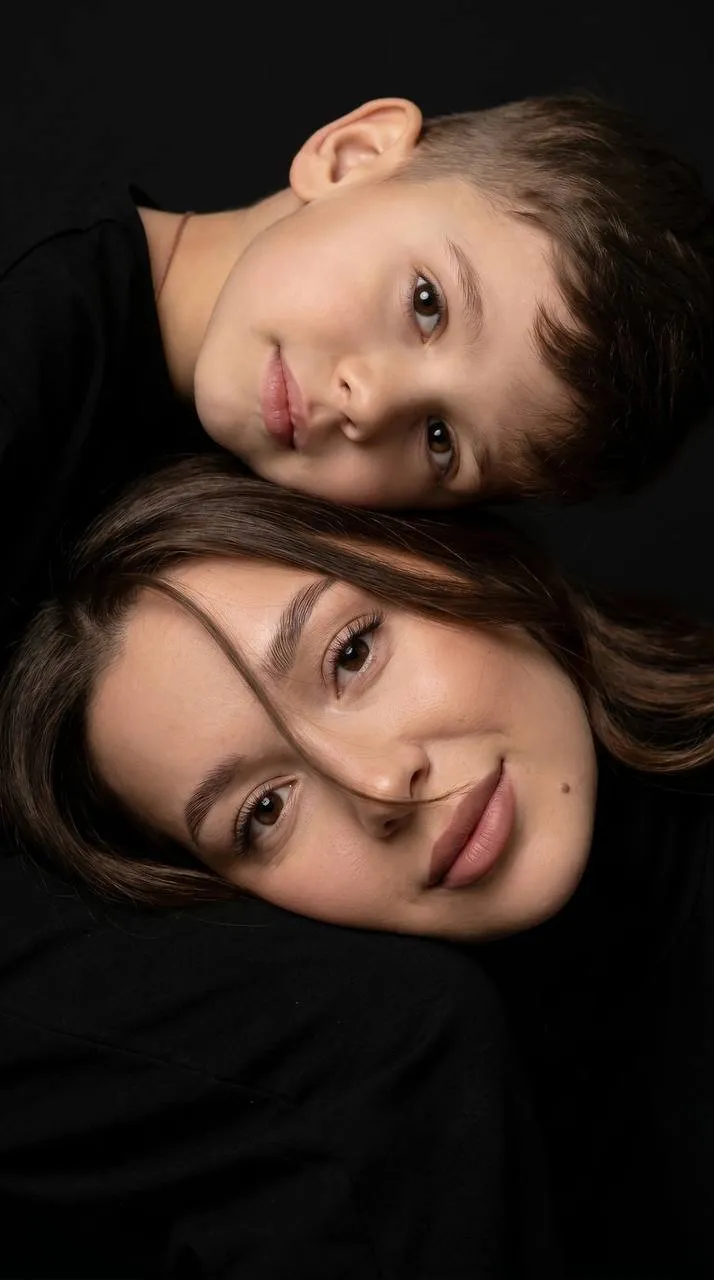 25
25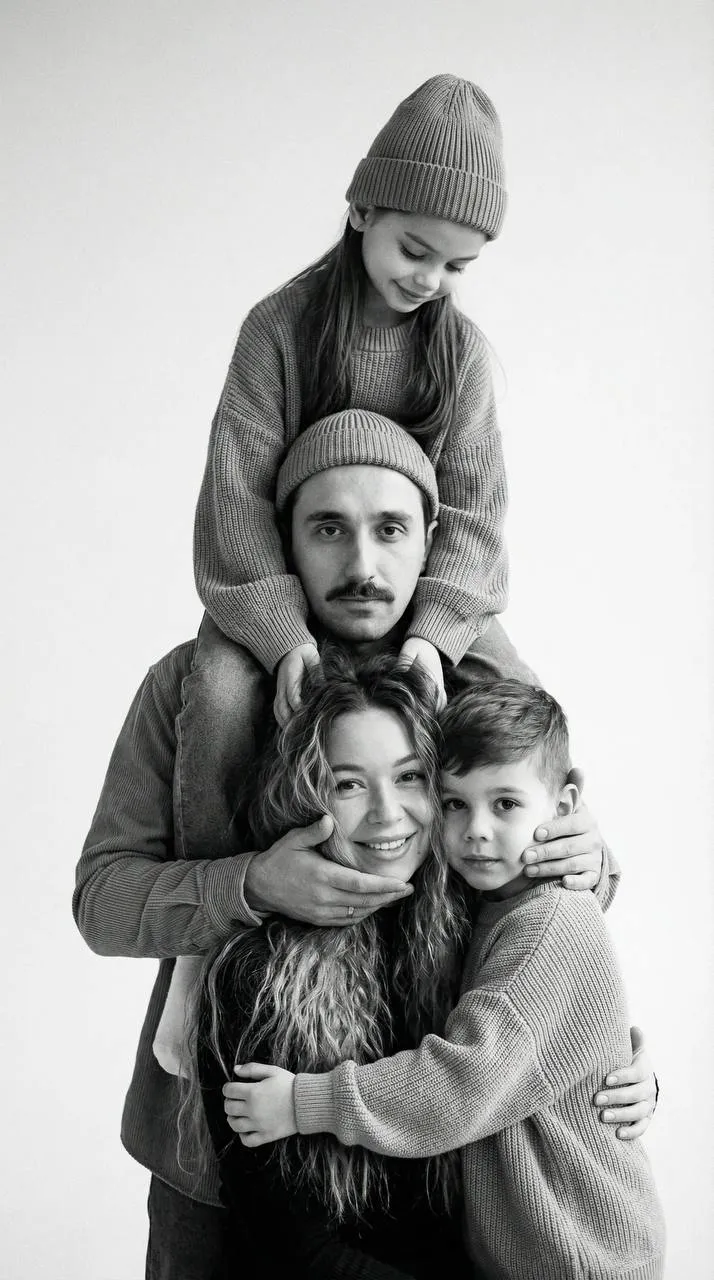 25
25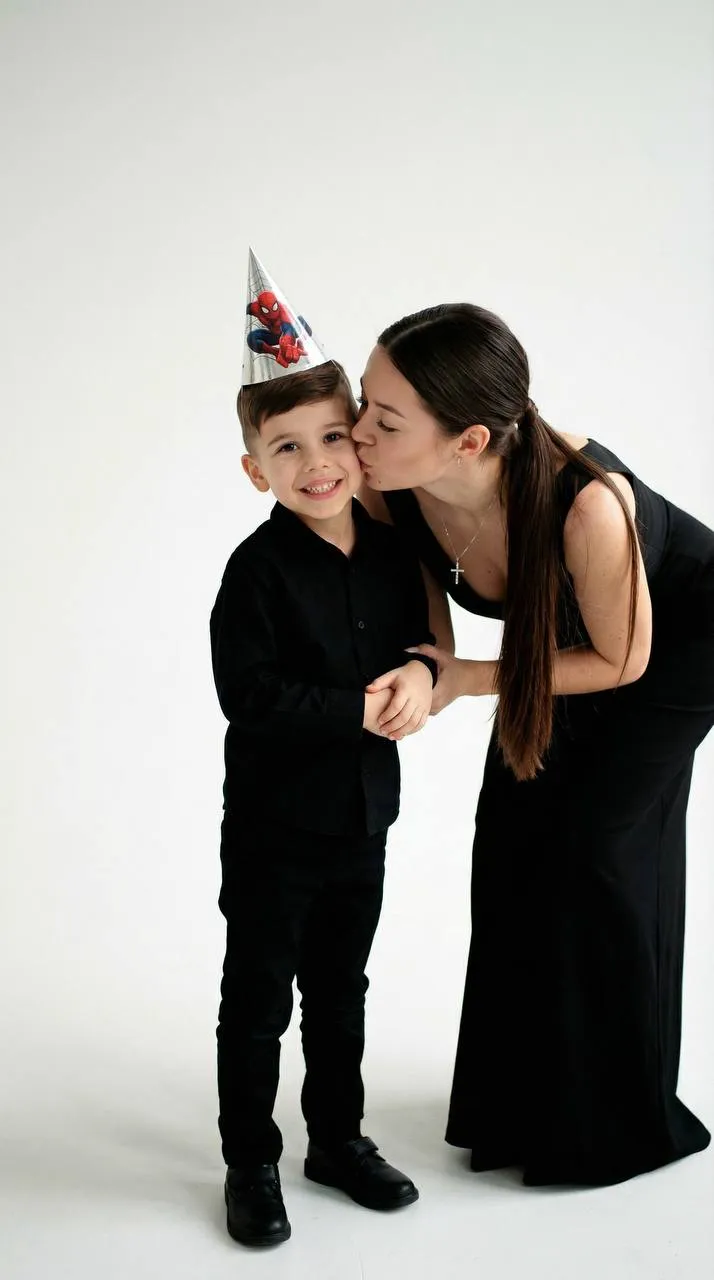 25
25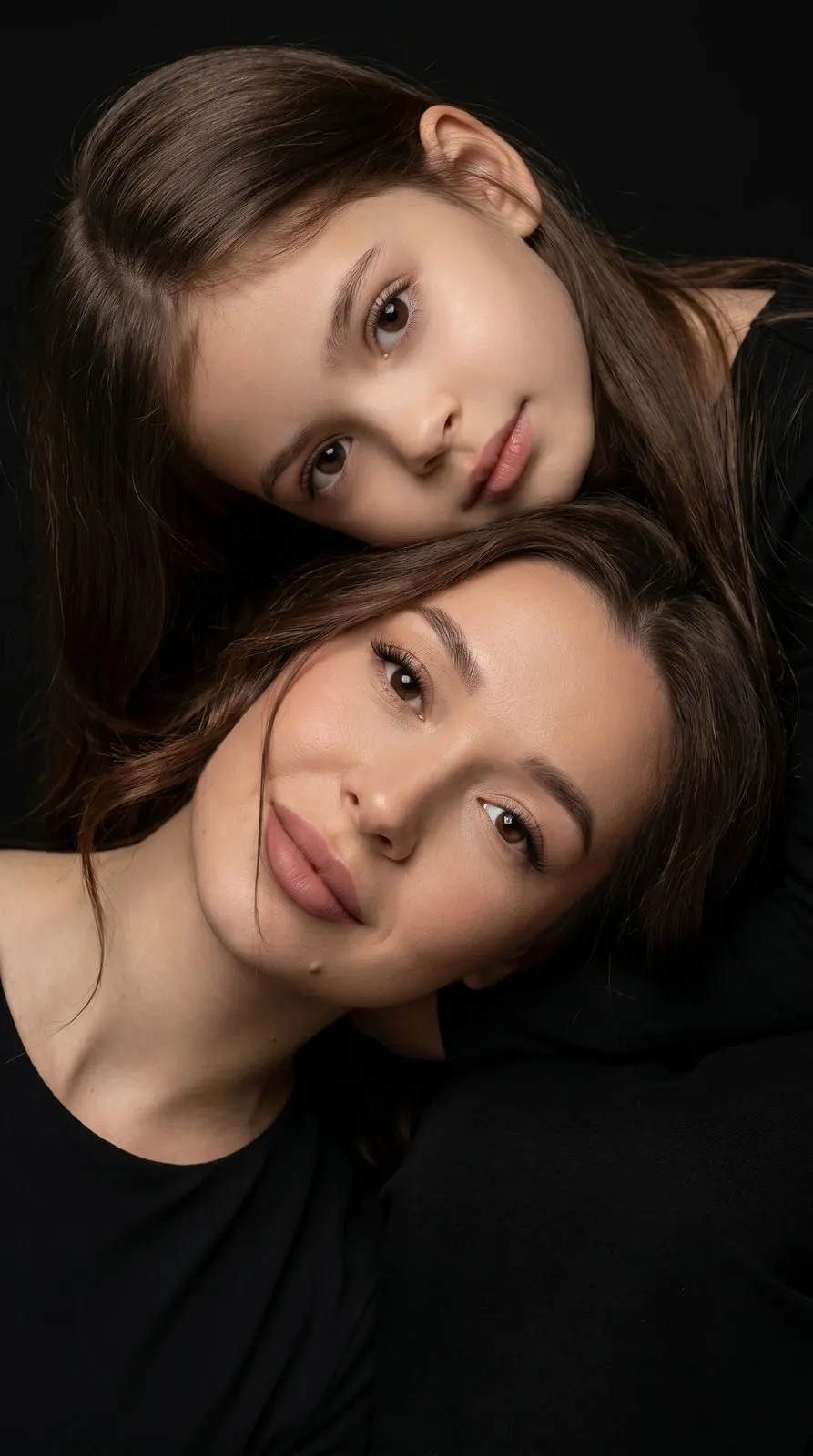 25
25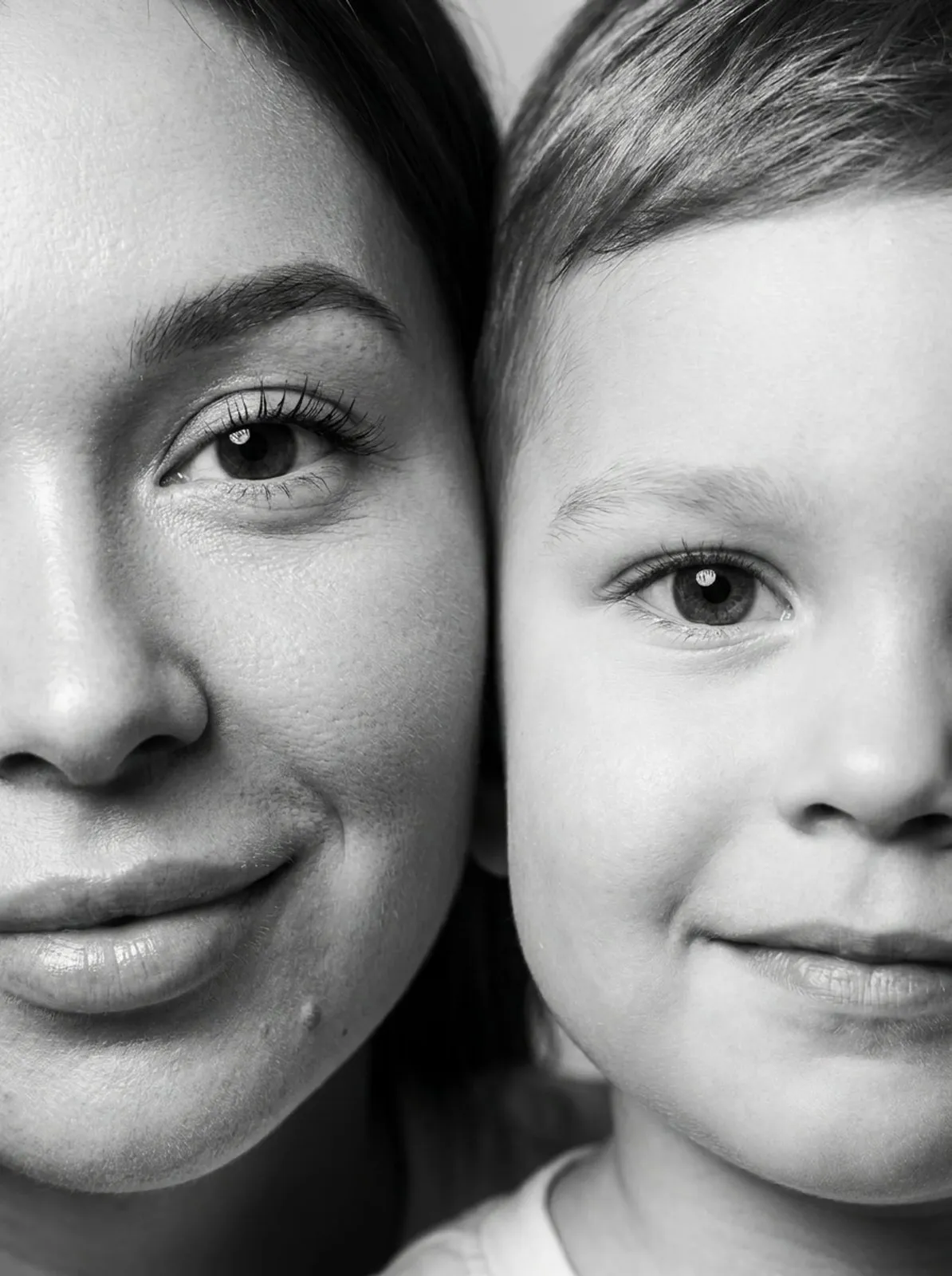 25
25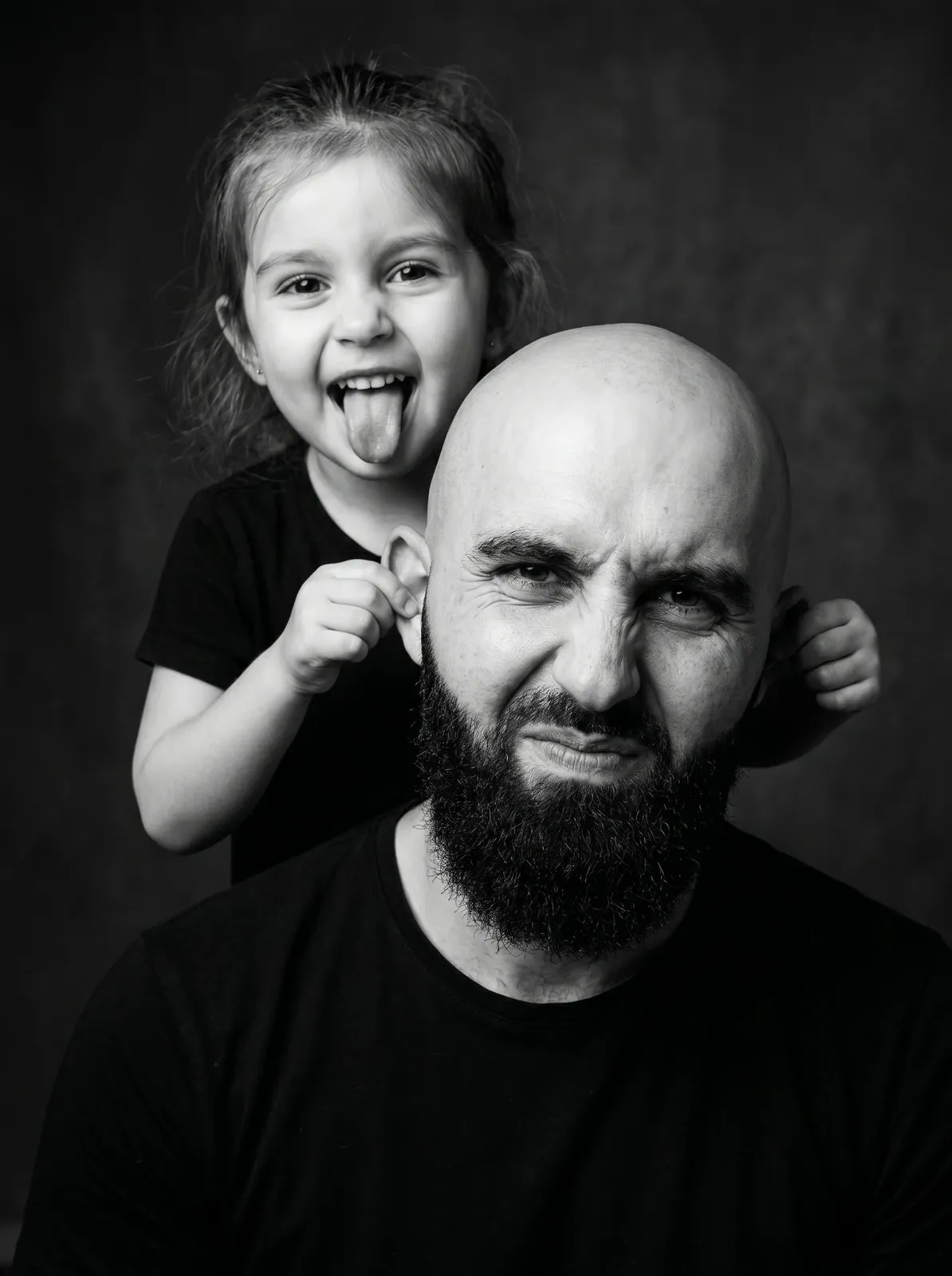 25
25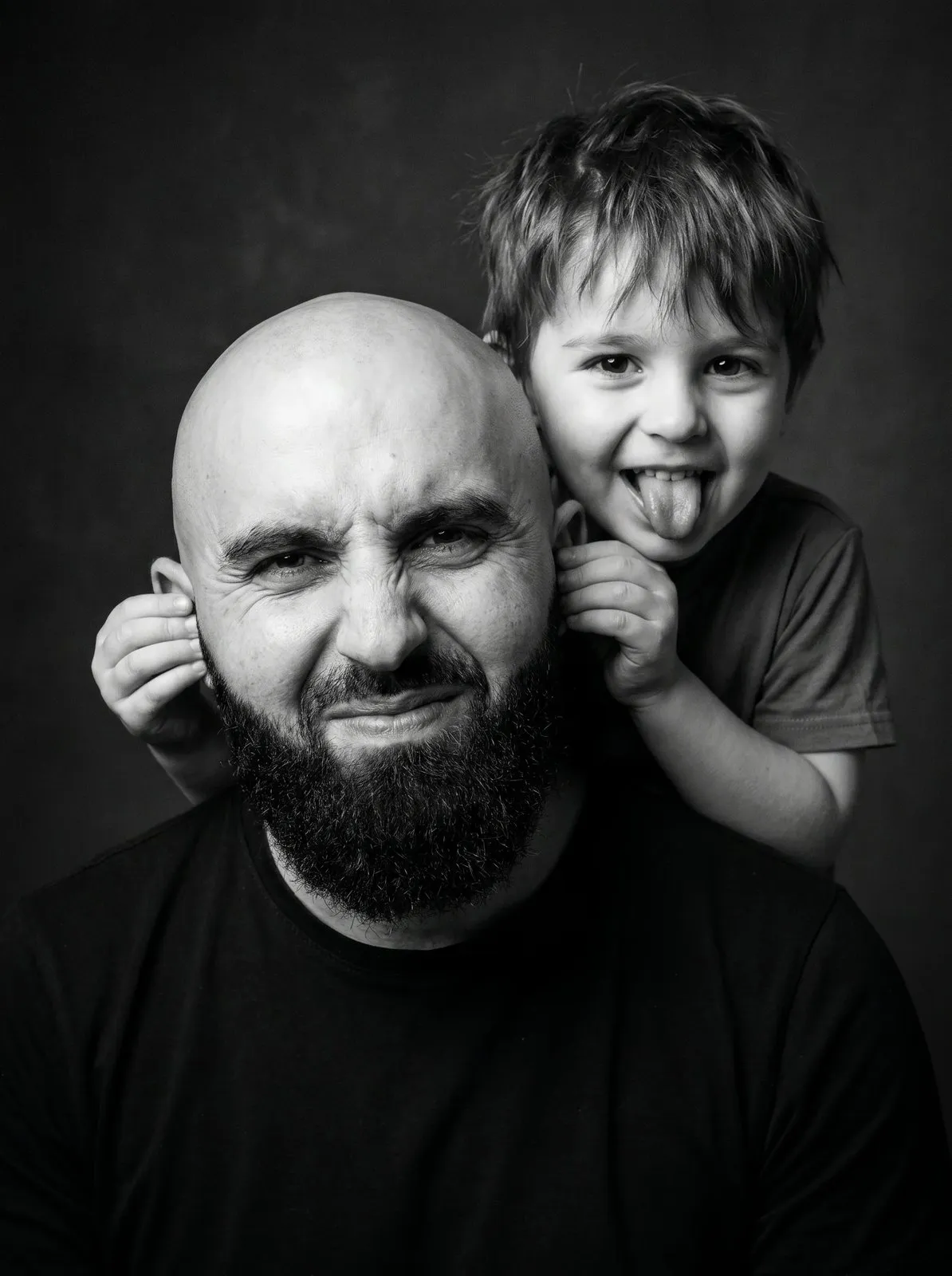 25
25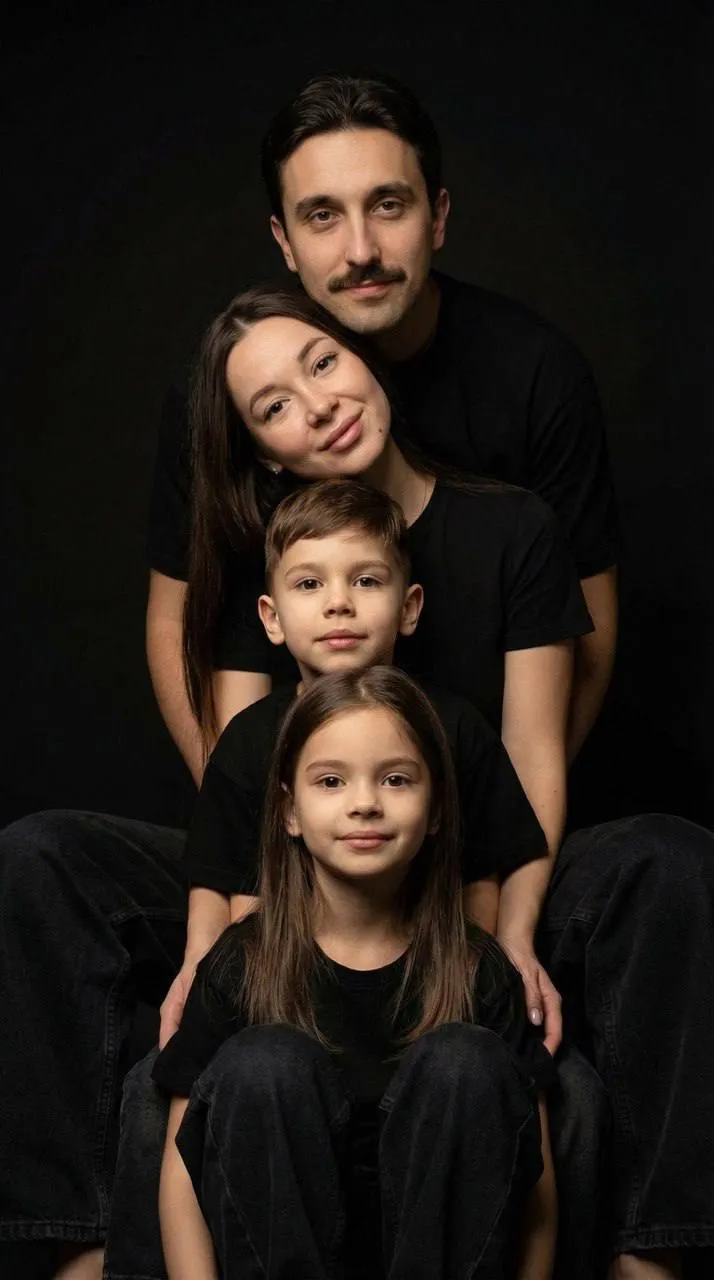 25
25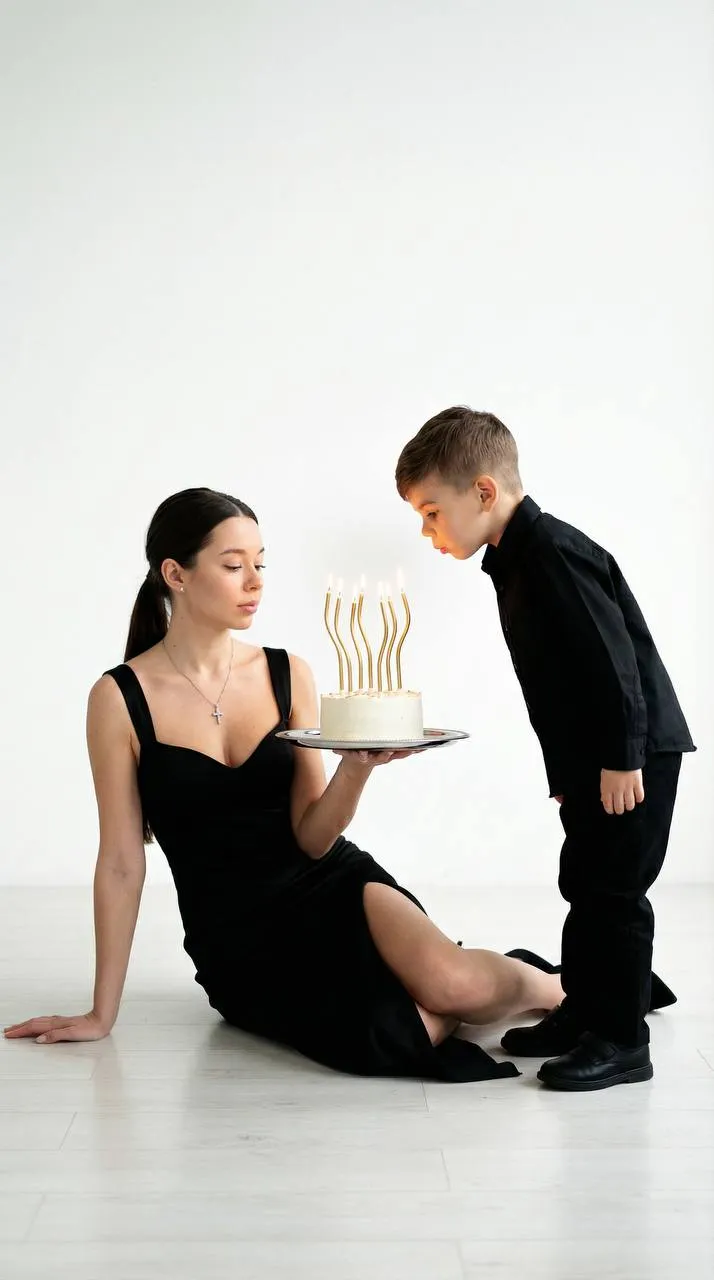 25
25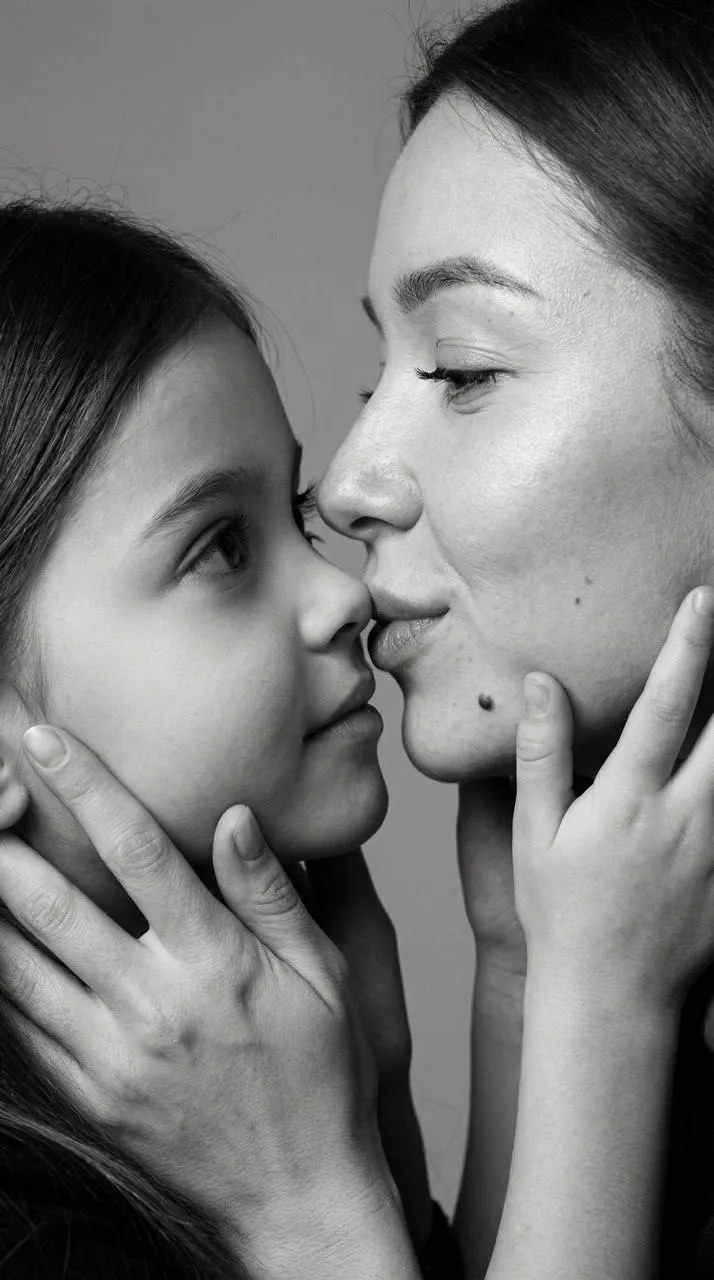 25
25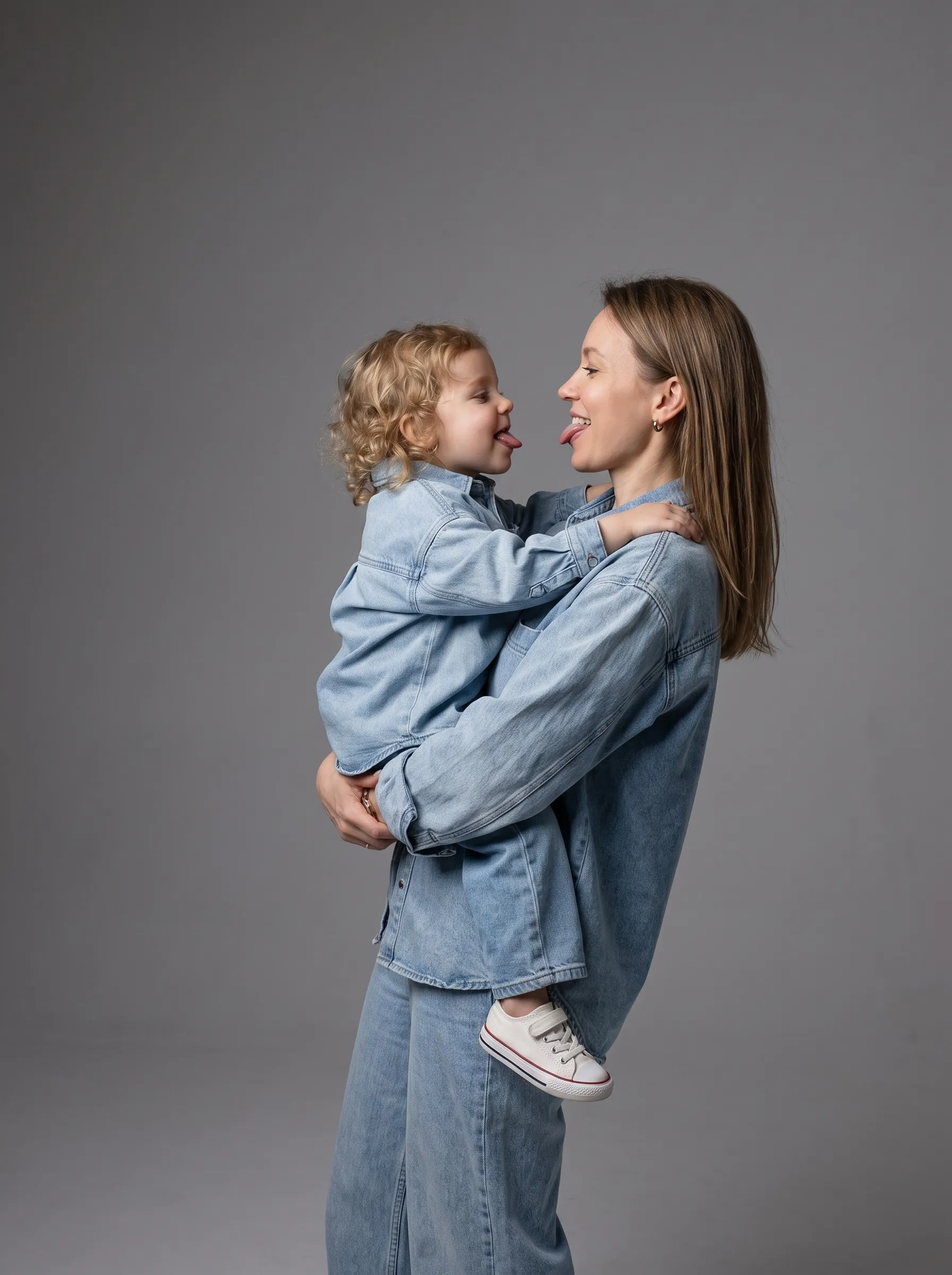 25
25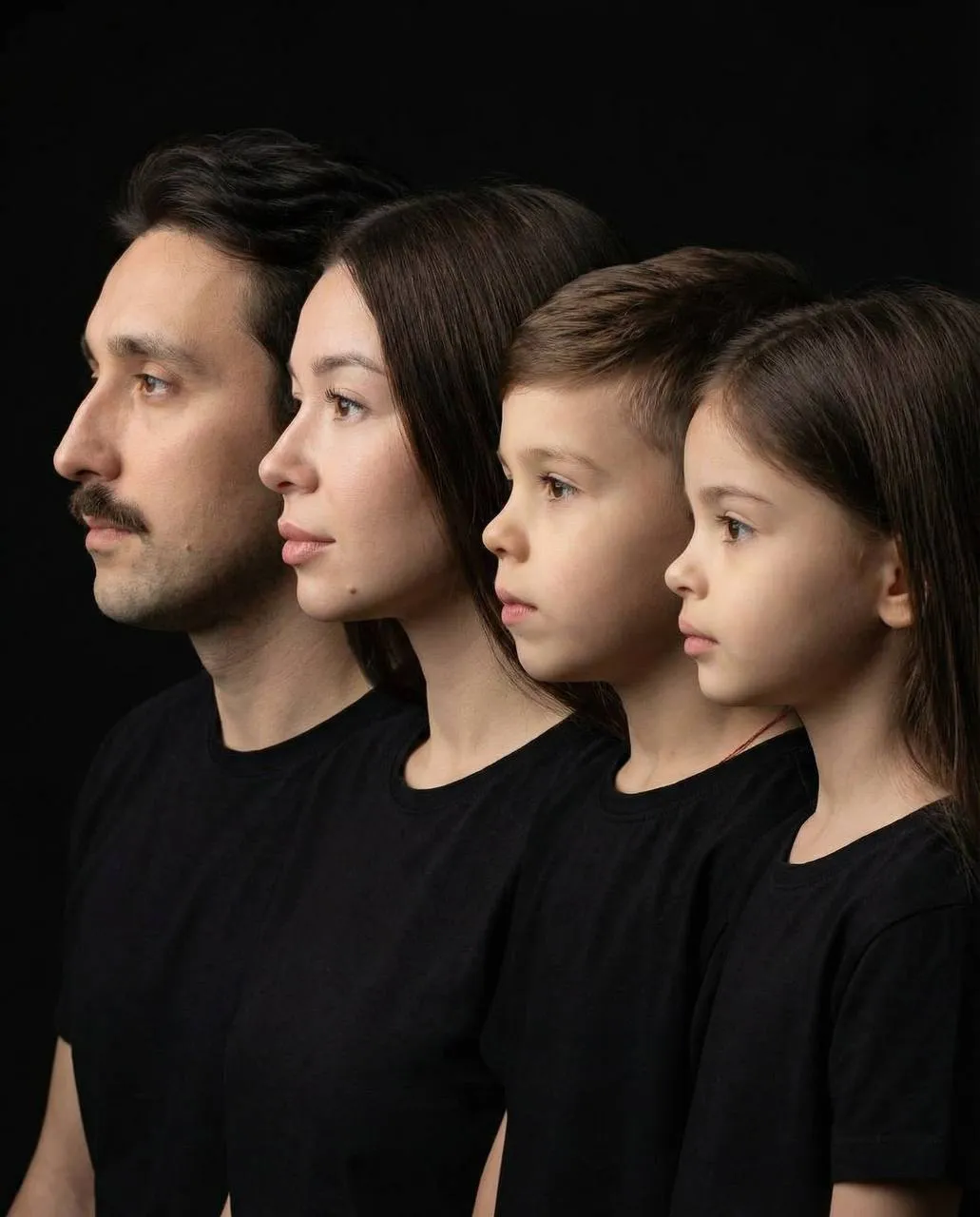 25
25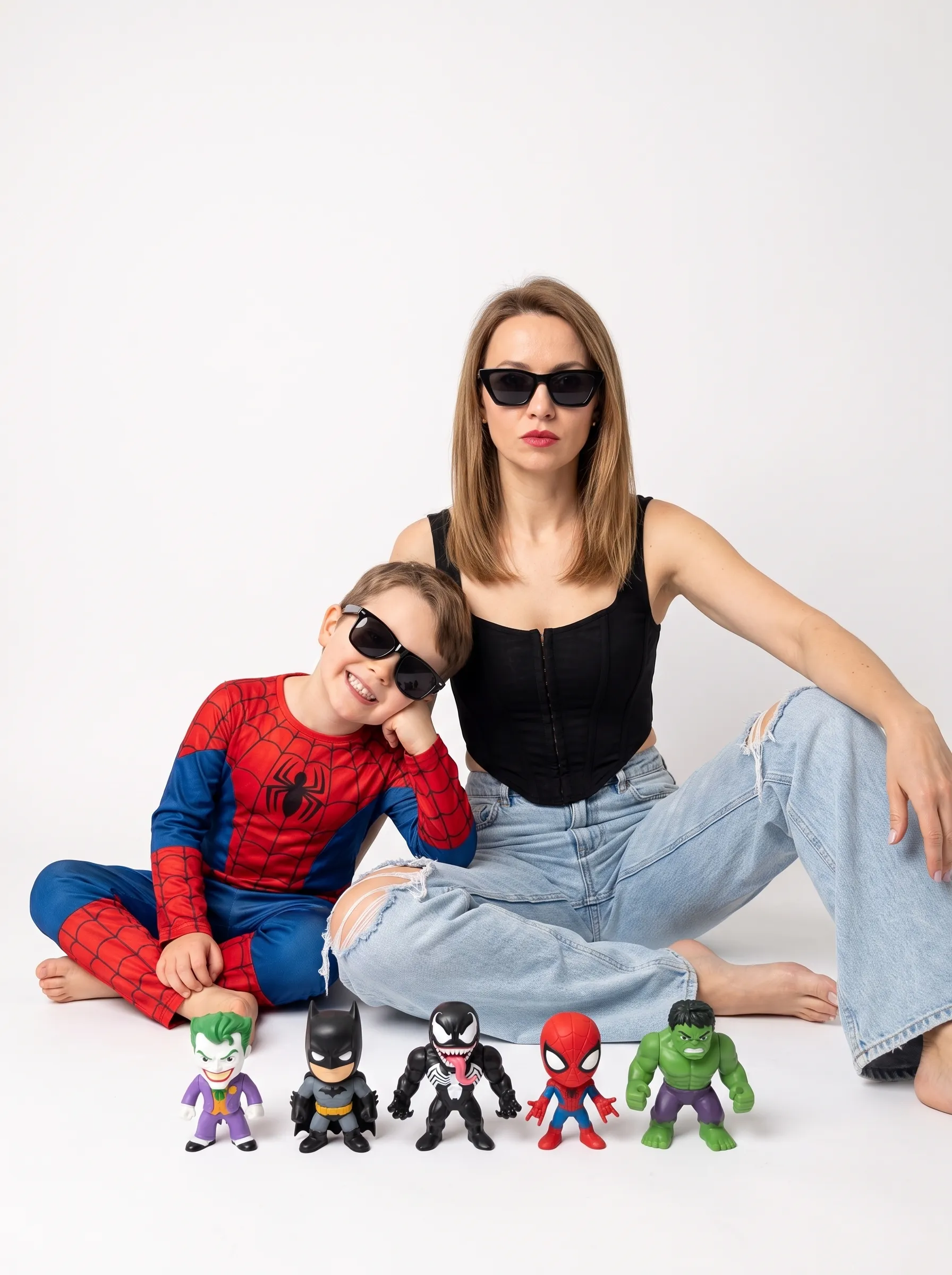 25
25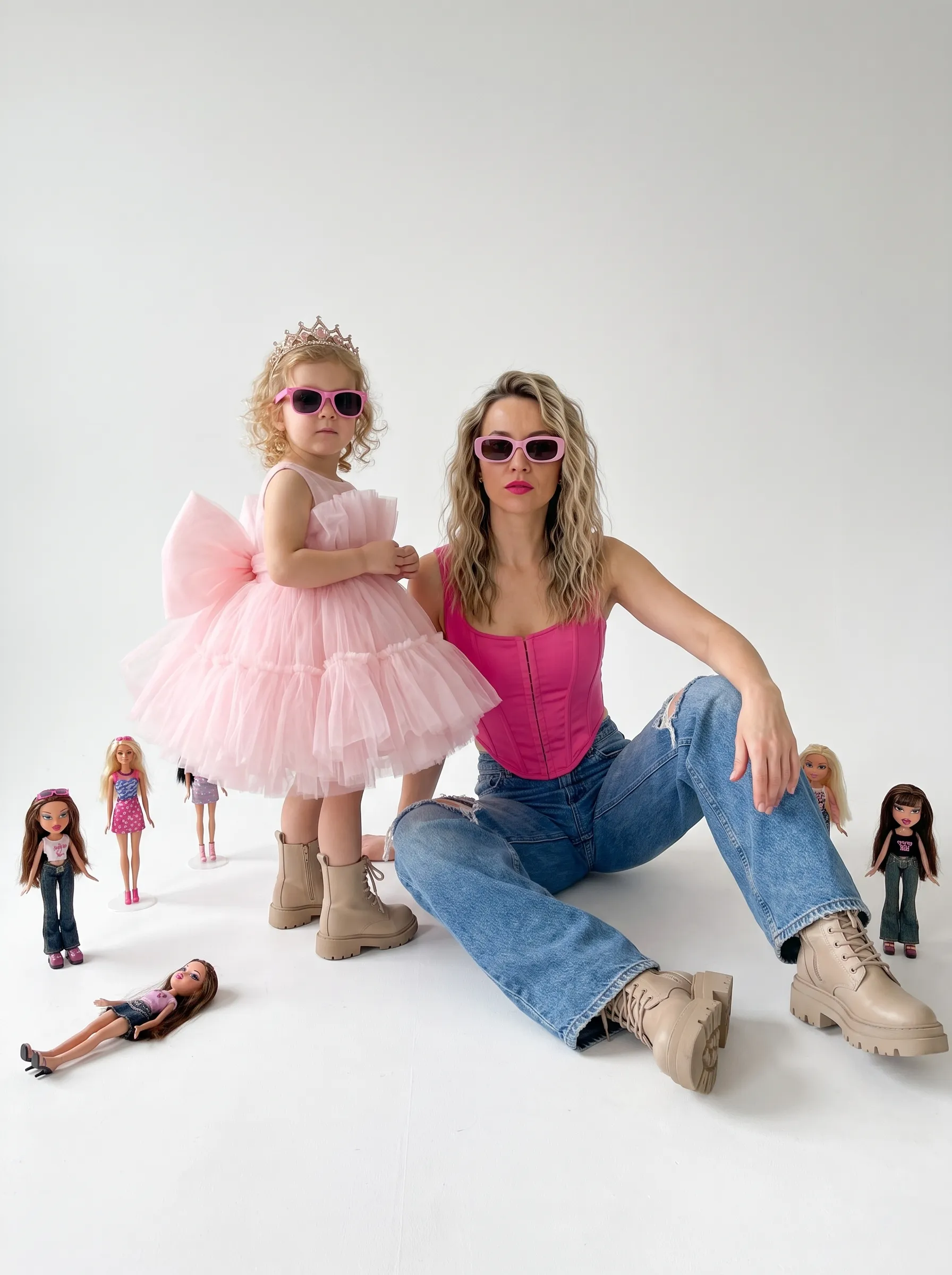 25
25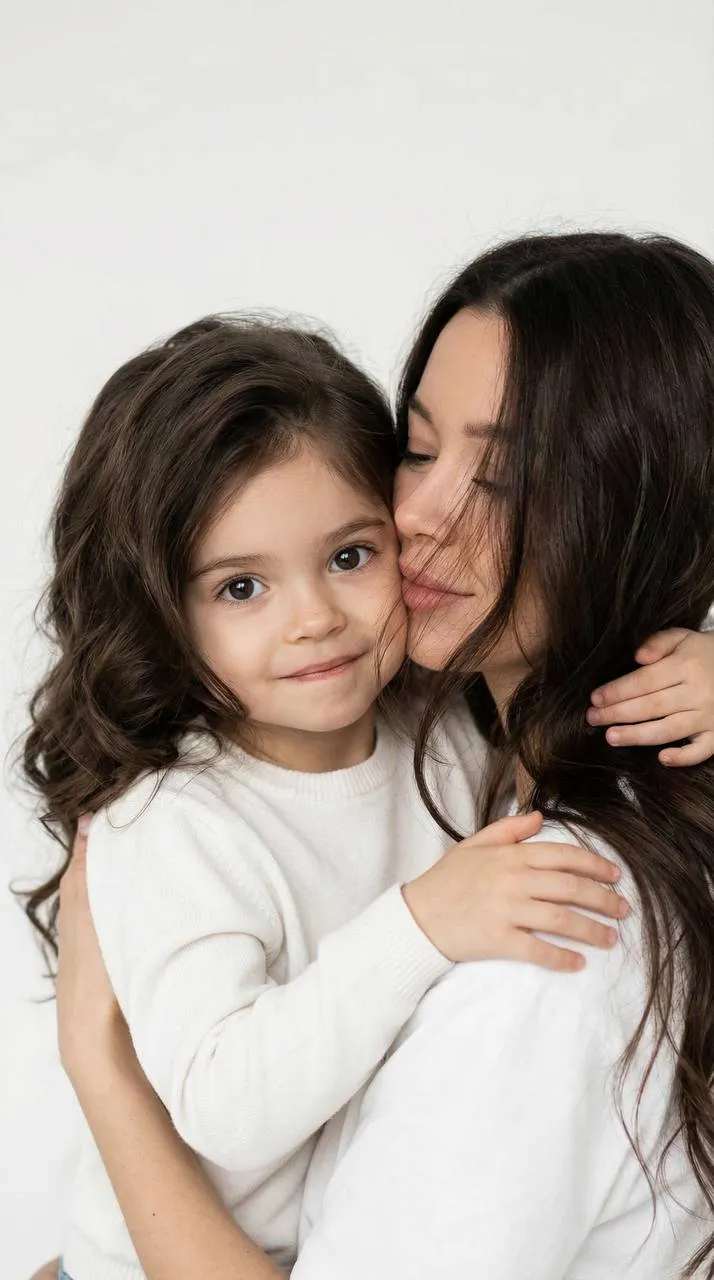 25
25
The studio look, minus the studio
A real studio session means renting the space, booking a photographer and maybe a makeup artist, then getting everyone there on time. An AI studio photoshoot is simpler: upload your photo, choose a look, and the AI creates a picture with a seamless backdrop, polished lighting and your own appearance. There's no studio and no photographer involved — the result looks like a professional shot, but it's an AI image made from your photo.
What looks are in this collection
The collection gathers studio scenes from different categories, so there are studio photoshoot ideas for most occasions.
Portraits for women
Glossy beauty portraits, high-fashion close-ups, portraits on deep colored backdrops with hard side light, scenes with flowers and confident looks in glasses.
Looks for men
Clean portraits against a light wall or a gray backdrop — shirts, blazers and a calm, direct gaze.
Families, kids and couples
Family studio portraits with parents and children cheek to cheek, the whole family in matching outfits, tender moments between mom and baby. There are also studio scenes for couples and looks for moms-to-be.
White studio and black studio
Bright scenes: a white cyclorama, a white backdrop, minimalism and soft light. Dark scenes: a black backdrop, contrasty light and dramatic portraits. Both moods are here.
Choosing a backdrop: white, black or color
A white backdrop with soft light feels fresh and clean — great for family portraits, gentle maternity looks and a friendly profile picture. A black backdrop with contrasty light adds drama and sculpts your features, so it's the pick for a bold portrait of a woman or a man. A colored backdrop sits in between: more striking than white, softer than black. Not sure? Make two pictures from the same photo, one light and one dark, and compare.
How to make AI studio photos
- Pick a look in the collection.
- Upload your photos — the preset form shows how many and whose: yours, your partner's or your child's.
- Choose the format: 3:4 or 9:16.
- Tap "Generate". In about a minute the picture appears in "Generations".
Download it in high resolution or share it with a link.
Which photo to upload
- A sharp photo with your whole face visible.
- Good, even light — no filters, no sunglasses.
- For family and couple looks, a clear separate photo of each person.
- Background and clothes don't matter: the preset sets the backdrop and the outfit.
Ideas for your studio shots
- A profile picture or cover image.
- A portfolio or an "About me" page.
- A gift for family: a parents-and-kids portrait or a mom-and-baby shot.
- A test run: see which backdrop and lighting suit you before booking a real session.
Why AI instead of renting a studio
An AI studio photoshoot needs no booking, no prep and no travel, and in one evening you can try both bright minimalism and dark drama. That's handy when you want several looks at once, or when the whole family is hard to get together. A real studio session is still the better pick when you want the experience itself, a photographer's direction and genuine in-the-moment emotion.