AI retro photo maker — vintage looks from your photo
AI retro photos from your picture: film grain, vintage portraits, early-2000s flash and classic cars. Your face stays your own.
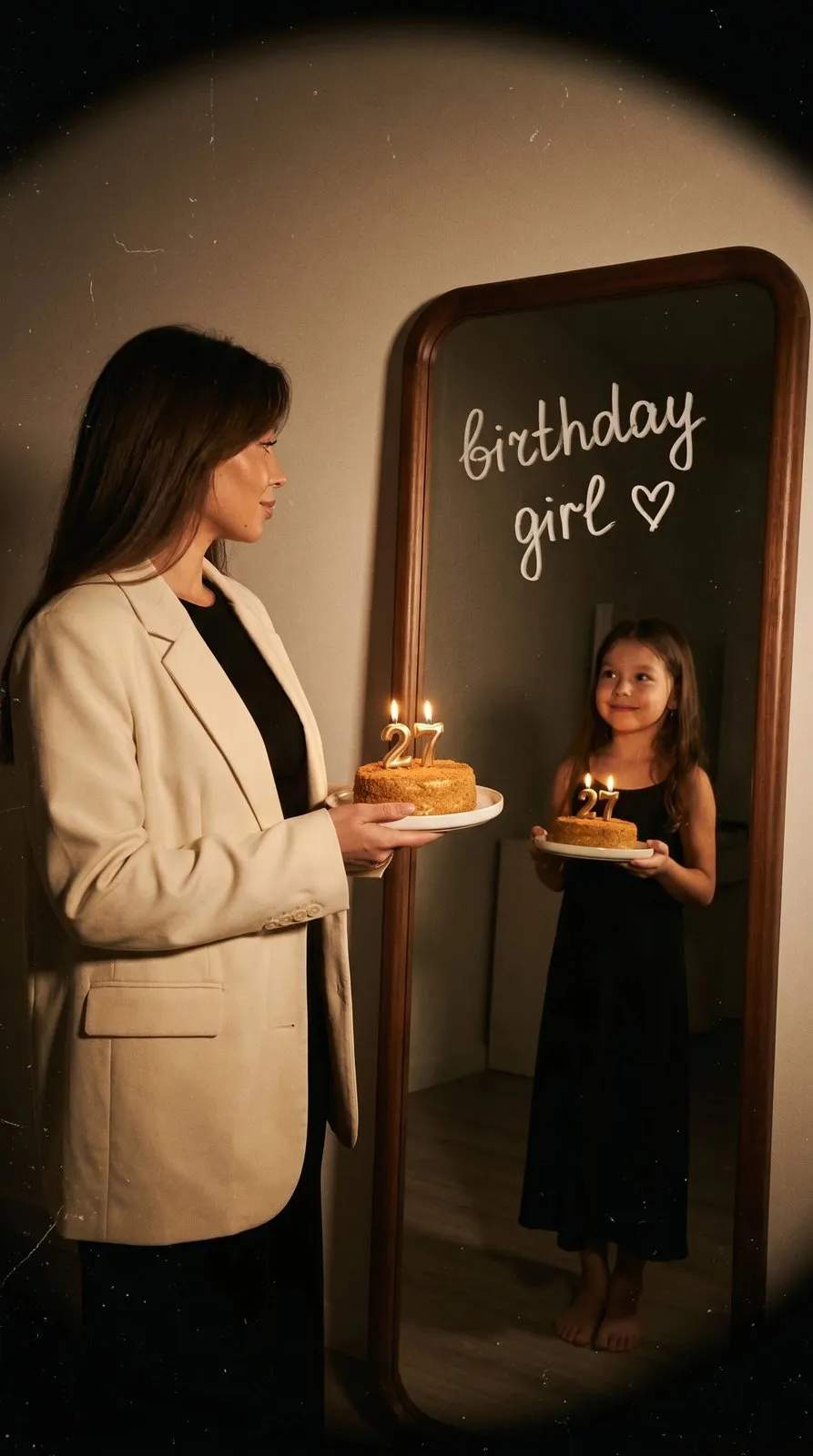
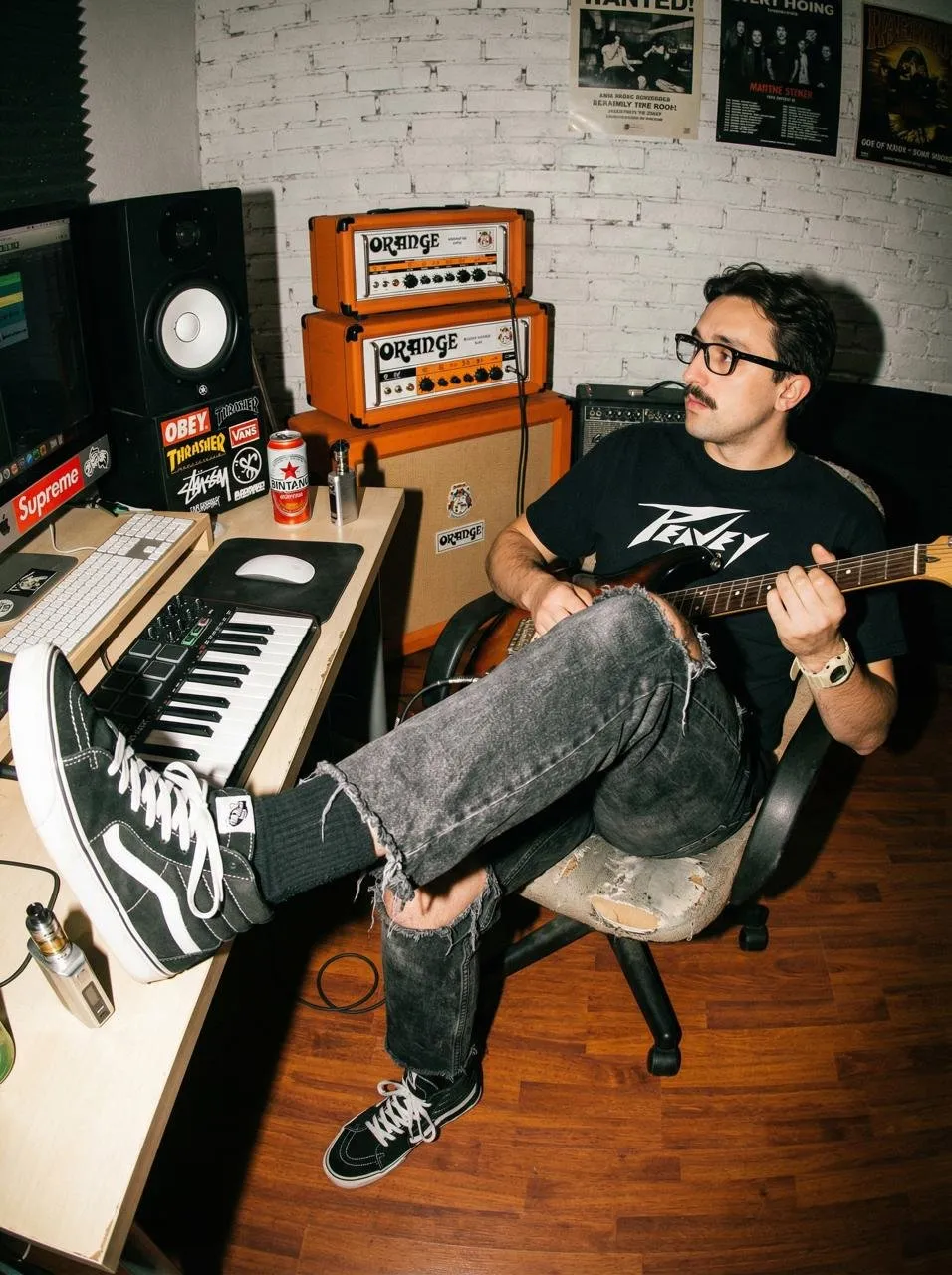
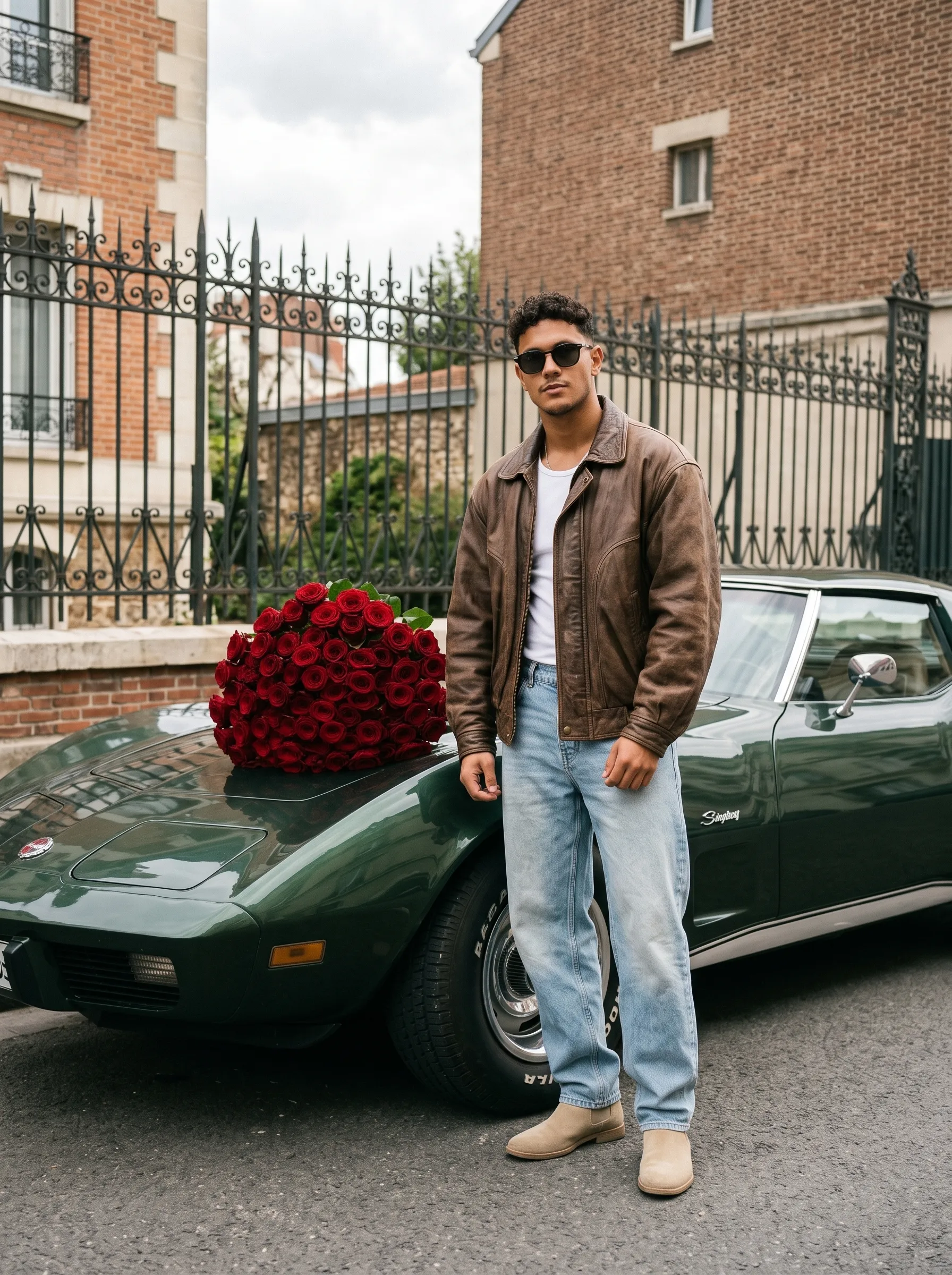
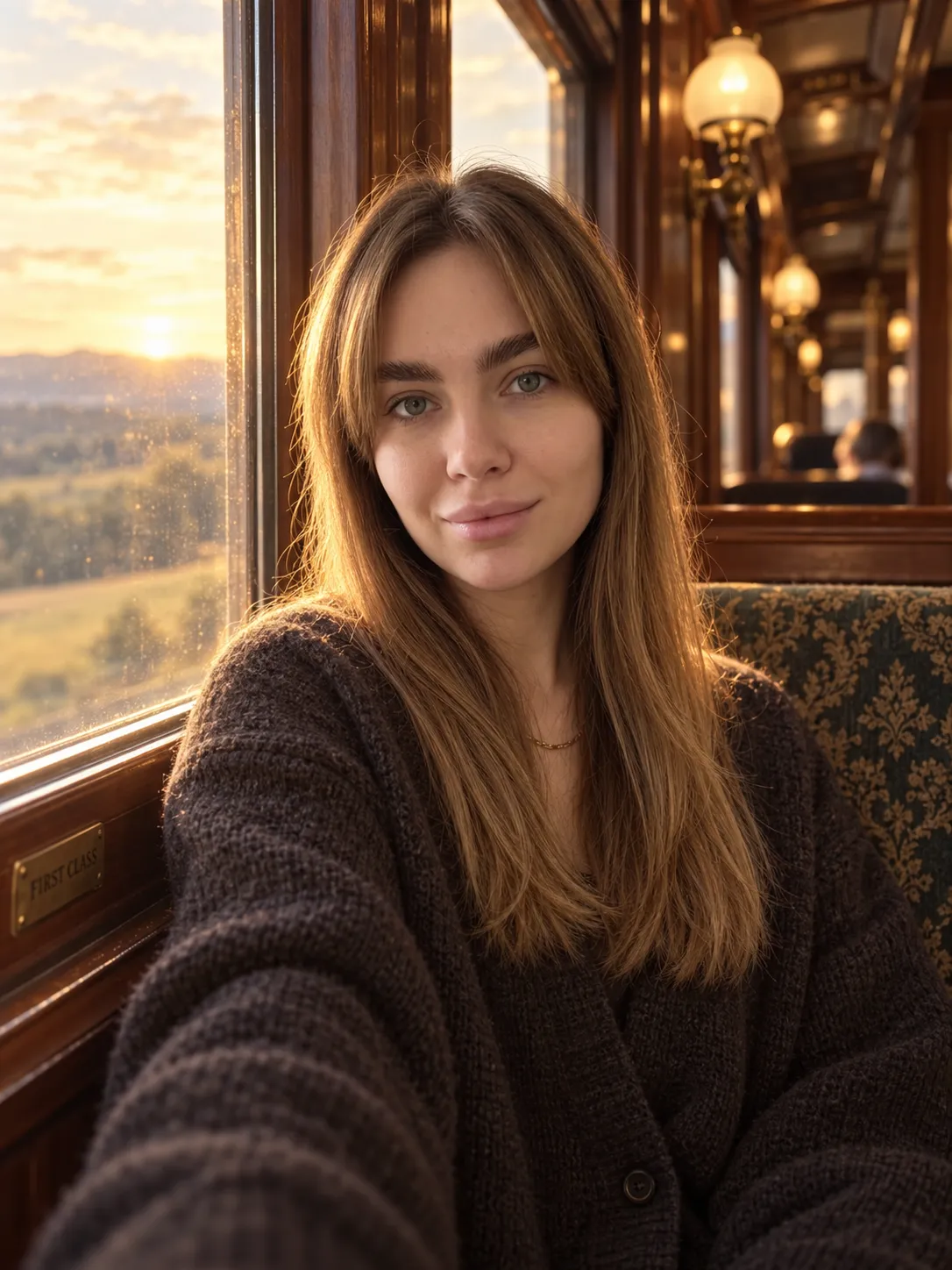
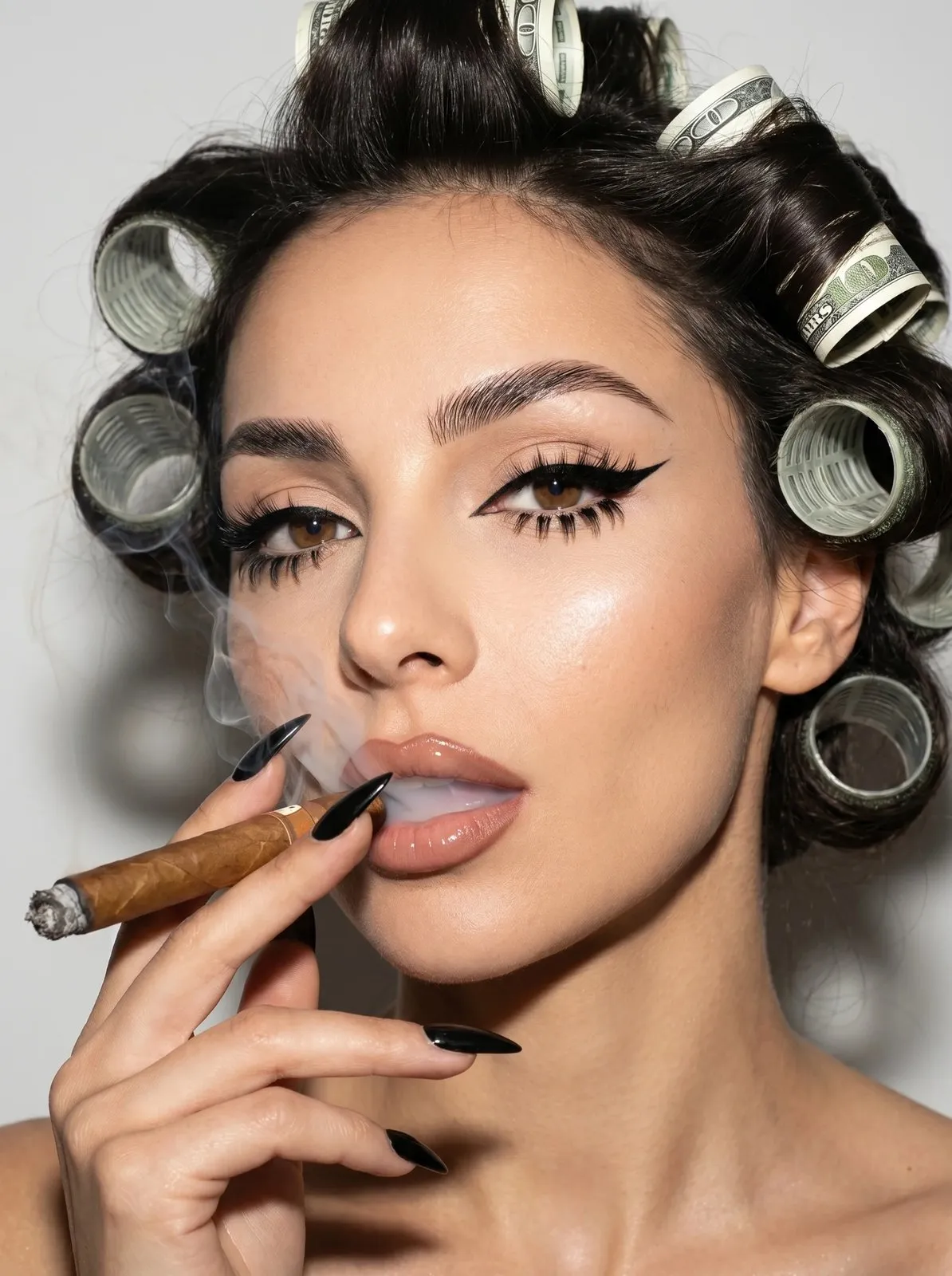
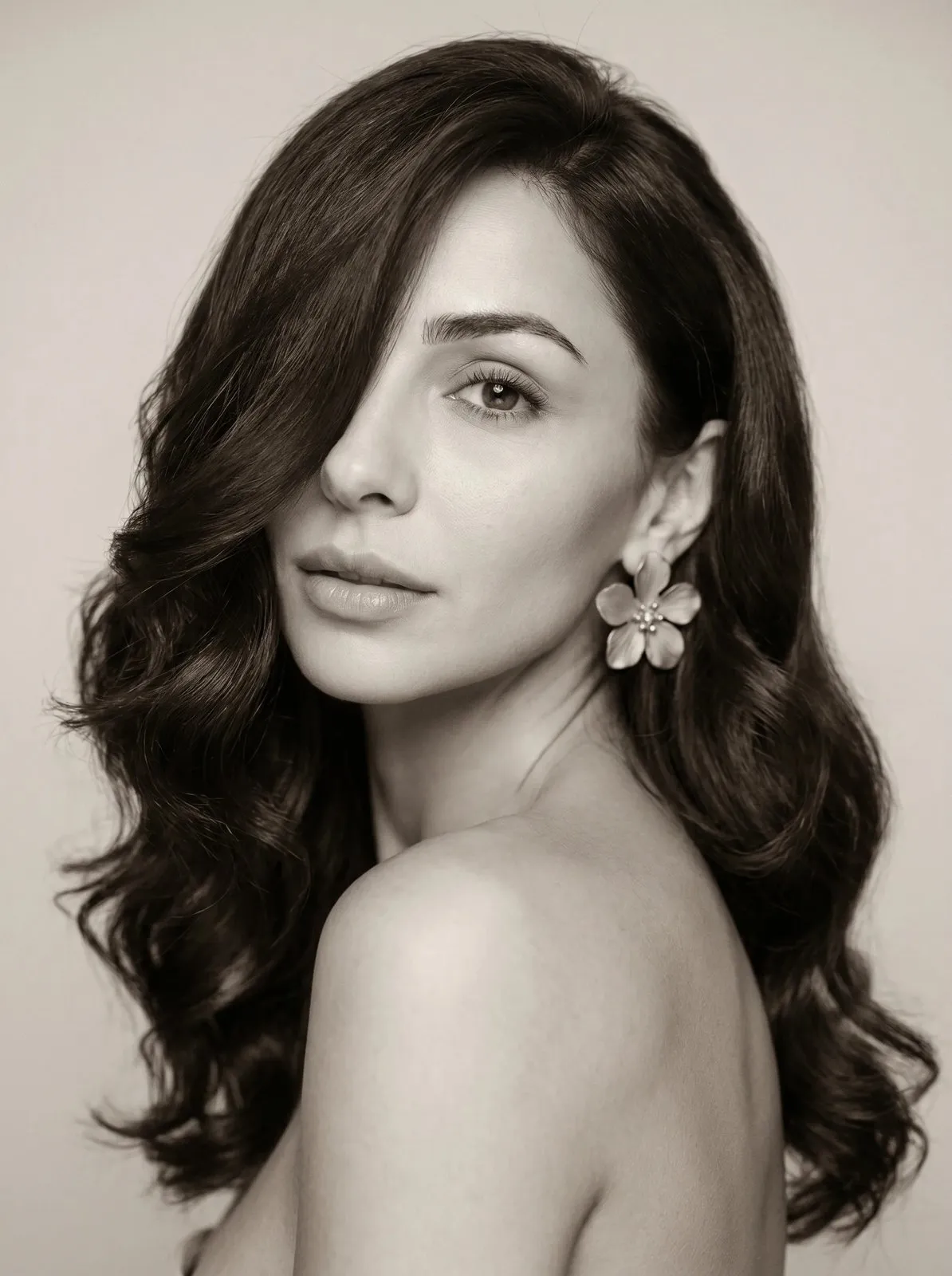
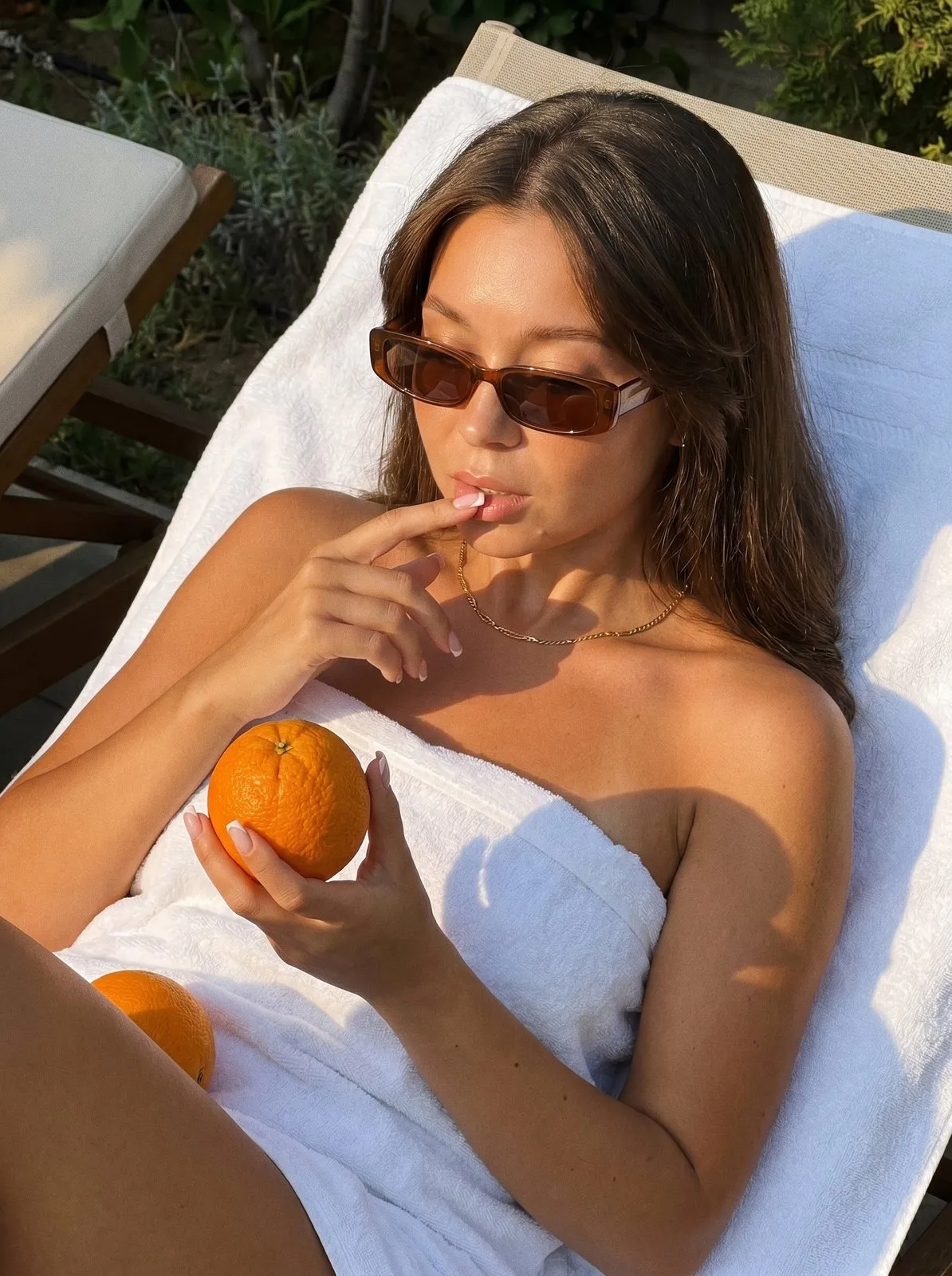
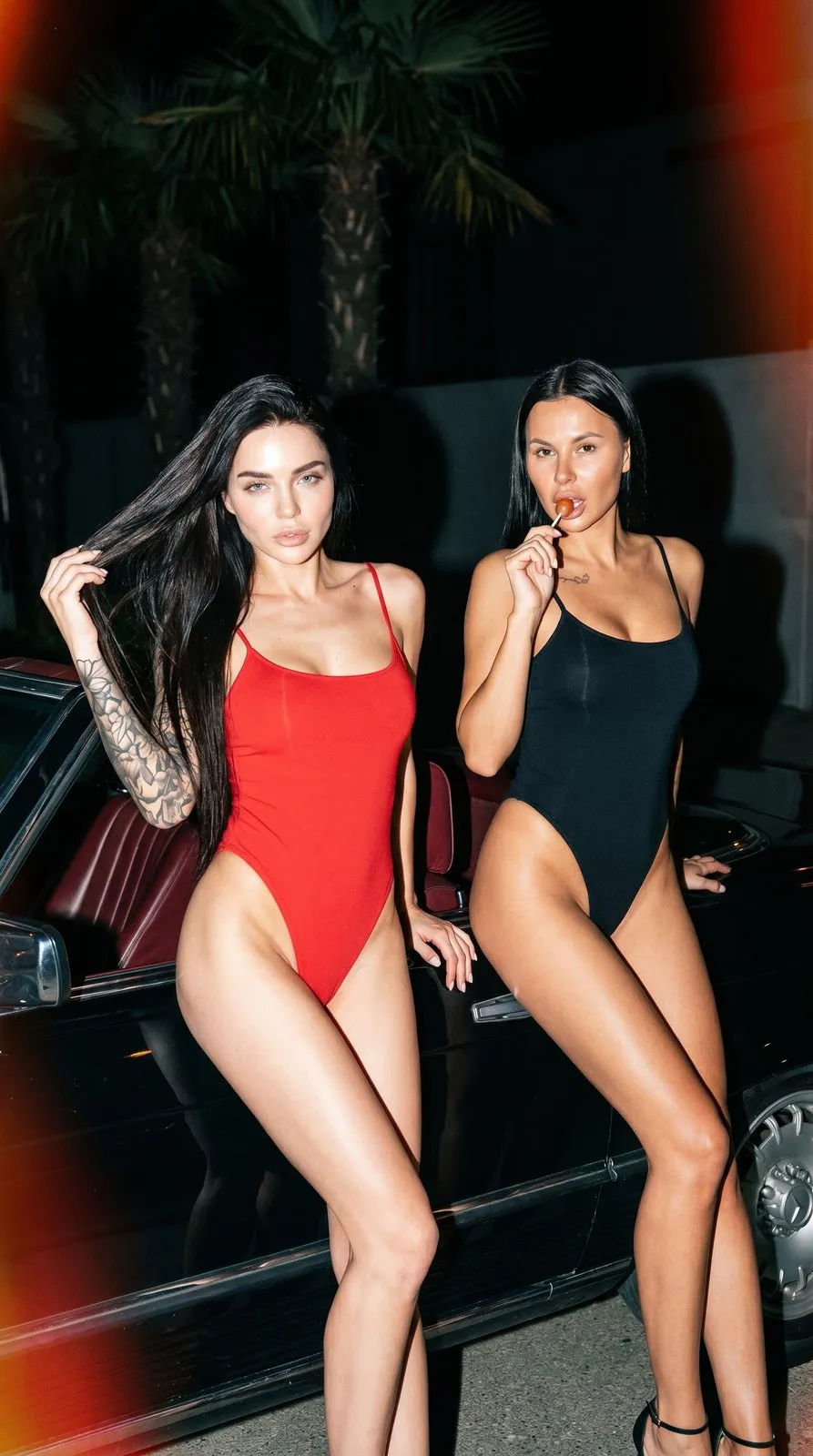
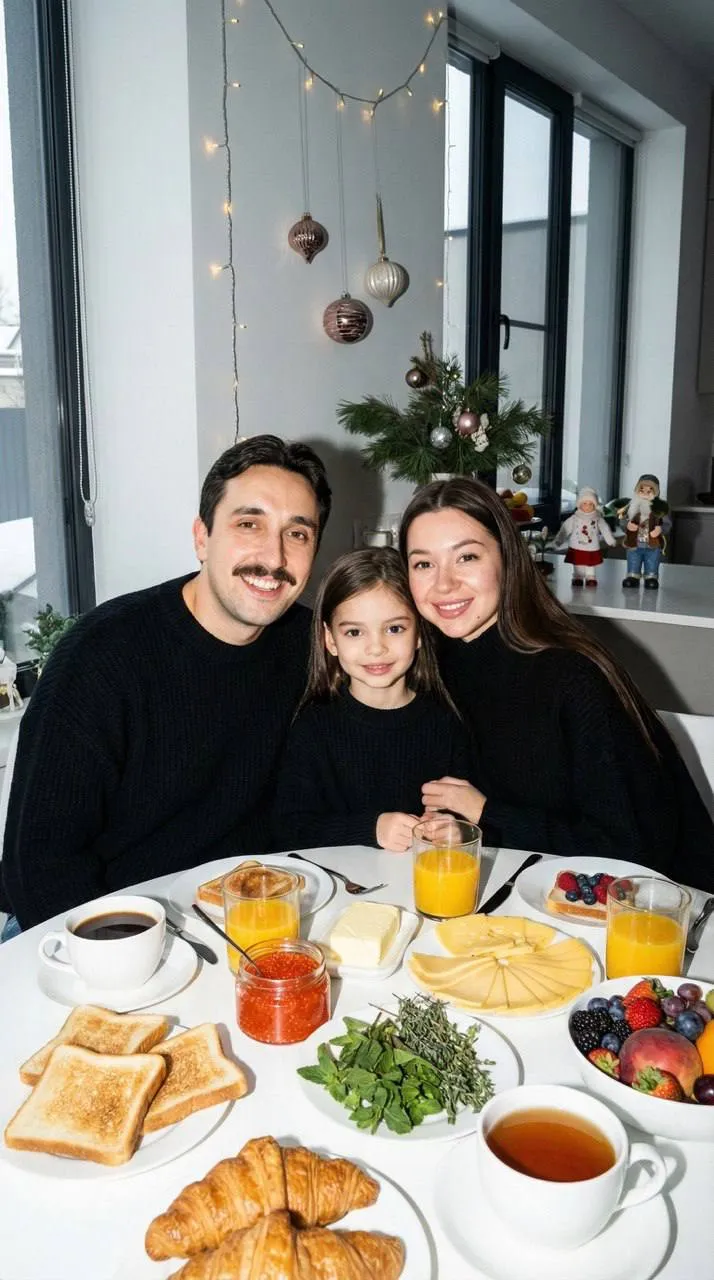
Retro mood in a single shot
Old photos draw you in with atmosphere, not sharpness: warm faded colors, film grain, harsh flash, vintage details in the frame. An AI retro photoshoot captures that mood without props or a film camera. Upload your photo, choose a look, and the AI creates a new picture that keeps your face, hair and build. It looks like a page from a family album or an old magazine, but it's an AI image made from your photo.
What looks are in this collection
The collection pulls together scenes from different categories that share a retro aesthetic. It's not a museum reconstruction of a specific decade — these are modern shots with unmistakable vintage cues.
Film and vintage portraits
Beauty portraits with big waves and retro hairstyles, close-ups with film grain, warm golden-hour light and vintage interiors.
Y2K vibes
Direct flash, glossy makeup and bold poses — the early-2000s look that's back in style. There are Polaroid-style shots too.
With a classic car
Vintage convertibles and classic sports cars in the frame: paparazzi-style night scenes and cinematic full-length portraits next to the car.
Family and couple shots
Nostalgic family pictures that look like they came out of an old album, plus couple scenes with film grain and flash. A retro family photo makes a lovely gift for parents and grandparents.
Choosing a retro look
Think about which past you're drawn to. For soft nostalgia, go with warm film-style portraits and gentle light. For attitude, choose flash-lit shots with that early-2000s edge. A close-up works best as a profile picture, while a full-length scene with a car or a vintage interior makes a better post. Retro photos look great as a series, too: a few shots in one palette turn your profile into a little vintage album.
How to make AI retro photos
- Pick a look in the collection.
- Upload your photos — the preset form shows how many and whose.
- Choose the format: 3:4 or 9:16.
- Tap "Generate". In about a minute the picture appears in "Generations".
Download it in high resolution or share it with a link.
Which photo to upload
- A sharp, recent photo with your face clearly visible — no need for an old picture.
- Even light, no filters or sunglasses.
- For family and couple scenes, a separate photo of each person.
- Your background and outfit don't matter — the preset sets the retro look.
Ideas for your retro photos
- A profile picture with personality.
- A themed party: an invite or a throwback post.
- A gift for someone who loves old photographs.
- A set of posts in one consistent vintage style.
Why AI instead of a costume shoot
A real retro shoot means costumes, props, the right location and sometimes a vintage car. AI gets you the effect in about a minute and lets you try several decades' worth of moods at once. If you want the real experience with a film camera and a team, an in-person shoot is still a great choice.