AI black and white photoshoot from your photo
A black and white photoshoot from your photo: high-contrast portraits, film grain and real emotion — for women, men, couples and the whole family.
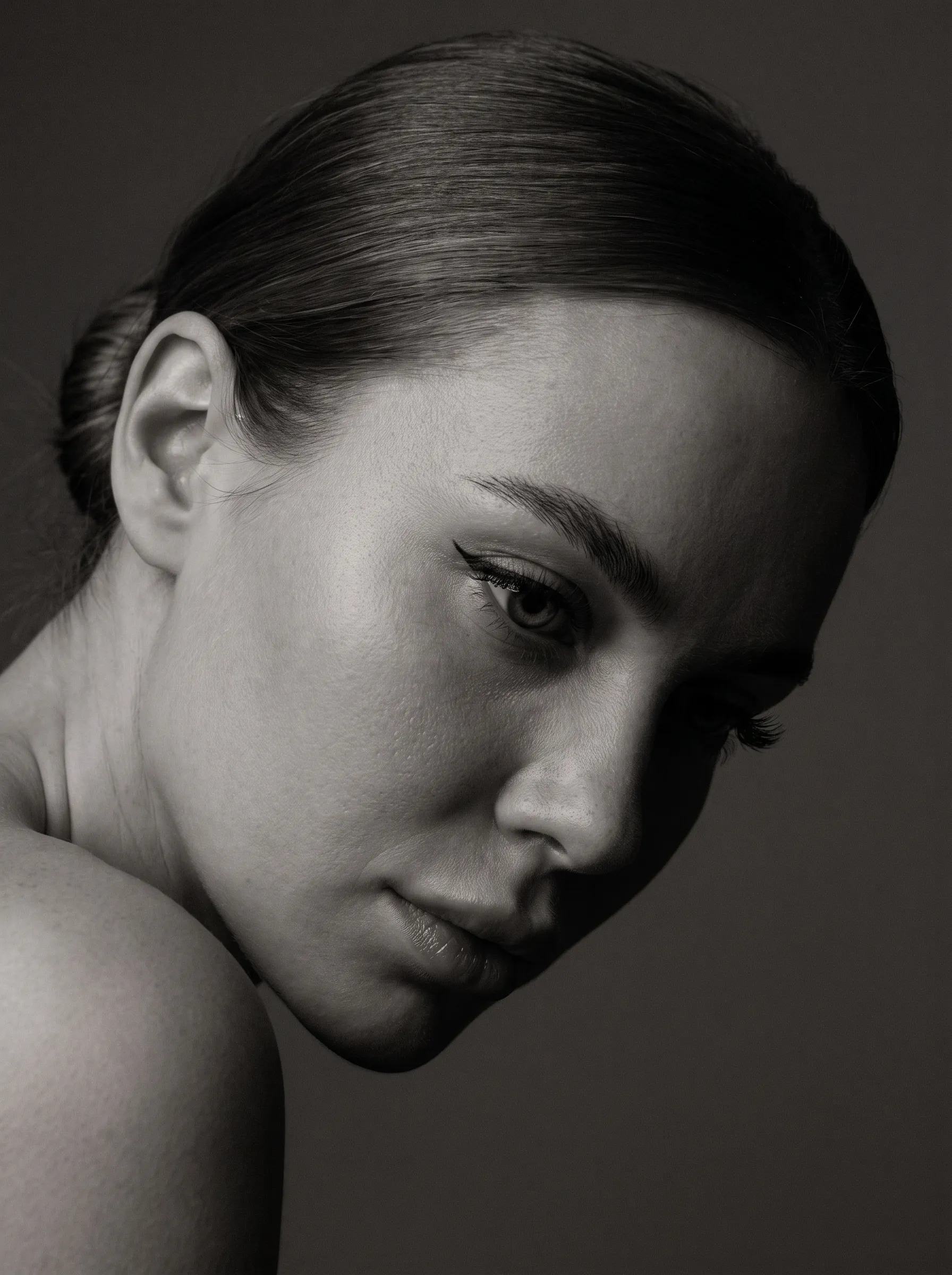
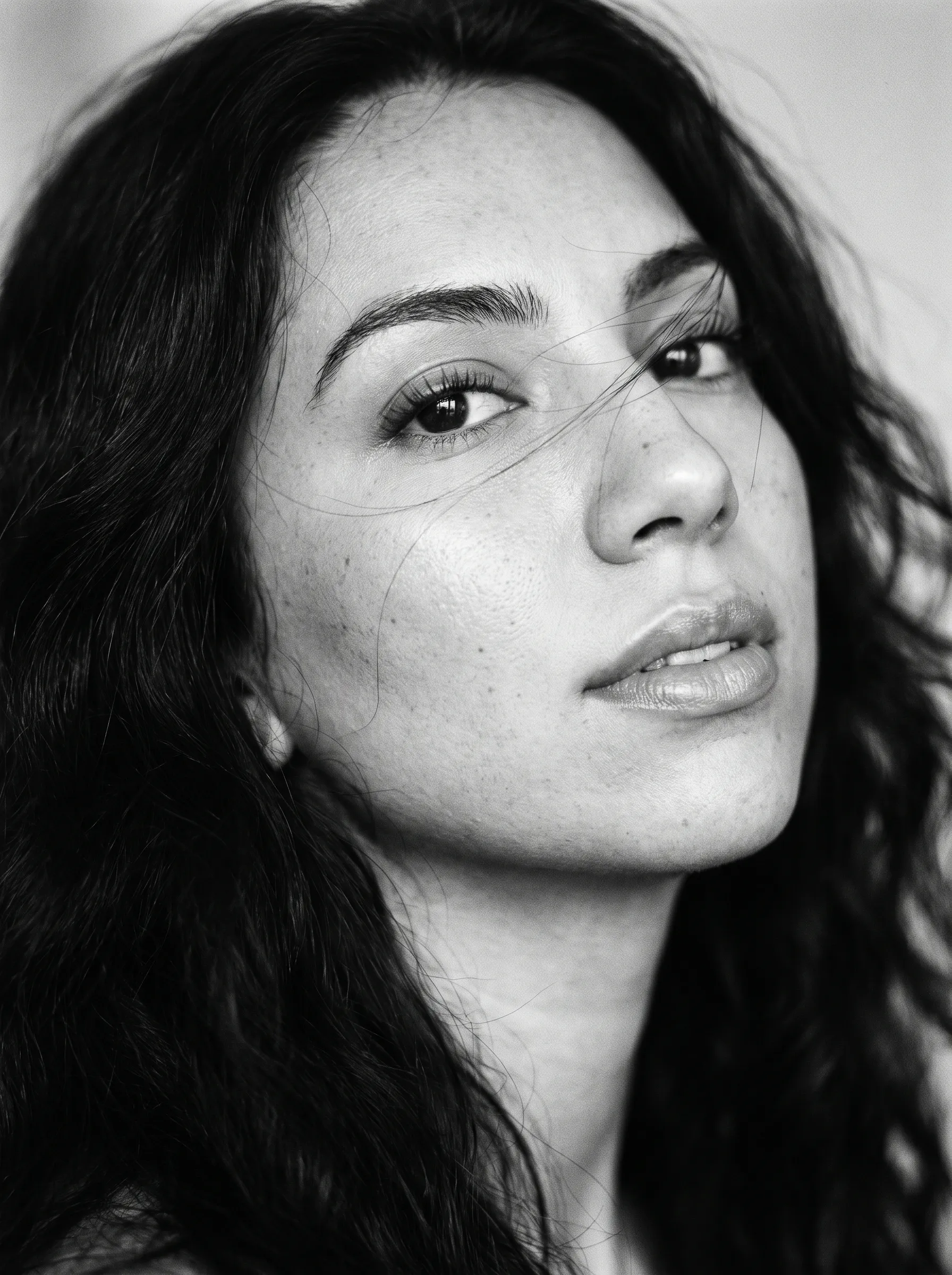
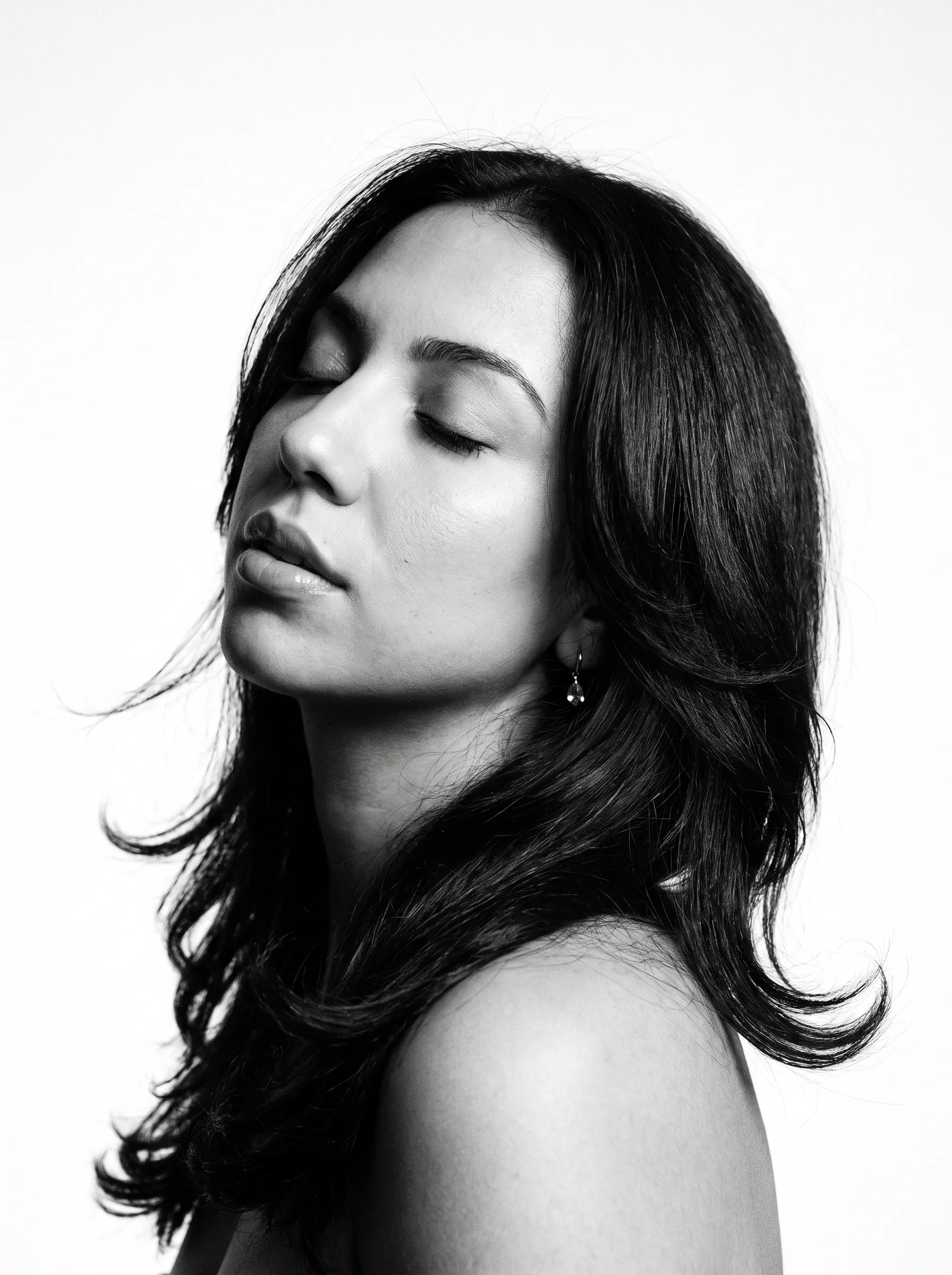
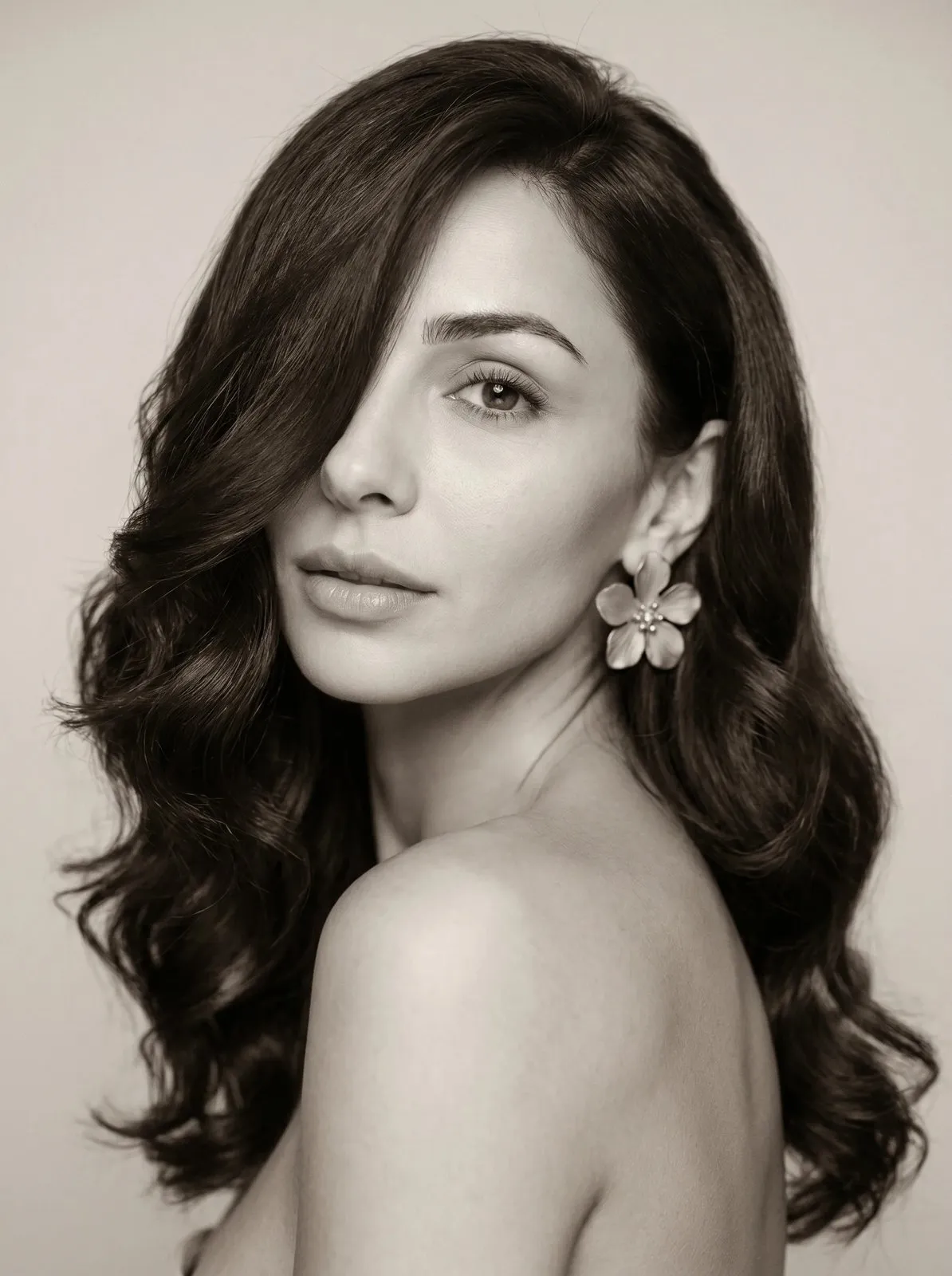
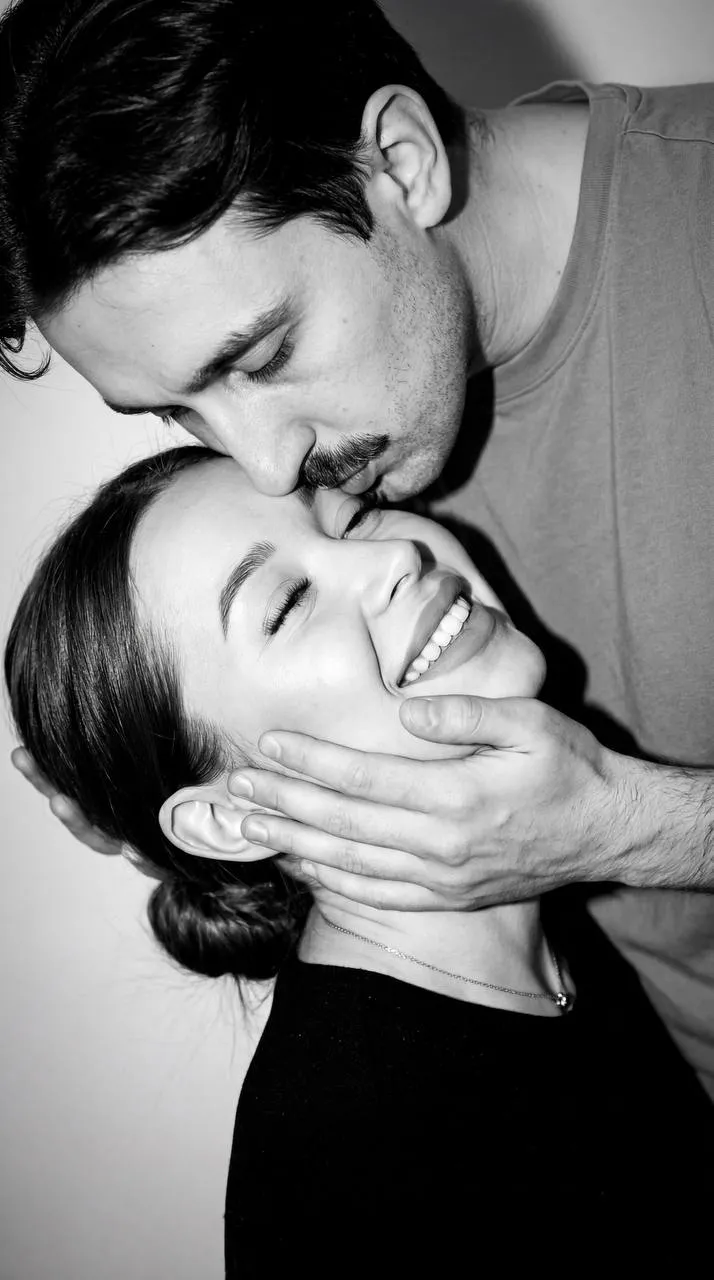
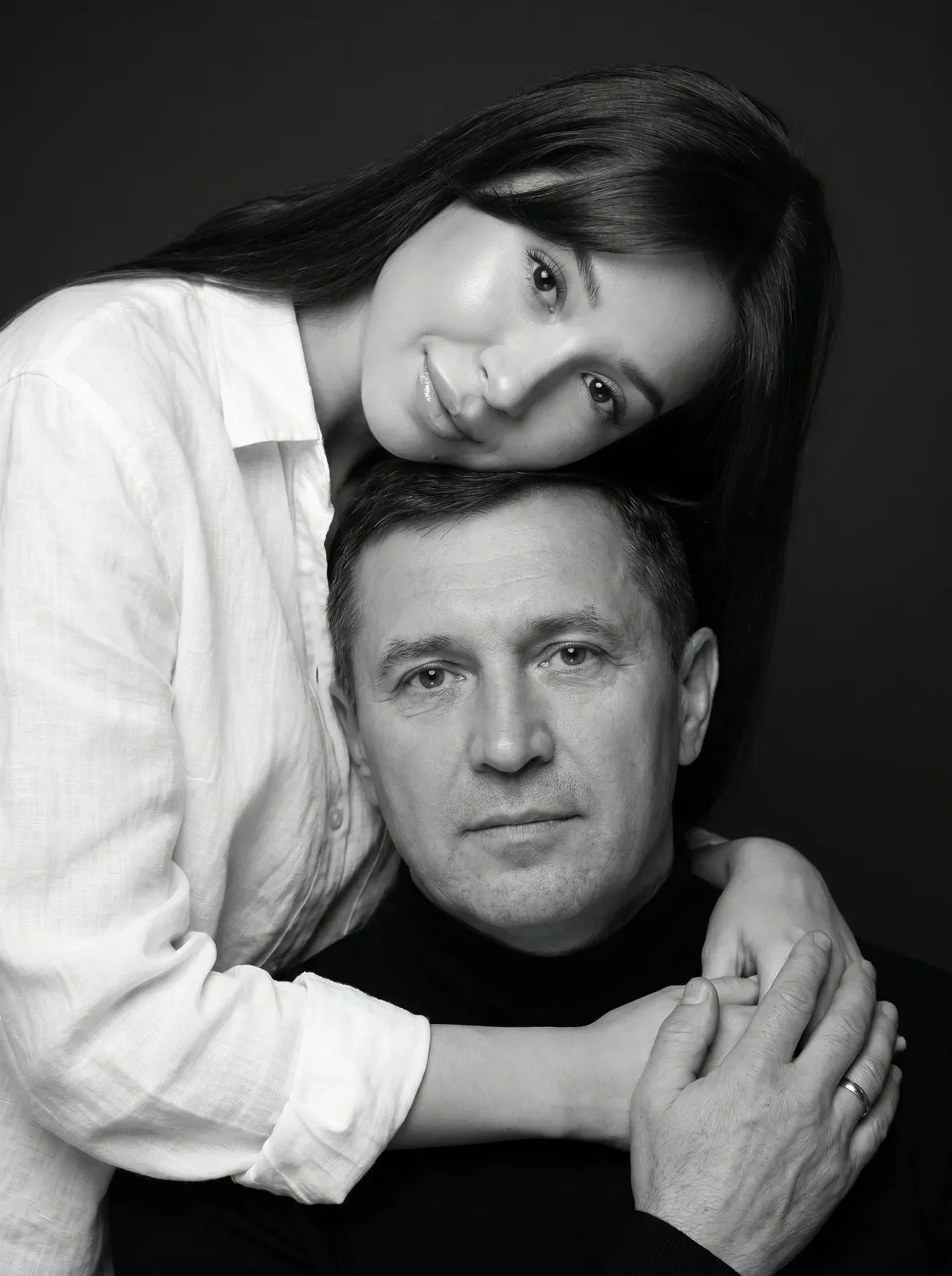
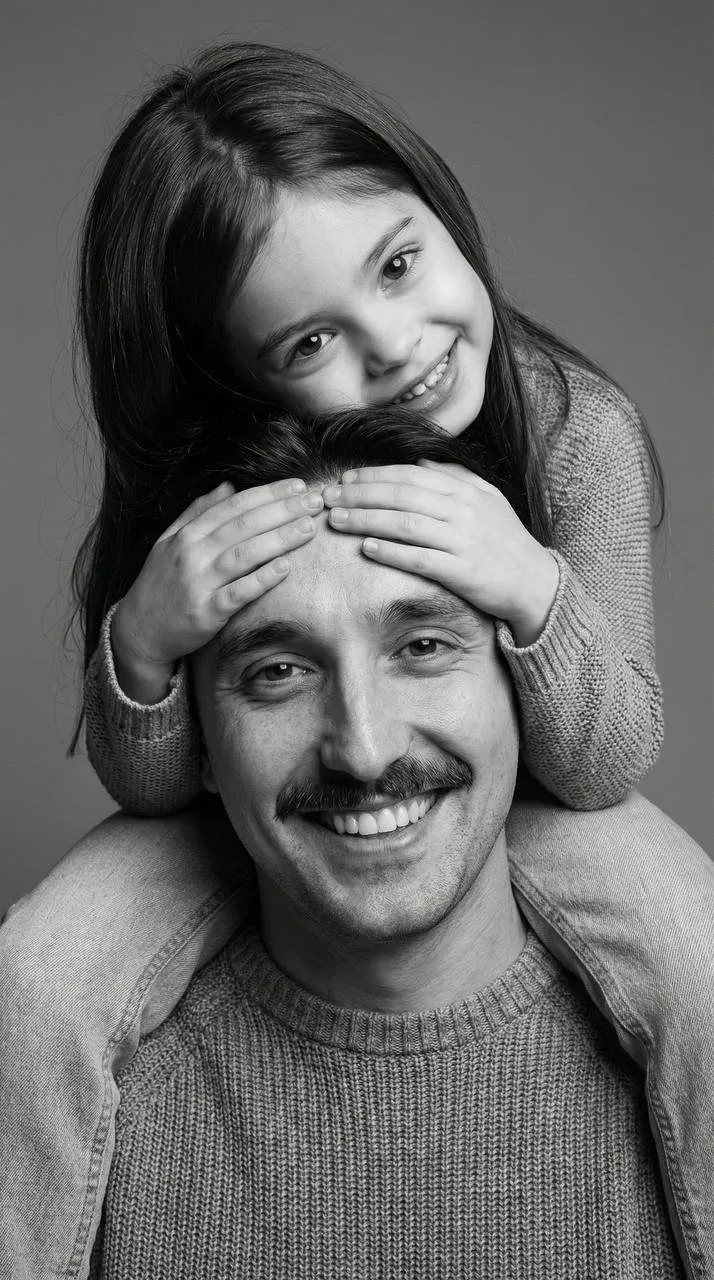
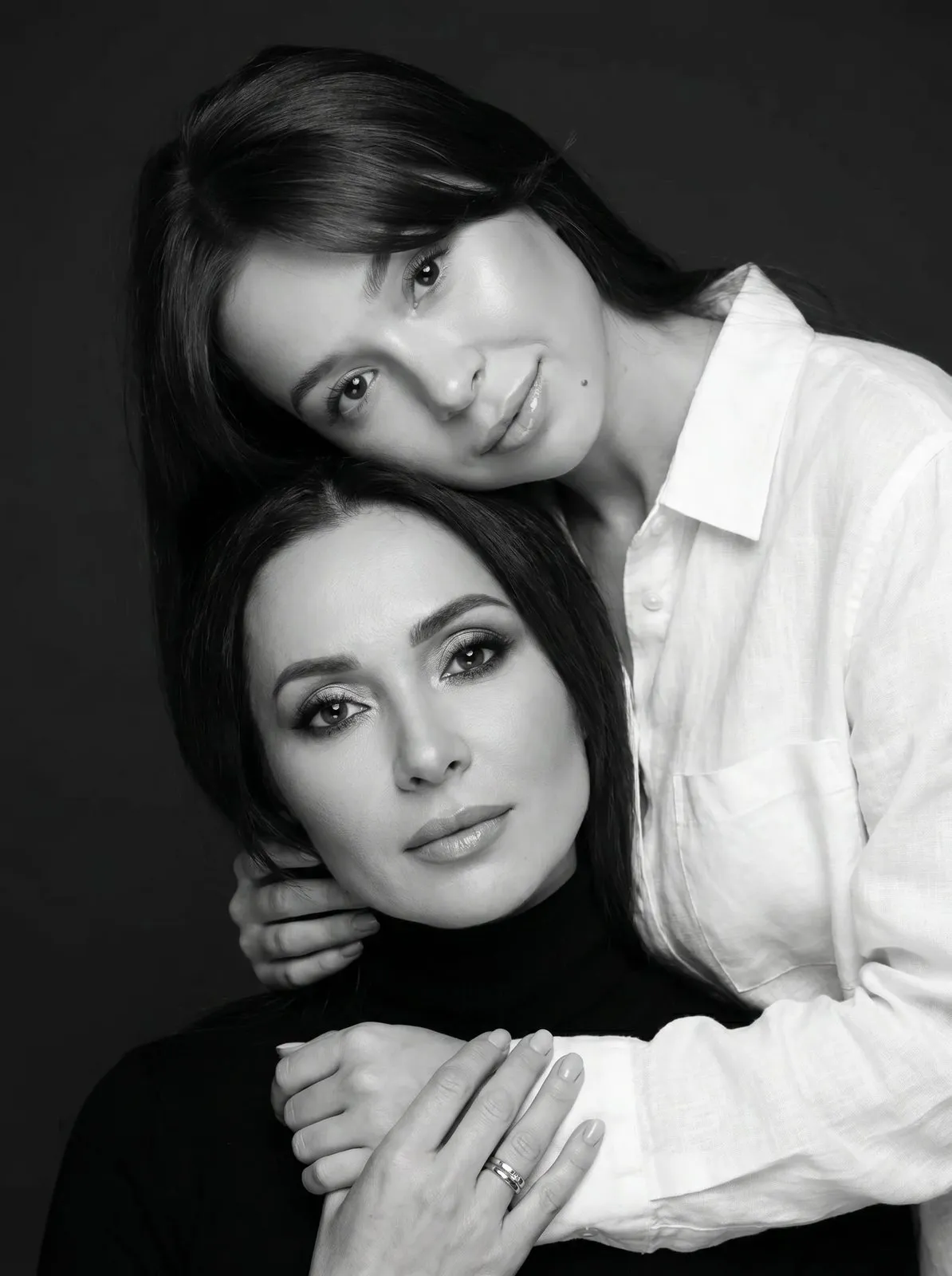
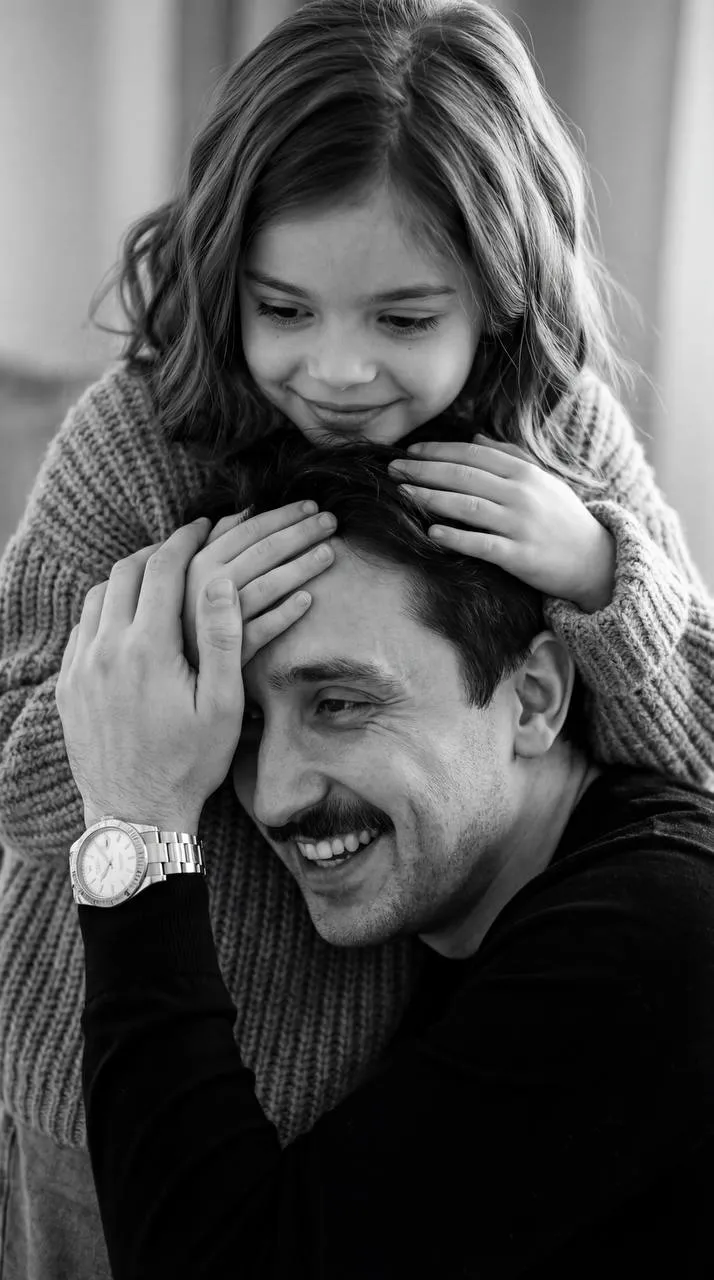
Why black and white still hits different
Take away color and nothing distracts: what's left is the face, the eyes, light and shadow. That's why black and white portraits feel timeless. With AI you can get them from a single photo: choose a look, upload a picture, and the AI creates a new monochrome image that keeps your face, hair and build. There's no photographer or studio involved — the result looks photorealistic, but it's an AI image made from your photo.
What looks are in this collection
The collection brings together black and white scenes from different categories.
Portraits for women
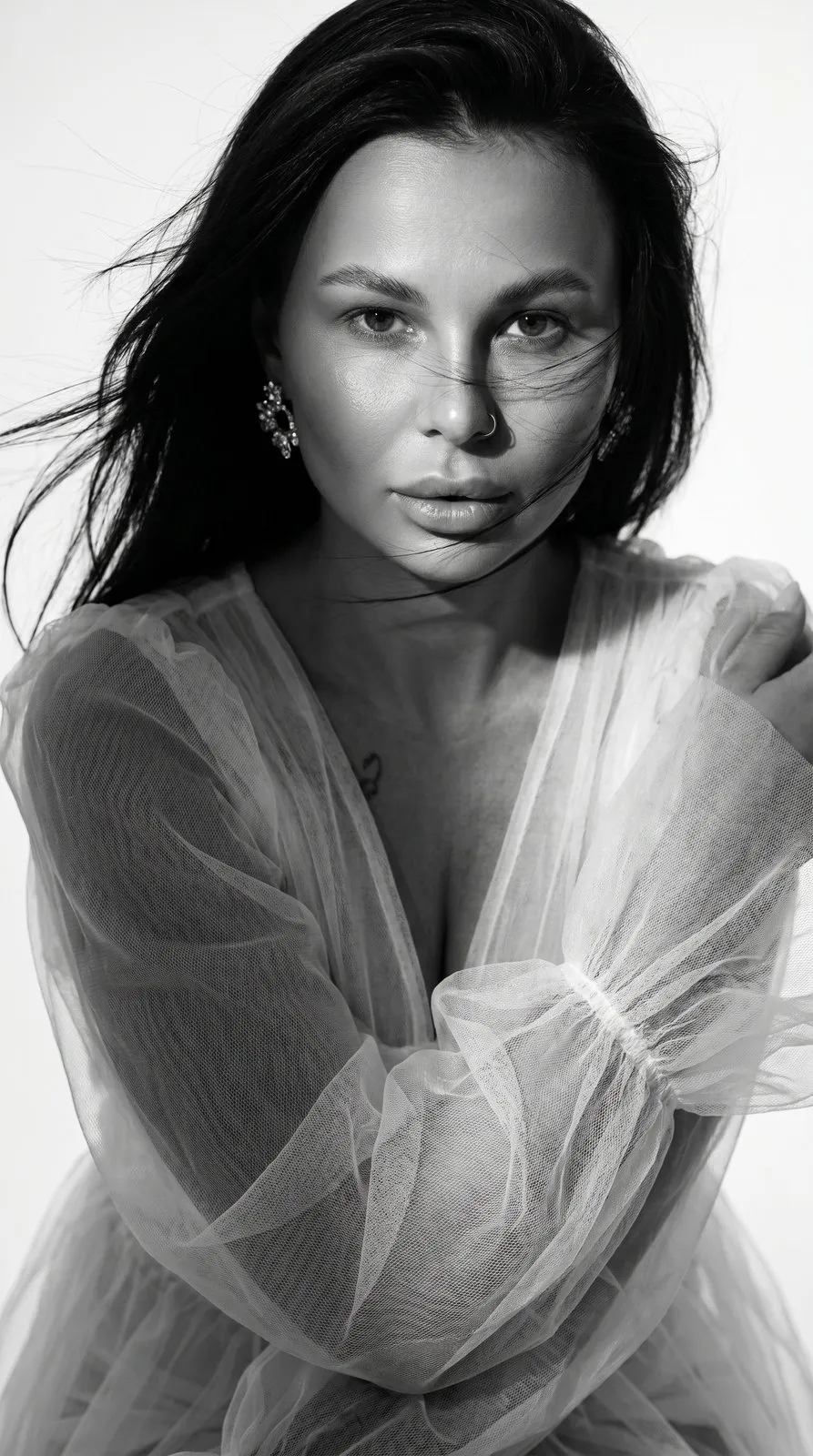
Dramatic portraits with flying hair, moody macro close-ups, beauty shots with film grain and clean studio monochrome where everything is about the face.
Looks for men
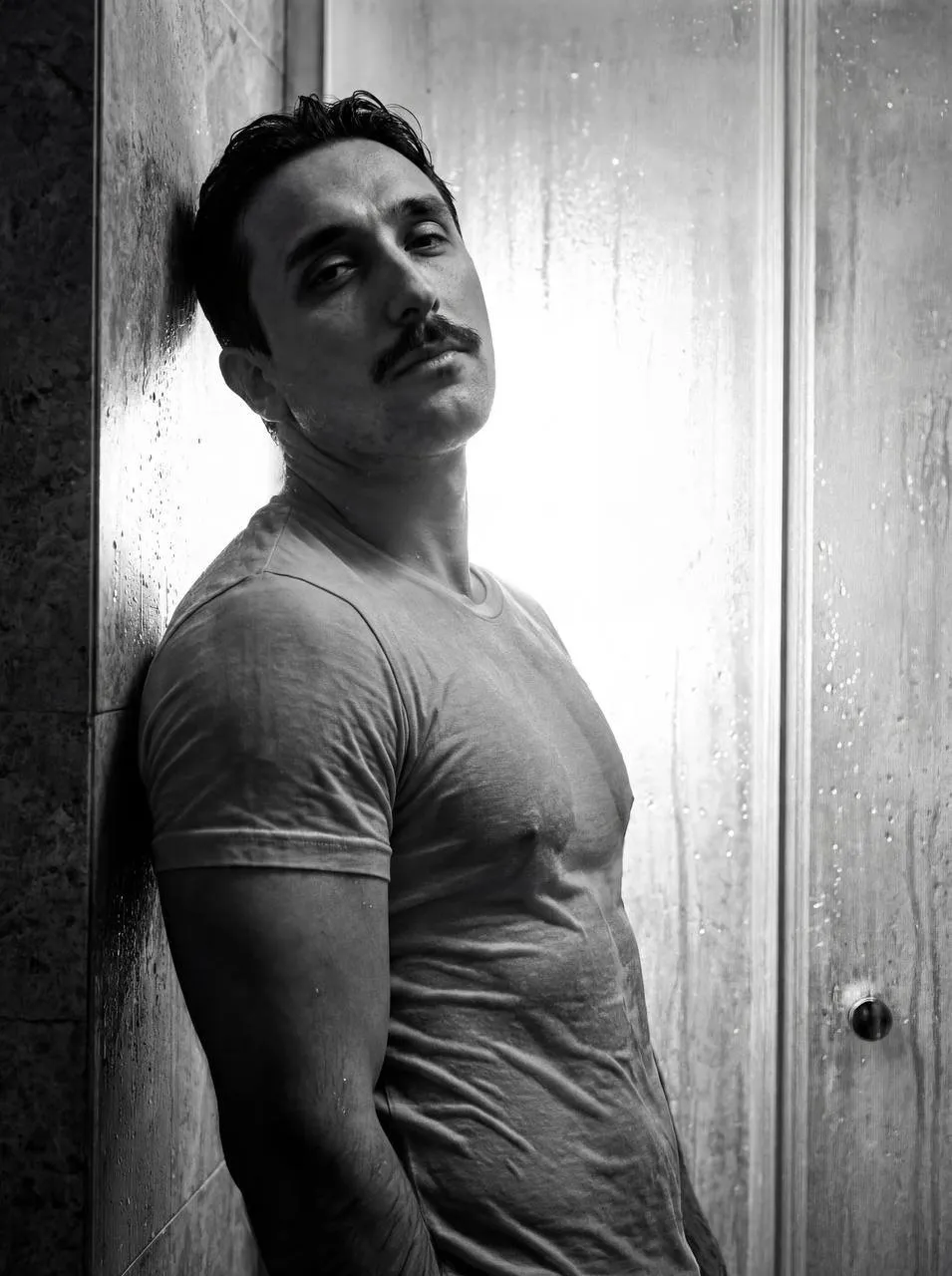
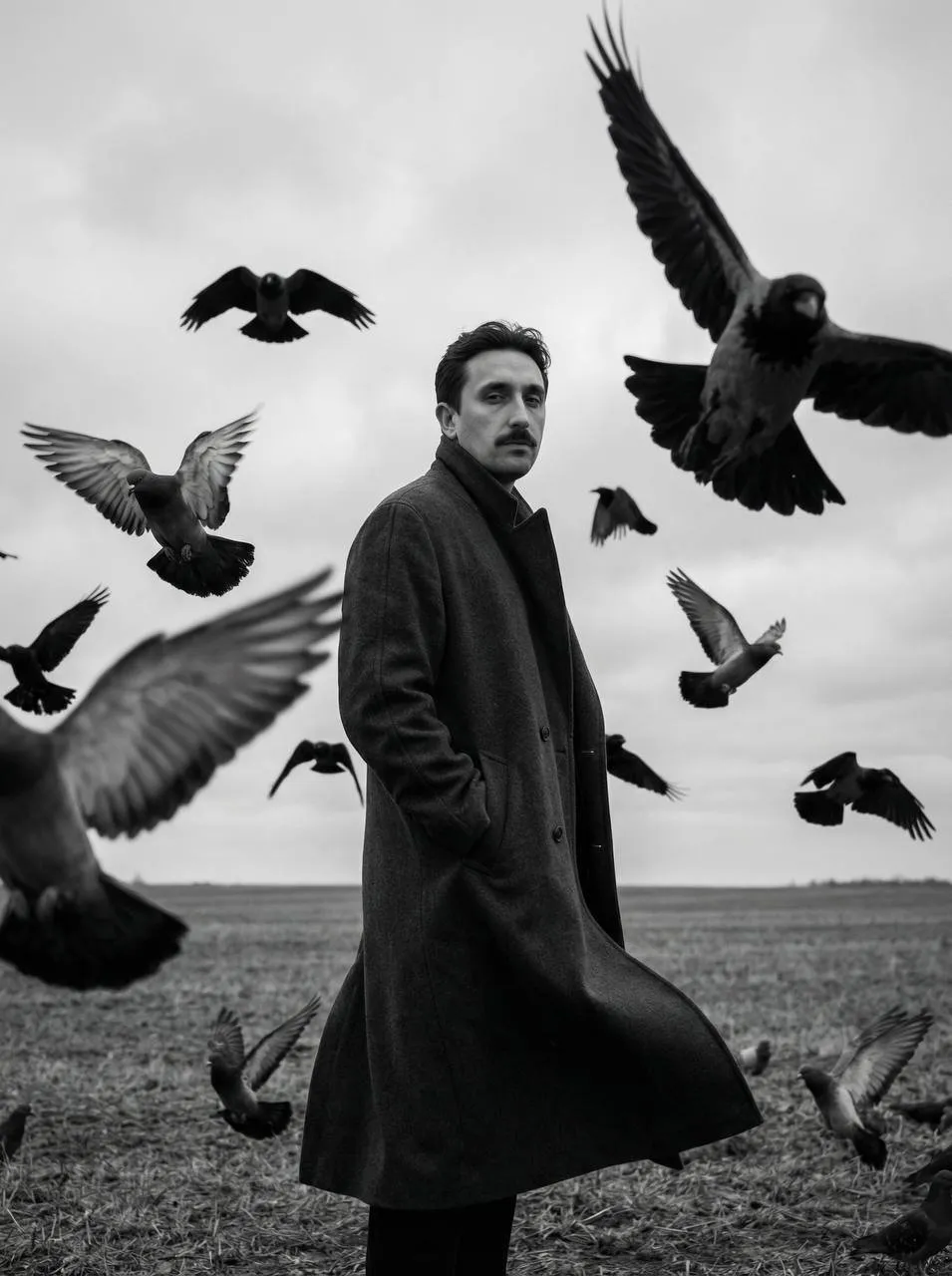
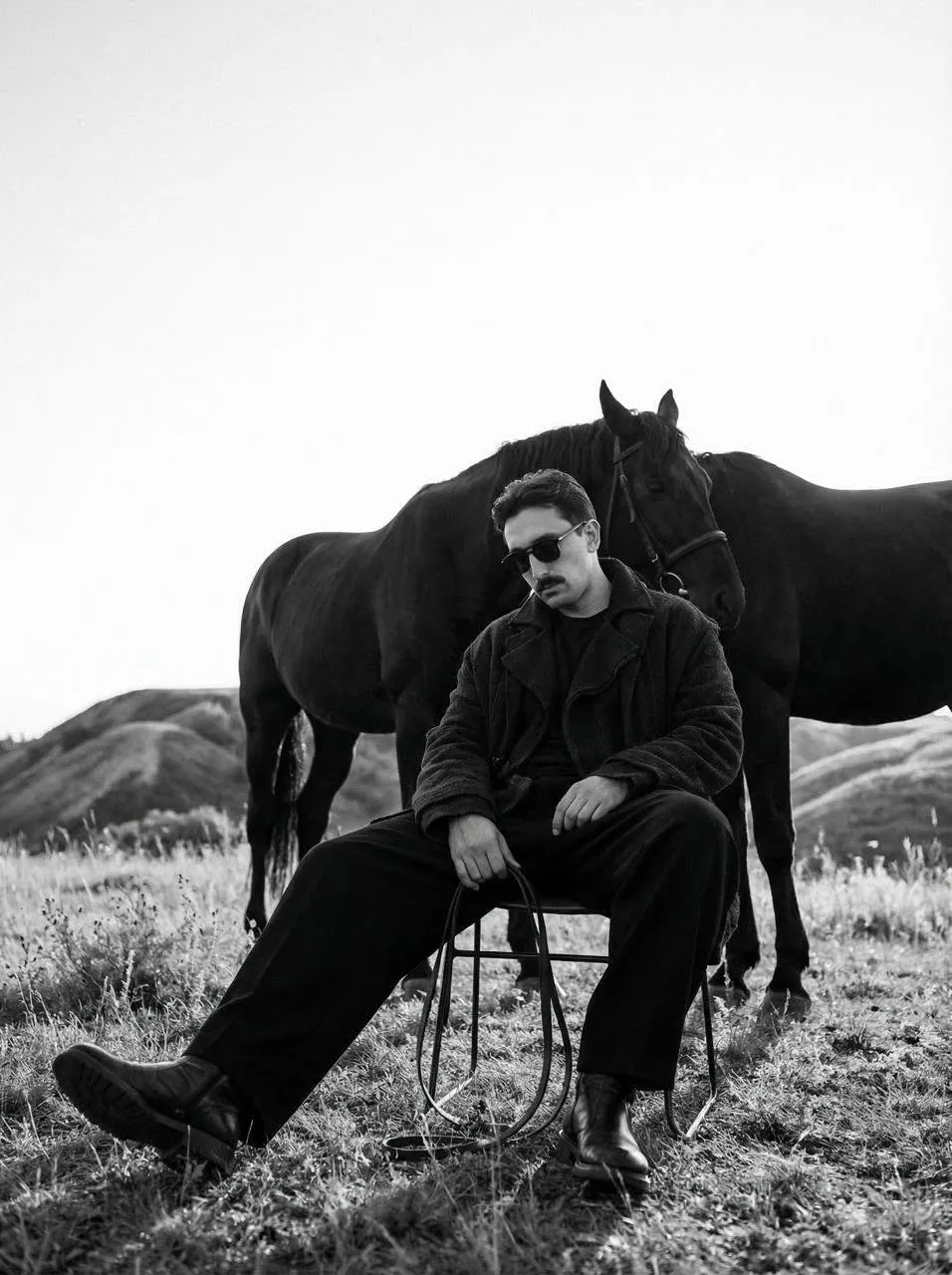
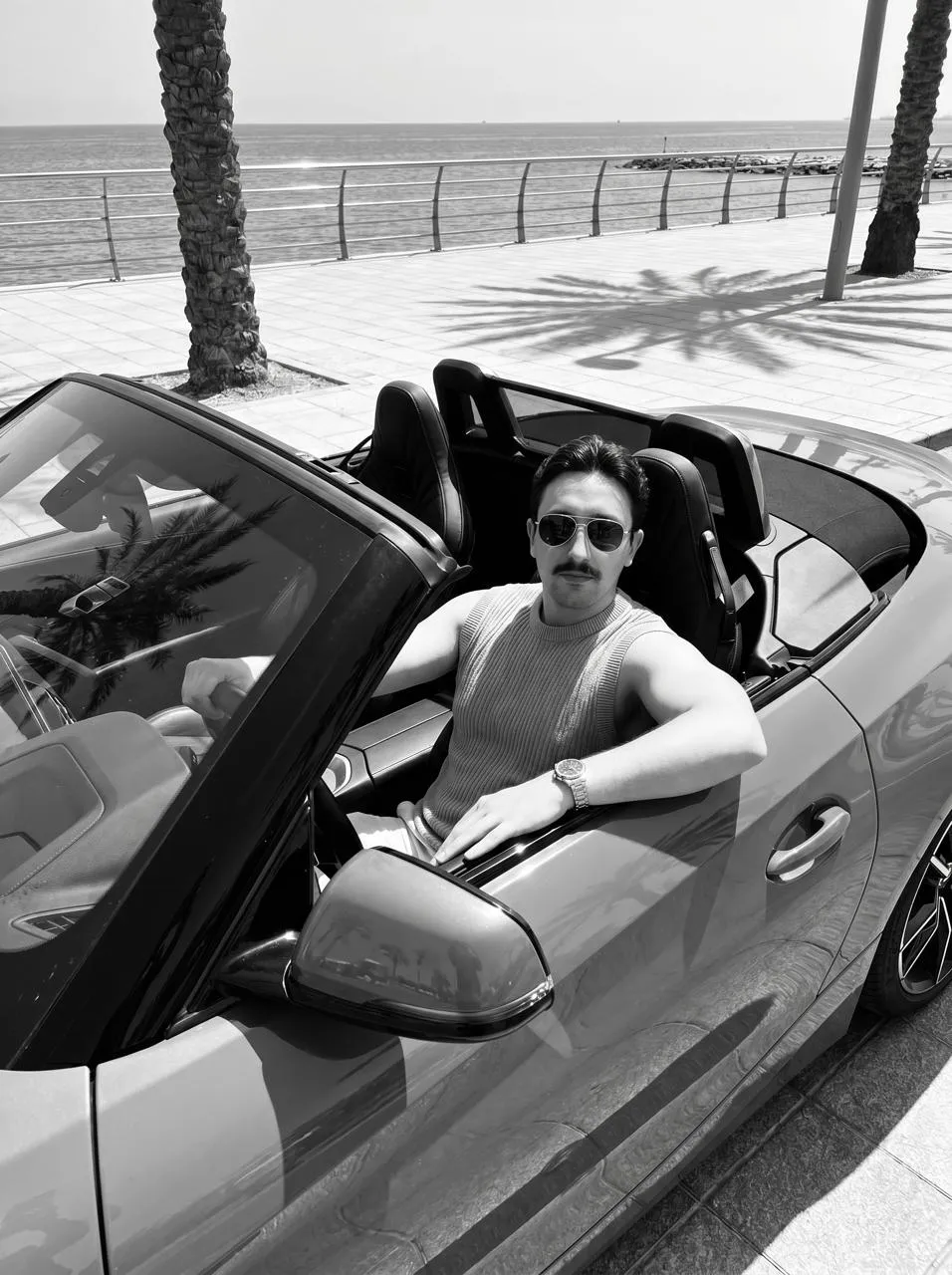
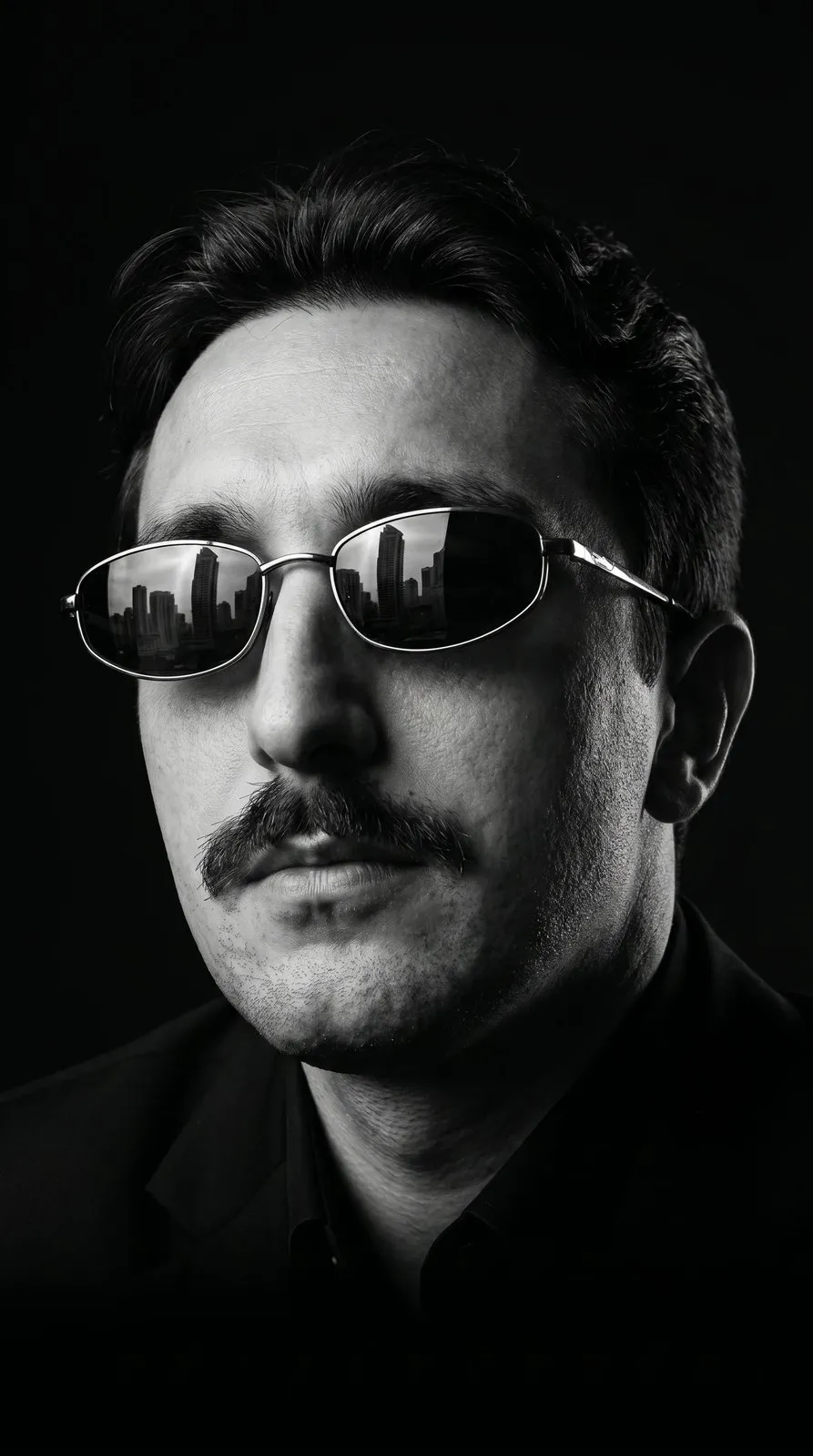
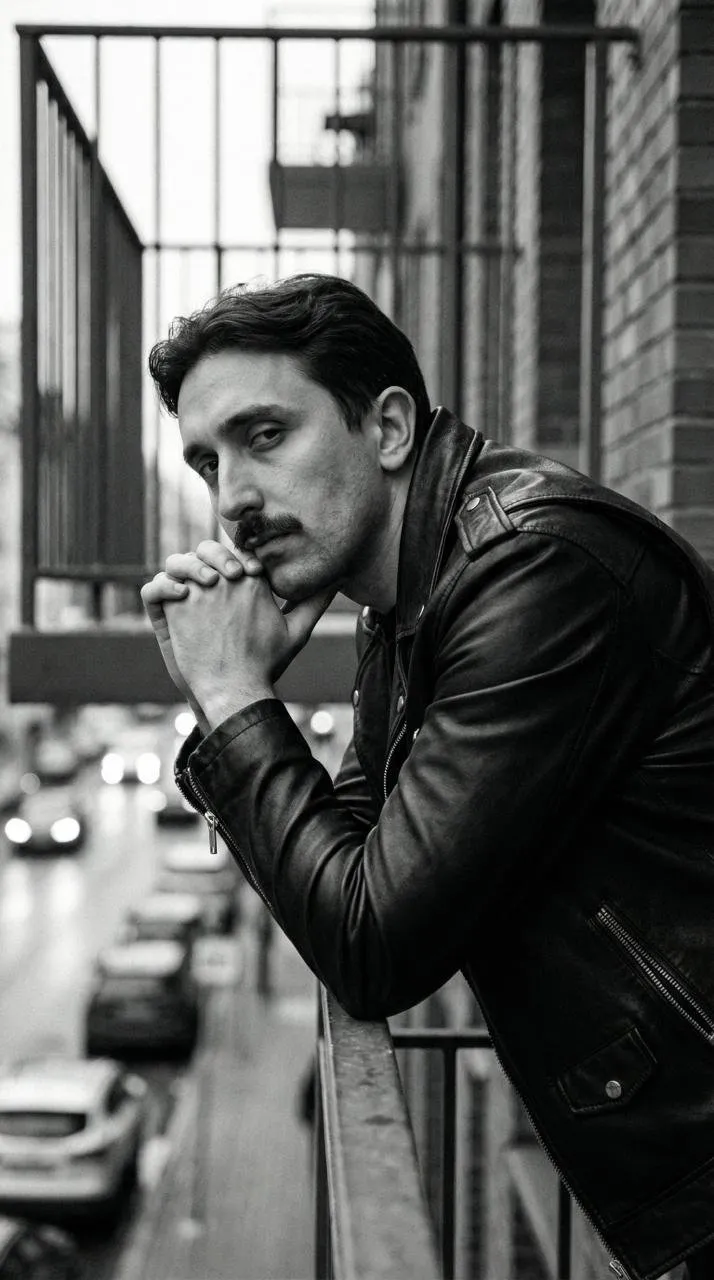
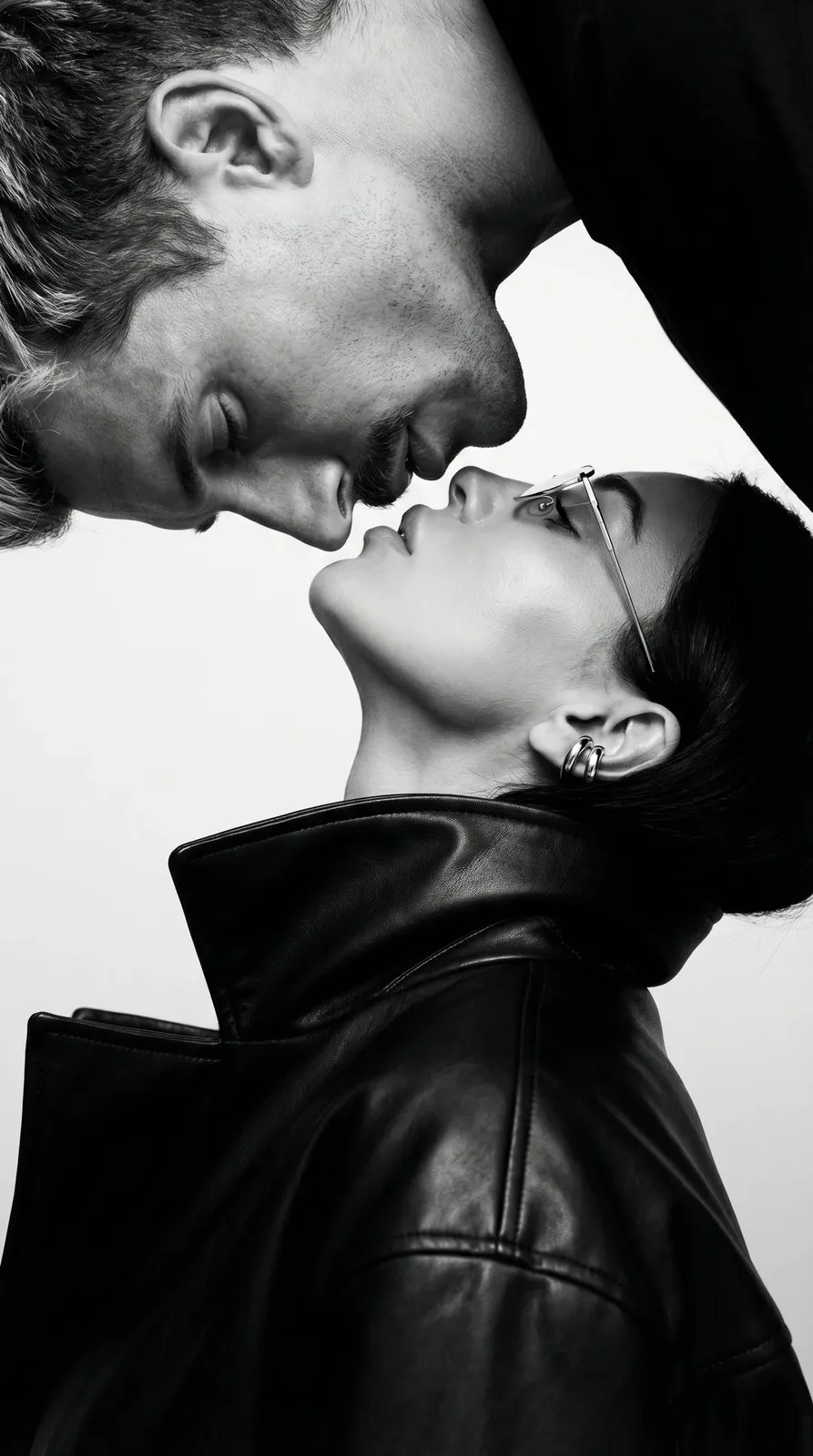
High-contrast close-ups with direct flash, fashion portraits in a leather jacket, cinematic scenes in an open field, behind the wheel or next to a car — bold and understated at the same time.
Family photos
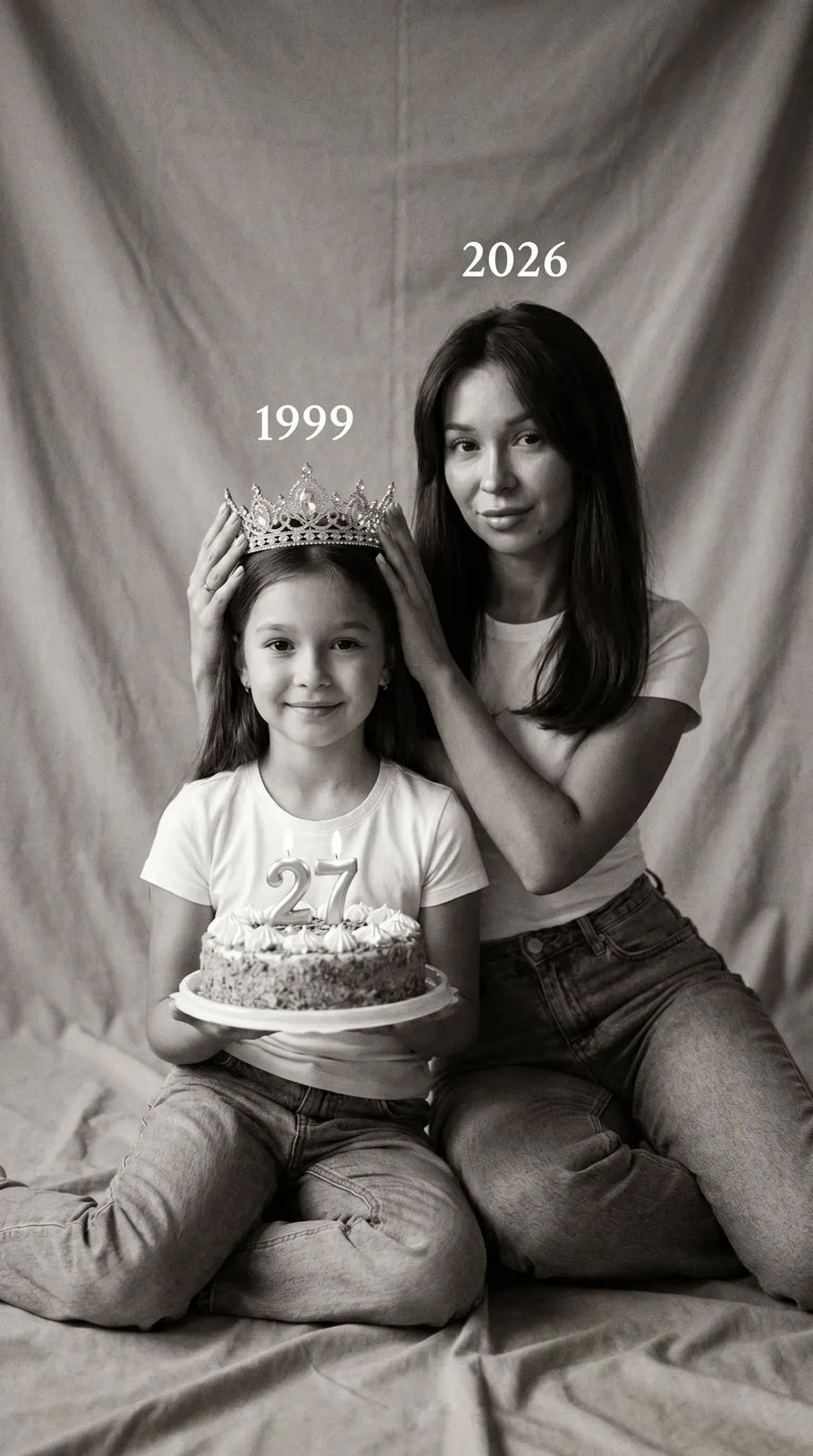
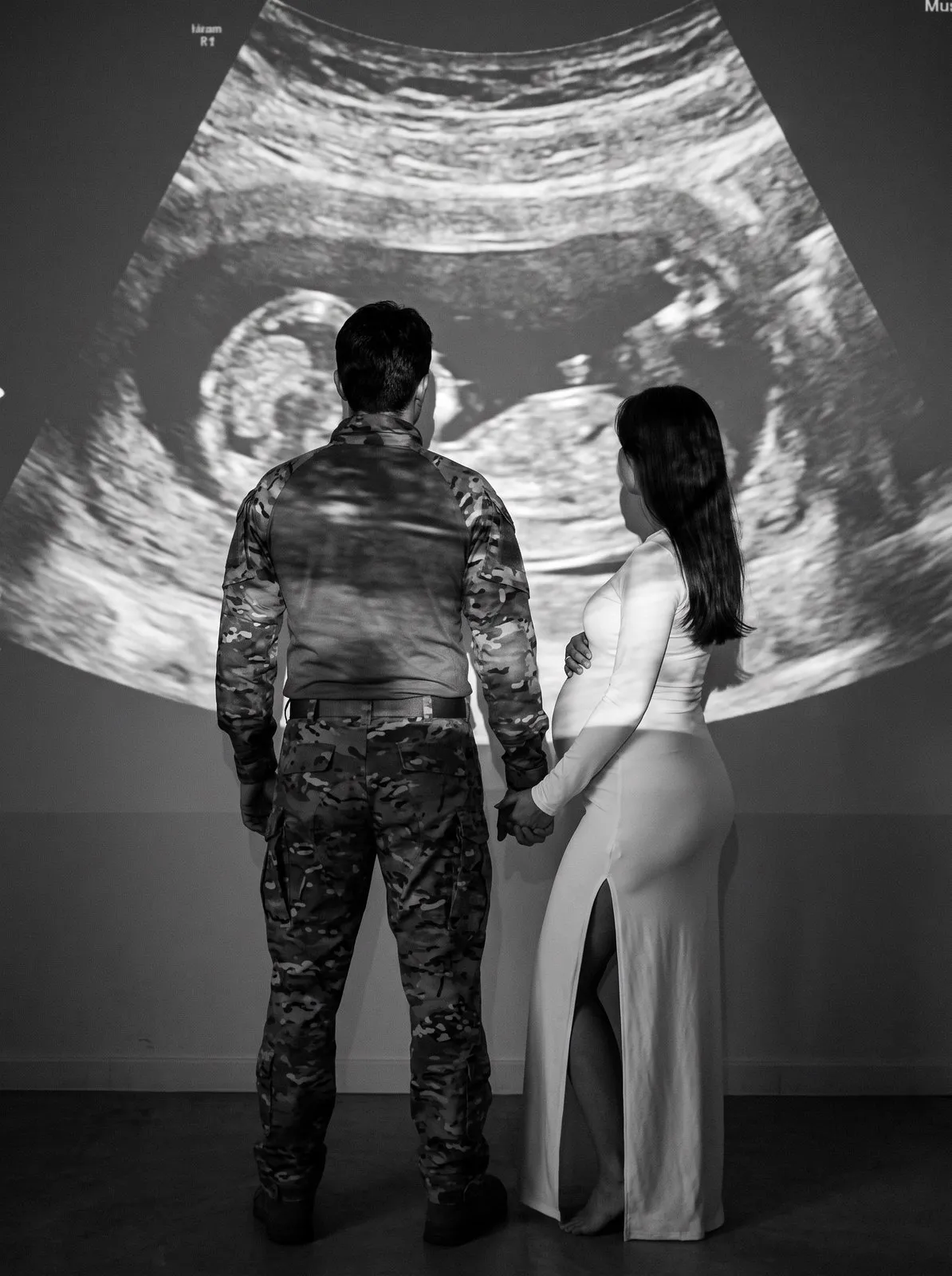
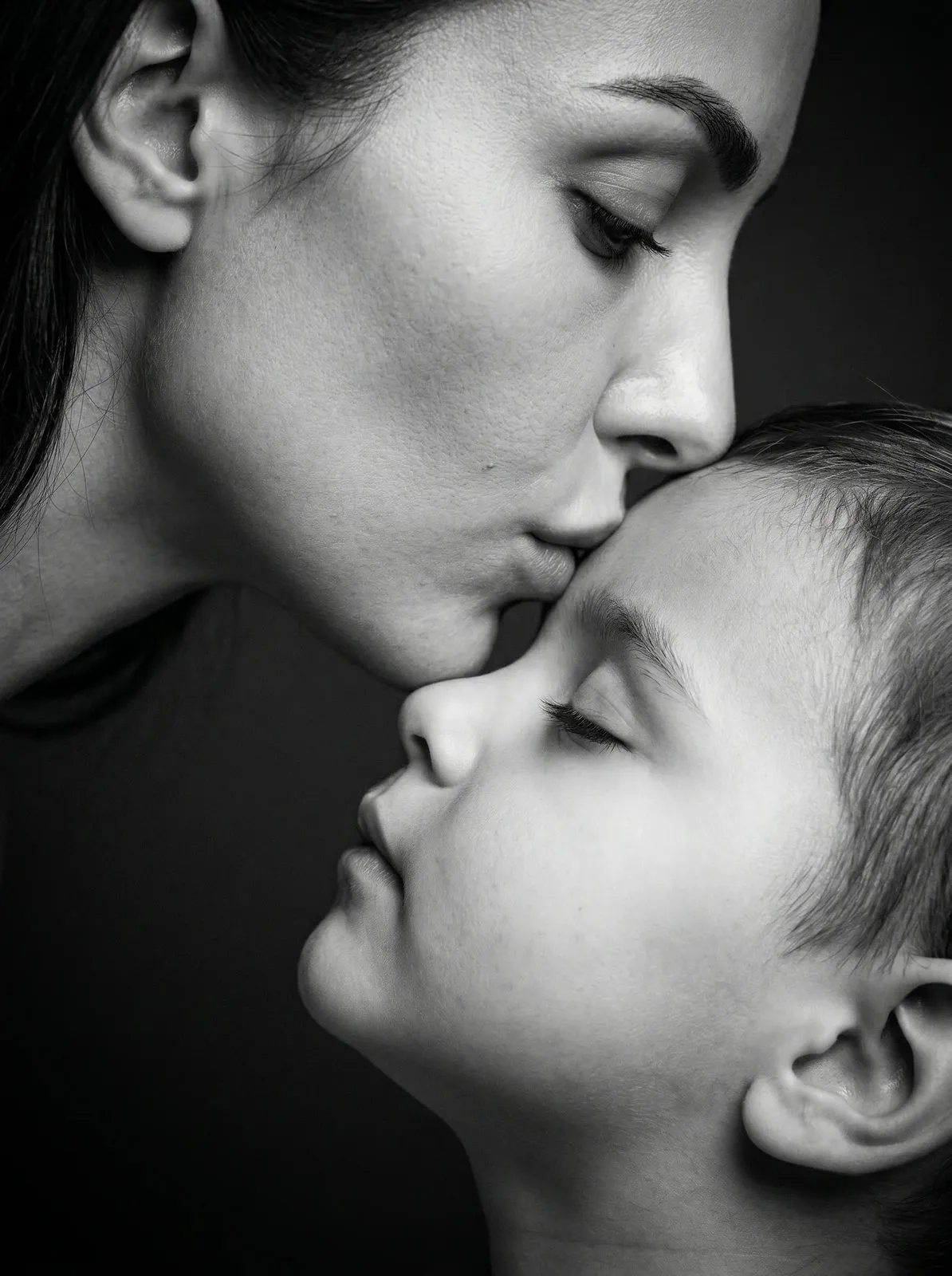
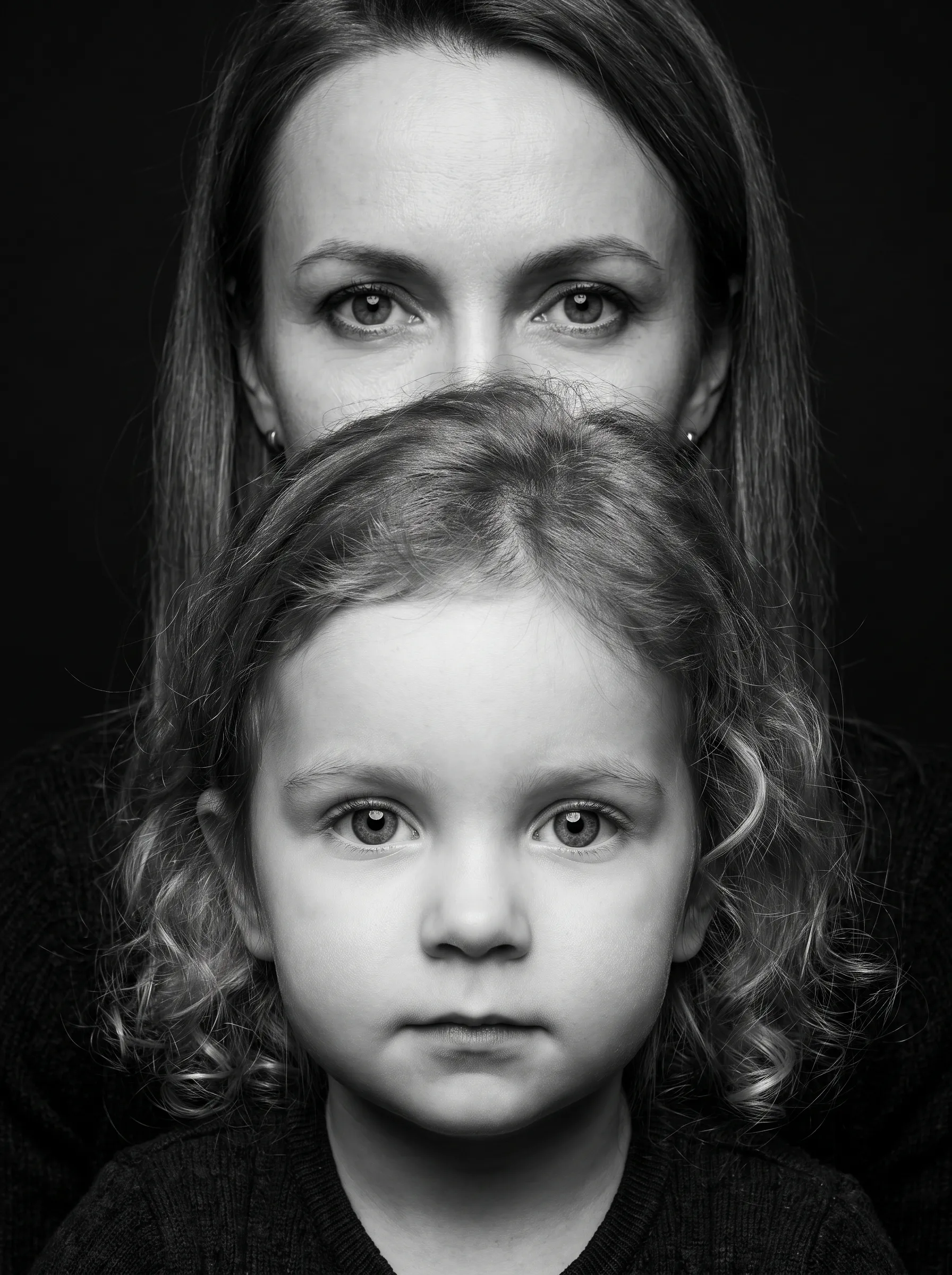
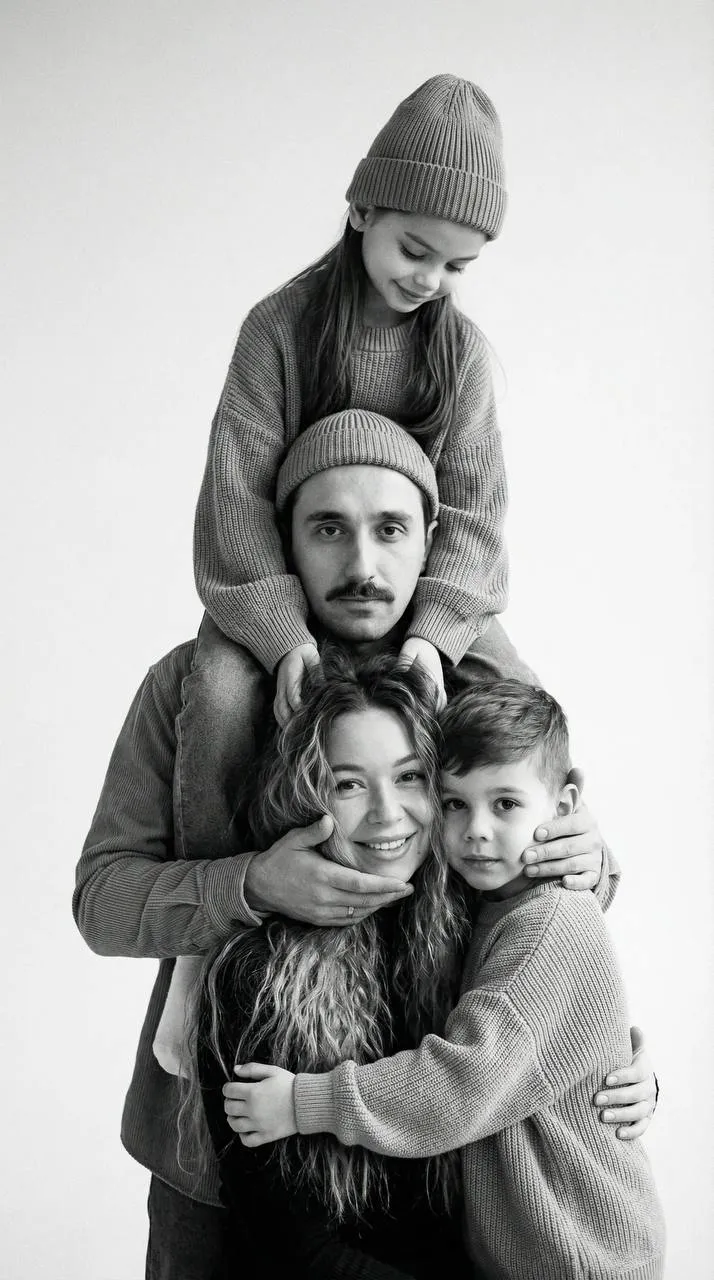
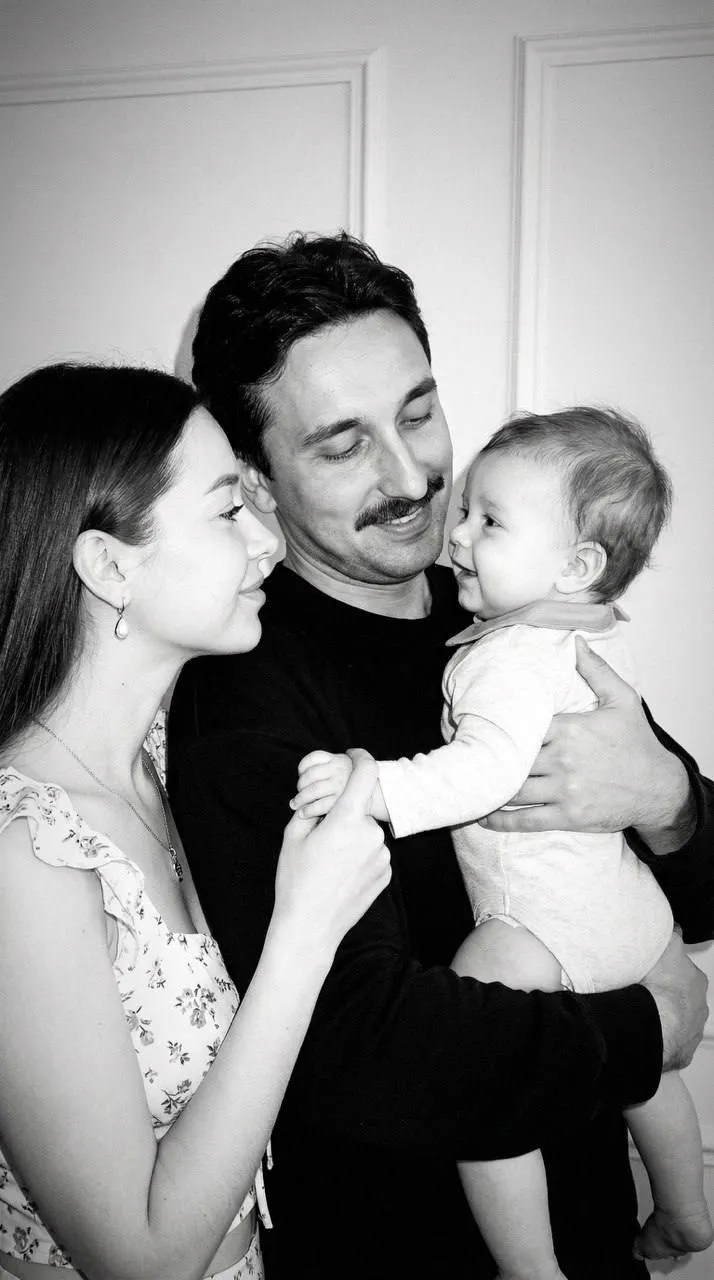
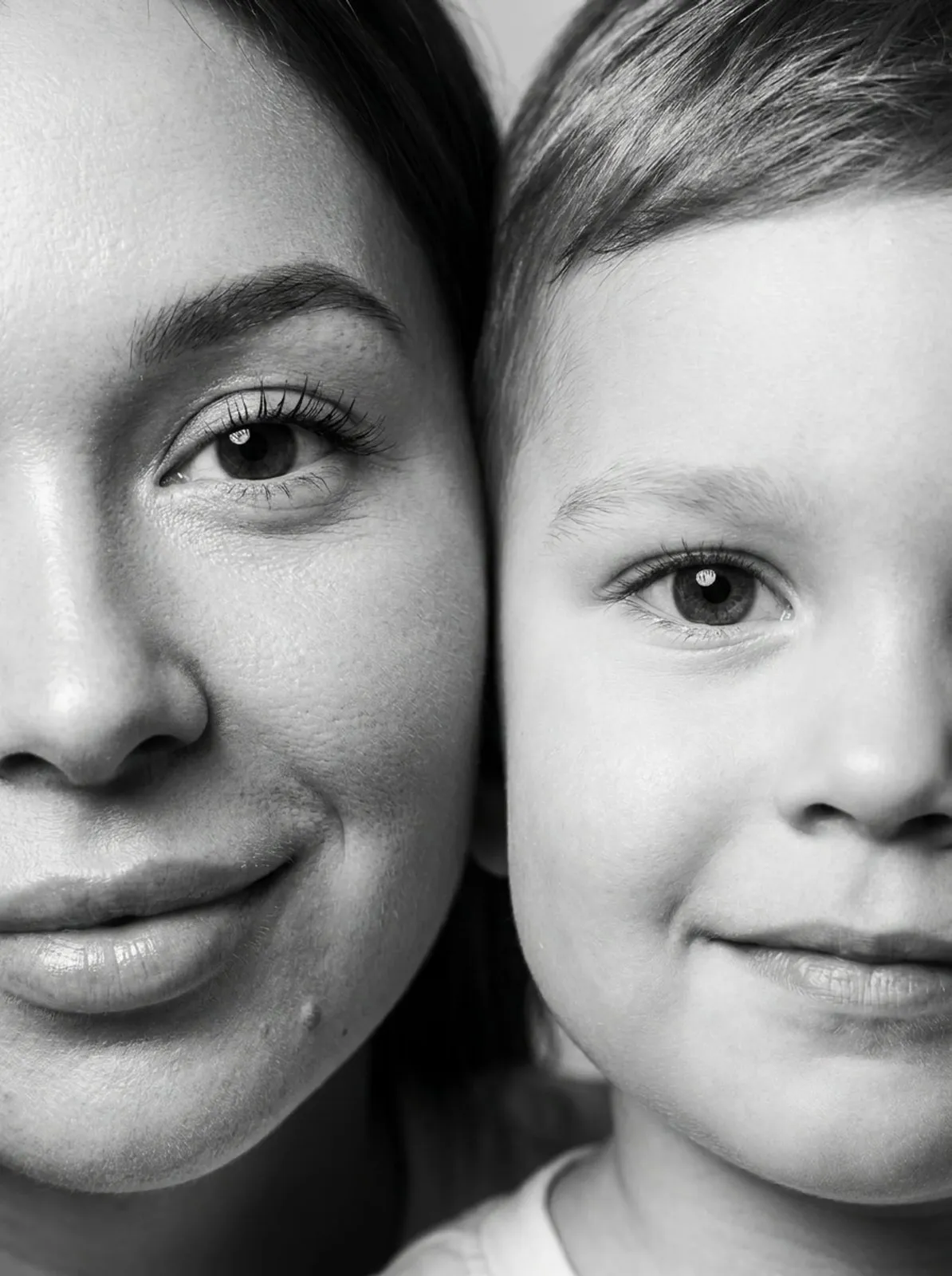
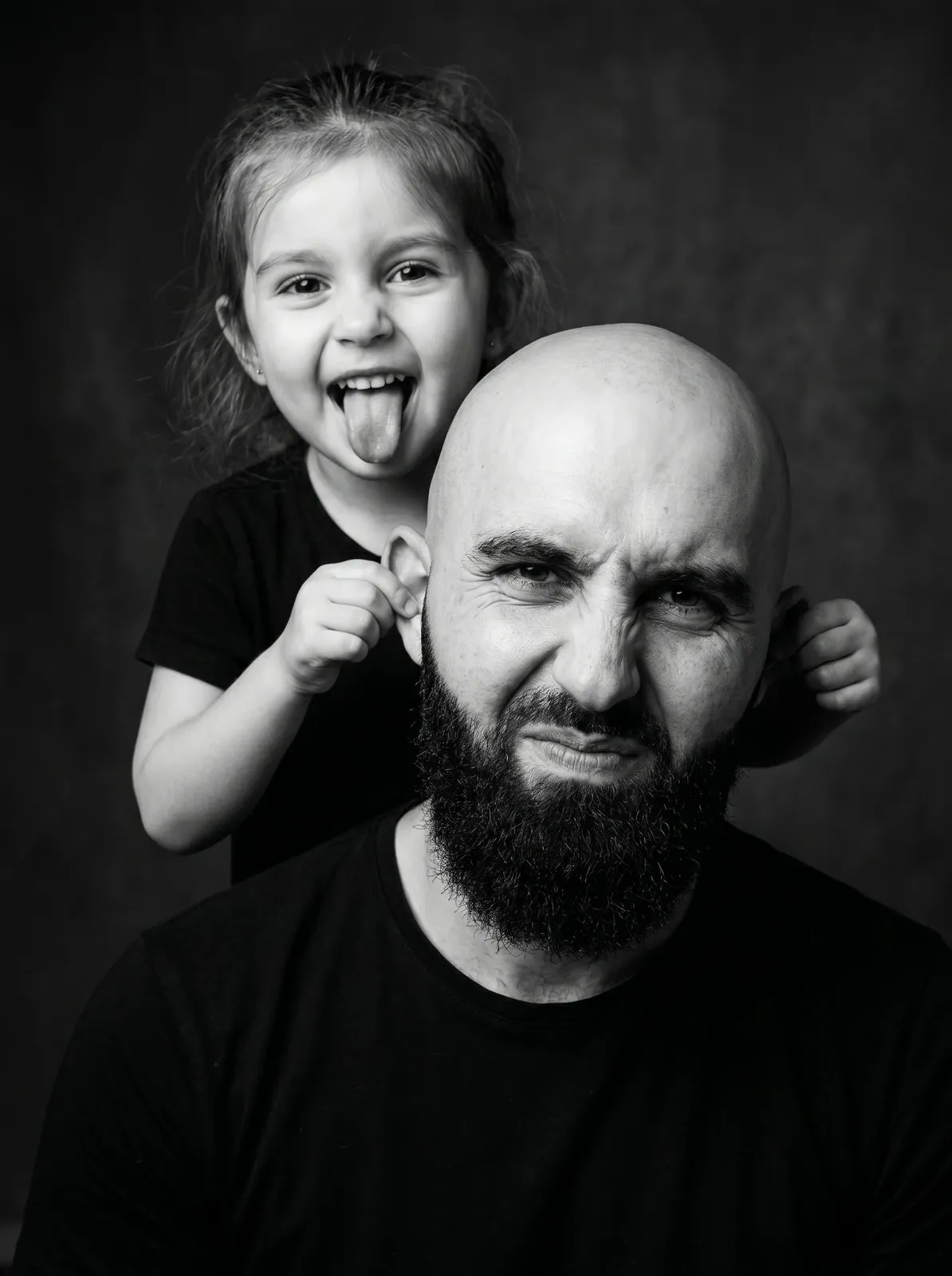
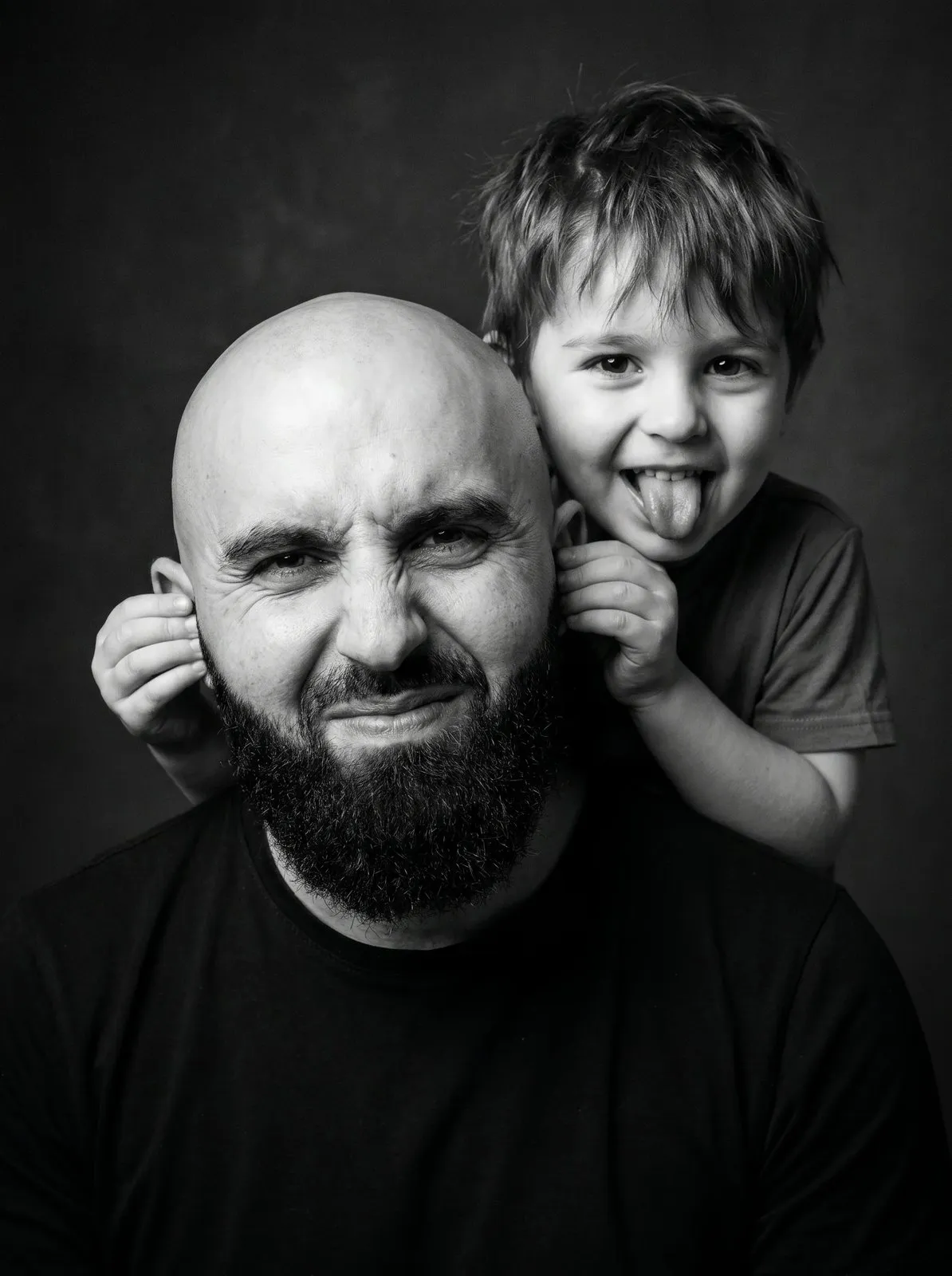
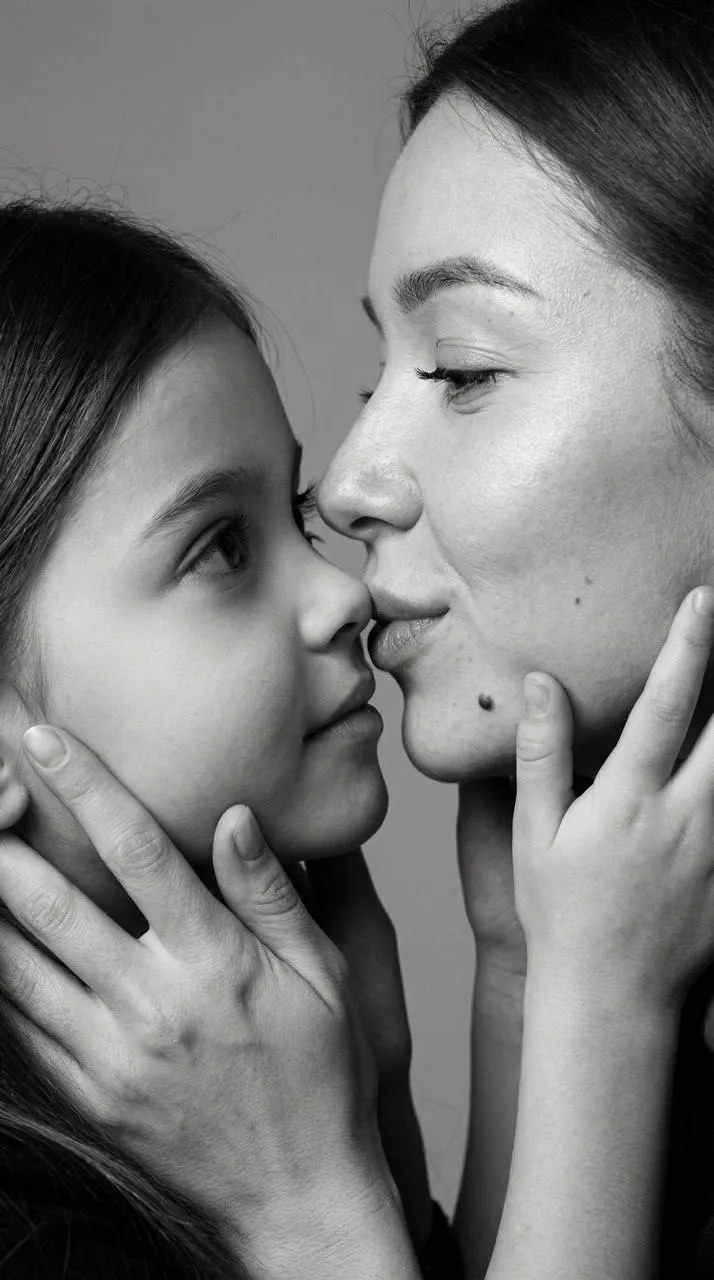
Tender close-ups of mom and baby, playful shots of dads goofing around with their kids, whole-family portraits in the studio. In black and white these feel especially touching, and they make a great gift for grandparents.
Couples
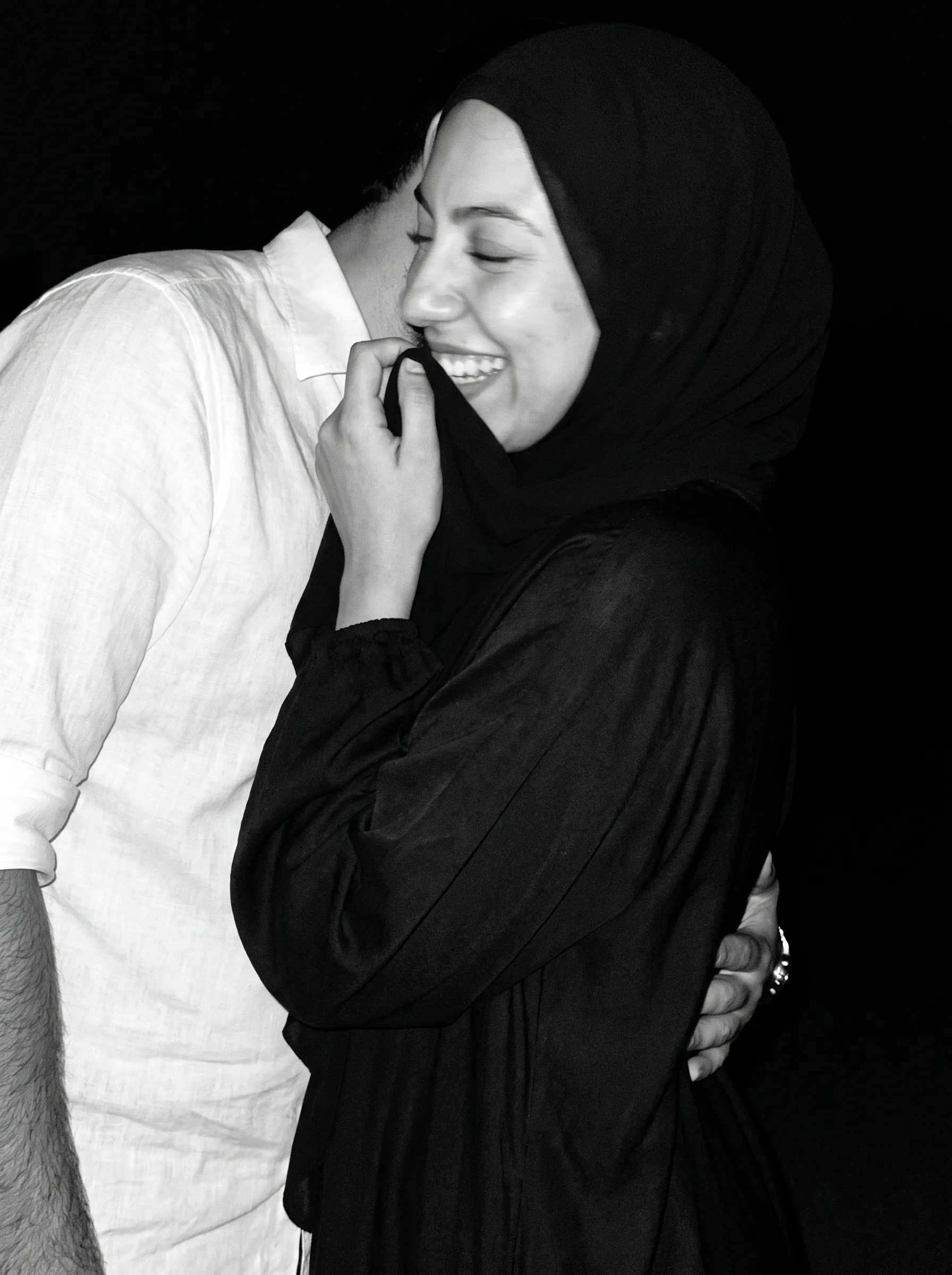
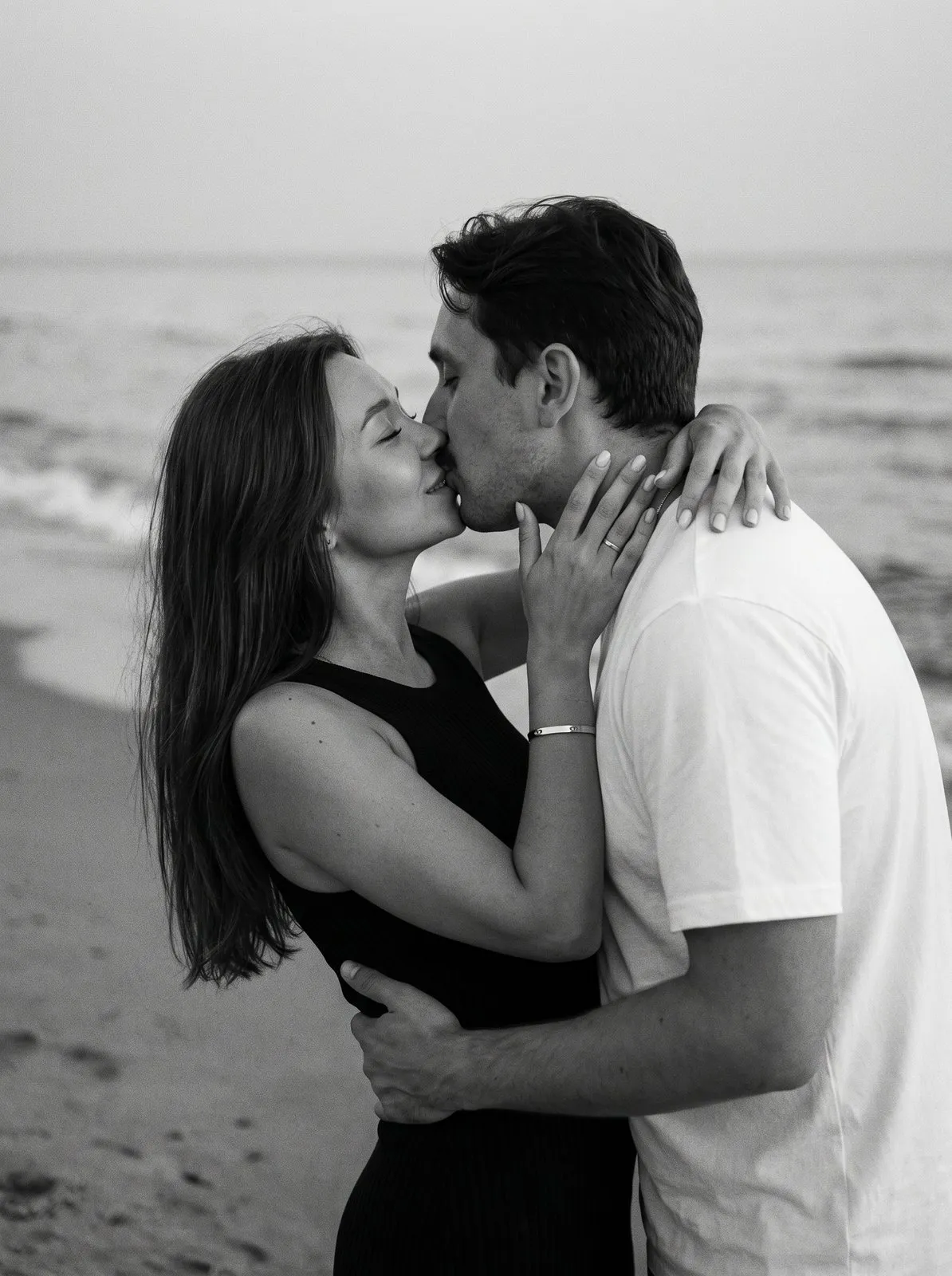
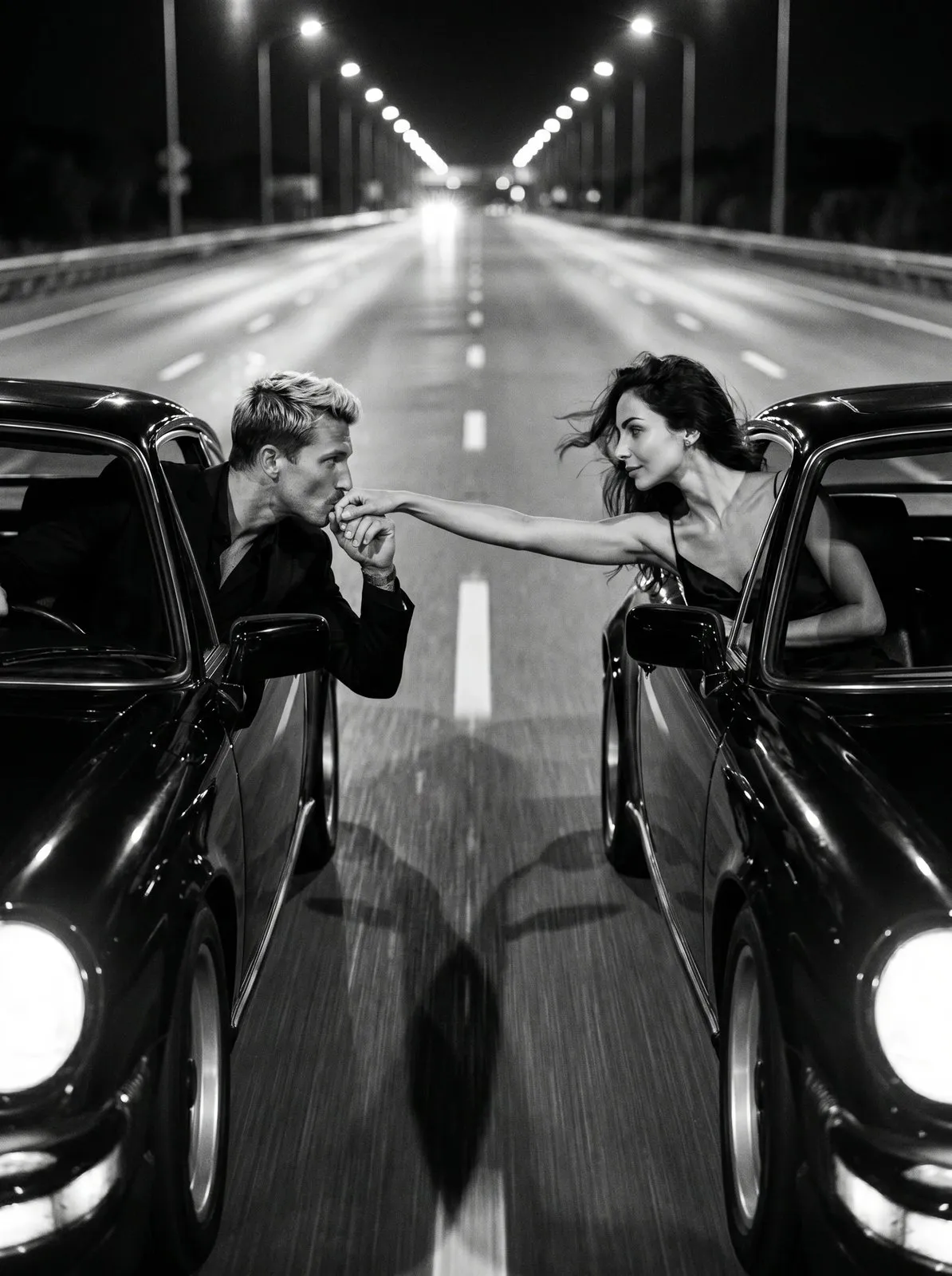
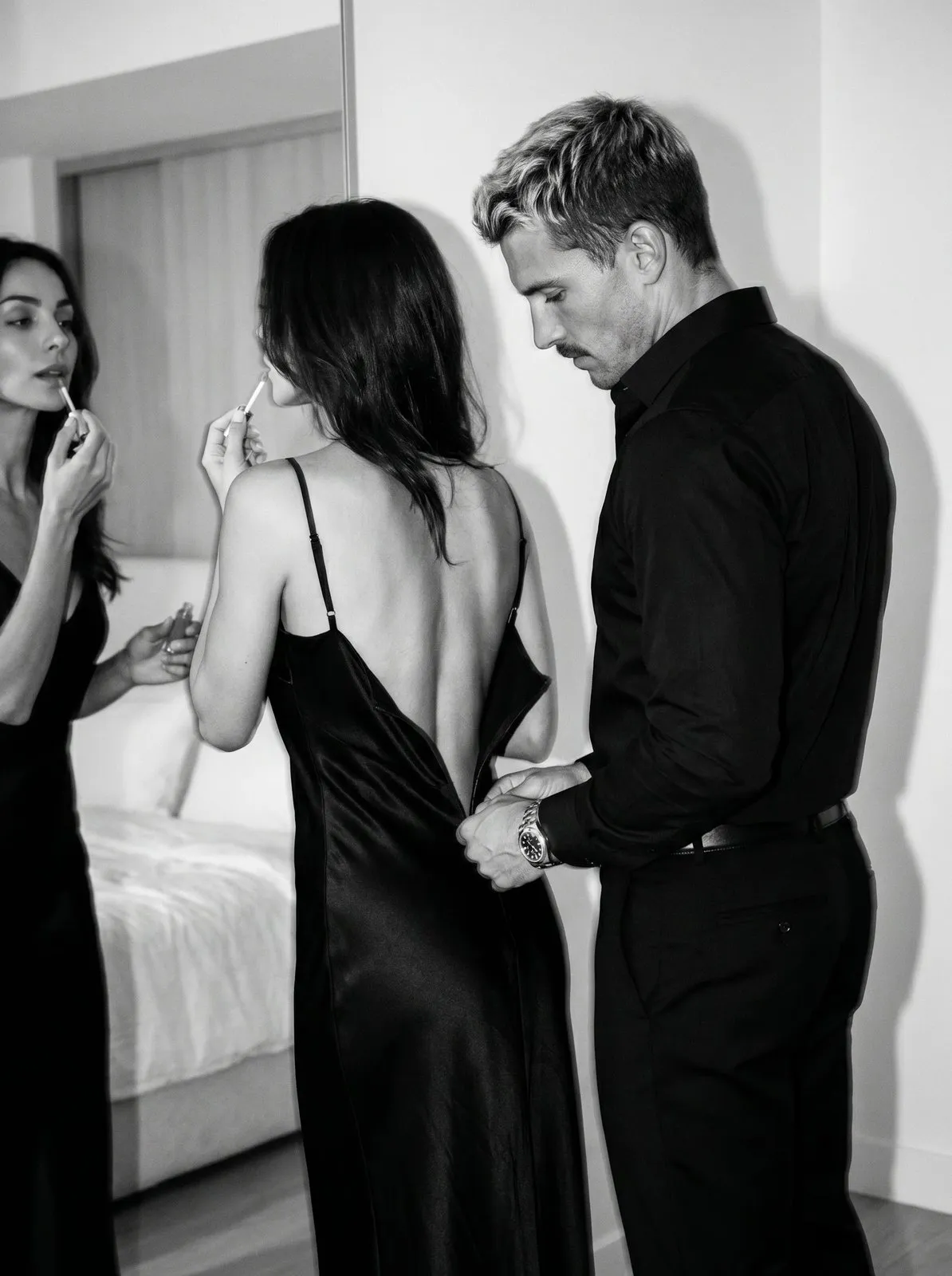
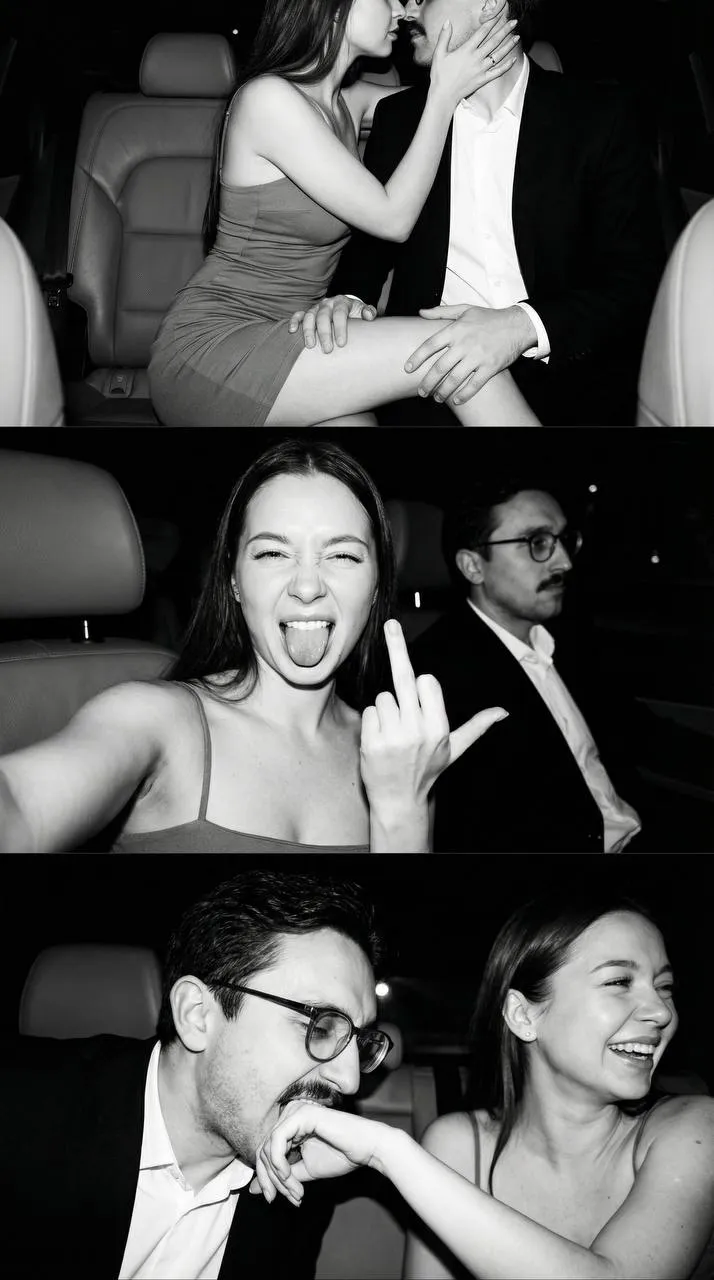
Film-style kisses on an evening beach, dramatic low-angle shots, flash-lit night scenes in a car. A black and white couple photoshoot looks cinematic without feeling staged.
In the studio
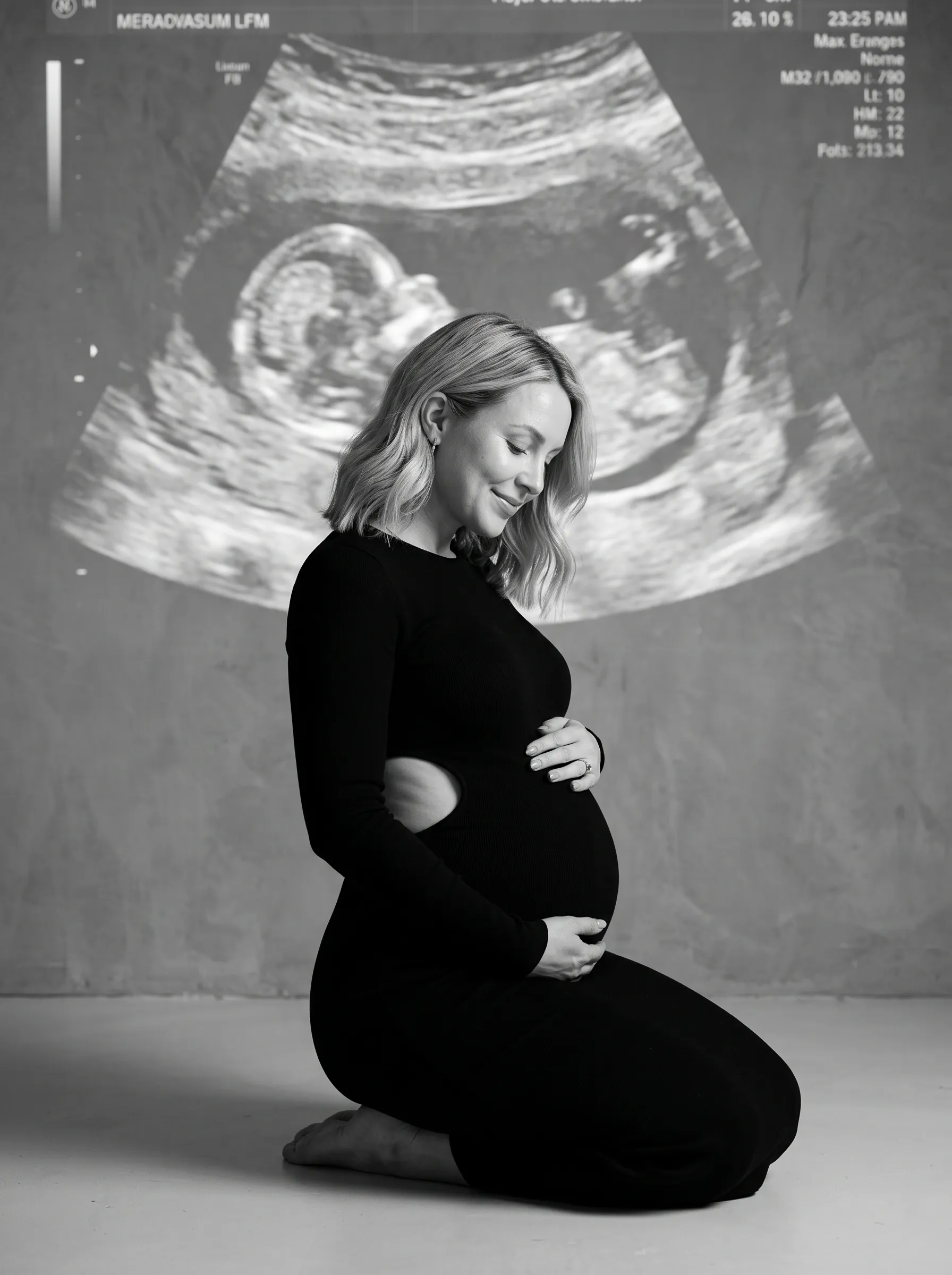
Many of the shots are studio scenes: a dark or light seamless backdrop and carefully set light. There are monochrome looks for moms-to-be, too.
Choosing a black and white look
Monochrome loves contrast and strong details. For a polished profile picture, go with a studio portrait on a plain backdrop with soft light. For a movie-like mood, pick film grain, direct flash or hard shadows. For a gift, close-up family portraits with faces and hugs work best — that's where black and white really shines. Want a series? Choose a few looks in the same mood so your feed feels like one cohesive shoot.
How to make AI black and white photos
- Pick a look in the collection.
- Upload your photos — the preset form shows how many and whose.
- Choose the format: 3:4 or 9:16.
- Tap "Generate". In about a minute the picture appears in "Generations".
Download it in high resolution or share it with a link.
Which photo to upload
- Color or black and white — either works, as long as your face is sharp.
- Good light, no filters, masks or sunglasses.
- For family and couple looks, a clear separate photo of each person.
Ideas for using your photos
- A profile picture that looks clean and classy.
- A framed portrait or a gift for family.
- A set of posts in one consistent monochrome style.
Why AI instead of a shoot
AI gives you lots of black and white looks with no booking and no prep: try a classic portrait, a film-grain vibe and a flash shot in one sitting. A real photographer is still a great choice when you want the experience and genuine in-the-moment emotion.