AI family photos from a photo of each person
An AI family photo generator that works from a photo of each person: mom and baby, dad and kids, the whole family in studio-style and cozy home scenes.
- Video99
 25
 25
 25
 25
 25
 25
 25
 25
 25
 25
 25
 25
 25
 25
 25
 25
 25
 25
 25
 25
 25
 25
 25
 25
 25
 25
 25
 25
 25
 25
 25
 25
 25
 25
 25
 25
 25
 25
 25
 25
 25
 25
 25
 25
 25
 25
 25
 25
 25
Family photos without the logistics
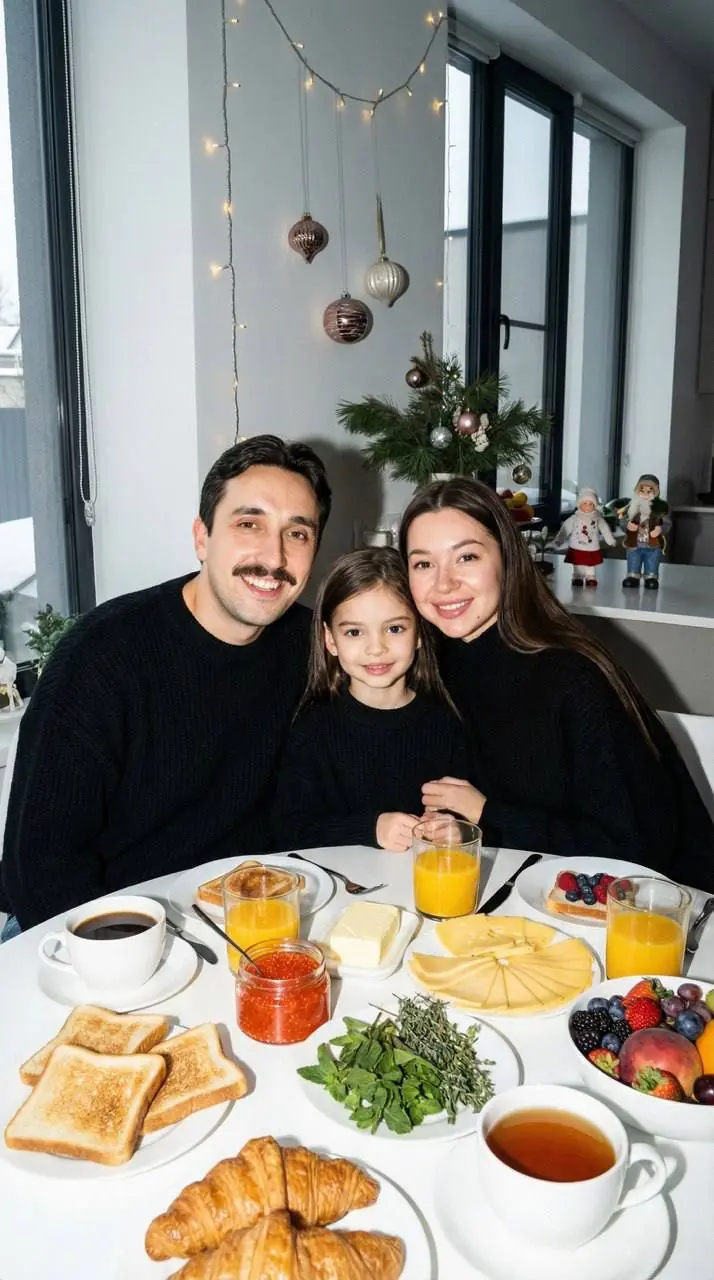
Getting the whole family to a photoshoot is a project: matching schedules, dressing the kids, getting everyone to smile at once. An AI family photo generator makes it easy: choose a scene, upload a photo of each person, and the neural network creates a shared picture that keeps everyone's faces and features. These are AI-generated images — they look like photos, but there was no shoot and no photographer.
What looks are included
Studio-style family portraits
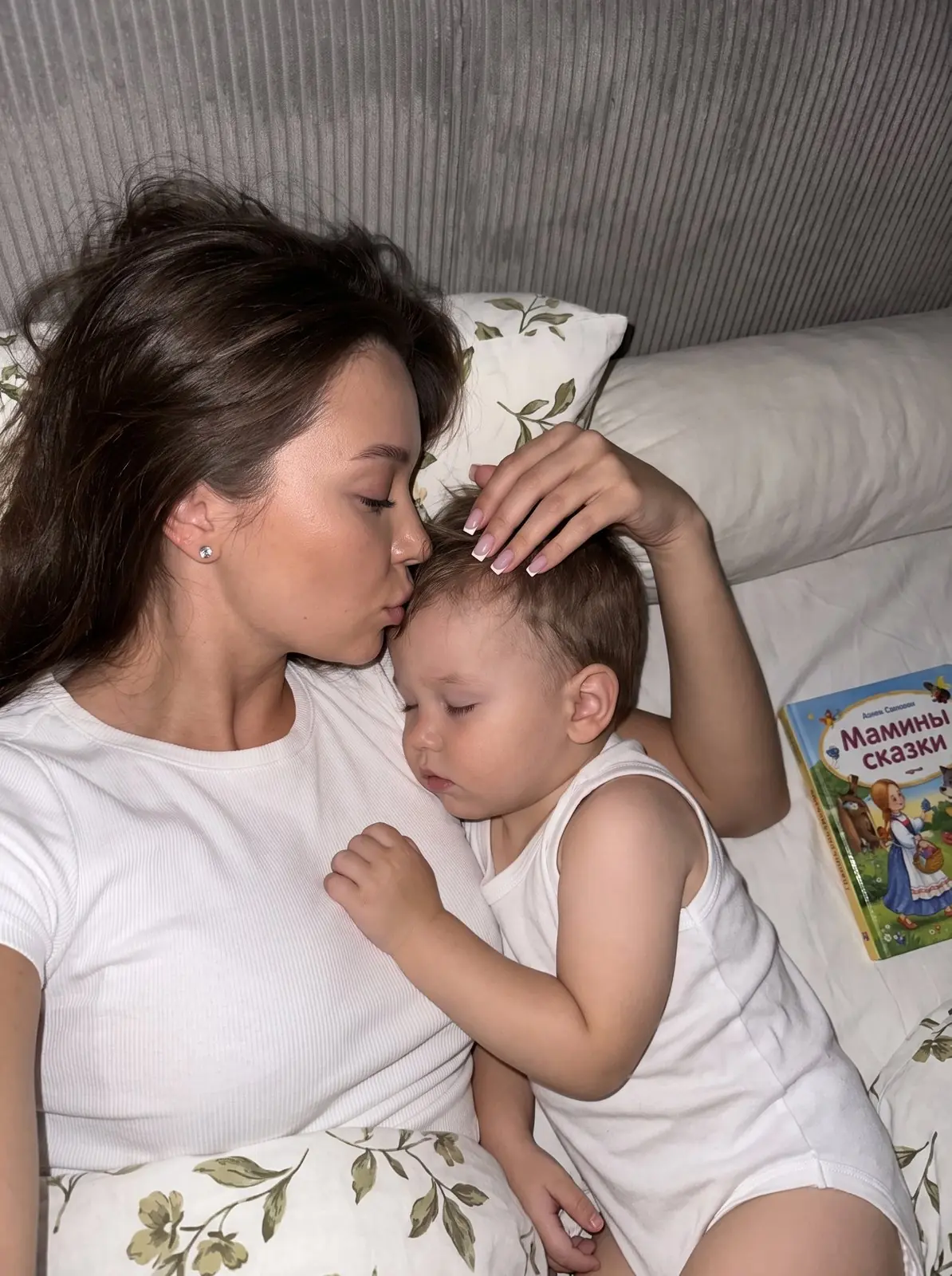
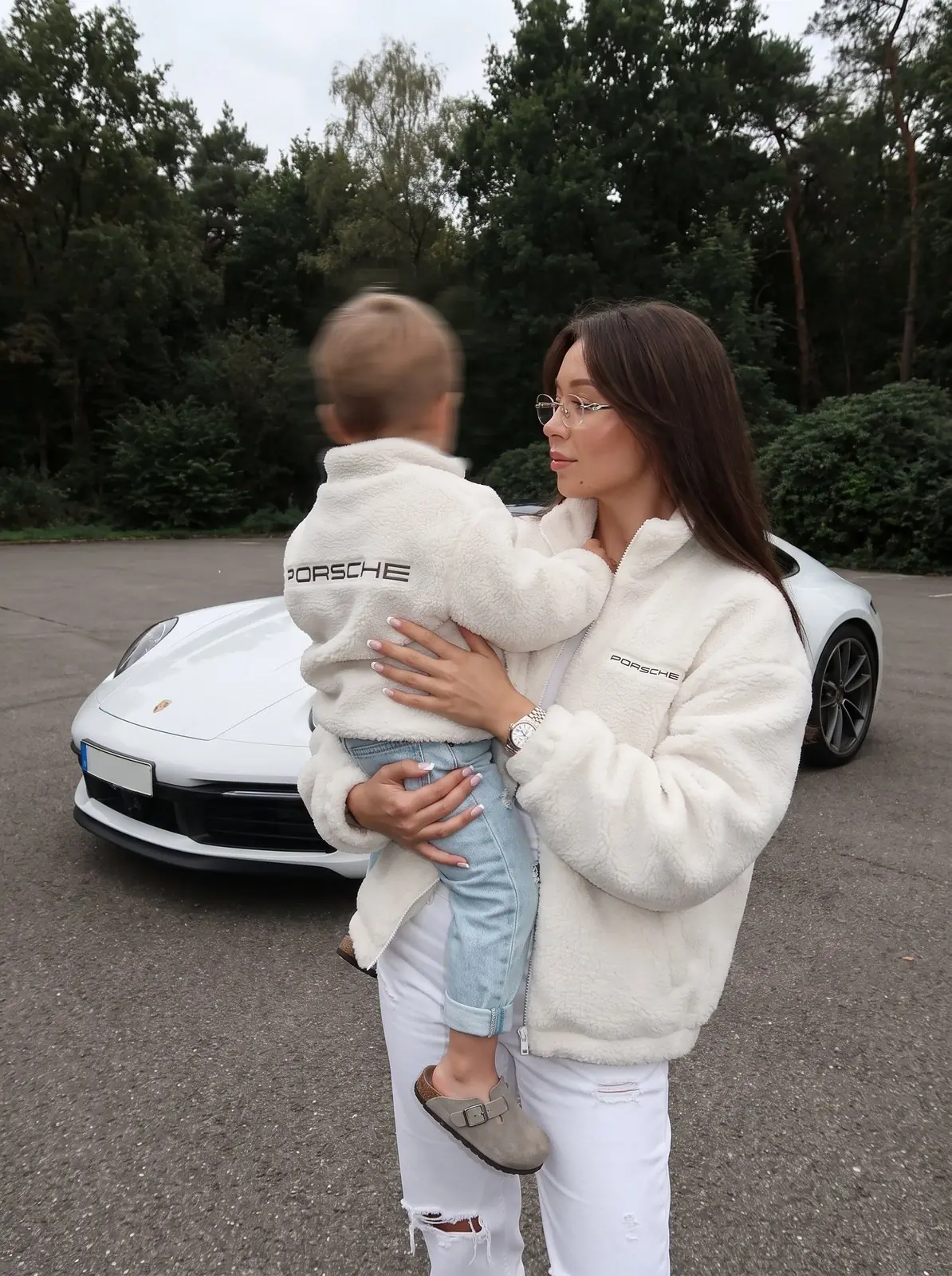
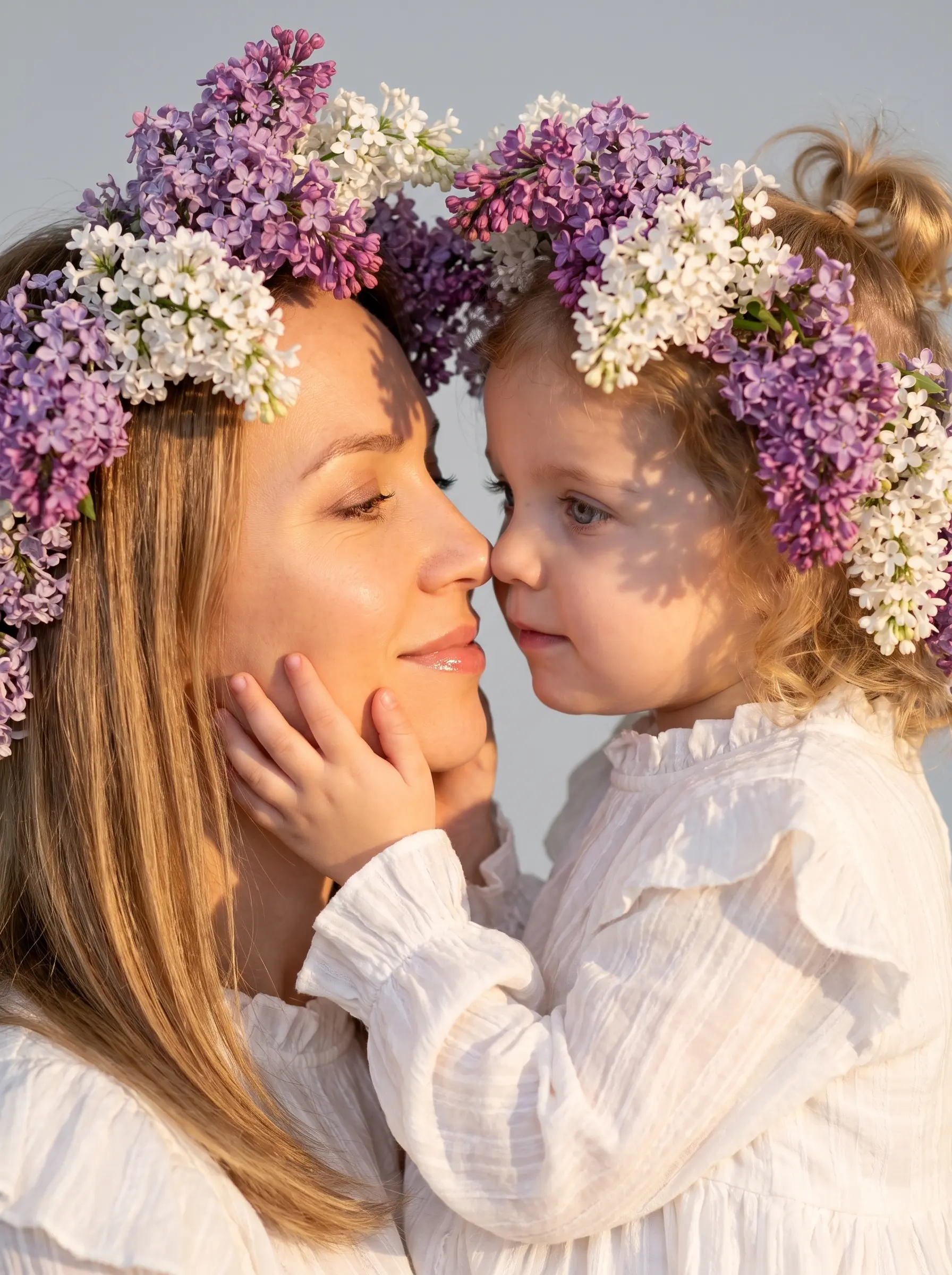
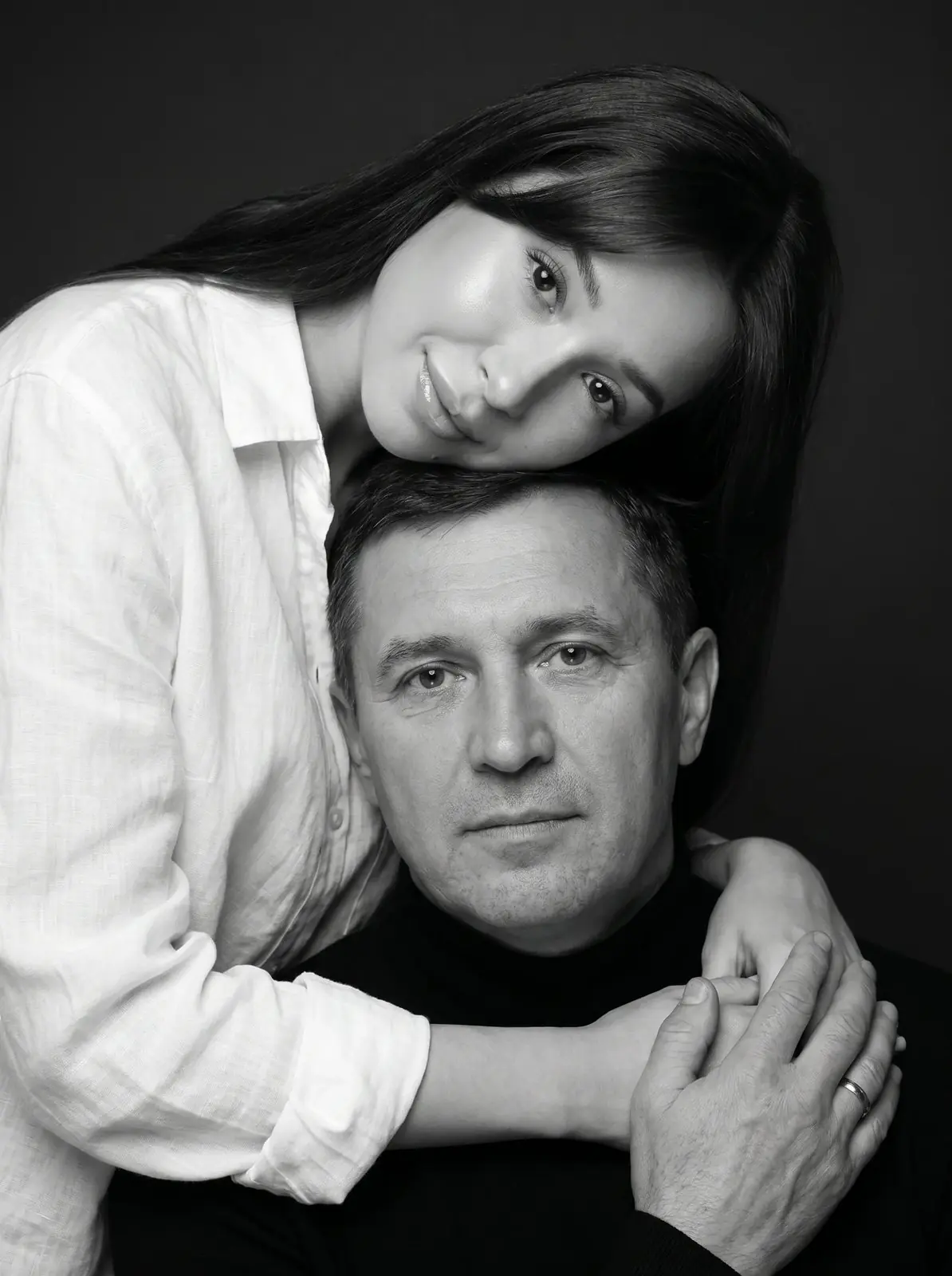
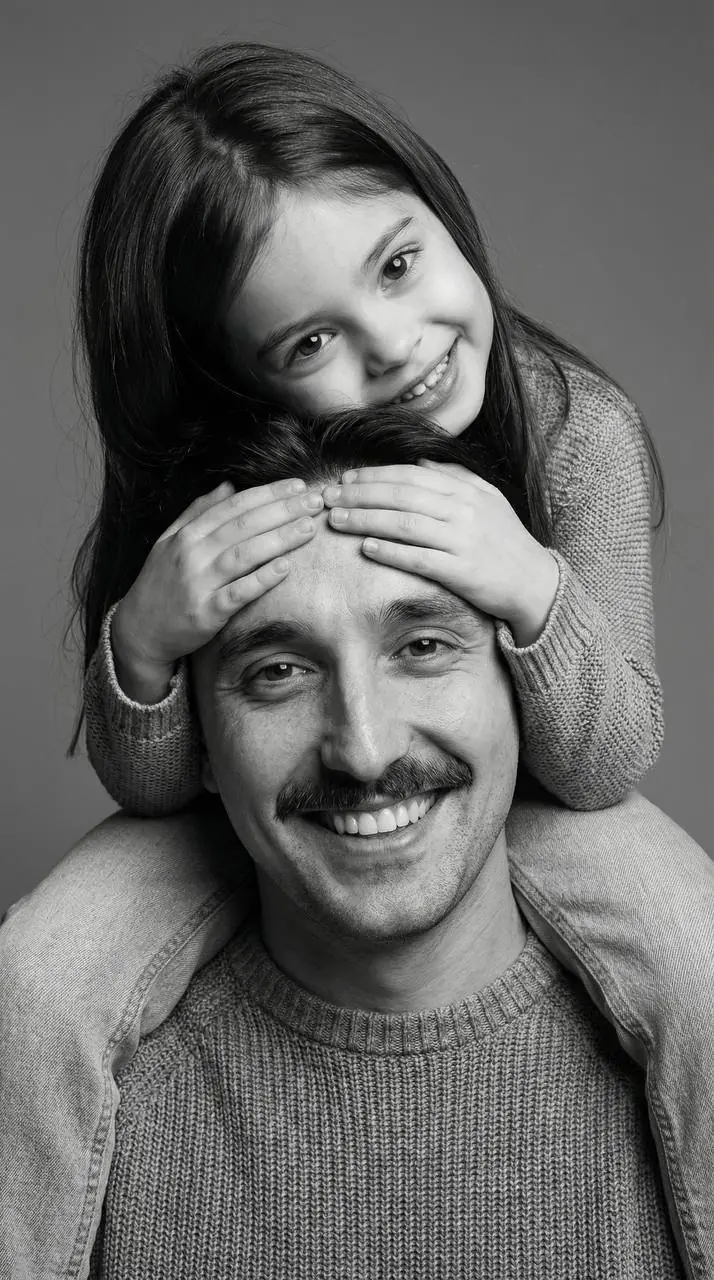
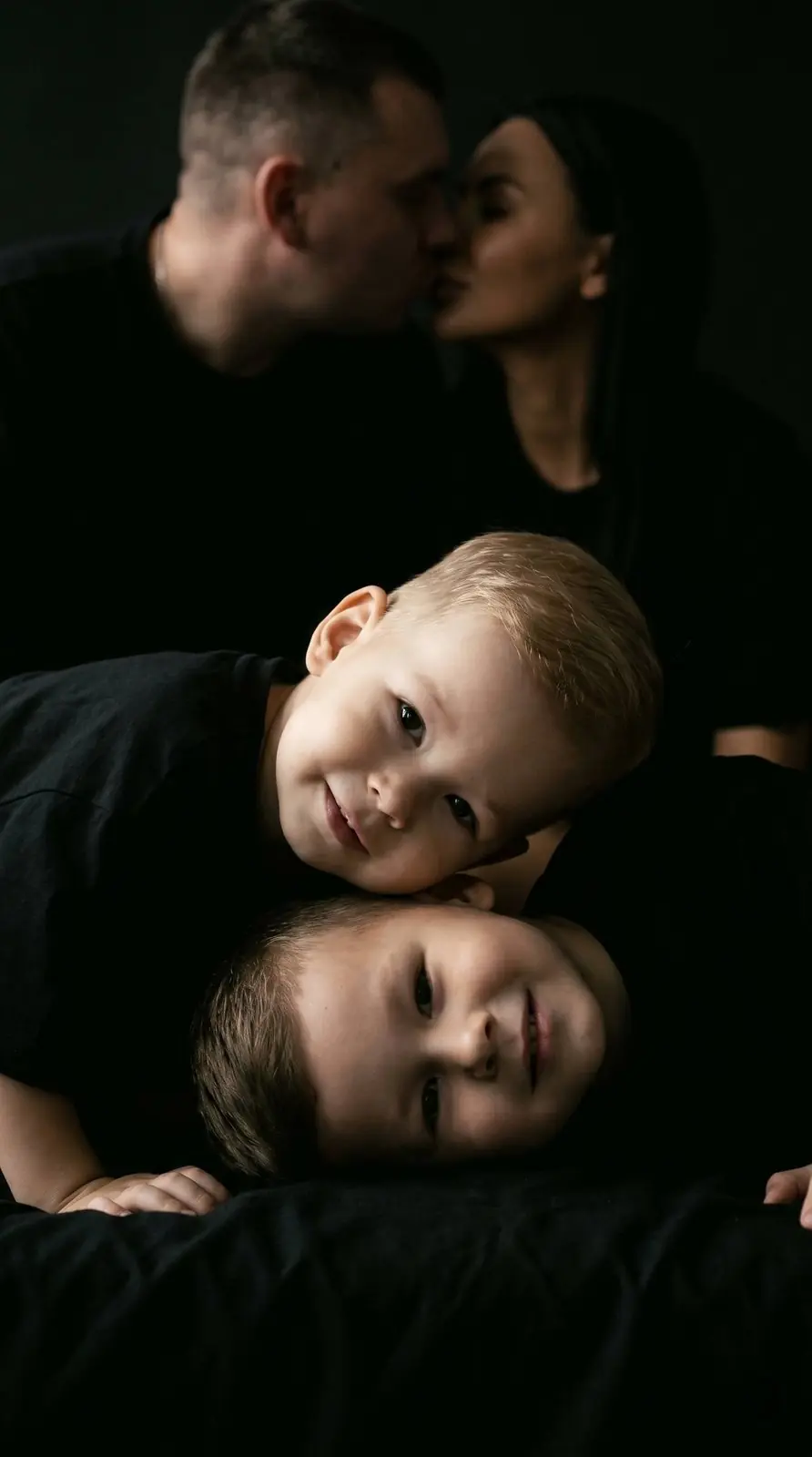
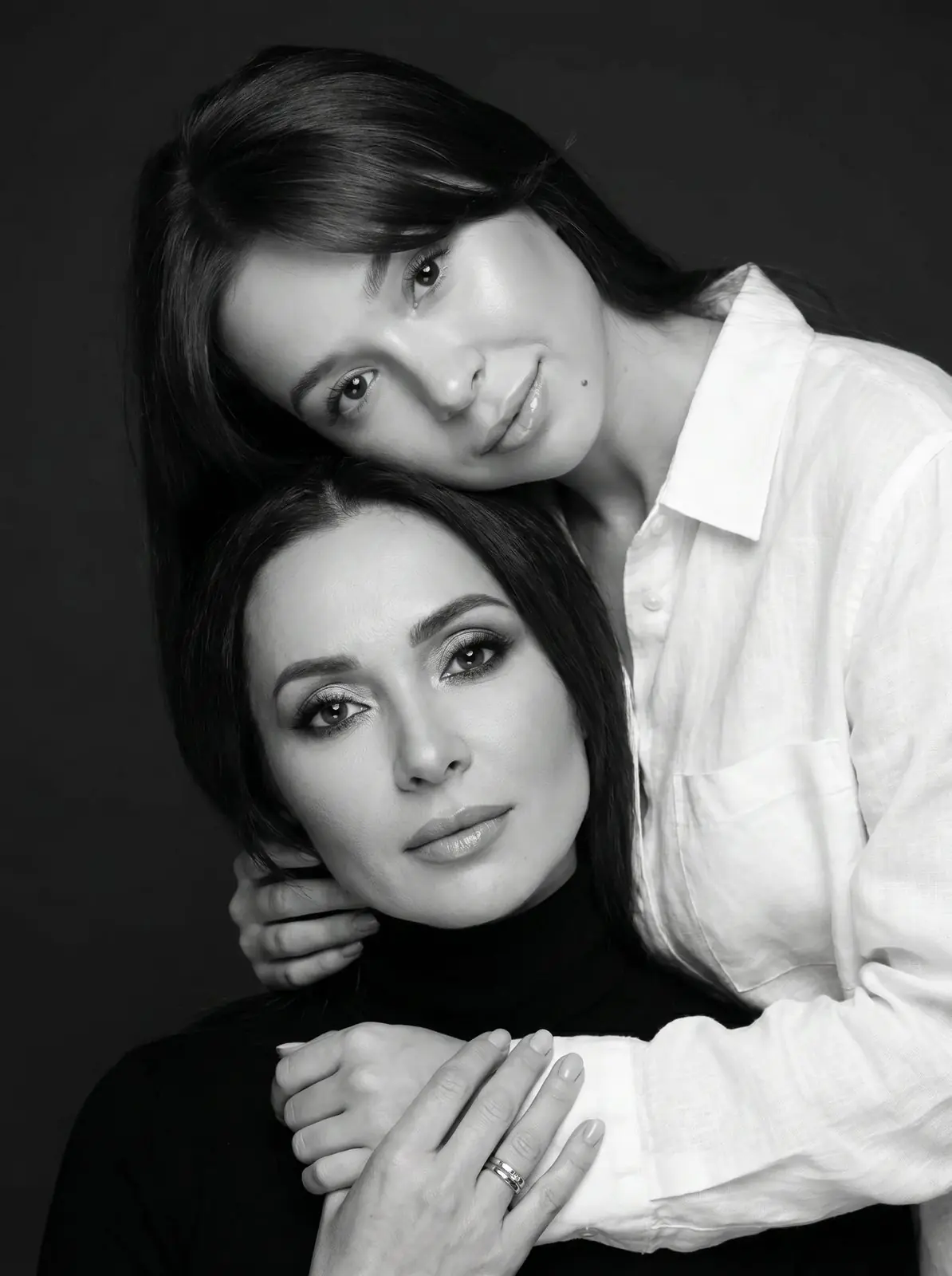
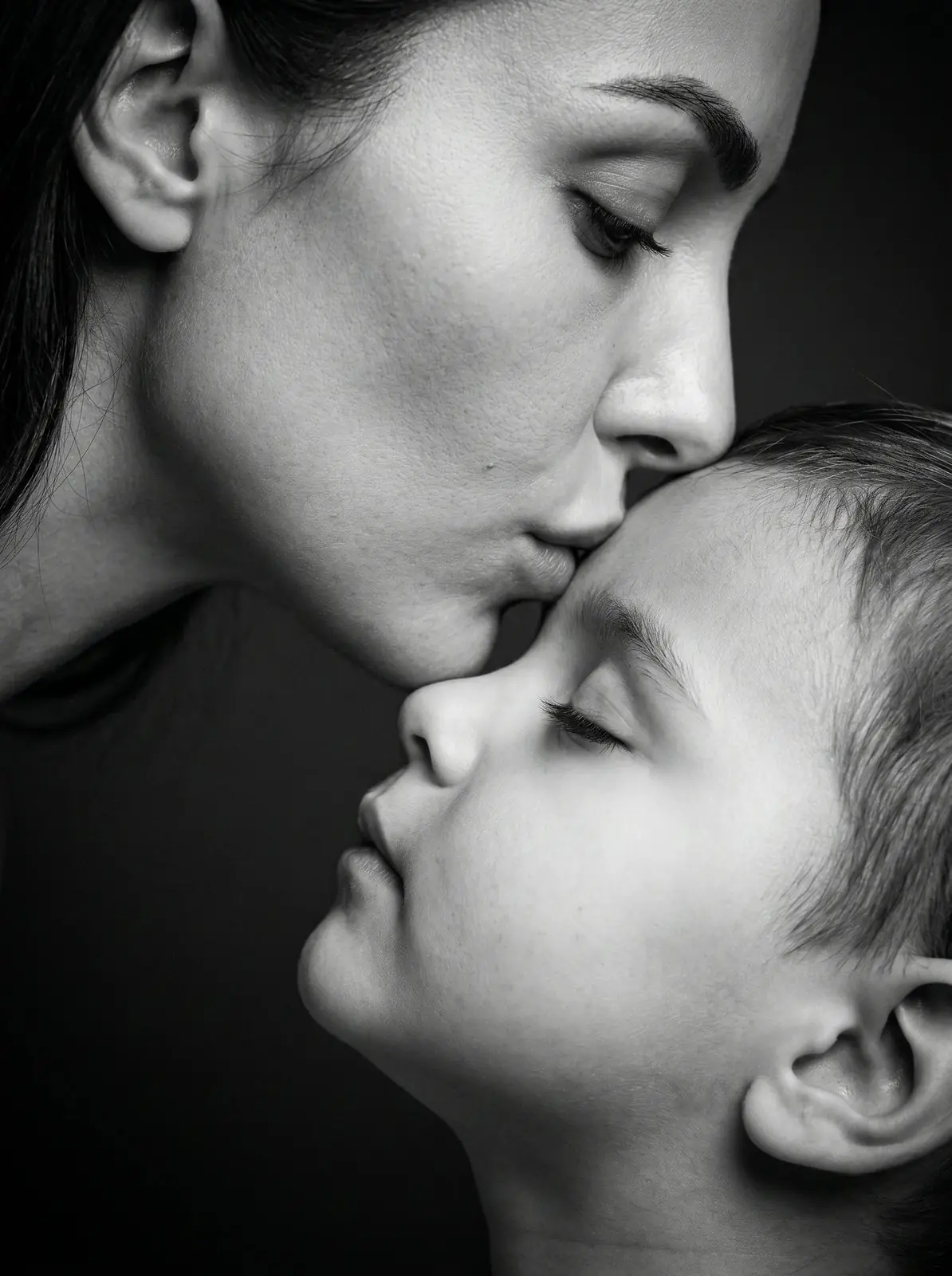
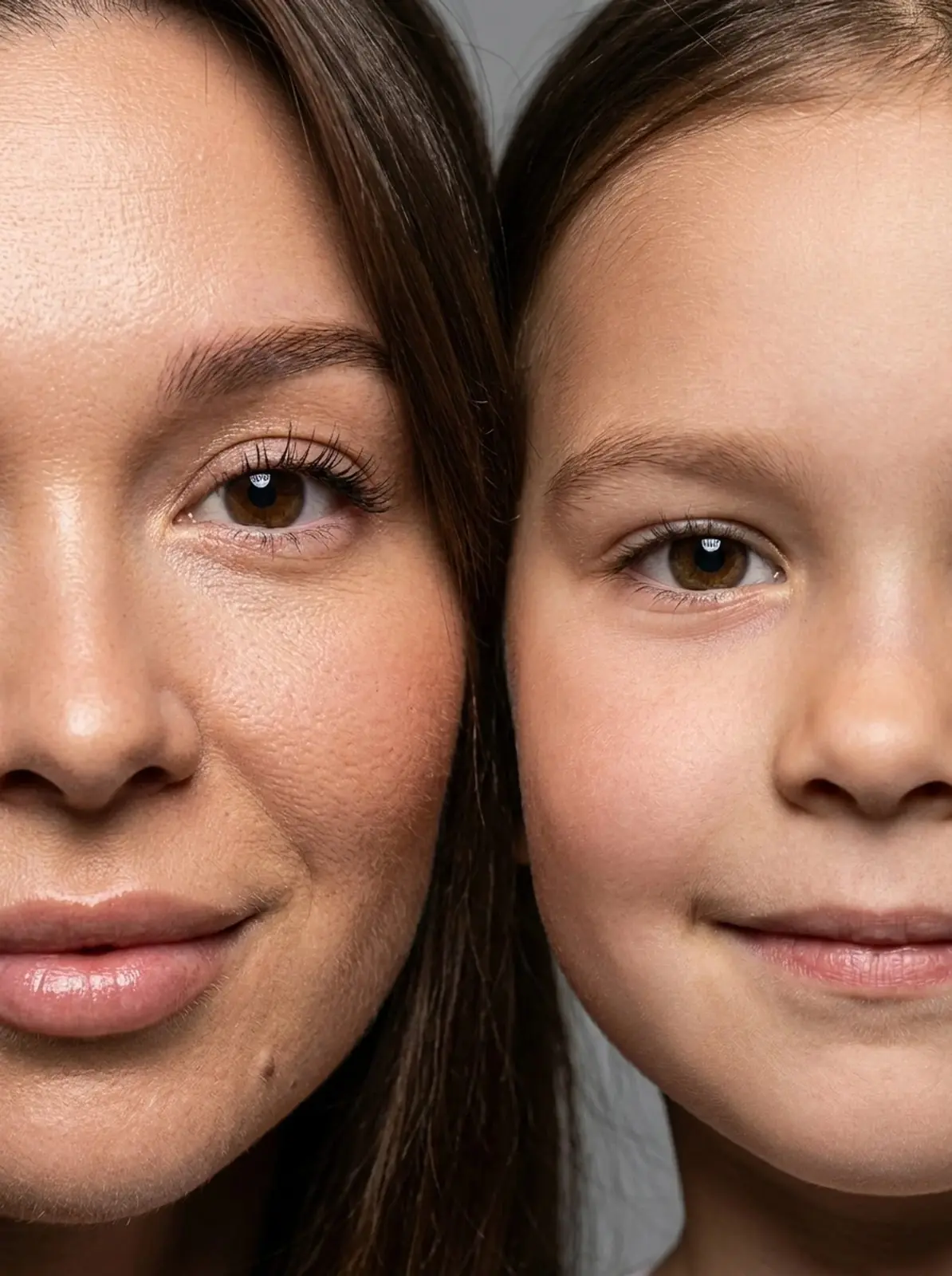
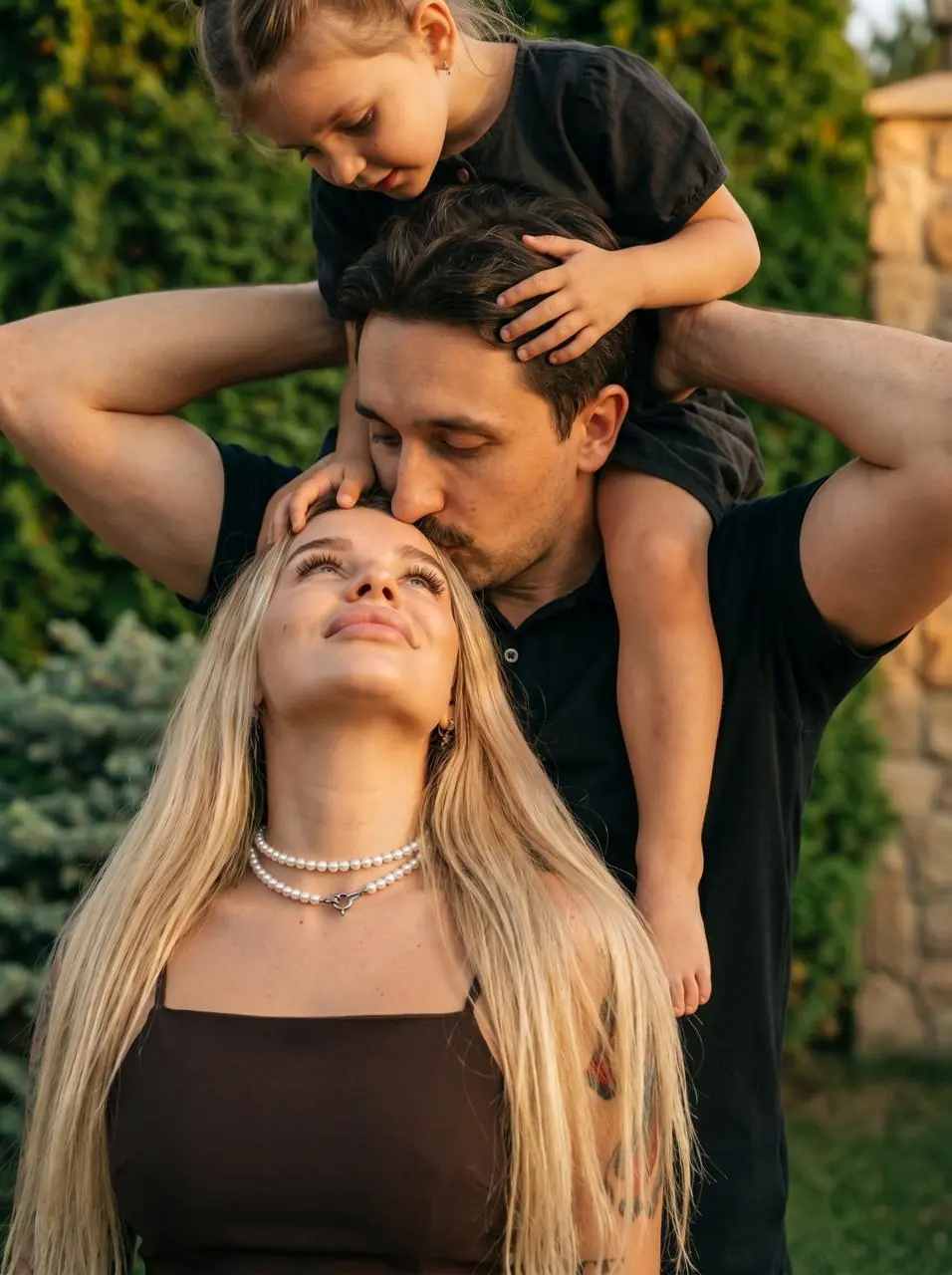
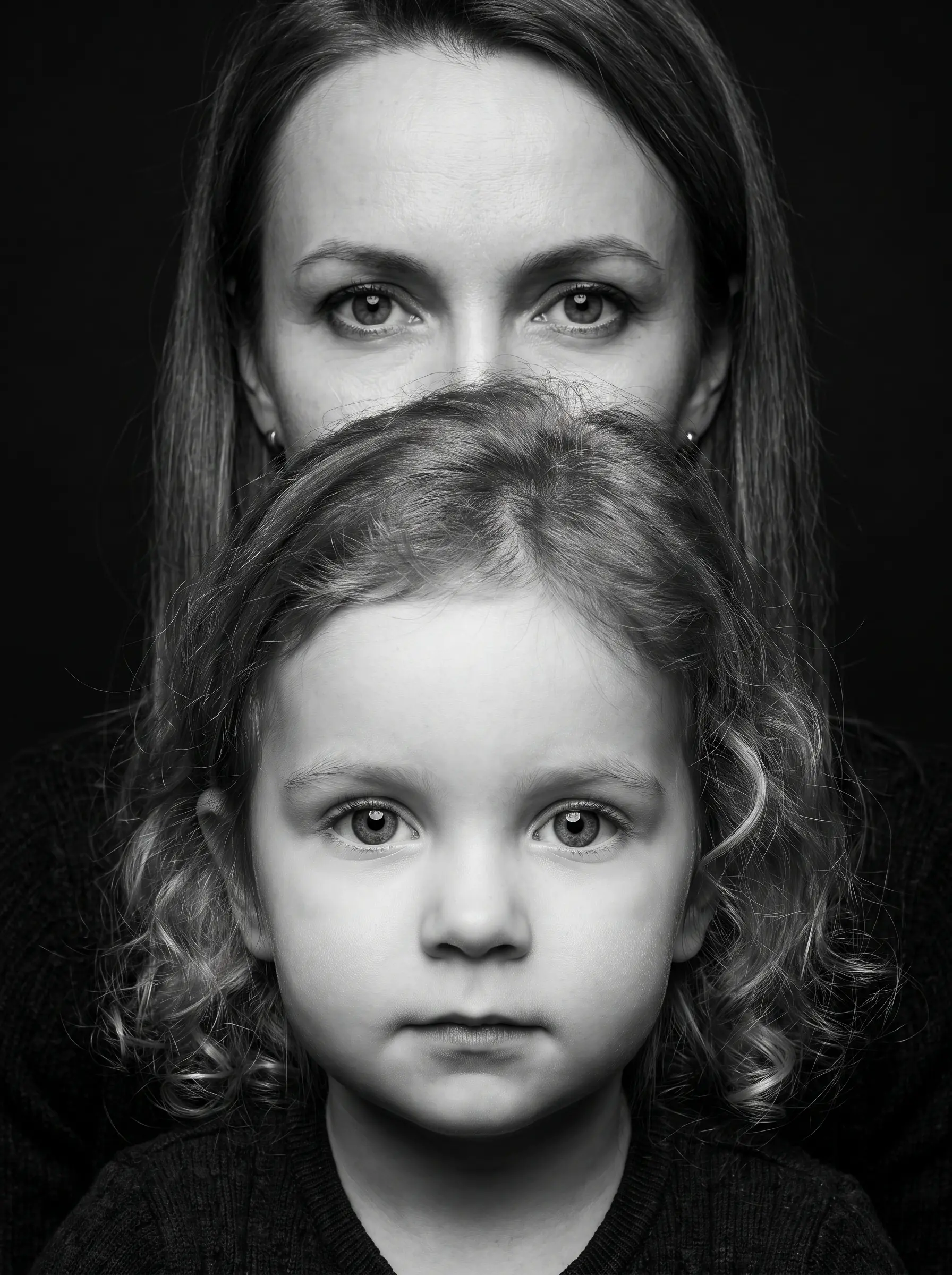
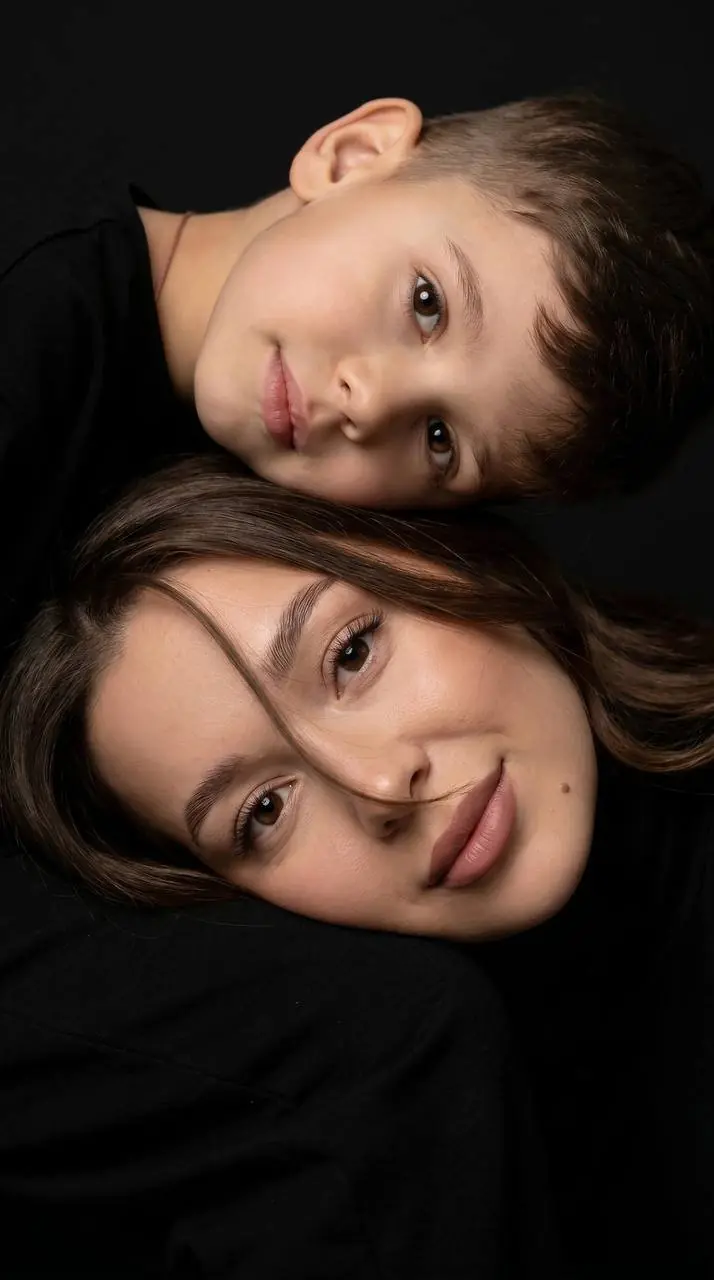
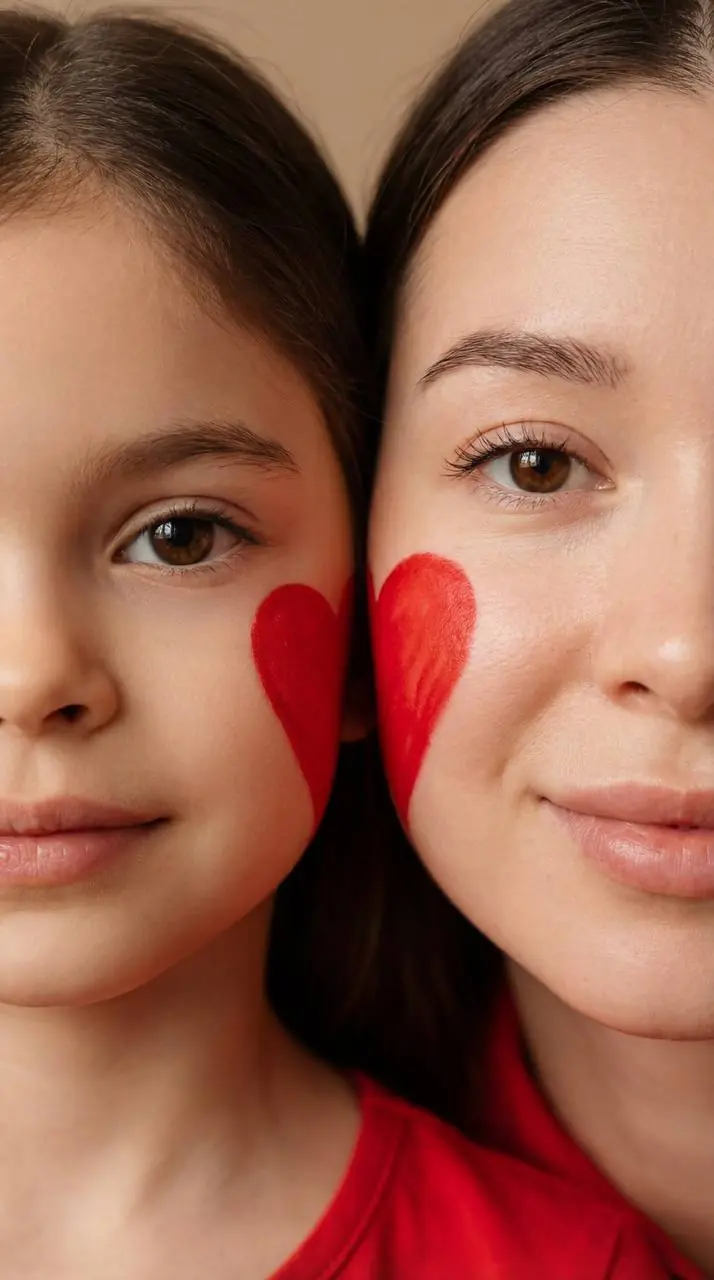
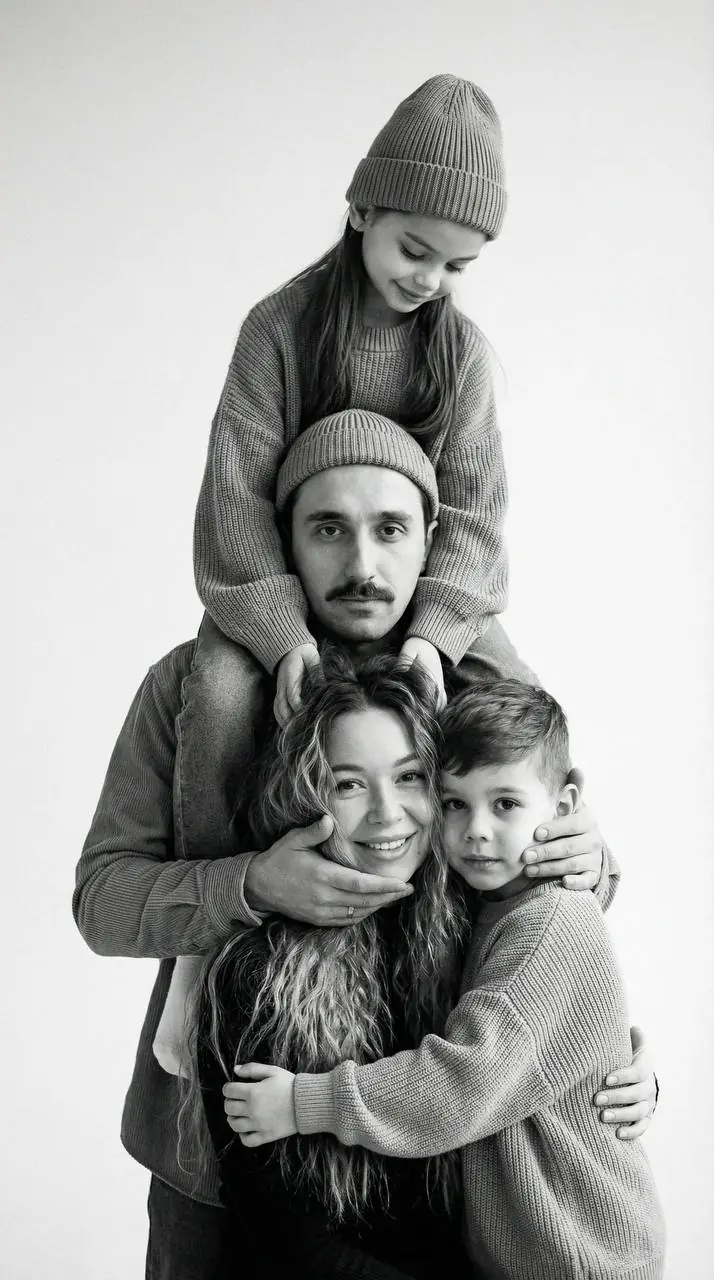
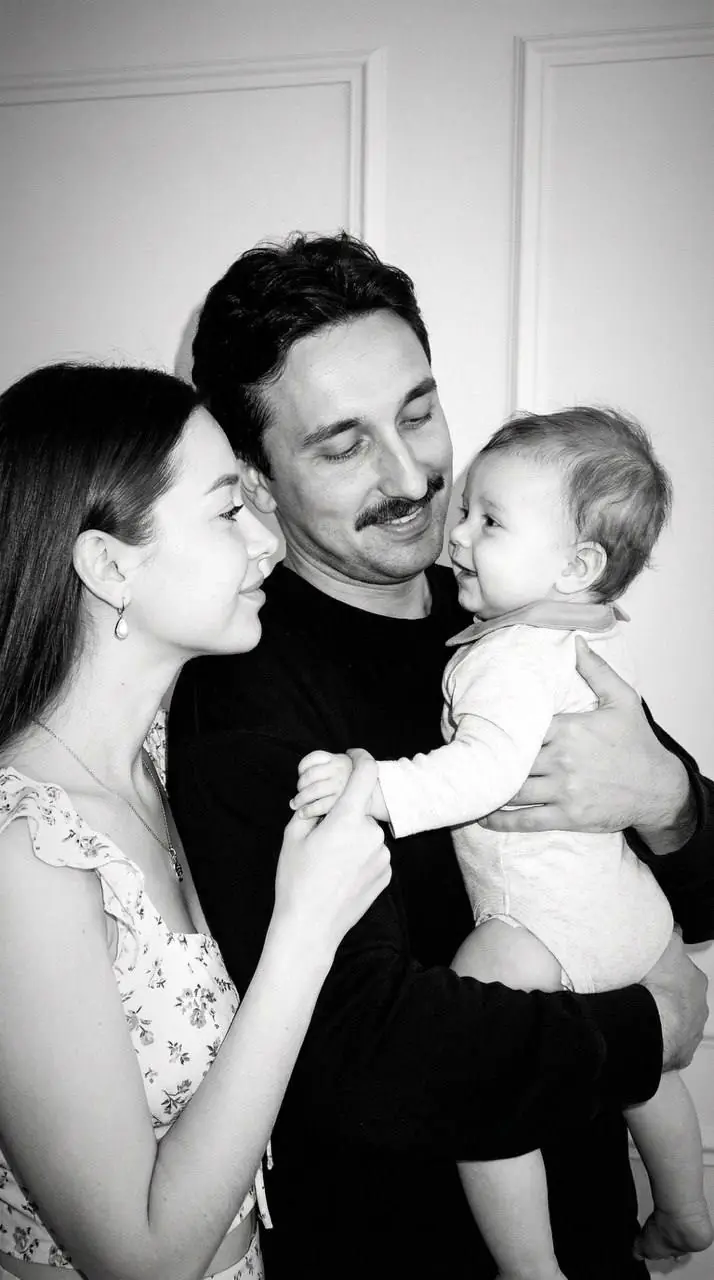
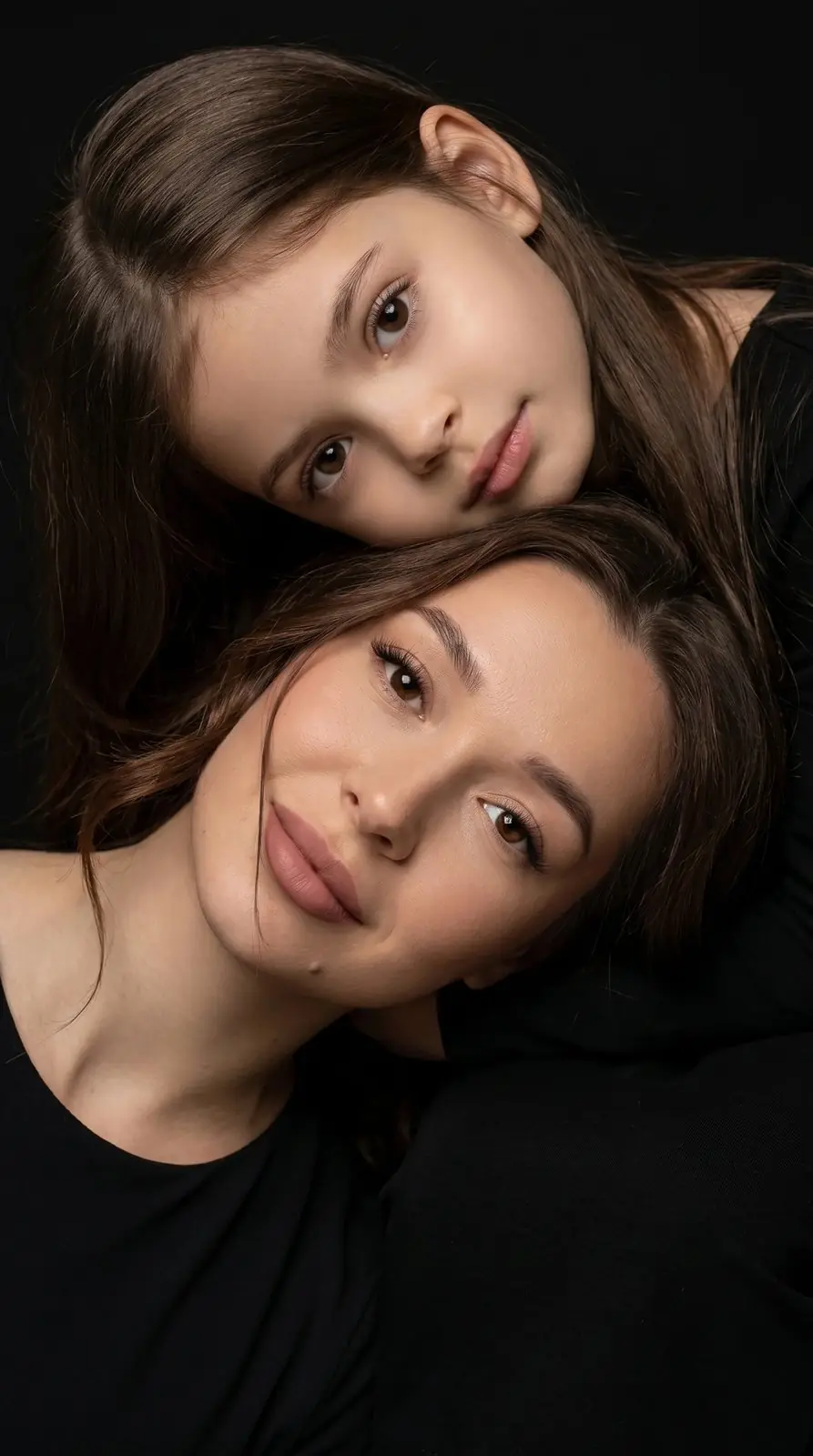
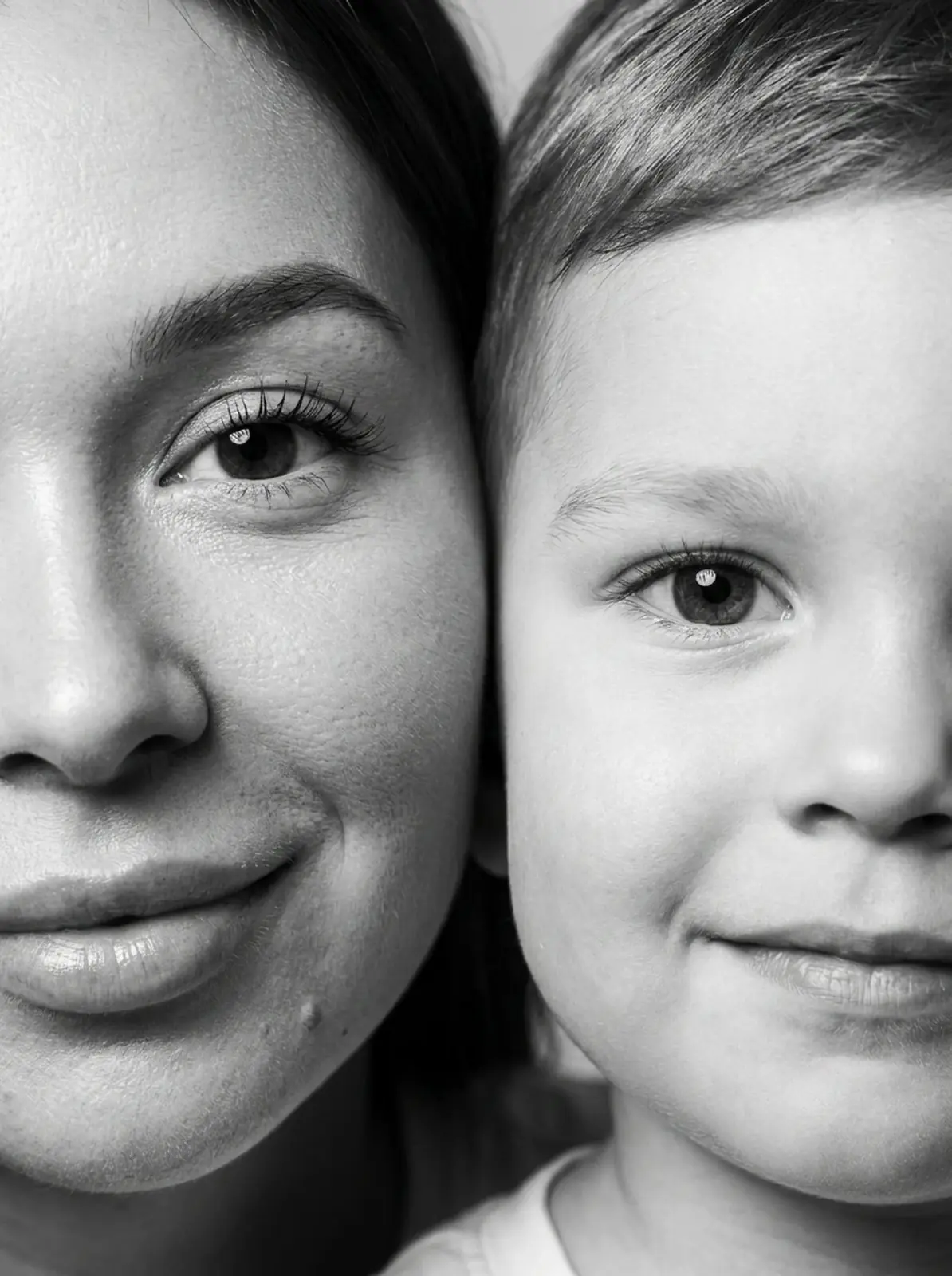
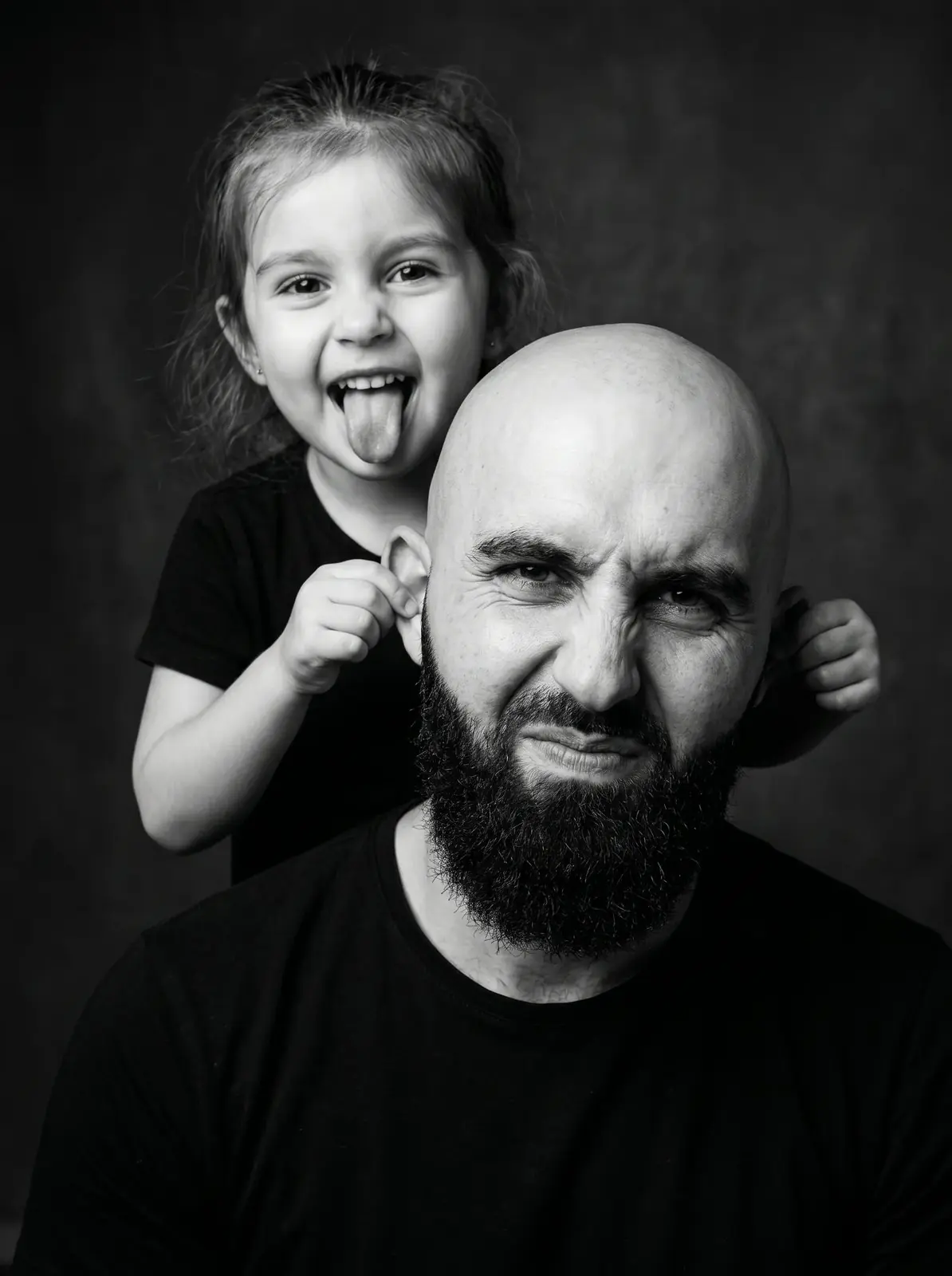
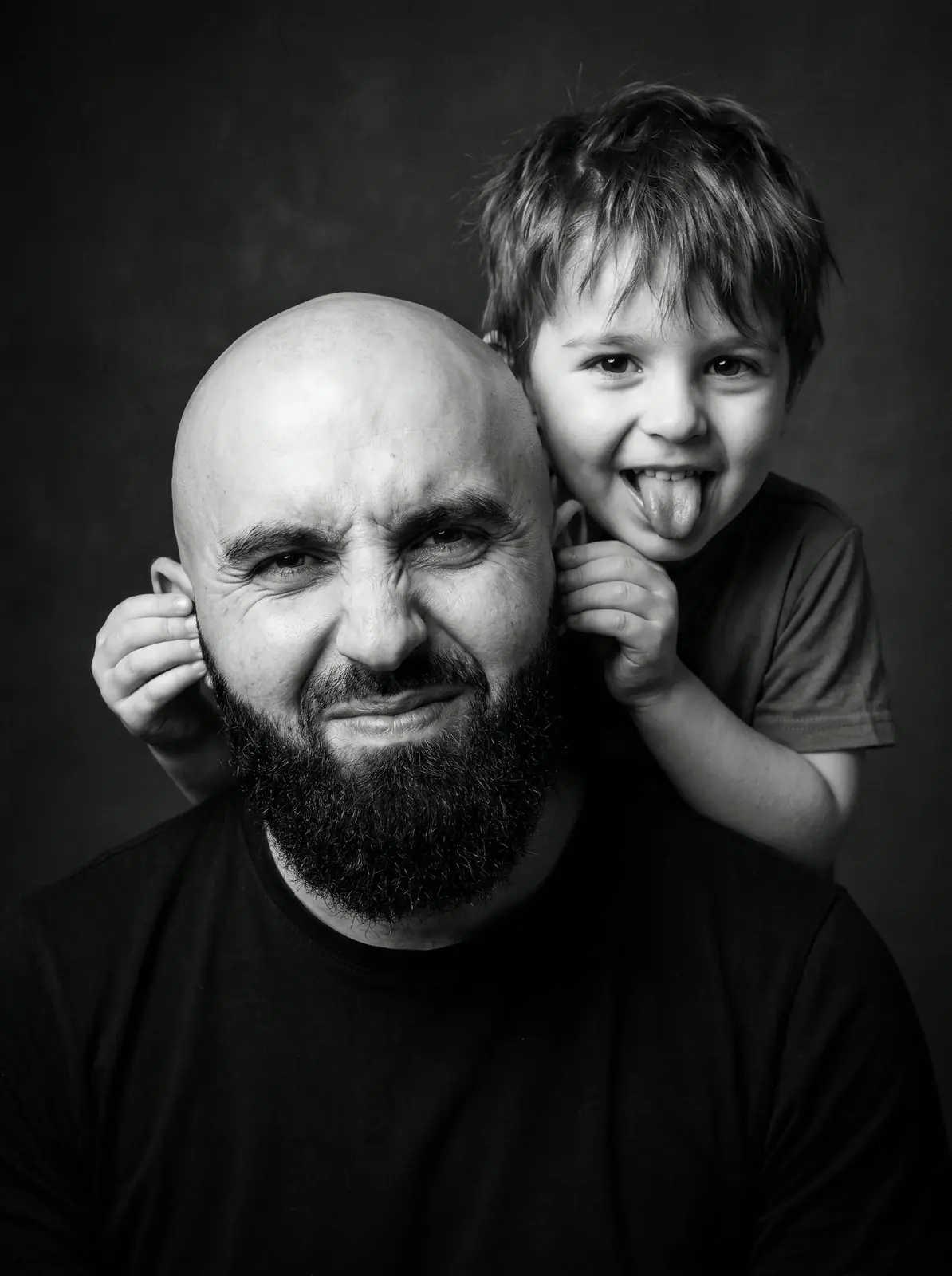
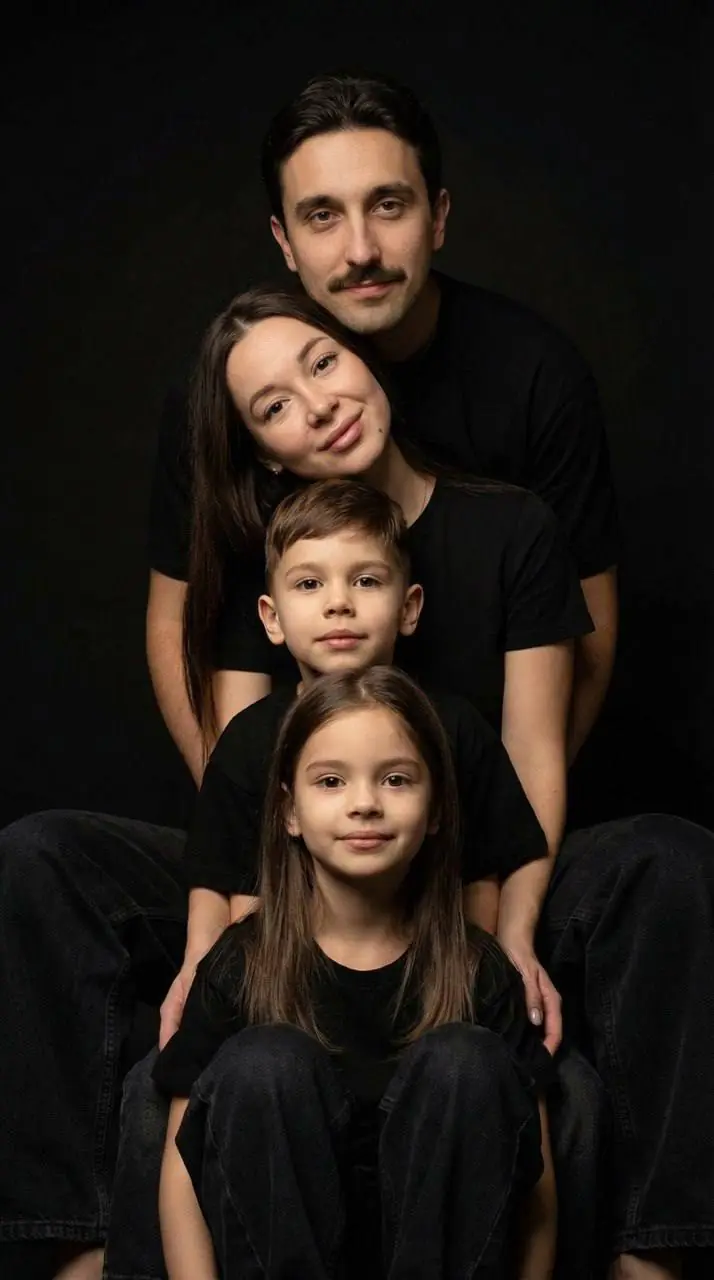
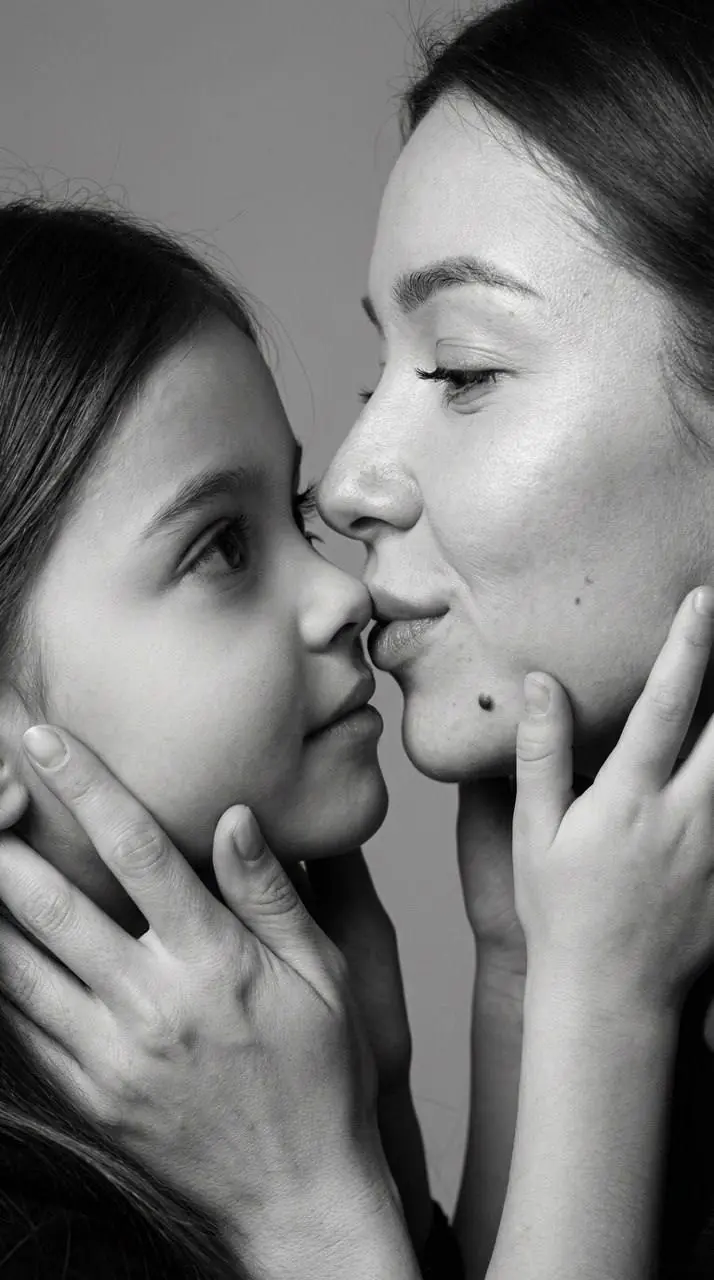
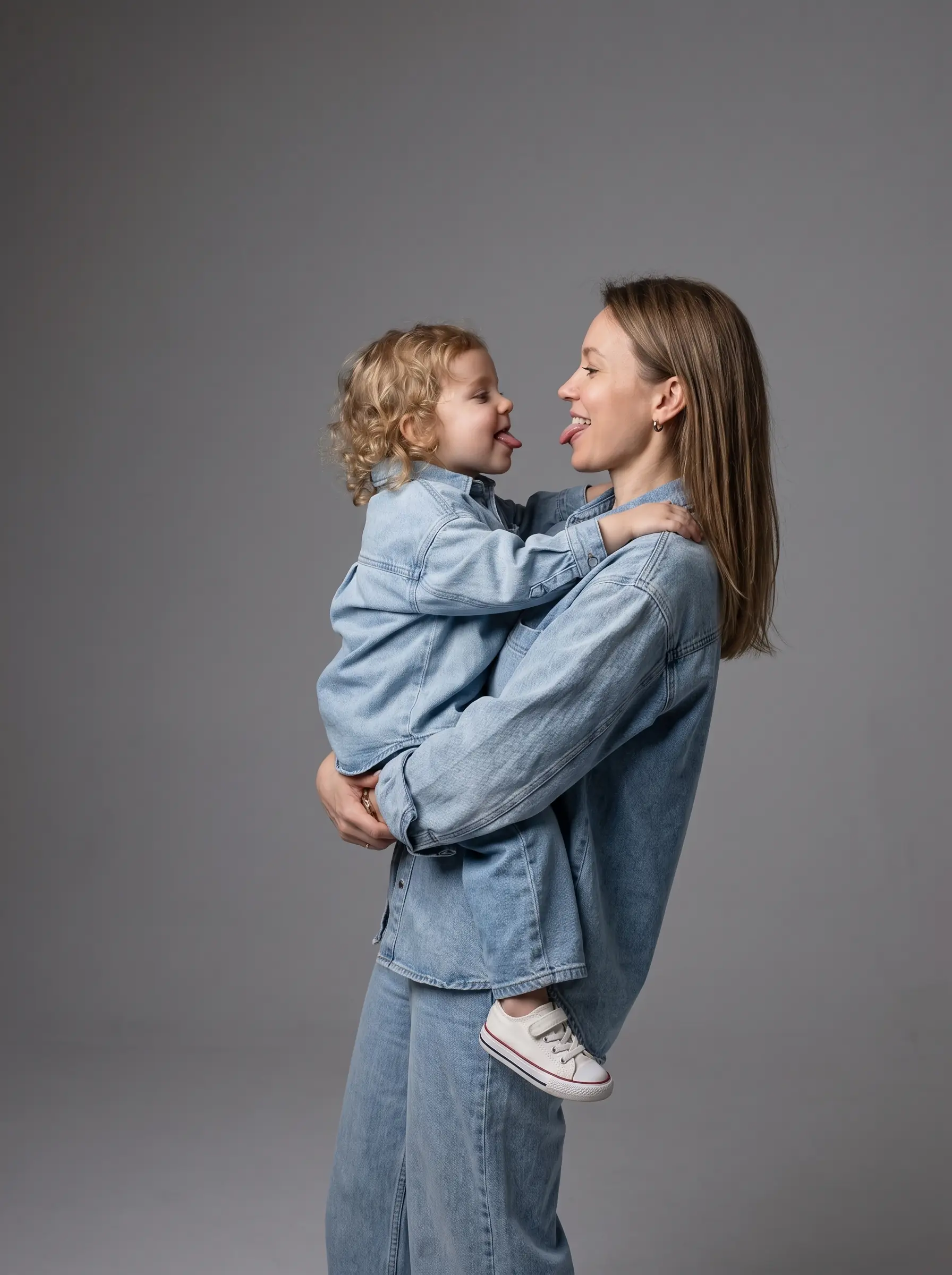
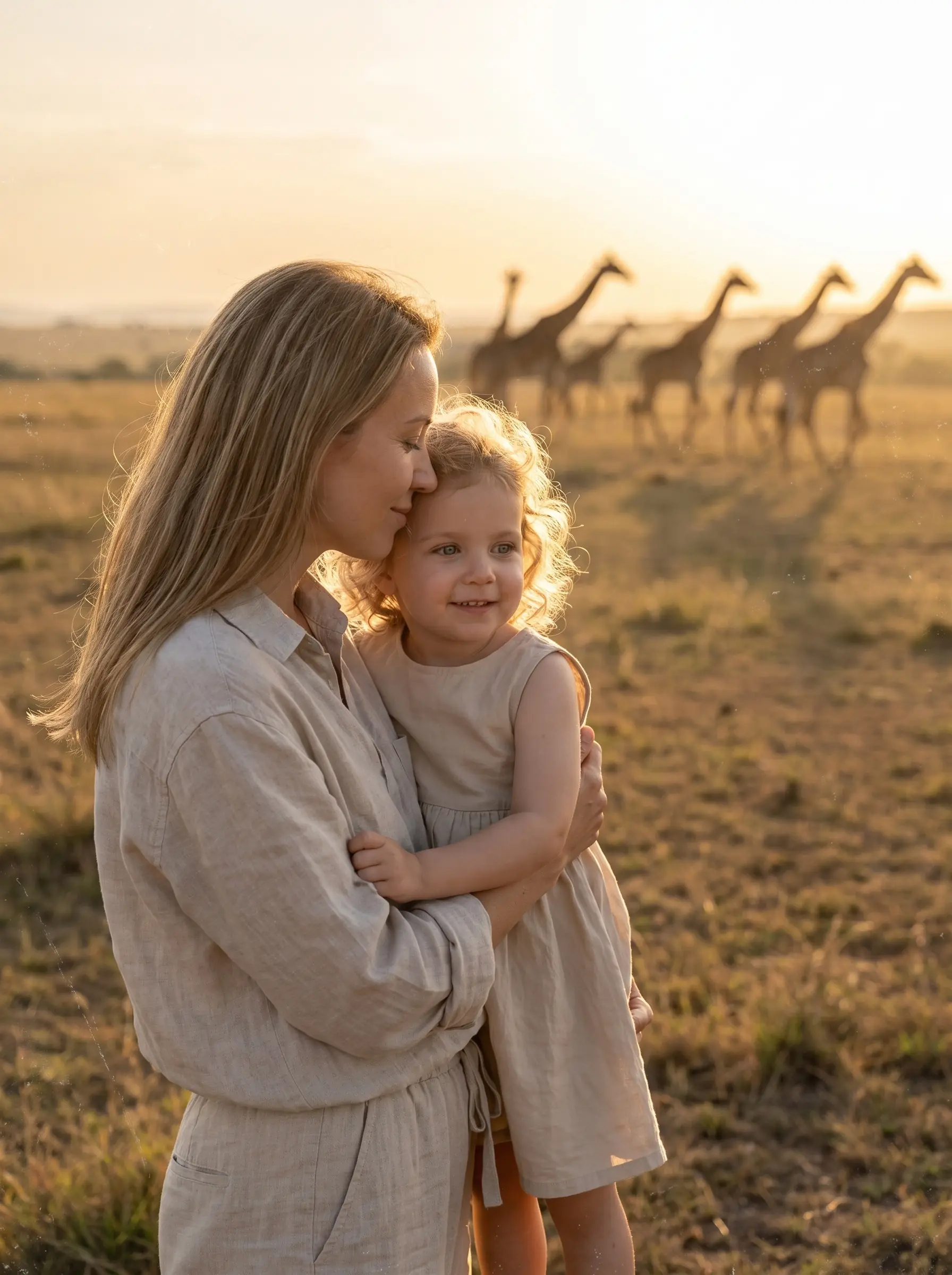
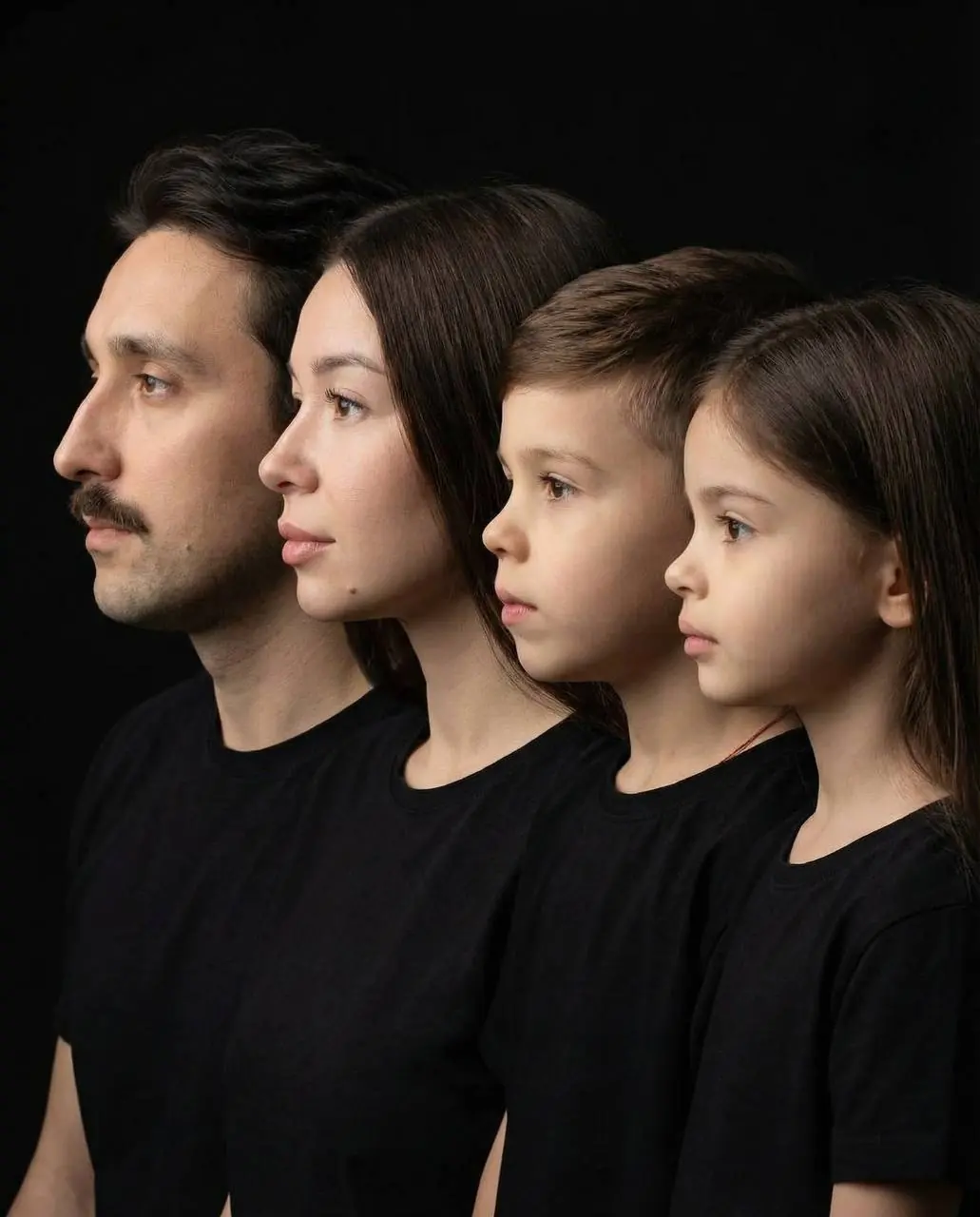
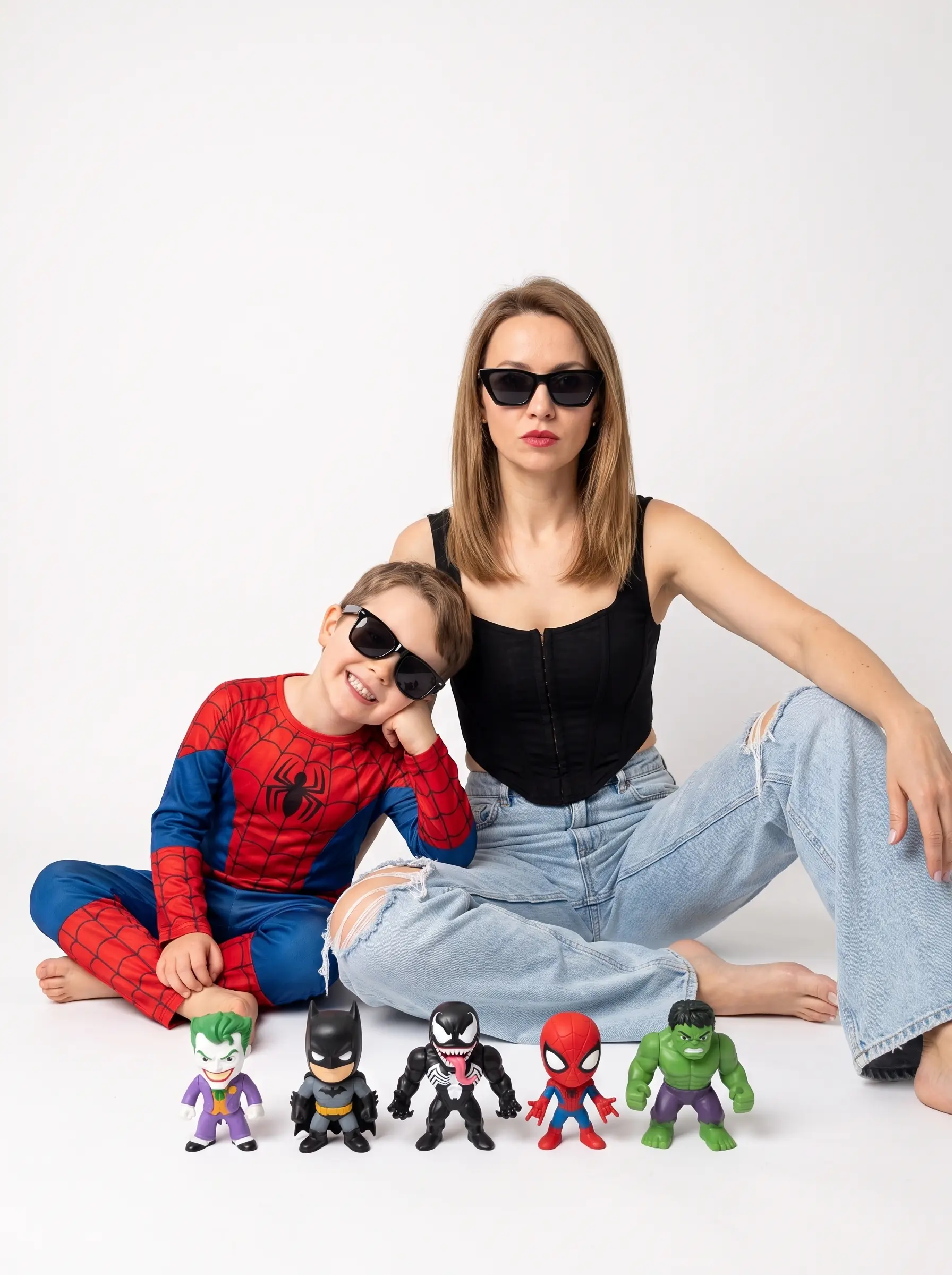
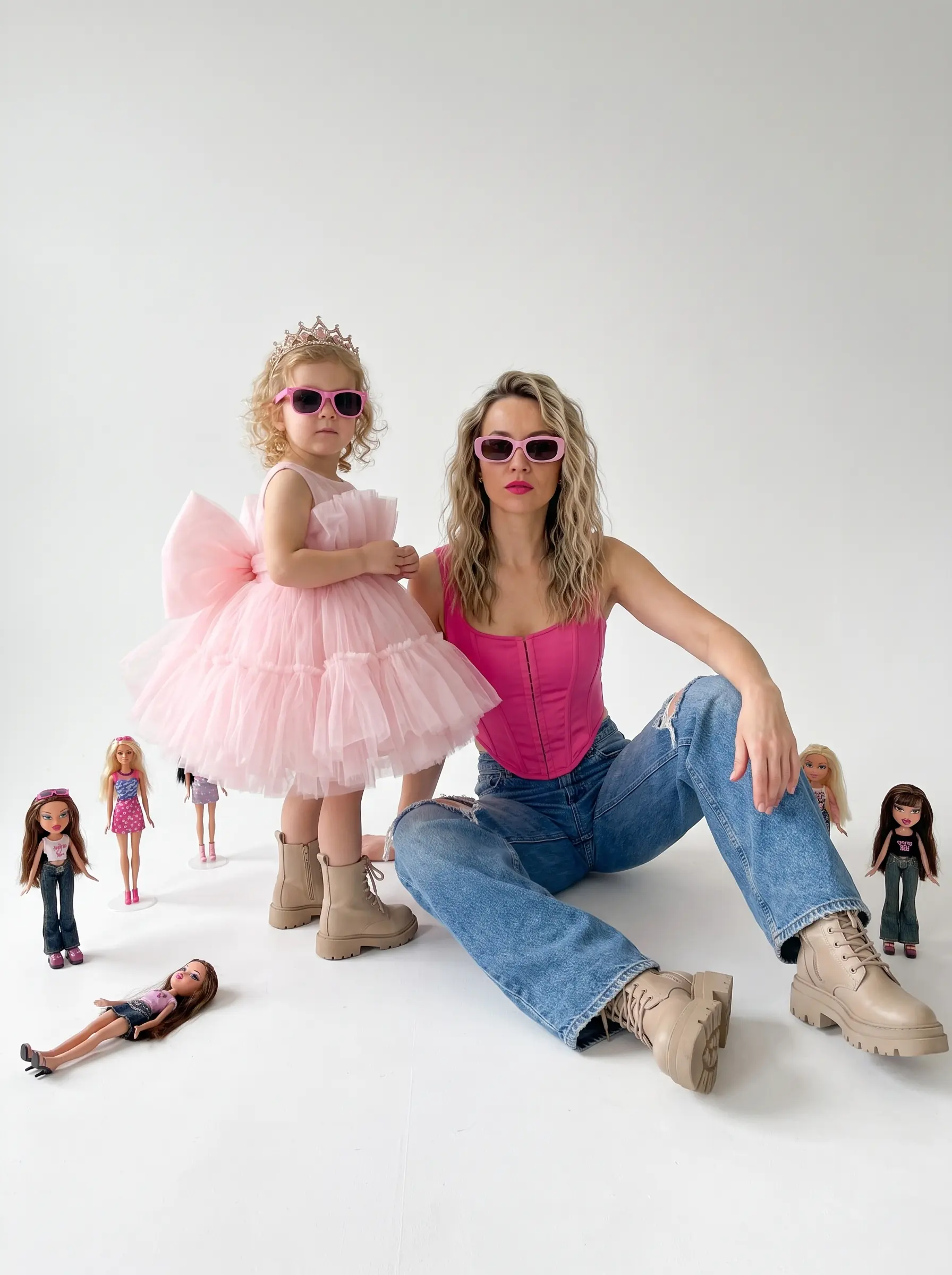
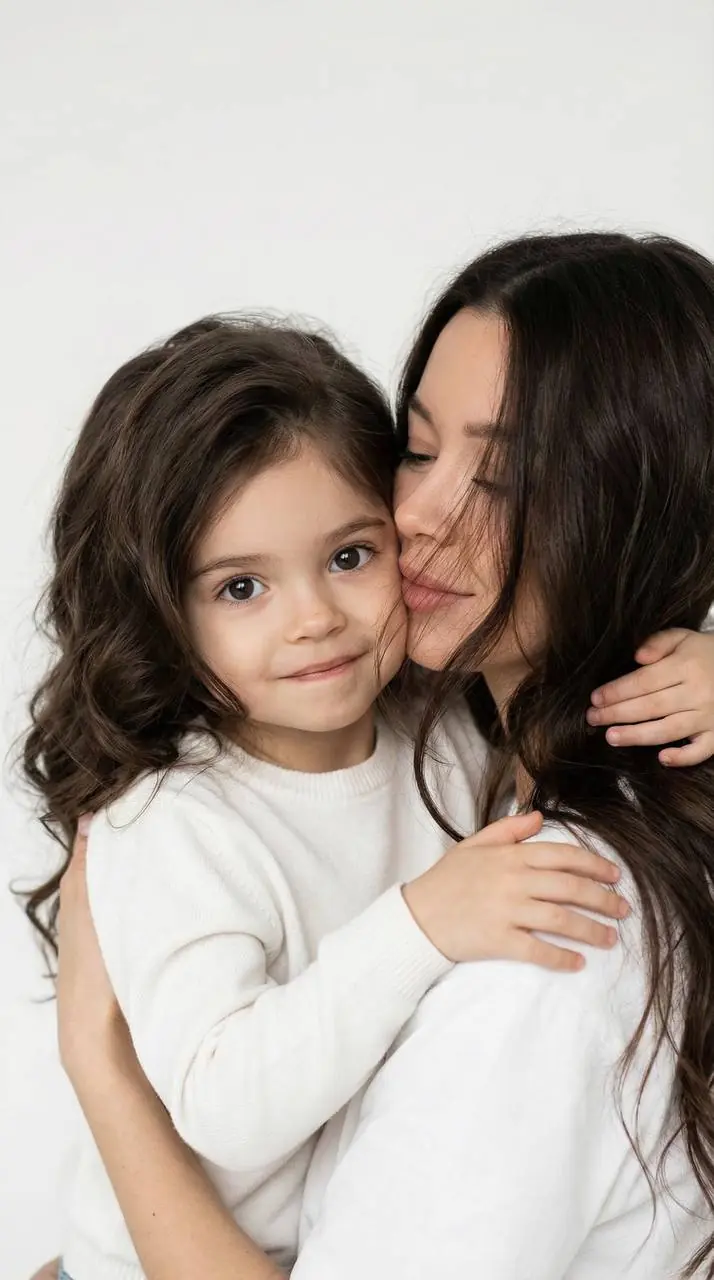
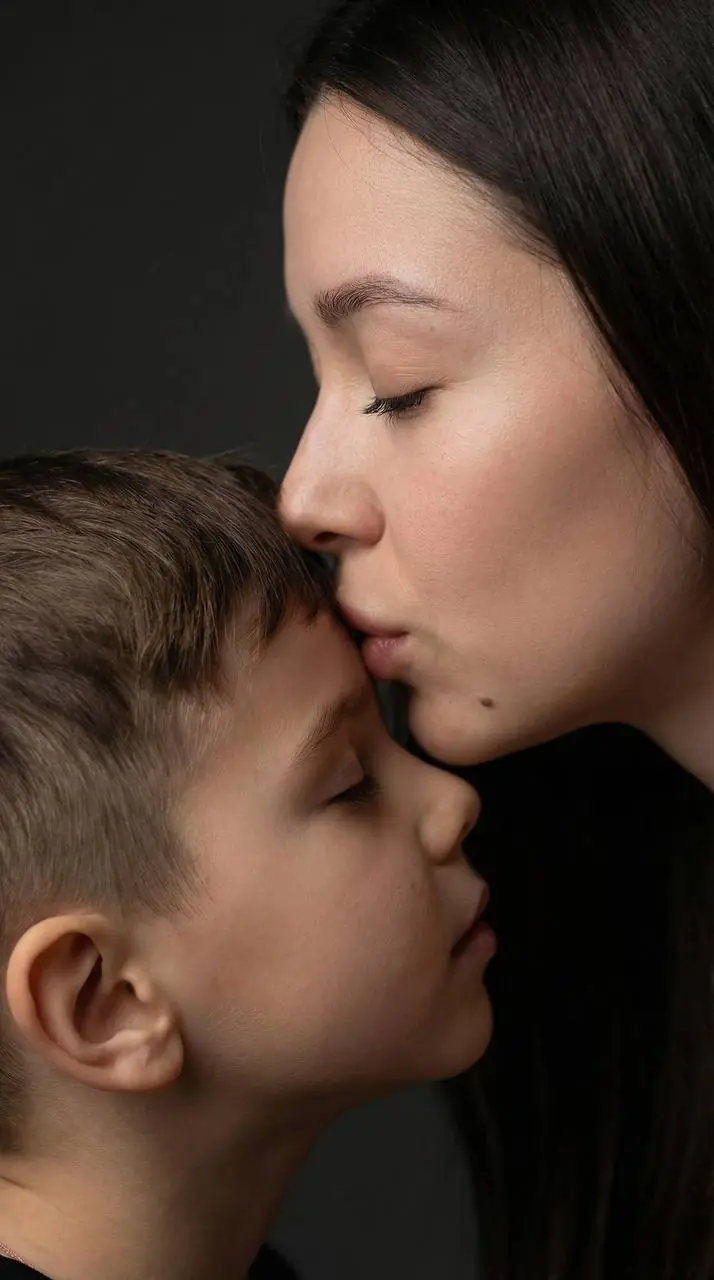
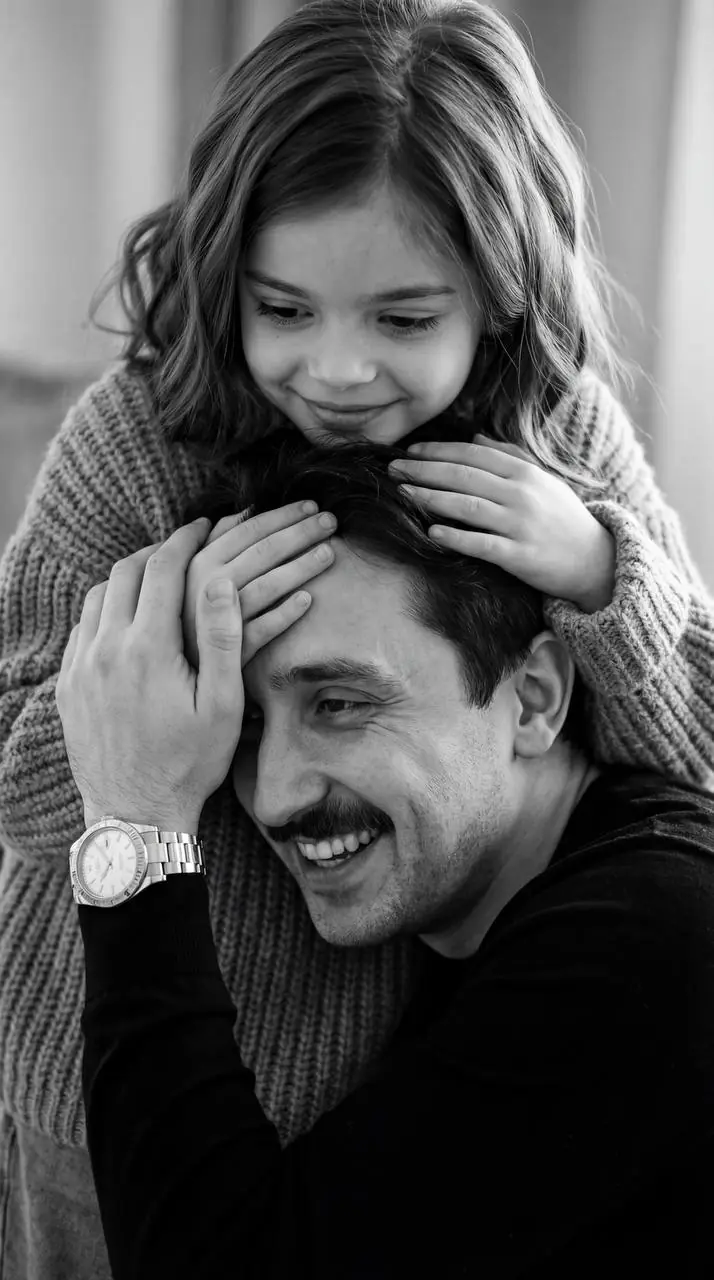
Most of the looks are studio-style: black-and-white portraits of dad and daughter or dad with a little one on his shoulders, a family in matching knit sweaters, everyone in black against a dark backdrop, and a heritage-style portrait with family profiles lined up. There are tender mom-and-baby close-ups — cheek to cheek, a kiss on the forehead or the nose, lilac flower crowns — plus playful shots in matching denim or sunglasses.
Mom and child
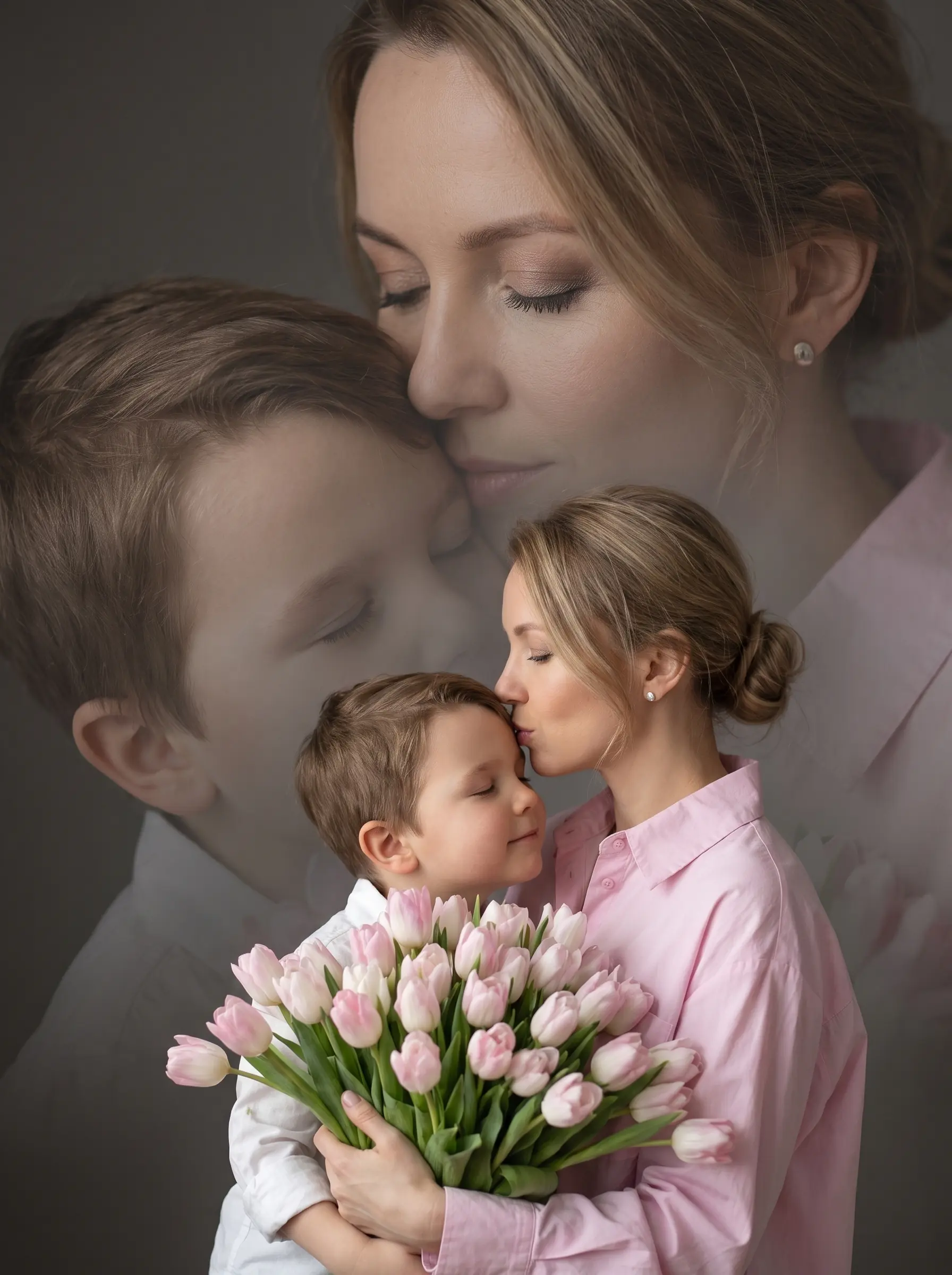
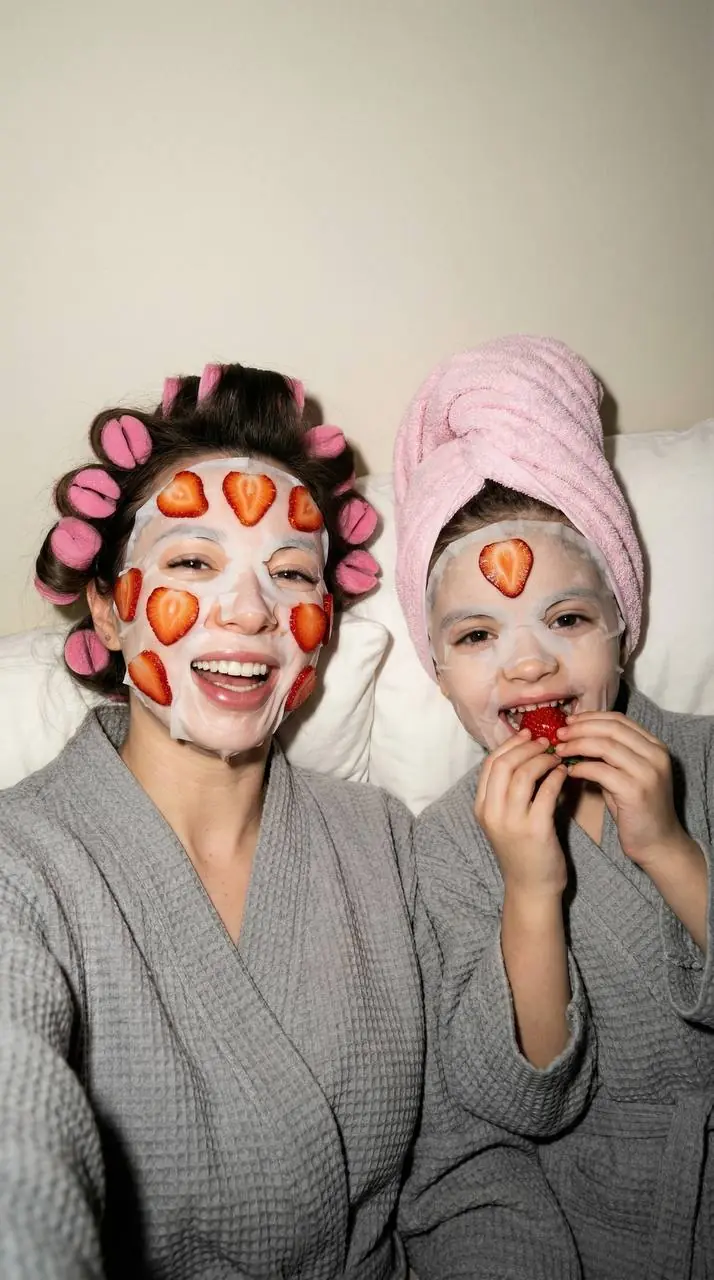
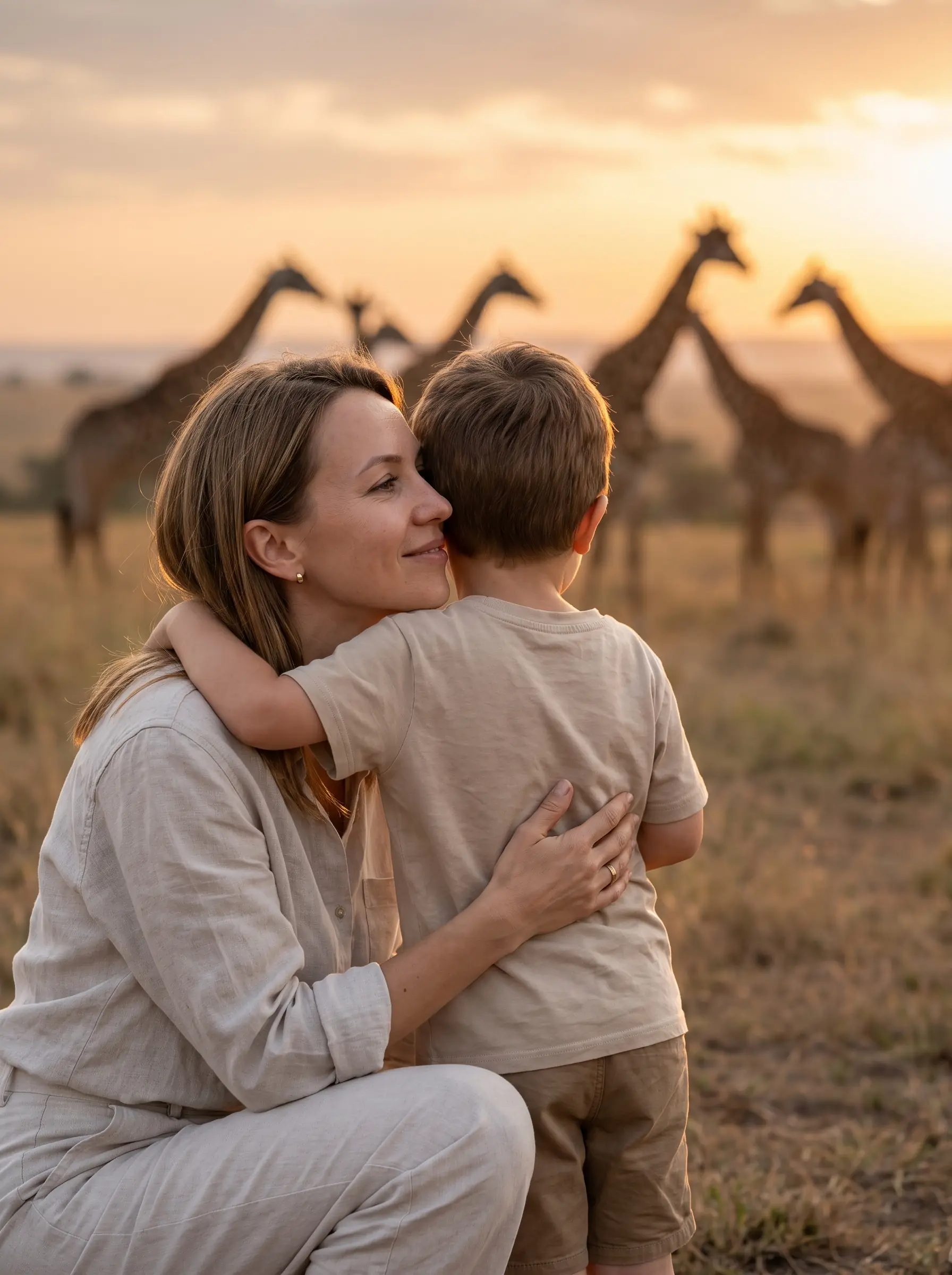
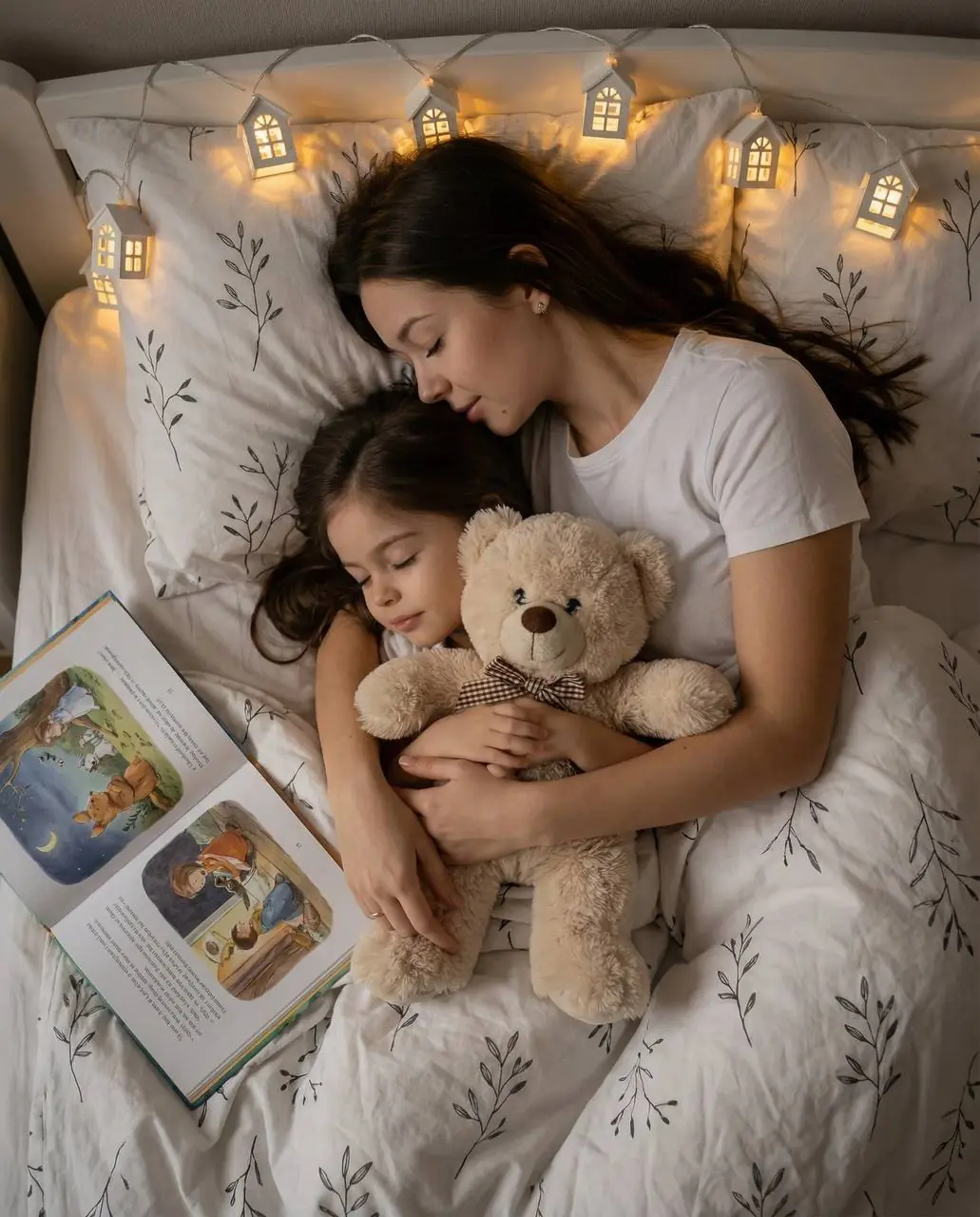
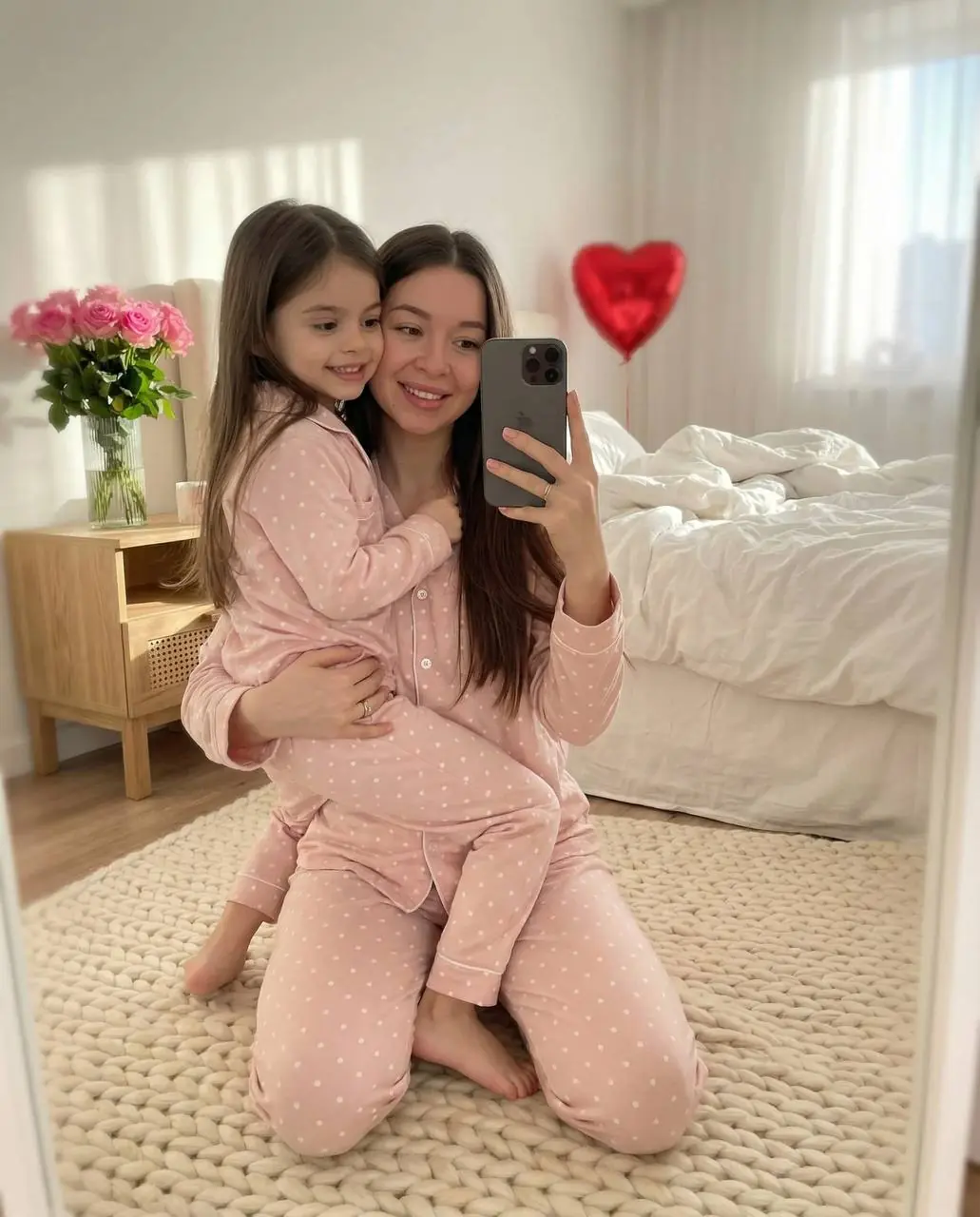
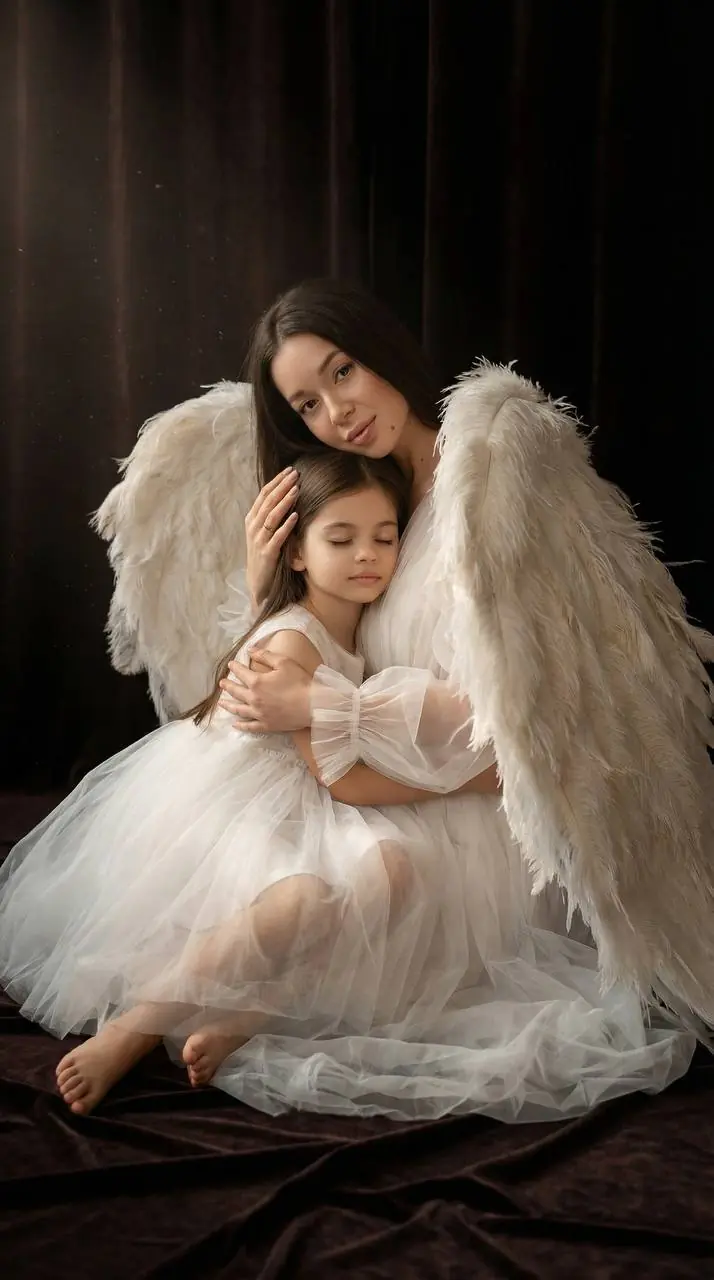
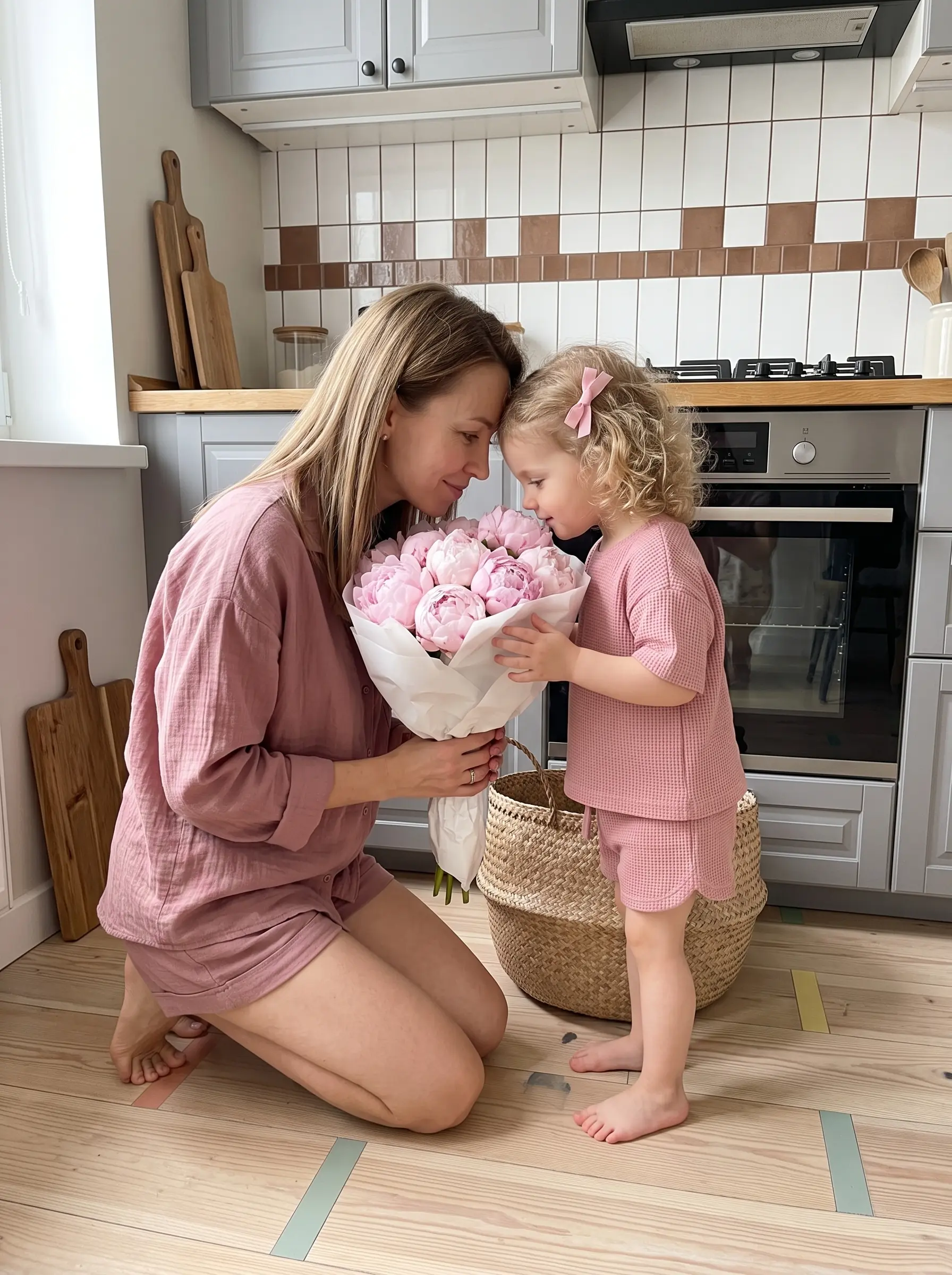
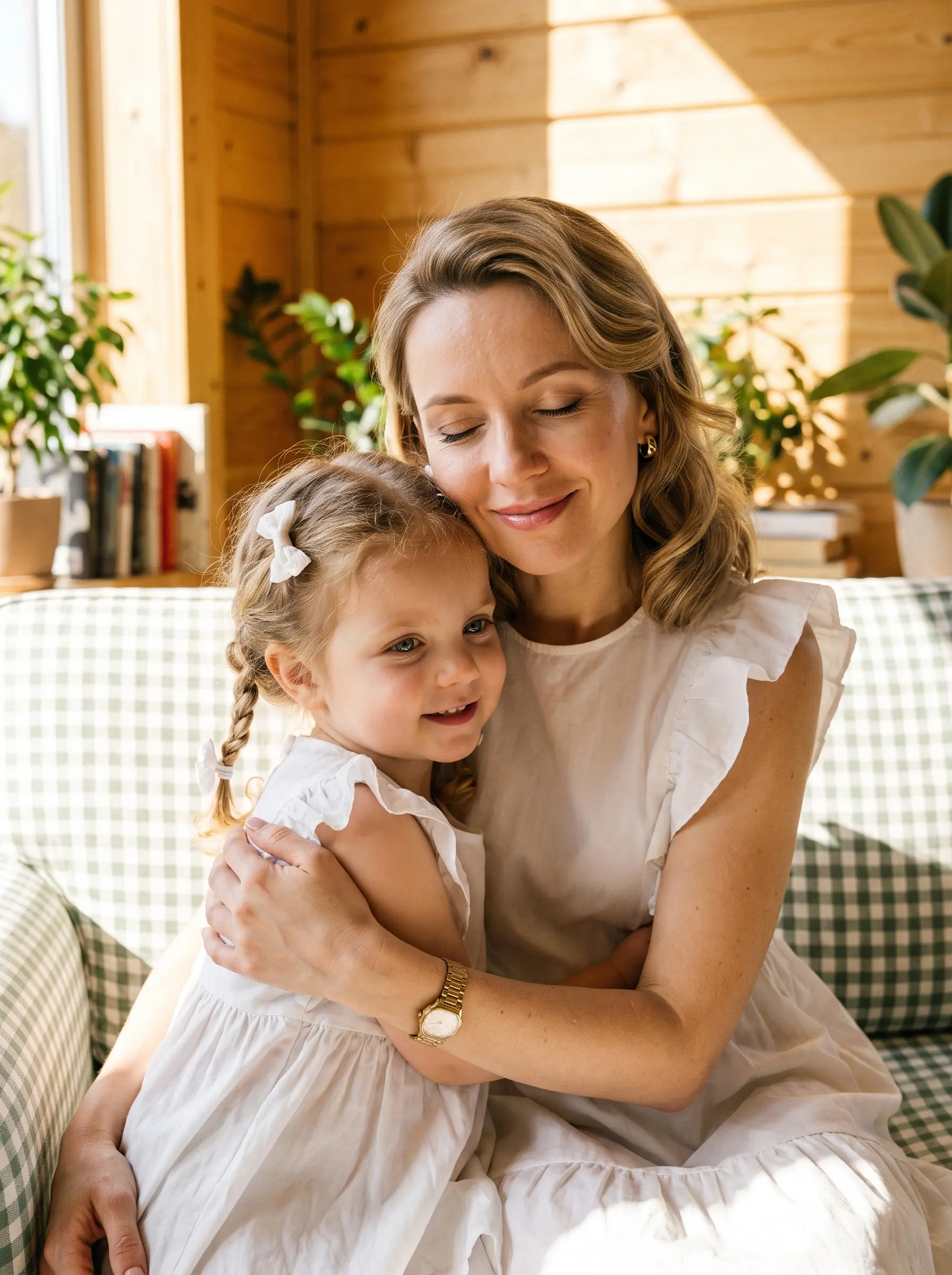
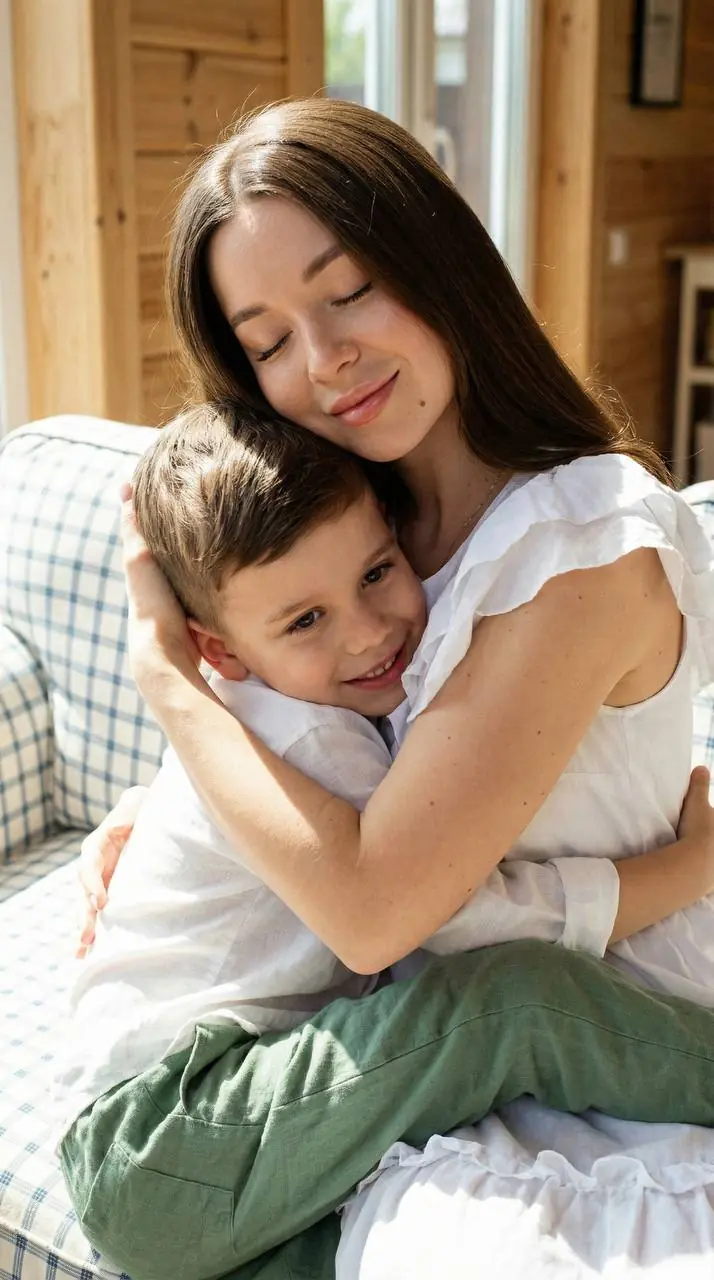
A bedtime story by the nightlight, a double exposure with tulips, a hug in the savanna with giraffes behind, matching pink pajamas in the mirror, a spa day at home with your daughter, peonies in the kitchen, angel wings, and a sunny morning on the sofa with your son.
Dad and kids
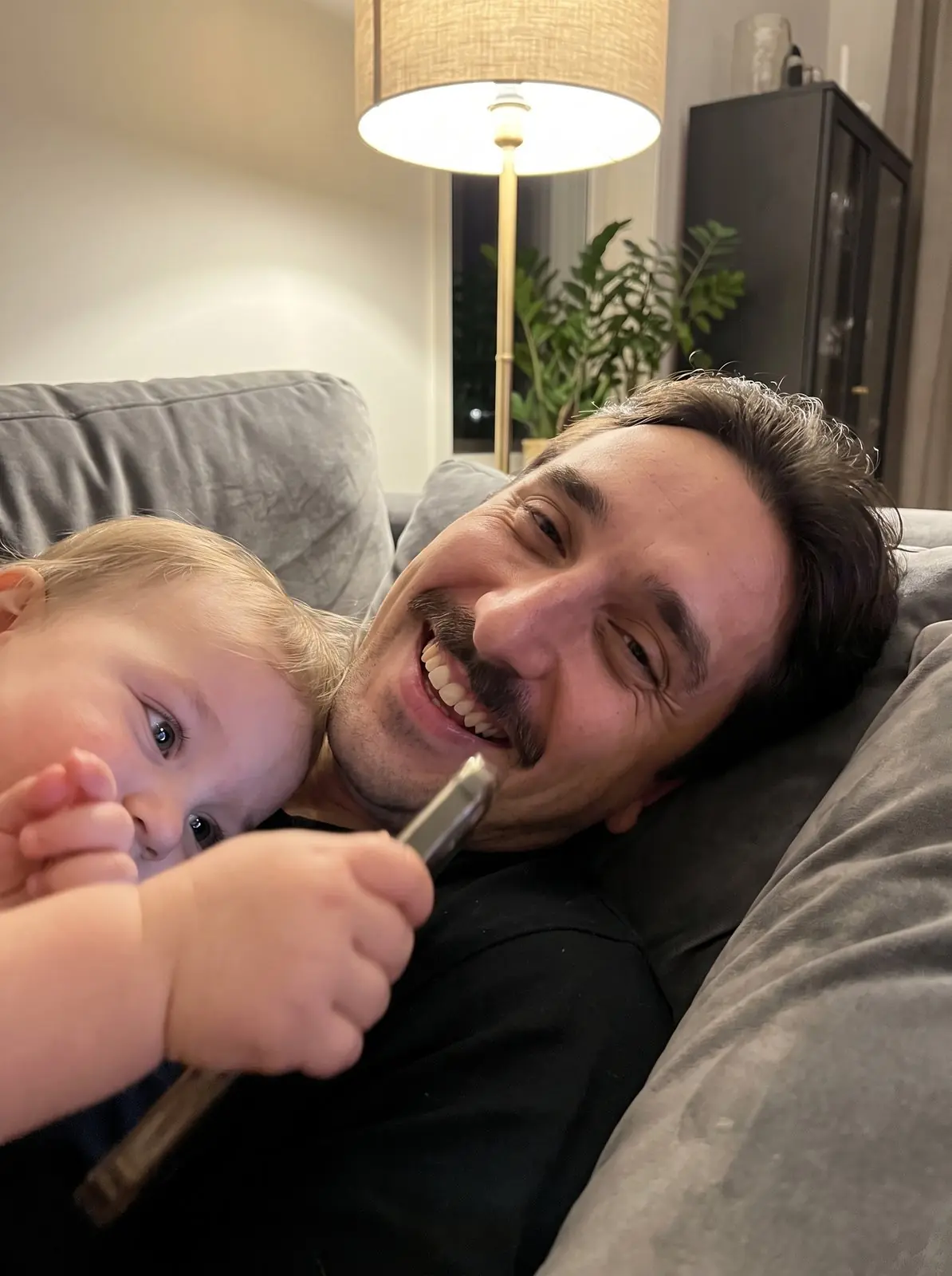
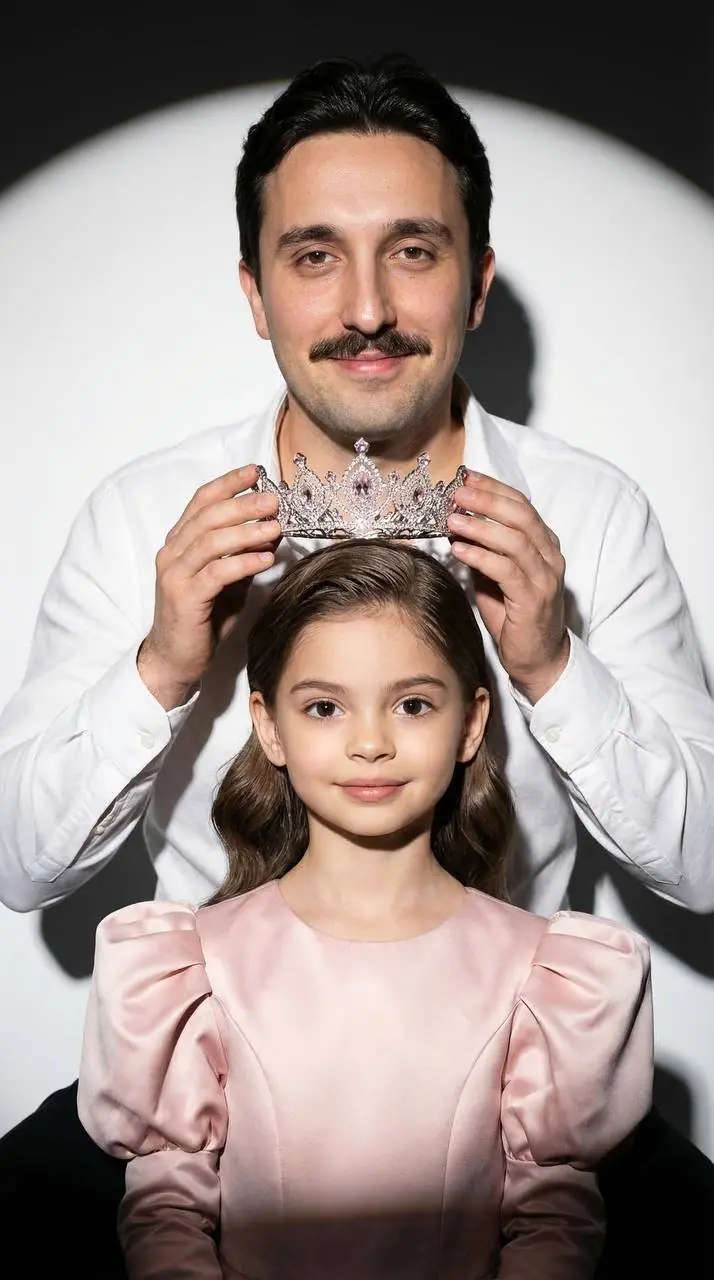
A home selfie taken by the little one, a crown from dad, goofy black-and-white portraits where the kids hold dad by the ears, and a nostalgic shot of a daughter hugging her laughing dad.
The whole family
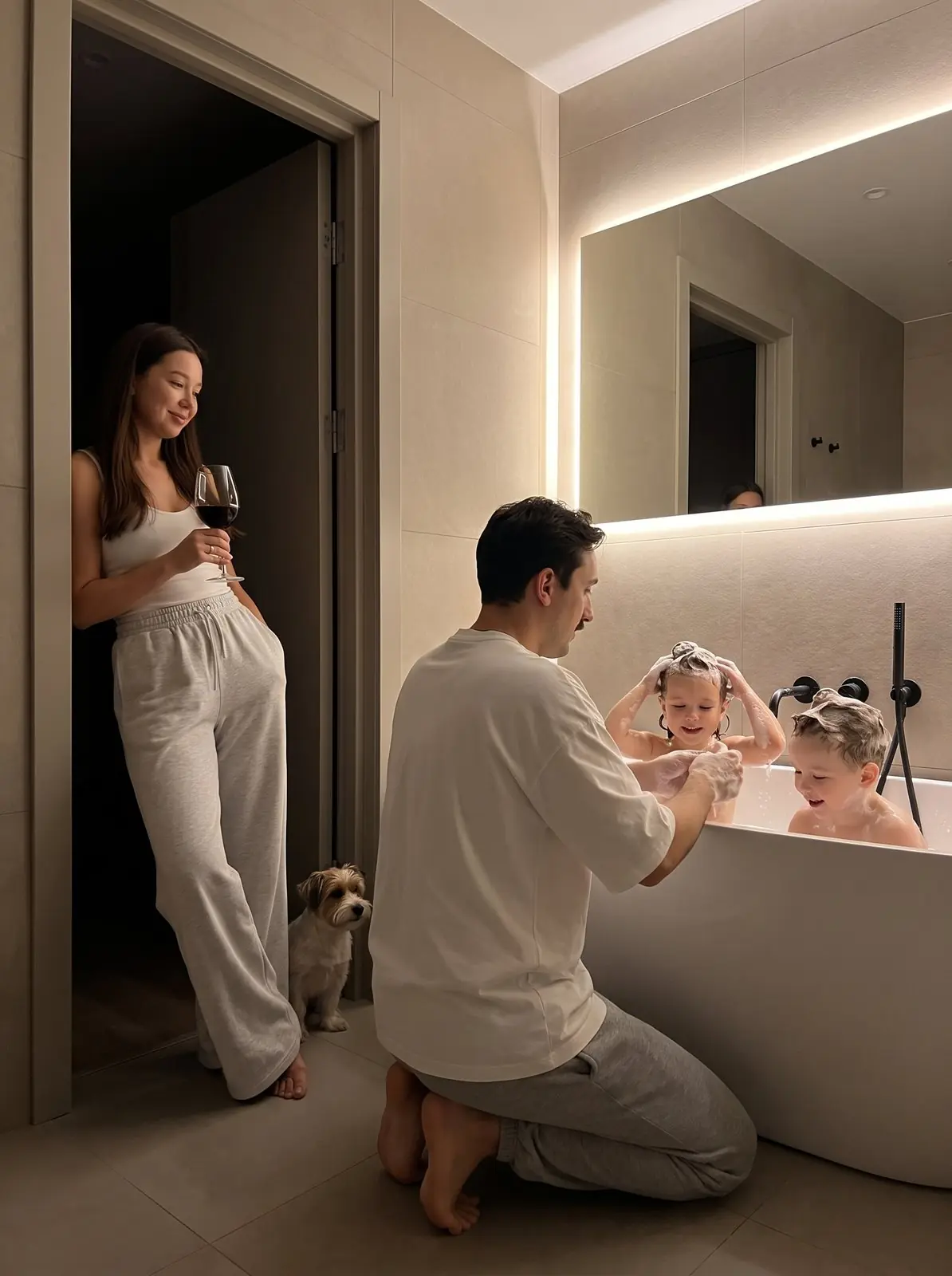
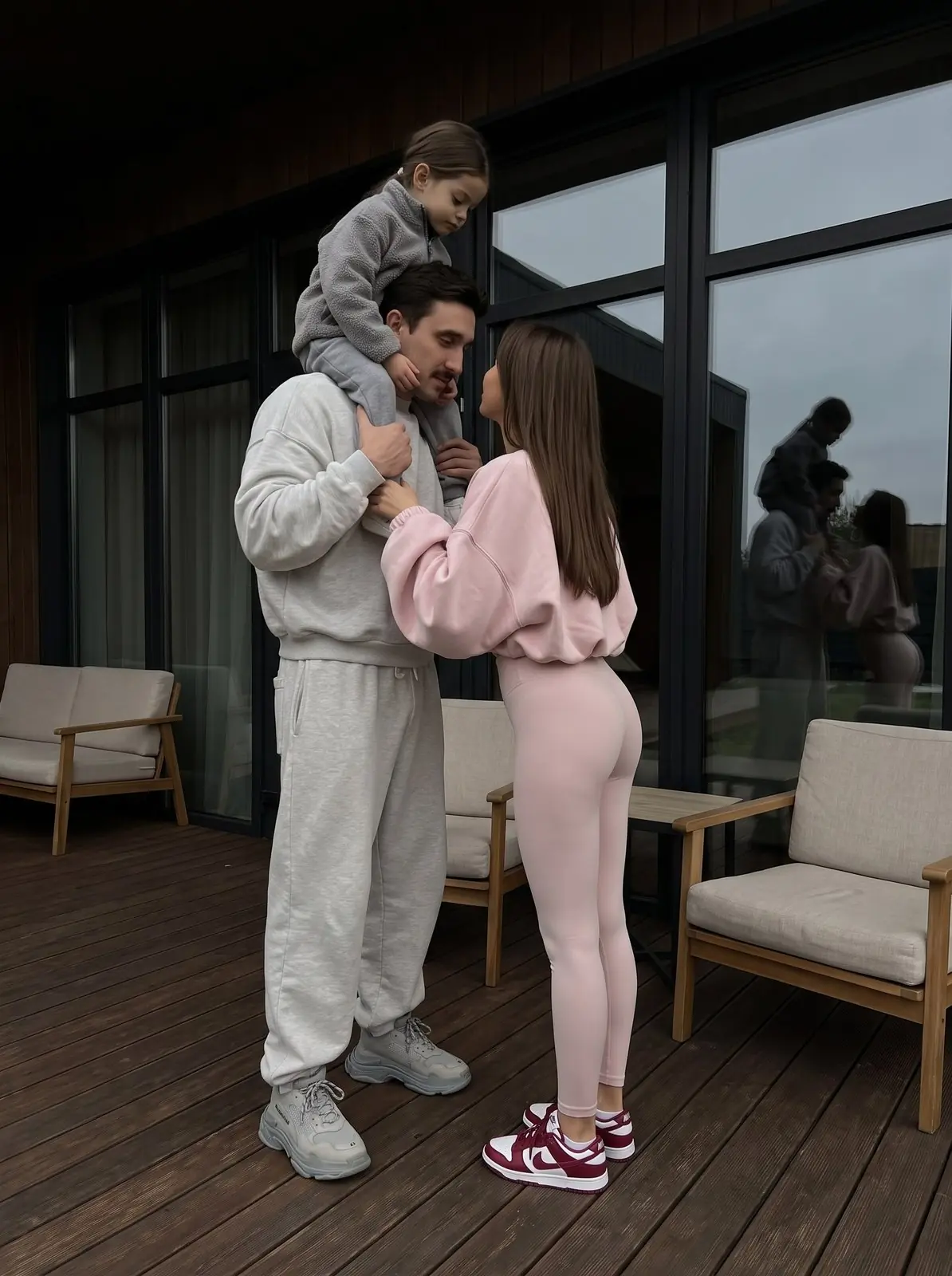
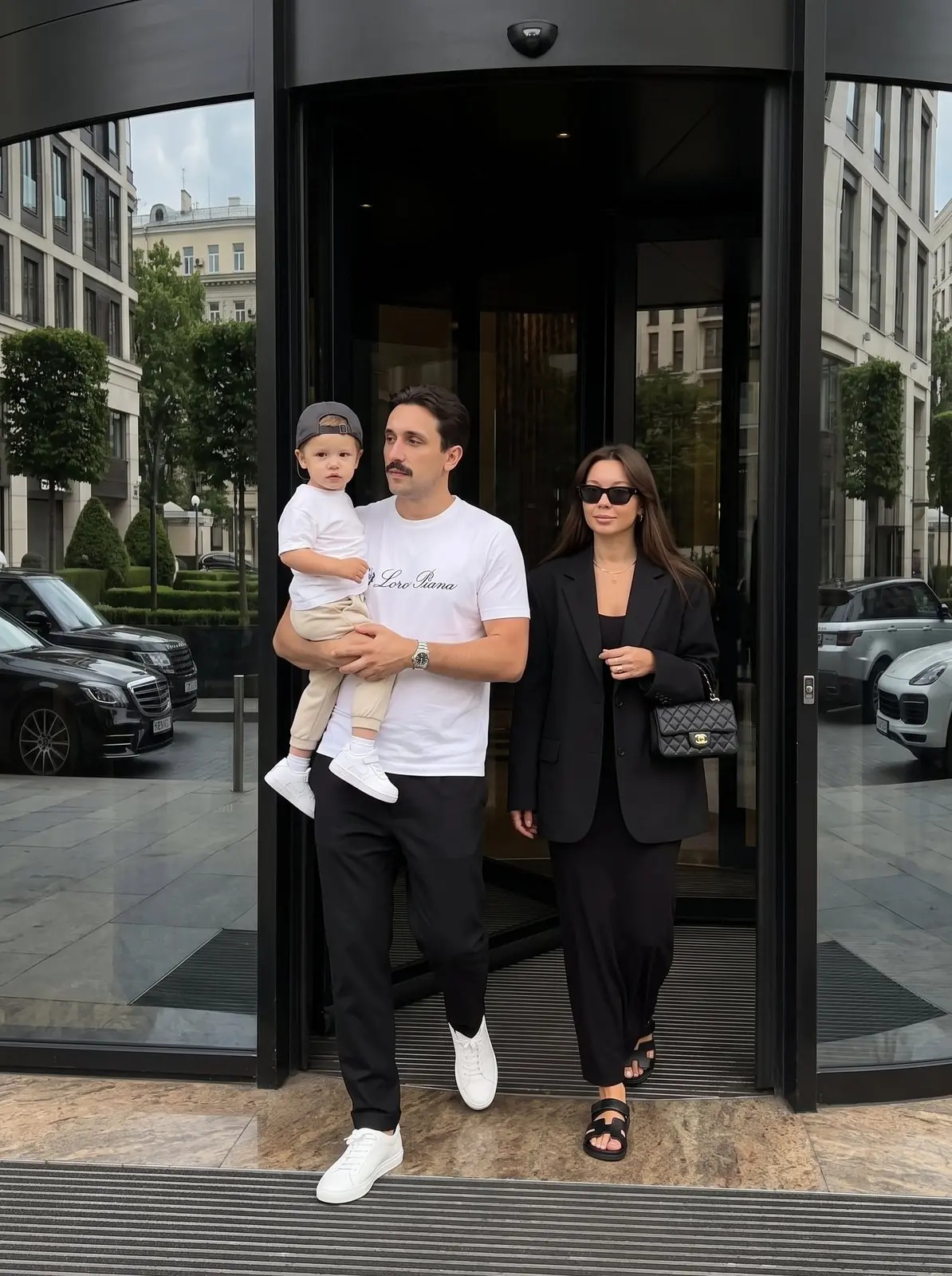
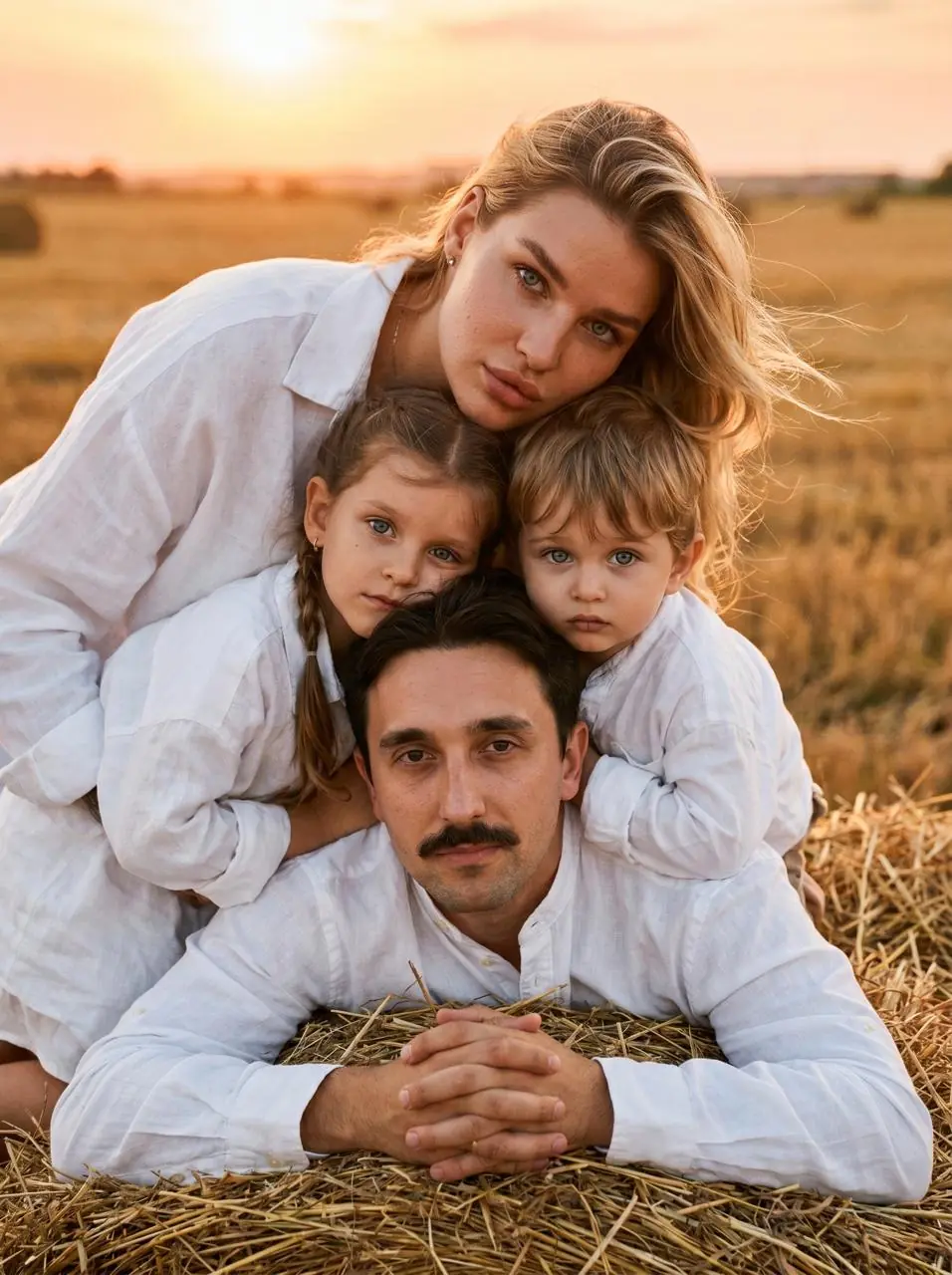
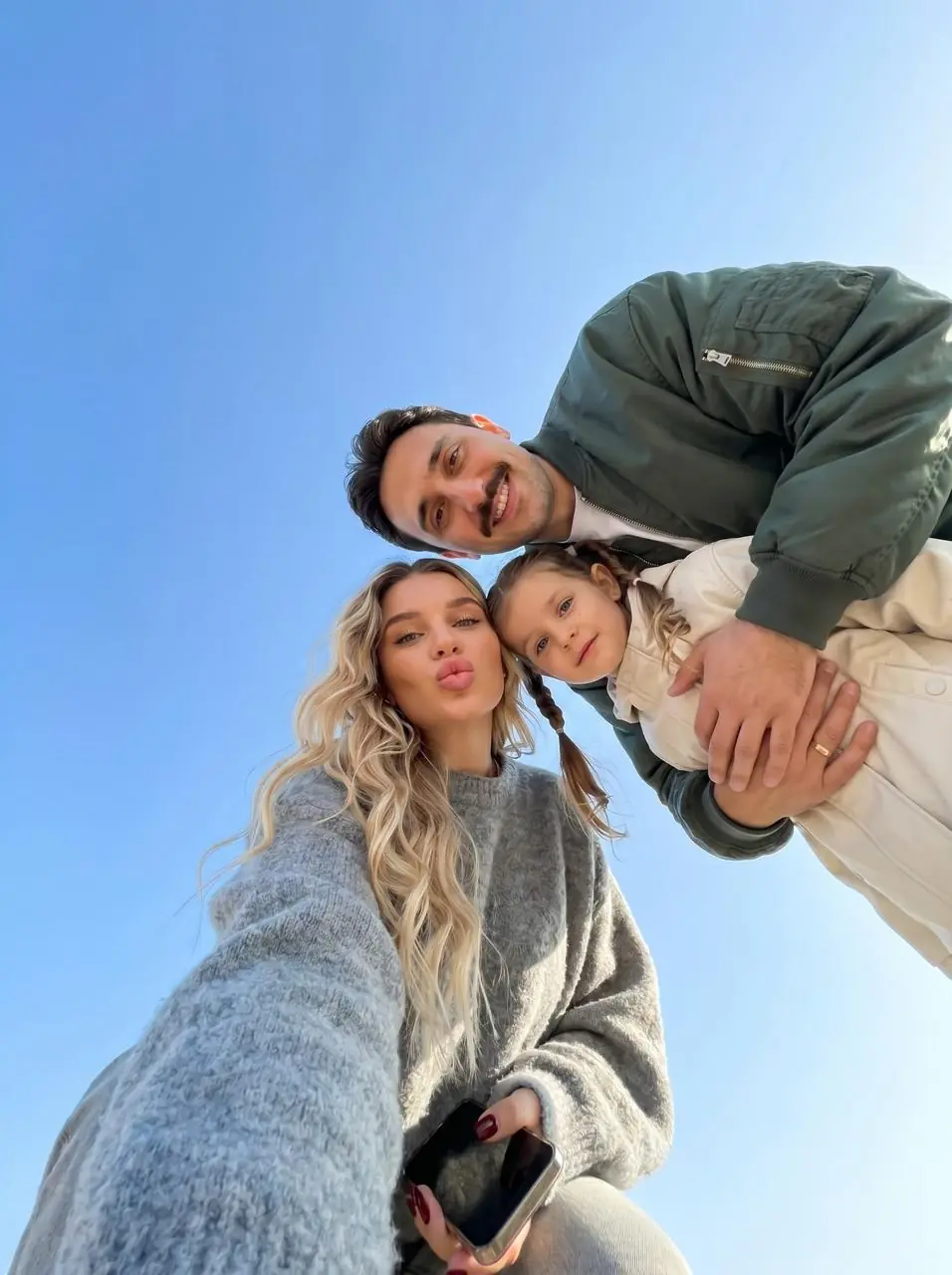
Breakfast in a festive room with string lights, an evening bubble bath, a kid on dad's shoulders on a terrace or at golden hour, a family selfie from below against the sky, and a stylish exit from a luxury hotel in all black.
Celebrations
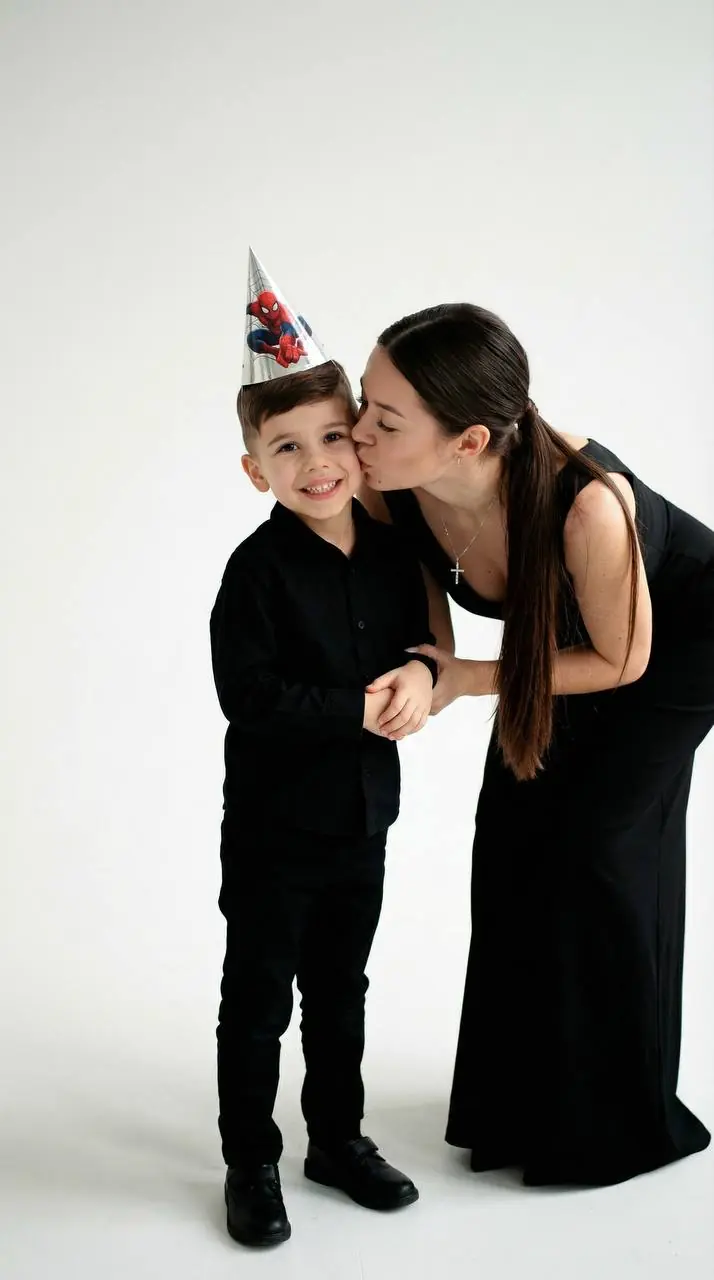
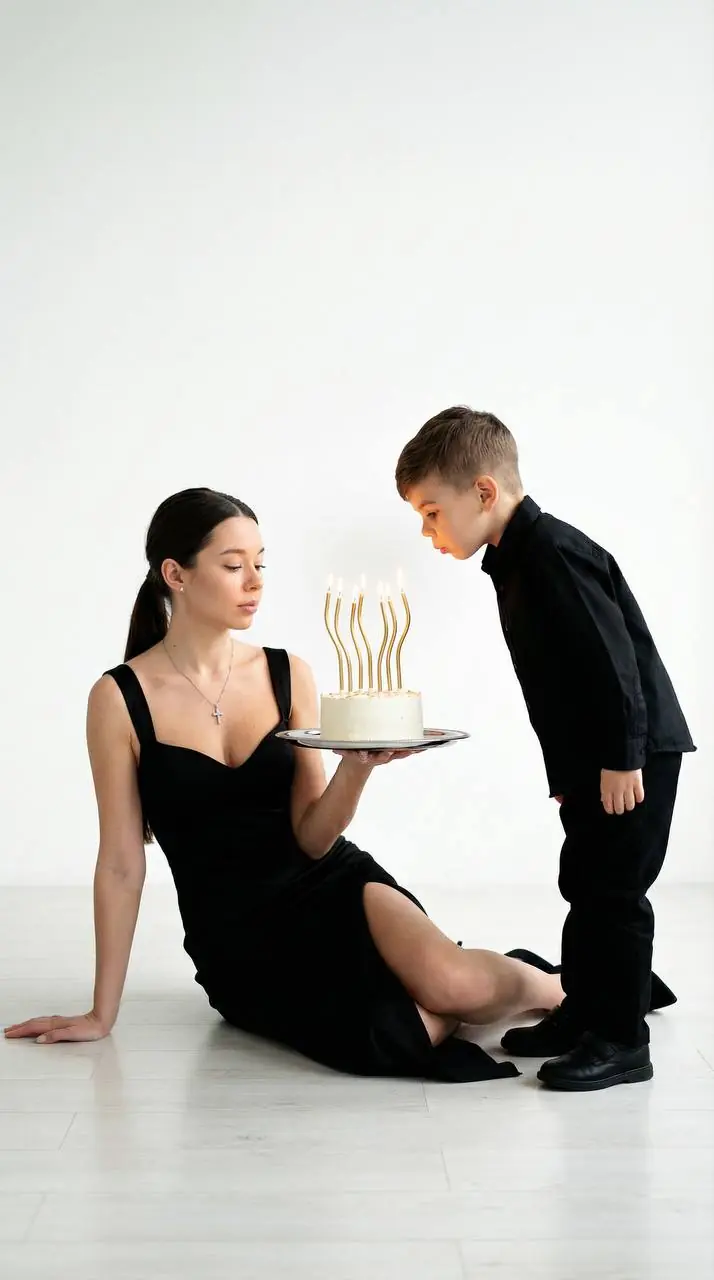
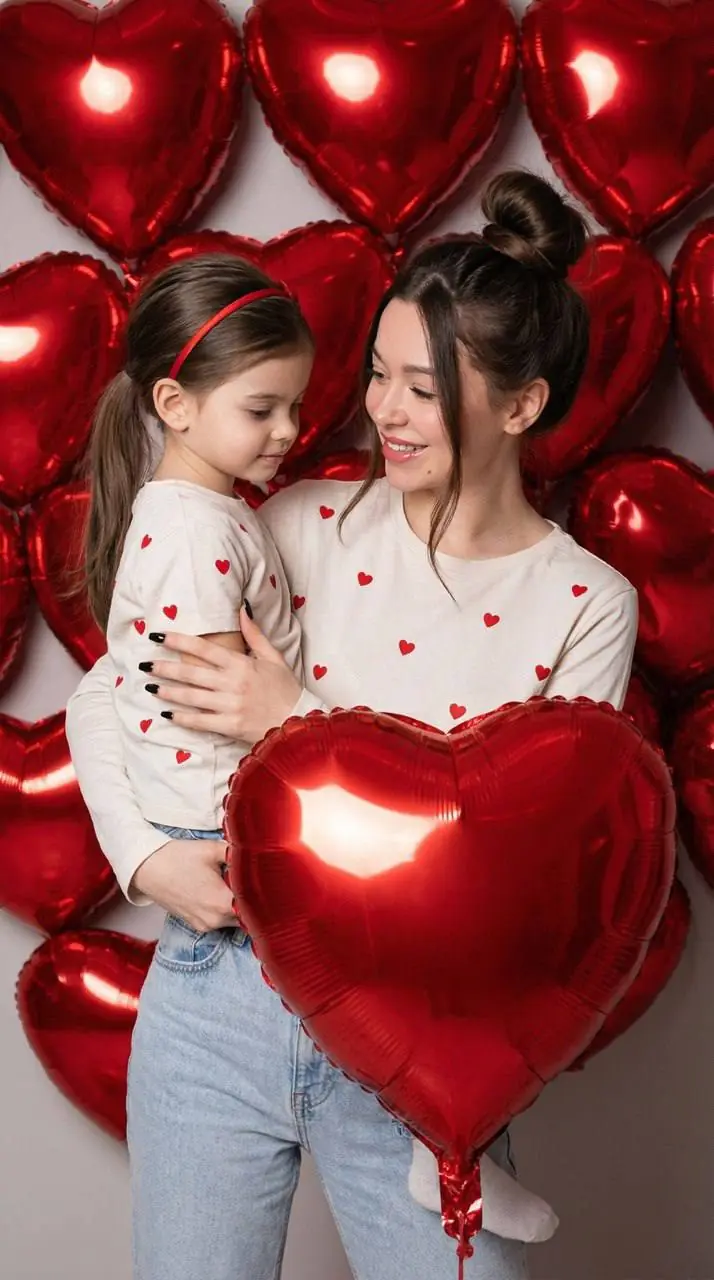
A son's birthday with a party hat and cake, and mom and daughter with red heart balloons.
How to make AI family photos with kids
- Choose a scene — the preset says whose photos it needs.
- Upload a photo of each person: mom and child, dad and child, or the whole family of up to four.
- Pick a format: 3:4 or 9:16.
- Get your picture in about a minute.
- Download it in high resolution or send the link to relatives.
Which photos to upload
- A separate portrait of each person with the face clearly visible.
- Even light, no filters or sunglasses.
- Photograph kids at eye level while they are calm.
- No group photo needed — the neural network builds the scene.
Family photo ideas
- A gift for grandparents.
- A picture for the family group chat or social media.
- A 9:16 phone wallpaper.
- A shot with relatives who live far away: everyone just sends their own photo.
Why AI instead of a studio
AI family photos mean no hauling kids to a studio, no waiting and no retakes: in one evening you can try a black-and-white studio portrait, a cozy home scene and a celebration. A real photographer is still wonderful for capturing genuine moments; AI simply gives you lots of warm family pictures with almost no effort.
You can try it right away: new accounts get welcome credits on sign-up.